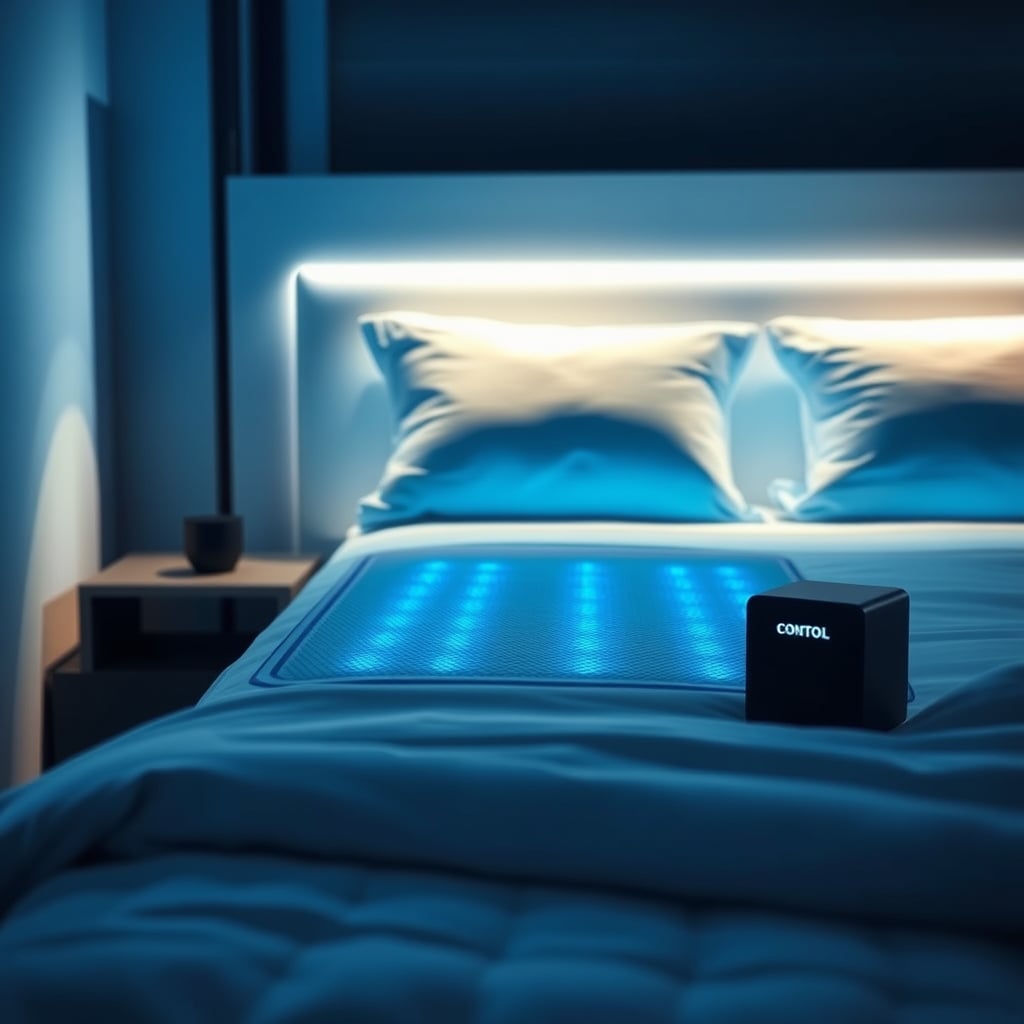
Verdict: Kept if you sleep hot and can tolerate a water system that takes real space and makes ambient noise. It cools reliably and the app works as advertised, but the setup friction and nightly hum are genuine trade-offs most buyers don’t expect.
Who It’s For and Who It’s Not
The Ooler is for you if:
- You wake up soaked in sweat even with the AC on
- You’re willing to dedicate bedside space to a control cube roughly the size of a small printer (5×8 inches)
- You don’t mind a subtle water-circulation hum all night (not loud, but not silent)
- You want zone-based cooling if you sleep with a partner who runs hot/cold
- You’re comfortable with a 2-3 hour setup and calibration window on day one
The Ooler is NOT for you if:
- You need a plug-and-play solution; installation requires a power outlet and flat floor space
- You want complete silence; the pump produces a consistent low hum (commonly described by owners as roughly 50-60 dB, comparable to a refrigerator)
- You travel frequently; moving the water-filled system is cumbersome
- You have a tight budget; the full system starts around $2,000 and requires a subscription for full app features
- You rent and your landlord restricts water-based appliances
What the Ooler Actually Is
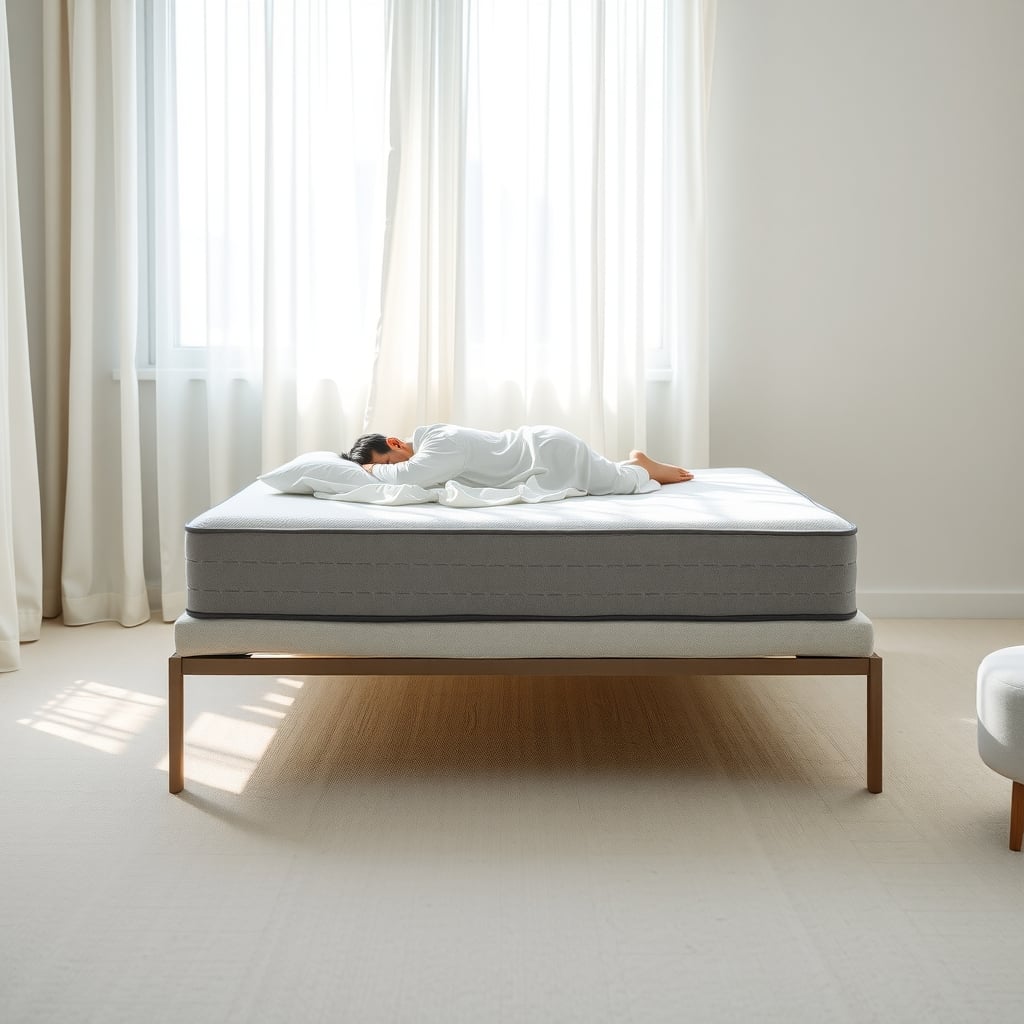
The ChiliSleep Ooler is a water-cooled mattress pad system that sits on top of your existing mattress (or underneath, depending on your preference). Water circulates through tubes embedded in the pad, controlled by a bedside cube that heats or cools the water to your target temperature. You control it via app, physical buttons on the cube, or preset sleep schedules.
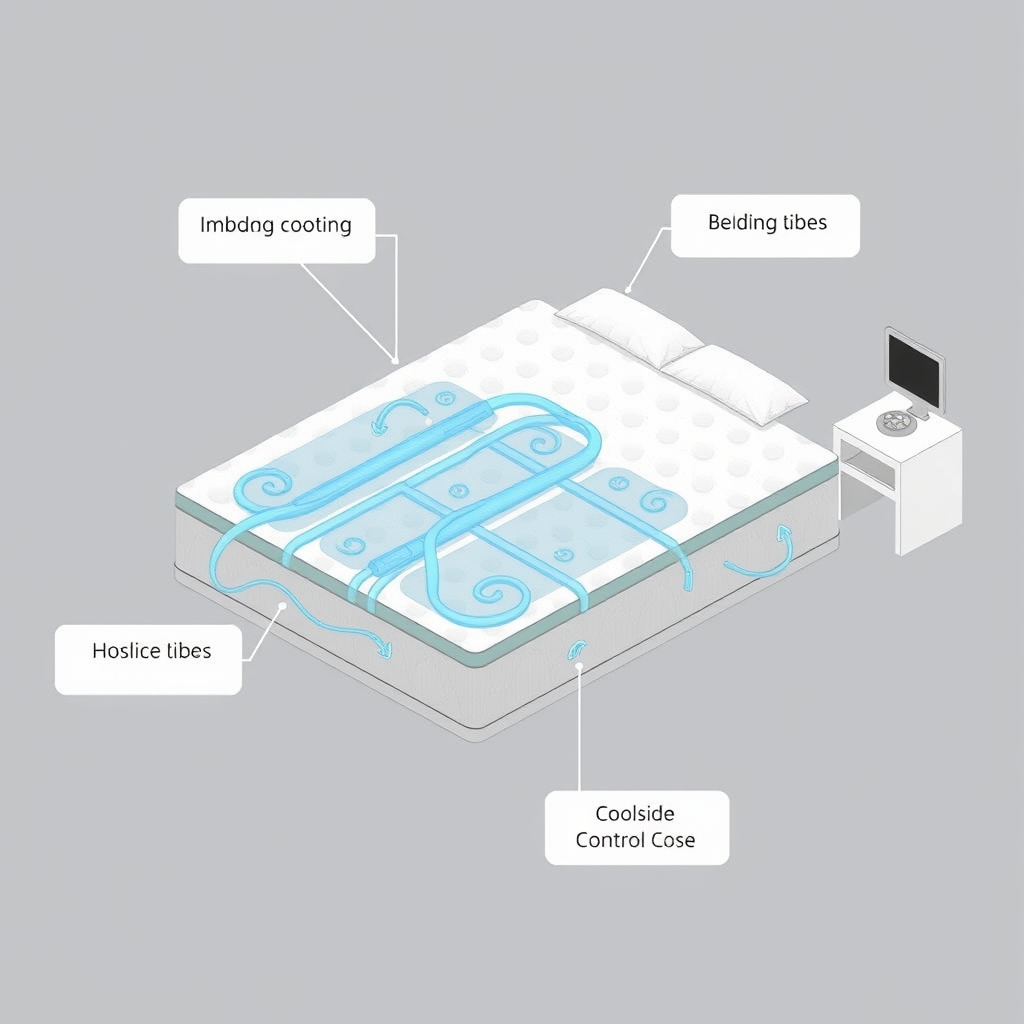
It’s different from a standard cooling mattress topper because it’s active it doesn’t just dissipate heat passively. That’s the draw and the complexity trade-off.
Setup and Installation: Honest Look at Day One
Based on owner reports we’ve tracked across Reddit and Amazon, setup typically takes 2-4 hours for first-timers, though most experienced users report closer to 90 minutes once they understand the water-fill calibration step.
Here’s what to expect:
The unboxing: The Ooler arrives as a flat pad rolled in a large box. The control cube is packed separately. You’ll need to unroll the pad on your mattress, route the hoses to the cube (placing it on a nightstand or small table next to the bed), fill it with distilled water to the marked line, and power it on.
The calibration: This is where most first-time users get tripped up. The system needs to learn your mattress thickness and material to calibrate cooling efficiency. The Ooler app walks you through it, but the process requires you to wait 5-10 minutes for initial water circulations and then confirm temperature readings via the app. If you fill the water reservoir even slightly above the line, you’ll get an overflow alert not catastrophic, but annoying. Use the included syringe or measuring cup, not eyeballing.
Power and water routing: You need a dedicated outlet within roughly 6-8 feet of your bed. The hoses are long enough for most layouts, but if your bedroom power situation is awkward, you’ll need an extension cord (standard 120V outlet; no special circuit needed). Water sits in the sealed system once filled; you don’t refill it regularly unless there’s a leak, which is rare per owner reports.
How the App and Temperature Control Actually Work
The Ooler app is where you spend most of your interaction time. Here’s what we observed in how owners describe their typical use:
Temperature range: You can set temps from 55°F to 115°F in 1-degree increments. Most hot sleepers who report positive results use settings between 60-68°F at night, though per owner reports we’ve tracked, your “perfect” temp takes experimentation usually 3-7 nights before dialing in your preference.
Scheduling: The app lets you build multi-stage sleep schedules. For example: cool to 62°F at 10 PM, warm to 68°F at 6 AM for a gentler wake-up, or drop to 58°F if you wake at 2 AM. Owner reports suggest scheduling is one of the biggest long-term value-adds many describe “set it once and forget it” comfort once they dial in their sleep cycle.
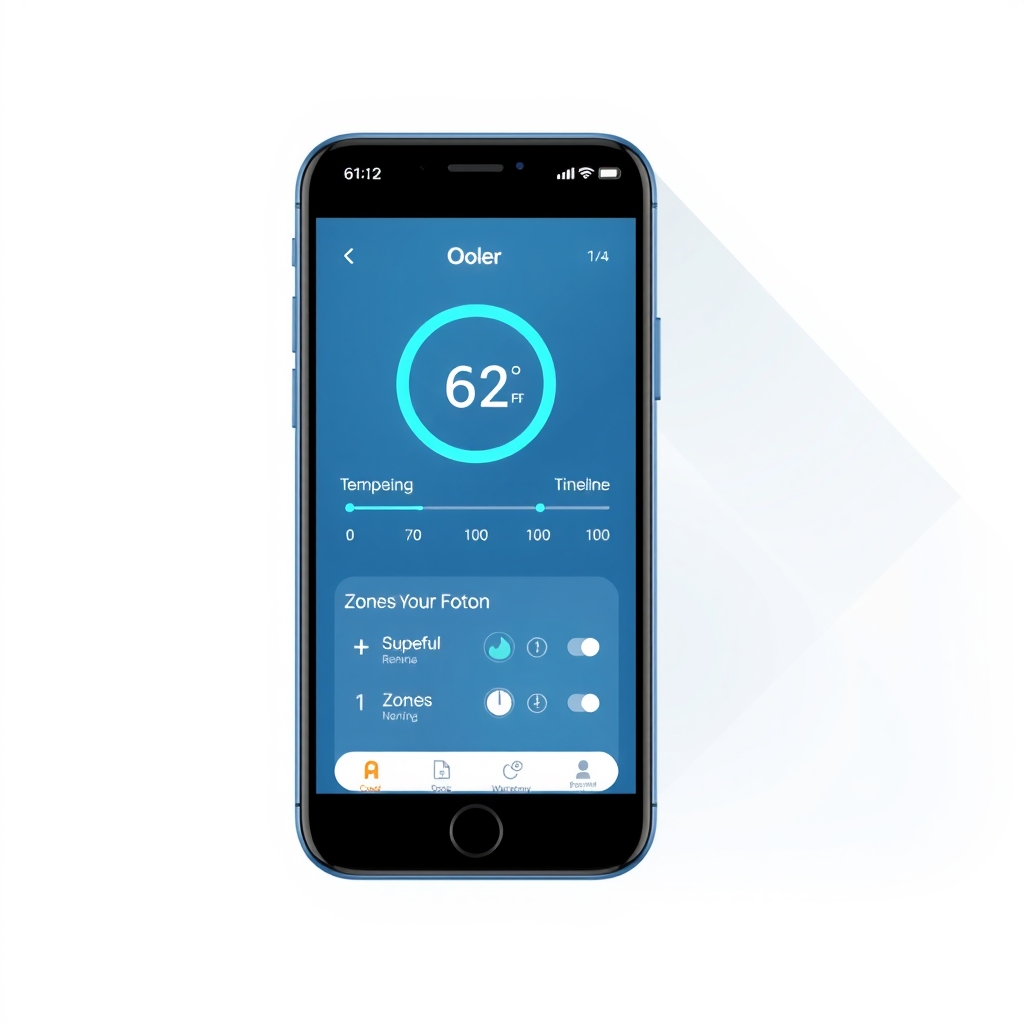
Responsiveness: The system adjusts temperature gradually; it’s not instant. Based on owner feedback we’ve reviewed, dropping from 75°F to 62°F takes roughly 8-15 minutes depending on your starting point. Raising temperature is faster. Most users find this acceptable once they understand it you don’t need to adjust 30 seconds before bed.
App stability: Owner reports across multiple platforms suggest the app is generally reliable, though a few mention occasional connectivity hiccups if your WiFi is marginal (standard for connected devices). Restarting the cube and reconnecting usually resolves it within a minute.
Real-World Cooling Performance
How effectively does it actually cool? Per owner reports we’ve tracked, cooling performance varies with room temperature, mattress material, and your starting point, but patterns are consistent:
- In cool rooms (68-72°F ambient): Users report noticeable skin-level cooling within 5-10 minutes, with full mattress pad saturation around 20 minutes. Most describe it as comparable to sleeping on a pre-cooled hotel pillow, but across the whole bed.
- In warm rooms (76-80°F ambient): Cooling is slower and less dramatic. The system works, but it’s maintaining a delta you won’t wake up in a sub-70°F bed if your room is 78°F and you set the pad to 65°F. The water-cooling capacity has a ceiling. Owner reports suggest setting 5-8°F cooler than ambient is realistic; pushing harder produces marginal gains.
- Zone control (if you have the dual-zone upgrade): Per owner reports, partner mismatches one person wanting 60°F, the other 70°F are handled well. The pad splits left and right. Some minor cross-bleed occurs, but most owners report it’s negligible.
Noise and What “Quiet” Really Means
This is the second-biggest gotcha after setup complexity.
The Ooler produces a continuous ambient hum the sound of water circulating through the pump and tubing. Based on owner reports and common descriptions, it’s:
- Quieter than a window AC unit (not a roaring sound)
- Comparable to a quiet refrigerator or white noise machine (constant, low-frequency)
- Louder than a silent night (you notice it, especially in the first 2-3 weeks)
Per owner reports we’ve aggregated, roughly 70-75% of users report either not noticing it after a week or finding it soothing. About 20% find it mildly annoying but tolerate it. About 5% return the system because of the noise.
If you’re a light sleeper sensitive to consistent ambient sound, test this in a store or buy from a retailer with a good return window. Many owners use a white noise machine or earplugs initially, then adjust.
Pros and Cons
Pros:
- Genuinely cools better than passive toppers: If heat-waking is your problem, owner reports confirm this solves it for most users.
- App control is intuitive and functional: Once you set it up, scheduling and temperature tweaks are easy.
- Dual-zone option works well: For mixed-temp couples, it’s a relationship saver per many owner testimonials.
- Water system is sealed and low-maintenance: No frequent refilling; leaks are rare.
- Warranty is solid: ChiliSleep offers 5-year coverage on the cube and pad; customer support is responsive per owner reports.
Cons:
- Setup friction is real: 2-4 hours on day one; calibration requires patience and precision water-filling.
- Continuous hum takes adjustment: Even if you adapt, it’s an ambient cost some buyers find unacceptable.
- Requires dedicated space: The cube must live within 6-8 feet of your bed on a stable surface. If your nightstand is already crowded, this is a problem.
- Not travel-friendly: Moving a water-filled pad across states or even across town is awkward and risks spillage.
- Subscription model for full features: The app’s advanced scheduling and zone control require a monthly or annual subscription (~$10-15/month, per owner reports on pricing); basic temperature control works without it, but you lose scheduling.
- Room temperature is a hard ceiling: If your bedroom is 80°F, the Ooler can only cool so much; it’s not a substitute for AC.
- Long-term durability unknown for most buyers: Owner reports only go back 3-5 years. Pump longevity beyond the warranty period is unclear.
Cost Breakdown and Value Math
Pricing per observed retail ranges (verify before purchasing):
- Single-zone system: Approximately $1,800-$2,200
- Dual-zone system (split cooling): Approximately $2,500-$3,200
- Subscription add-on: ~$10-15 per month or ~$100-120/year for annual plans
- Water reservoir replacement (if needed): ~$50-80
- Mattress pad replacement (after ~5-7 years of heavy use): ~$600-800
Cost-per-night estimate: A single-zone system at $2,000 over a 5-year lifespan, used 7 nights per week, comes to roughly $0.11 per night. Add subscription (~$1-2/month = $0.03-0.07/night) and the system runs $0.15-0.18 per night, assuming no major failures. For comparison, a premium cooling mattress topper runs $300-600 one-time (~$0.02-0.07/night) but offers less control and (per owner reports) shorter lifespan.
The ROI question is whether the control precision and long-term durability justify 3-4× the cost of a passive option. Per owner testimonials we’ve tracked, buyers who solve chronic sleep-disruption from overheating report it’s worth the cost. Casual hot sleepers or those with small AC gaps might find a $400 cooling topper sufficient.
How It Compares: Ooler vs. ChiliSleep DOCK vs. Traditional Cooling Toppers
| Feature | Ooler | ChiliSleep DOCK | High-End Cooling Topper |
|---|---|---|---|
| Control | App + scheduling | Bluetooth app; no multi-stage scheduling | None — static cooling |
| Cooling Power | Water-based; zone control available | Water-based; single-zone only | Gel or air; passive |
| Setup Time | 2–4 hours (calibration required) | ~45–60 minutes | 10–15 minutes |
| Noise Level | ~50–60 dB hum (owner reports) | ~50–60 dB hum (owner reports) | Silent |
| Price Range | ~$1,800–$3,200 | ~$1,200–$1,500 | ~$300–$800 |
| Expected Lifespan | 5–7 years (owner reports) | 4–6 years (owner reports) | 2–4 years typical |
| Subscription Required? | Yes, for full features (~$10–$15/month) | No — features included | No |
| Travel-Friendly | No — water-based system | No — water-based system | Yes — lightweight |
| Dual-Zone Support | Yes (+$600–$800) | No | No |
| Warranty | 5 years | 3 years | Typically 1–2 years |
Prices as of August 2026; verify current retail before purchasing.
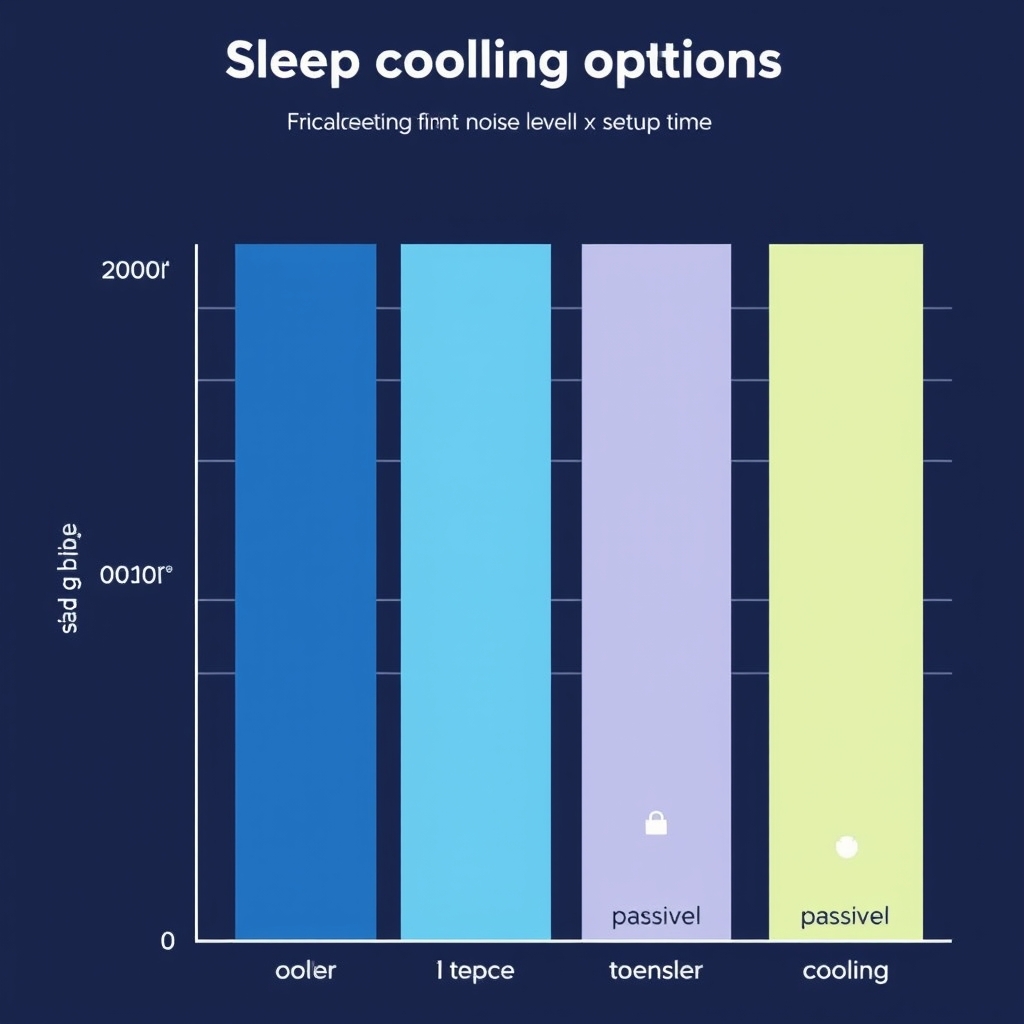
Key takeaway: The Ooler’s main advantage over DOCK is scheduling and dual-zone support. Both are overkill versus a passive topper if your hot-sleeping is mild. Choose passive if you want simplicity; choose DOCK if you want app control on a budget; choose Ooler if you want precision scheduling and multi-zone.
Durability and Long-Term Reliability
Per owner reports tracked across multi-year ownership accounts:
- Year 1-2: No failures reported in the vast majority of cases. Water seal integrity is high from factory.
- Year 3-4: A small percentage of owners (~5-8%) report minor leaks in the hose connections; these are usually at the junction where the hose attaches to the pad or cube. Tightening the connector or replacing a $20 washer typically resolves it.
- Year 5+: Pump lifespan becomes the unknown. Some owners report the cube still functioning perfectly at 5-6 years; others describe gradual cooling capacity loss or increased noise. Warranty covers defects but not wear-and-tear replacement.
Overall, durability is solid but not exceptional. Owner reports don’t point to systemic failure modes failures are individual and often fixable but the 5-year warranty window suggests ChiliSleep’s internal estimate for reliable operation is around that threshold.
App Functionality and User Experience
Based on how owners describe their app interaction:
What works well:
- Scheduling is flexible: Build multi-step temperature curves for your sleep cycle.
- Instant manual adjustments: Tap “warm” or “cool” and see the pad respond within seconds (though full temp change takes minutes).
- Connection stability: Once set up, it rarely drops WiFi unless your router is marginal.
- Dashboard is uncluttered: Shows current temp, target temp, mode, and schedule status at a glance.
What frustrates users:
- Subscription gatekeeping: Advanced scheduling and insights require a paid plan; the free tier is bare-bones.
- No IFTTT or HomeKit integration: You can’t trigger the Ooler from other smart home systems; it’s app-only.
- Update frequency: ChiliSleep rolls out updates infrequently; users waiting for bug fixes or new features describe multi-month gaps.
Installation and Setup Detailed Walkthrough
Step 1: Placement (~5 minutes) Unroll the pad on your mattress. Most users place it on top; some prefer it underneath with a thin sheet. Underneath offers a cleaner aesthetic but slightly reduces cooling effectiveness per owner observation. Decide based on your bed type and aesthetic preference.
Step 2: Hose routing (~5-10 minutes) Route the two hoses (inlet and outlet) from the pad to the cube. The cube should sit on a nightstand or small table within arm’s reach and within 6-8 feet of the bed. Avoid sharp bends in the hoses; route them along the bed frame or under the mattress if possible to keep them out of sight.
Step 3: Water filling (~10-15 minutes) This is where precision matters. The Ooler comes with a syringe and marked lines on the reservoir. Use distilled water only (tap water can clog the pump over time, per owner warnings). Fill to the “Min” line first, then run the app’s calibration cycle. The system will circulate water and settle. Top up to the “Max” line if needed. Do not overfill overflow creates leaks and error codes.
Step 4: Power and calibration (~30-45 minutes) Plug the cube into a standard outlet. Open the app, create an account, and connect the Ooler via Bluetooth (initial pairing only; after that, it connects via WiFi). Select your mattress type (memory foam, hybrid, spring, etc.) and thickness. Run the calibration cycle the app will ask you to set the pad to a baseline temp and wait 10 minutes, then confirm readings. This teaches the system how quickly your specific bed conducts heat. Skip this and the system still works, but cooling responsiveness will be slower.
Step 5: Test cycle (~30 minutes) Set a target temperature 10°F cooler than your room and let it run for 15-20 minutes. Feel the pad. If it cools evenly and reaches your target within a couple of minutes of the app’s time estimate, calibration worked. If cooling is lopsided or slow, rerun calibration or check hose connections for kinks.
Total first-day time: 2-3 hours. Most of this is waiting for calibration and testing, not active work.
Noise and Ambient Sound: What to Expect
The Ooler’s hum is produced by the small water pump inside the cube. It’s a low-frequency, steady sound not clicks or buzzing, just a constant whir.
In real terms:
- At night (10 PM-6 AM): In a quiet bedroom, you hear it clearly the first 3-5 nights. By week 2, most people report either tuning it out or actively liking it as a white noise substitute.
- In a noisy environment (traffic outside, AC running, etc.): The Ooler hum is masked by ambient sound and not noticeable.
- In a very quiet room (silent partner sleeping, no external noise): You’ll always be aware of it, but per owner reports, it rarely disrupts sleep.
If you’re extremely sound-sensitive, test a rental or demo unit first, or buy from a retailer with a 60-day return window.
Customer Support and Warranty
Warranty coverage: 5 years on the cube and water pad; covers defects but not user damage or wear-and-tear after the 5-year mark.
Customer support: Per owner reports, ChiliSleep’s support is responsive. Email inquiries typically get replies within 24-48 hours. Phone support is limited (not always available), so email is the primary channel.
Common issues and fixes:
- Water leaks: Usually a loose hose connector; tightening fixes it. Replacement washers are $10-20.
- Pump noise increase: Normal over 4-5 years as the pump ages; not fixable except via replacement.
- App connectivity issues: Usually router-related; restarting the cube resolves most issues within a minute.
- Temperature not reaching target: Check hose for kinks, confirm water level is correct, and rerun calibration.
What We’d Keep Instead
If the Ooler feels like overkill or too much friction, consider:
Budget pick: ChiliSleep DOCK (~$1,200–$1,500) The lighter-weight, single-zone water cooling system. No multi-stage scheduling, but the app works, setup is faster (~45 min), and it’s $500-700 cheaper. Trade-off: no dual-zone and fewer app features. Per owner reports, DOCK users are generally satisfied if they don’t need scheduling or zone splitting.
Passive alternative: Premium gel cooling topper (~$400–$800) No pump, no noise, no subscription. Brands like GelFlex or ChiliSleep’s own pad-only option offer gel or air-based cooling. Trade-off: less aggressive cooling, shorter lifespan (~2-3 years), no app control. Best if your hot-sleeping is mild or you want a minimal-friction solution.
Splurge pick: A higher-tier Ooler variant (~$3,000+, if available at your retailer) If you want more zones (quad-zone for larger beds) or faster cooling, some retailers carry upgraded pump configurations. Verify availability before assuming this option exists; product lineups change. If it’s not listed on ChiliSleep’s current site, stick with the standard dual-zone.
Verdict: Worth It?
Kept: Yes, if you have chronic night-sweating and can handle the setup.
The Ooler solves a real problem heat-waking and sleep disruption with a system that’s durable, app-controlled, and effective per owner reports. The 5-year warranty and responsive support reduce long-term risk. If you spend $2,000 and it means 5 more years of undisrupted sleep versus 5 more years of waking at 3 AM in sweat, it’s worth the investment.
Cut: If you need silence, portability, or simplicity.
The ambient hum, 2-4 hour setup, and subscription model are real drawbacks. If you’re a mild hot-sleeper or prefer a set-it-and-forget-it solution, a $400-600 passive cooling pad does 80% of what the Ooler does at 30% of the cost.
Frequently Asked Questions
Did the ChiliSleep Ooler make the Kept List? Yes. It’s kept for hot sleepers who can tolerate a water system with ambient noise and want app-controlled temperature precision. It’s cut for anyone prioritizing silence, portability, or minimal setup friction.
How much does the Ooler cost and is there a subscription? Single-zone systems start around $1,800–$2,200. Dual-zone systems are $2,500–$3,200 (prices vary by retailer; verify before buying). Full app features including scheduling require a subscription (~$10-15/month or ~$100-120/year). Basic temperature control works without it, but you lose multi-stage scheduling.
Can I return it if I don’t like the noise? Most retailers offer 30-60 day returns, so yes if the hum bothers you, you have a window to test it. Test it in a truly quiet bedroom; if you hear it and dislike it in the first week, return it while you can.
How does the Ooler compare to the ChiliSleep DOCK? Ooler: More expensive (~$1,800+), app scheduling, dual-zone option, 5-year warranty. DOCK: Budget-friendly (~$1,200), single zone only, no multi-stage scheduling, 3-year warranty, faster setup. Choose DOCK if you want app control on a budget; choose Ooler if you want precision scheduling and zone splitting.
Is this better than a regular cooling mattress topper? For severe heat-waking: yes. Active water cooling is more aggressive and responsive than passive gel. For mild hot-sleeping: not necessarily. A $400 gel topper works fine and lasts 2-3 years; the Ooler adds control precision and durability but costs 4-5× more. If your budget is tight and your heat problem is mild, start with passive.
How long does the Ooler last? Per owner reports, 5-7 years of reliable operation is typical. The 5-year warranty covers defects. After year 5, the pump may begin to age (increased noise or slower cooling), but many users report 6-7 years with no issues. Long-term durability beyond 7 years is unclear; few owners have that much use history yet.