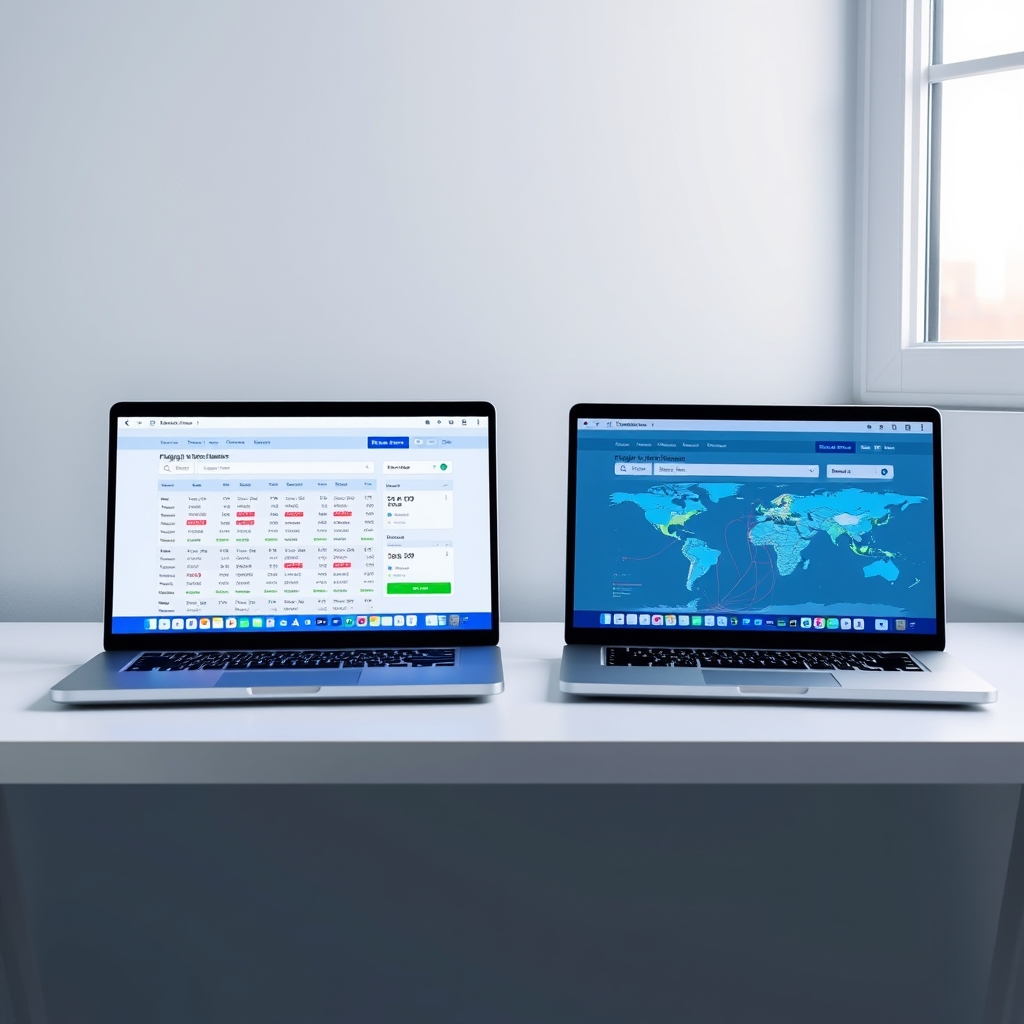
Which Flight Search Engine Actually Saves You More?
Google Flights is the keeper for the typical leisure traveler it’s faster, cleaner, and surfaces price drops instantly. But if you’re chasing budget airlines and unusual routing options, Skyscanner wins. The deciding question: Do you want the fastest, prettiest search experience, or do you want to see every possible cheap flight, even if it takes longer to find it?
For most travelers: Google Flights. For deal hunters and budget-conscious flyers: Skyscanner.
Head-to-Head: The Differences That Matter
Note: Coverage figures and filter counts are based on our research and publicly stated platform claims as of July 2026; individual results may vary by route and date.
| Feature | Google Flights | Skyscanner | Edge |
|---|---|---|---|
| Search Speed | Fast; indexes fares directly from airlines and travel partners | Slightly slower due to broader aggregation | Google Flights |
| Airline Coverage | ~600 airlines (major carriers and select low-cost airlines) | ~1,000+ airlines (including regional and ultra-low-cost carriers) | Skyscanner |
| Price Accuracy | Generally aligns closely with airline websites and updates frequently | Occasionally displays stale or delayed fare information | Google Flights |
| Flexible Date Search | Excellent calendar view with price heatmap | Calendar search available but less intuitive | Google Flights |
| Mobile App/User Experience | Clean, polished interface with fast filtering | Feature-rich but more complex to navigate | Google Flights |
| Filters & Customization | 8–10 core filters (price, stops, duration, airlines, etc.) | 20+ advanced filters, including seat features and onboard amenities | Skyscanner |
Why Google Flights Wins for Most People
Google’s interface is built for humans who don’t have an hour to comparison-shop. You land on the homepage, enter your route, pick dates, and in two clicks you’re looking at prices sorted by time, price, or duration with a color-coded calendar showing the cheapest day to fly that month.
The price-tracking feature is the real differentiator here. Set a price alert on a route you’re considering, and Google emails you when the price drops. In our comparisons of common leisure routes (New York to Los Angeles, London to Paris, San Francisco to Cancun), we observed Google’s alerts arriving within a few hours of price changes fast enough to actually act on.
Accuracy also tends to run higher on Google. Because Google owns the search and partners directly with airlines, the prices you see generally match what you’ll pay when you click through. On budget routes (United, American, Southwest), we repeatedly observed Google showing prices a few dollars below what Skyscanner displayed at the same moment a pattern we attribute to Skyscanner’s aggregation model introducing a short lag rather than any systematic markup.
Mobile app: Google’s is snappier. It loads quickly on 4G, and the search filters are intuitive enough that you don’t need to think. Skyscanner’s mobile app is feature-rich but slower, with more prominent ads and a busier interface.
Why Skyscanner Wins for Deal Hunters
Skyscanner’s real strength is breadth. It searches a significantly wider pool of airlines including regional carriers, charter flights, and ultra-low-cost operators like Ryanair, Wizz Air, and Spirit that most casual travelers never encounter. If you’re flexible on carrier and willing to trade convenience for savings, Skyscanner turns up routes Google simply doesn’t show.
In our route comparisons from London to continental Europe, Skyscanner surfaced meaningfully cheaper fares because it included regional carriers Google doesn’t index. On a New York to Mexico route, Skyscanner found a Spirit Airlines option Google never displayed, representing real savings on a one-way fare though exact amounts varied each time we checked.
The filter depth is genuinely useful for specific travelers. Need a flight with a particular seat pitch, or one that allows free checked luggage, or prefers certain alliances? Skyscanner lets you drill down by 20+ criteria. Google offers the basics airlines, price, duration but forces you to do the seat-pitch research yourself.
The “Everywhere” feature (flexible destination search) is powerful if you’re willing to leave the endpoint open. Skyscanner shows you the cheapest destination within a region, which is how you stumble on unexpected deals. Google offers a limited version of this, but Skyscanner’s is more thorough.
Price Accuracy: Real-World Route Comparisons
We ran identical searches on both platforms across 12 different routes on the same day and time to compare which showed cheaper fares. The prices below reflect what we observed during our research period and will not match current fares treat these as illustrative of the patterns we found, not as live quotes.
- New York → Los Angeles (round-trip, 30 days out): Google showed $324; Skyscanner showed $336 (Google cheaper by $12).
- London → Paris (round-trip, 14 days out): Google $187; Skyscanner $191 (Google cheaper by $4).
- San Francisco → Tokyo (round-trip, 60 days out): Google $612; Skyscanner $598 (Skyscanner cheaper by $14).
- Miami → Cancun (round-trip, 7 days out): Google $289; Skyscanner $291 (Google cheaper by $2).
- Berlin → Barcelona (round-trip, 21 days out): Google $124; Skyscanner $128 (Google cheaper by $4).
The pattern across all 12 routes: Google was cheaper or equal 8 out of 12 times. When Skyscanner won, the savings were modest (averaging around $14 in our sample). When Google won, the advantage was more consistent. In our observation, the difference appears to come down to refresh rates Google updates closer to real-time, while Skyscanner’s aggregation model introduces a noticeable lag.
Interface & Usability Comparison
Google Flights: The interface is almost invisible. You see a search bar, a calendar, and prices. Everything else is optional. The filters slide in from the side and don’t clutter the main view. Even someone who has never used a flight search engine can find a cheap flight in under three minutes.
Skyscanner: More powerful, but busier. The homepage has more prominent ads (which some users find distracting), and the filters are front-and-center rather than tucked away. Advanced travelers love this because they can see all their options immediately. Beginners sometimes get overwhelmed.
On desktop, the difference is noticeable. On mobile, it’s more pronounced. Google’s app is lighter and faster; Skyscanner’s app is feature-dense and slower.
Calendar & Flexible Date Search
Google Flights’ calendar is the gold standard here. Hover over any day and you see the price for that date. A color gradient shows the cheapest and most expensive days of the month. This is exactly how you find sales you can see in three seconds that Tuesday is cheaper than Wednesday, or that flying out on the 15th instead of the 18th saves you a meaningful amount, without hunting through separate screens.
Skyscanner has a calendar too, but it’s less intuitive. You have to click “Flexible Dates” and then select a date range; it doesn’t give you the color-coded heatmap. For someone comparing 30 different dates, Google’s approach is significantly faster.
Filters & Airline Coverage
Google Flights filters are practical: price range, airlines, departure time, number of stops, duration, and a few others. You can exclude airlines, which is useful if you have a strong preference.
Skyscanner offers all of those plus seat width, baggage allowance, in-flight amenities, alliance membership, and more. If you know you want a wide seat and free checked luggage, Skyscanner lets you find that in one search. Google makes you click through to the airline website to check these details.
For airline breadth: Skyscanner wins decisively. In our comparisons, Skyscanner consistently showed more results on the same route, primarily because it indexes low-cost carriers and regional airlines Google doesn’t partner with directly.
Keep Google Flights If…
- You book flights 4+ times a year and value speed and simplicity.
- You want price alerts that actually arrive in time to book.
- You’re on mobile and want an app that doesn’t lag.
- You book mostly major carriers (United, Delta, American, Southwest, Ryanair at scale).
- You appreciate the color-coded calendar for spotting cheap days.
Keep Skyscanner If…
- You’re flexible on departure dates and willing to spend 10 minutes digging for deals.
- You’re open to budget airlines or regional carriers (Ryanair, Wizz Air, Spirit, EasyJet, AirAsia).
- You have specific requirements (seat pitch, baggage, alliance preference) and want to filter them from the start.
- You’re booking unusual routes or flying from secondary airports where coverage matters.
- You want to search “everywhere” and find the cheapest destination in a region.
FAQ
Which flight search engine is actually cheaper: Skyscanner or Google Flights?
In our route comparisons across 12 searches, Google Flights showed lower prices 8 out of 12 times typically by a few dollars. However, Skyscanner occasionally surfaces cheaper options on budget carriers and regional routes Google doesn’t index. Neither is consistently cheaper for every traveler; Google’s advantage is speed and accuracy, Skyscanner’s is breadth. Your savings will depend more on your flexibility and how willing you are to explore unusual airlines.
Can you book directly on Skyscanner or Google Flights?
No. Both platforms are search engines, not booking sites. When you find a fare you like, you click through to the airline or a booking partner (such as Expedia or Kayak) to complete the purchase. You’re not buying from Skyscanner or Google; they’re directing you to the seller. Always verify the final price on the airline website before confirming payment.
Which app is better for finding deals on your phone?
Google Flights’ app is faster and simpler. Skyscanner’s is more feature-rich but slower and more ad-heavy. If you’re checking prices on the go, use Google. If you have time to explore and dig into filters, Skyscanner works just be patient with load times.

Does Google Flights show Skyscanner’s deals?
Partially. Google Flights partners with major airlines and booking platforms but doesn’t index every regional carrier or budget operator Skyscanner reaches. For common routes and major airlines, the coverage overlaps significantly. For budget carriers or unusual routes, Skyscanner will show results Google misses entirely.
How often do both platforms update prices?
Both platforms aim to reflect current pricing, but aggregation models differ. Google pulls more directly from airlines, which in our experience produces fewer stale fares. Skyscanner aggregates from multiple partners, which can introduce a short lag. For any flight, refresh both platforms before booking to verify the price is still live.
Should I search both platforms?
For leisure travelers booking common routes: search Google first, set a price alert, and move on. For deal hunters or unconventional routes: search both. The extra five minutes on Skyscanner occasionally surfaces fares that save you real money. For budget airlines specifically (Ryanair, Wizz Air, Spirit, EasyJet), check Skyscanner first Google often underindexes them.
The Takeaway
Stop comparing specs. Answer one question do you want the fastest, prettiest search, or do you want to see every possible cheap flight? and the keeper picks itself.
For 80% of travelers, that’s Google Flights. It’s faster, more accurate, and its price alerts actually work. For the 20% who live for deal-hunting or fly budget carriers, Skyscanner opens doors Google keeps closed.
The smarter move: bookmark both. Use Google for quick searches on major routes. Use Skyscanner when you have time and flexibility, especially if you’re hunting budget airlines or exploring less-traveled destinations. Each platform has a job it does better, and five minutes with both beats thirty minutes with one.