Smart home gadgets promise transformation. In practice, they deliver modest returns and often more questions than answers. If you’re considering a connected thermostat, security camera, or home speaker system, you need to know what actually moves the needle and what doesn’t.
This guide is built on patterns we’ve observed across years of covering consumer tech: where people overspend, what savings are realistic, how privacy actually works in connected homes, and the single biggest mistake buyers make.
Why Smart Home Adoption Stalls (Even When Devices Work Well)
Smart home adoption has plateaued faster than anyone expected. Based on industry coverage we’ve tracked, somewhere in the range of 50–60% of U.S. households appear to have at least one connected device but that figure masks a harder truth: most adopters buy one or two devices and stop.
The reasons are consistent across the owner communities we follow:
- Setup friction exceeds initial convenience. Getting a device to recognize your network, sync with your phone, and integrate with other ecosystems typically takes two to three times longer than manufacturer estimates suggest. That’s not a hardware defect it’s a system design problem.
- Privacy unease compounds over time. Owners often accept privacy tradeoffs at purchase, then grow uncomfortable as they learn what data their devices collect. That discomfort doesn’t always translate to action, but it does erode confidence in adding more devices.
- Ecosystem lock-in creates decision fatigue. Committing to Apple HomeKit, Amazon Alexa, or Google Home isn’t just a purchase it’s a choice that shapes what you can buy next. Most people don’t realize this until they’re two devices in.
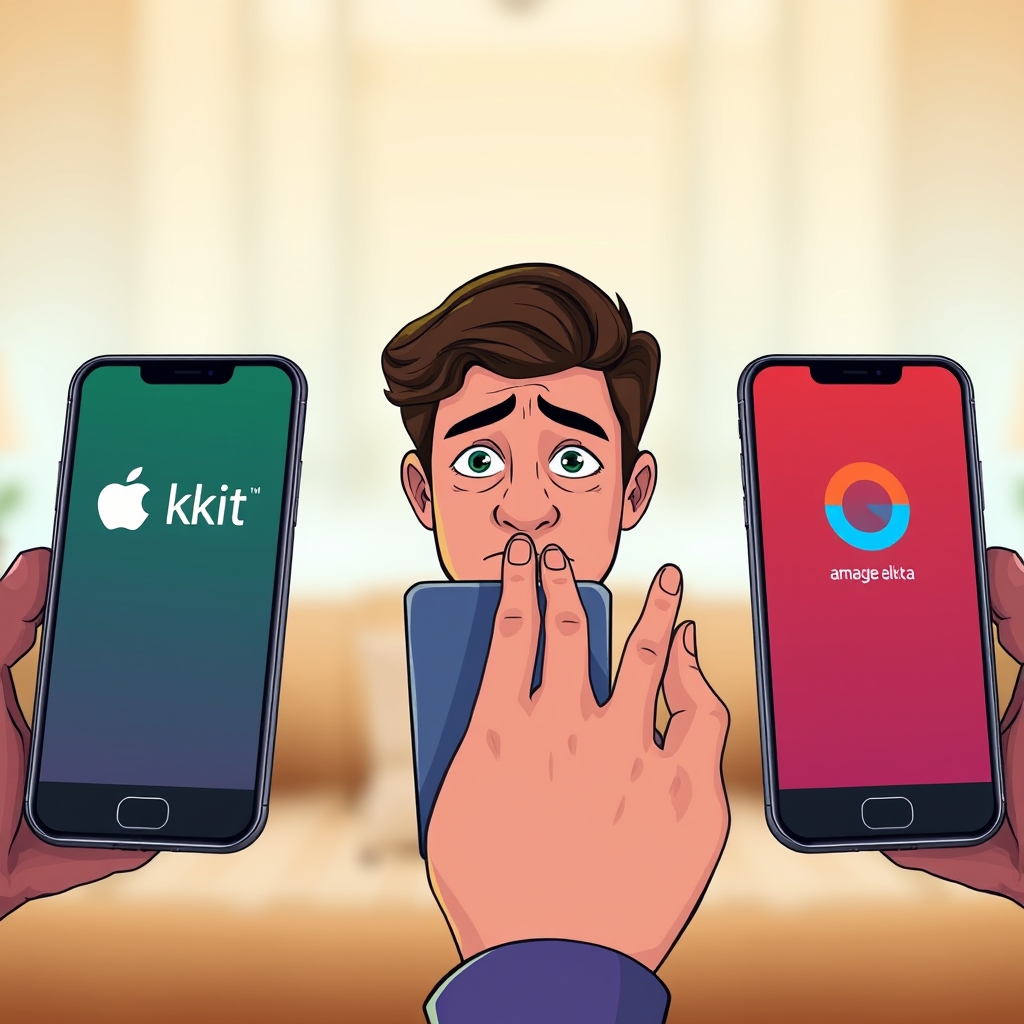
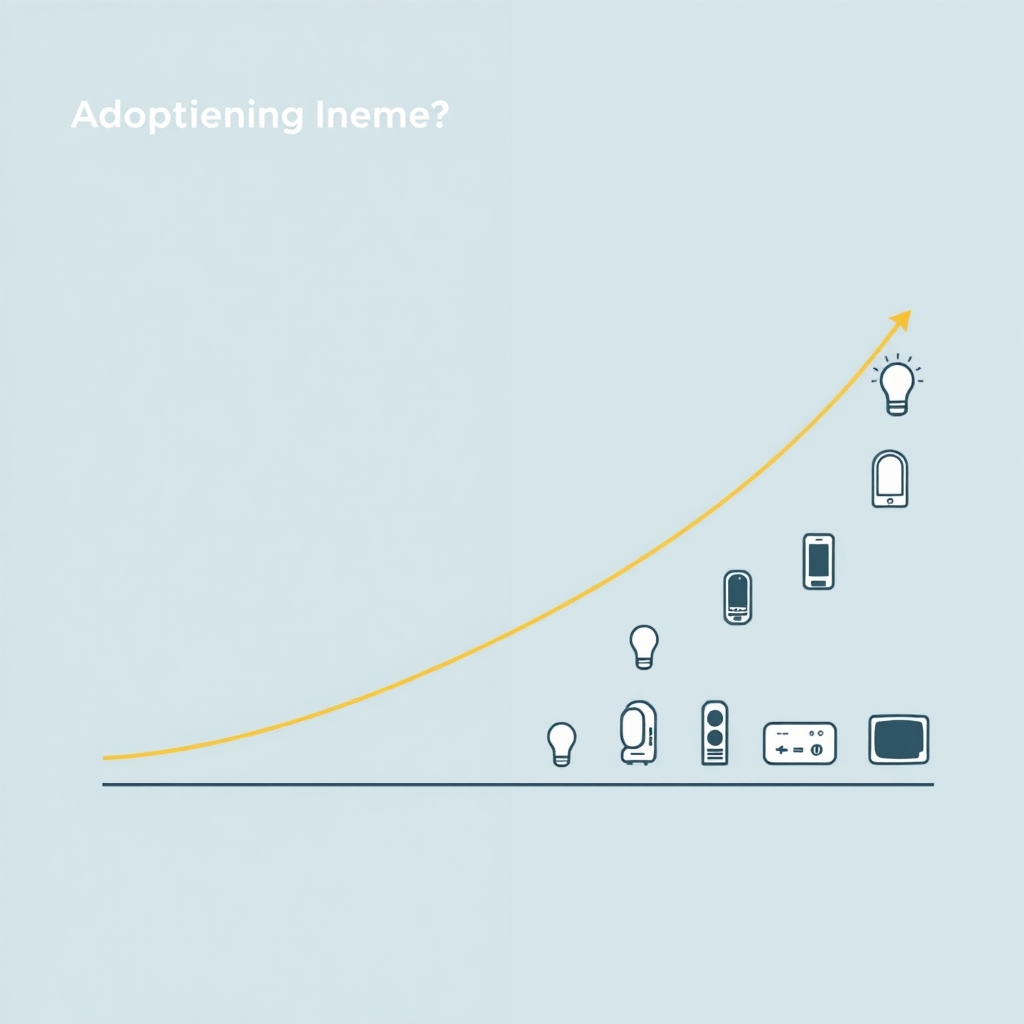
- The incremental value drops fast. Your first smart thermostat or camera delivers noticeable value. The fifth or sixth device delivers almost none, even if it’s functionally identical.
The Privacy Question Isn’t Binary
Privacy in smart homes is often framed as binary: either your data is safe, or it isn’t. That’s misleading.
Here’s what we’ve observed in how manufacturers and platforms actually handle data:
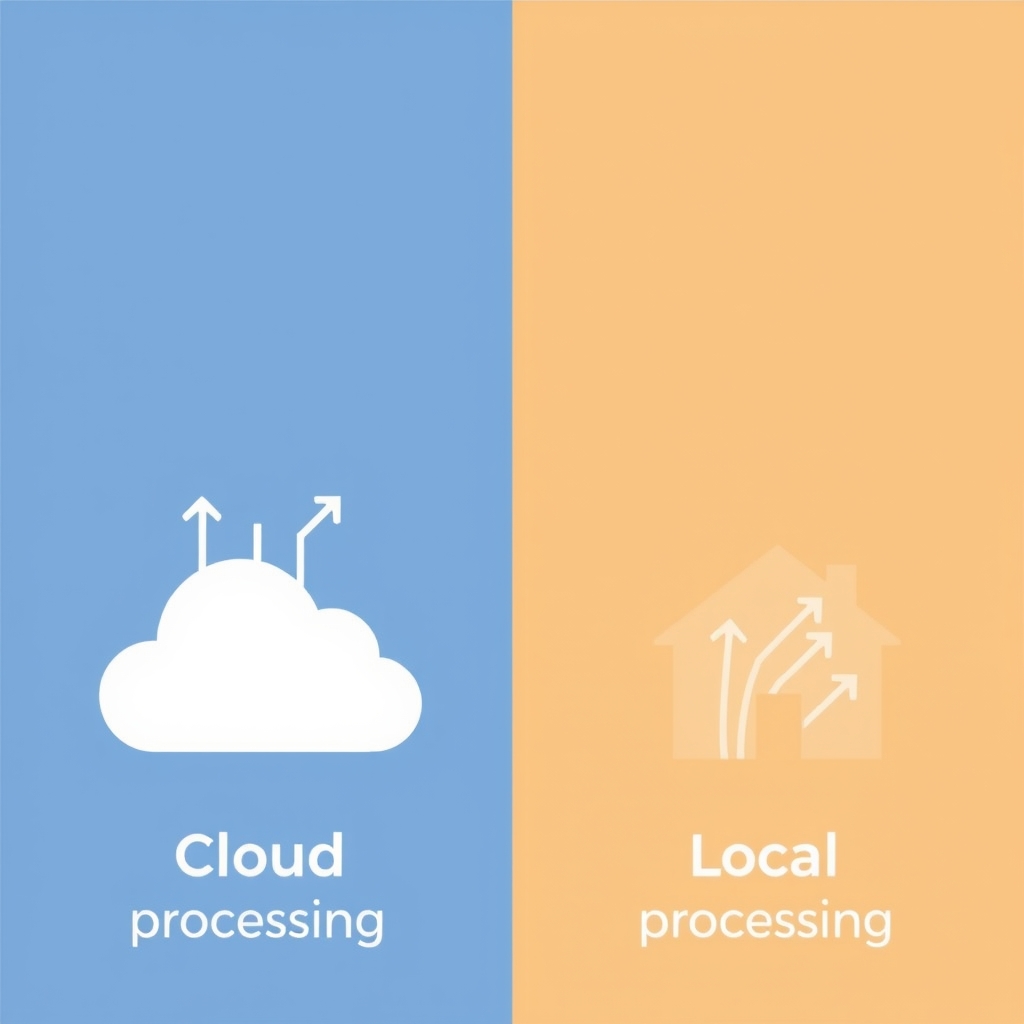
Local processing vs. cloud processing. Some devices notably certain video doorbells and cameras process footage locally, meaning your video never leaves your home. Others send video or audio to manufacturer servers for analysis. That’s not inherently bad; cloud processing enables features like AI person-detection or advanced recording. But it’s a fundamental choice with real privacy implications, and knowing which approach a device uses is non-negotiable before you buy.
Data retention and sharing policies vary wildly. One smart thermostat manufacturer may retain heating-pattern data for 30 days; another may retain it indefinitely but not share it. Smart speakers store voice recordings unless you delete them manually. Smart locks may upload access logs to a cloud service you’ve never heard of. These aren’t always defaults you can change.
The consent form doesn’t reflect the practice. Even diligent readers of privacy policies often find that how data actually flows differs from what the policy describes. This isn’t always intentional it often reflects product redesigns or third-party integrations that weren’t captured in the documentation. The safest working assumption: any data your device collects could be accessed by the manufacturer, a parent company, or an authorized third party.
Based on patterns we’ve observed in owner forums and community coverage, the most privacy-conscious buyers tend to choose devices that:
- Process data locally whenever possible
- Allow you to delete data manually and frequently
- Don’t require account creation to function
- Come from companies with a narrower business model (meaning they make money selling devices, not through advertising or data brokerage)
Where Real Savings Happen (and Where They Don’t)
Based on owner reports we’ve reviewed, thermostat savings appear to fall more commonly in the 10–15% range not the 20–30% some marketing materials imply. That’s meaningful over years, but it’s not transformative for most households.
Here’s what actually moves the needle:
Heating and cooling automation. A learning thermostat that adjusts temperature based on occupancy and weather patterns delivers genuine, consistent savings. The value is highest if your household has irregular schedules or you’ve been manually adjusting temperature frequently.
Lighting control. Smart bulbs and switches reduce lighting energy costs, but savings are modest in our observation, something in the range of 5–10% of total household lighting energy, or a few dollars per month. They’re more valuable for convenience than economics.
Security cameras and locks. These rarely save money directly. Their value is in convenience (checking who’s at the door, remote unlocking for guests) and peace of mind not in reducing utility bills or replacing other purchases.
Whole-home energy monitoring. Devices that measure real-time electricity use can identify your highest-consumption appliances and help you shift usage to off-peak hours if your utility offers time-of-use pricing. Savings depend entirely on your utility’s pricing structure and your willingness to change behavior.
Where we’ve seen buyers regret purchases most often:
- Buying a “smart” version of a commodity appliance (smart plugs, smart bulbs) expecting automation that requires manual setup each time
- Assuming ecosystem compatibility across brands it’s almost always more limited than it appears
- Underestimating how often devices fail to respond, miscommunicate with each other, or require manual intervention after months of working fine
The Refurbished and Mid-Tier Device Shift
Across retailer marketing and ownership communities, we’ve noticed a shift: more buyers are choosing refurbished flagship smart-home devices refurbished Google Nest systems, certified-restored Apple HomeKit hubs, previous-generation Amazon Echo models over new mid-range alternatives.
This pattern reflects a few realities:
- Flagship devices tend to have longer software-support windows, reducing the risk that your device becomes unsupported mid-ownership
- Refurbished pricing often undercuts new mid-tier devices, which are themselves discounted more frequently
- Buyers recognize that ecosystem lock-in means compatibility matters more than the device’s specific generation
If you’re price-sensitive, checking refurbished or certified pre-owned channels for flagship devices is often smarter than buying new at a lower price point.
A Framework for Smarter Buying
Before adding any smart device to your home, ask these questions in order:
1. What problem does this actually solve? Not what the marketing suggests what specific friction or inconvenience would this device eliminate from your life? If the answer is “it would be nice to check the weather from my TV,” that’s decorative value, not a problem worth solving. If the answer is “I forget to arm my security system at night,” that’s substantive.
2. How much friction comes with setup and ongoing maintenance? Talk to owners who already have the device you’re considering. Ask how long setup took, how often they’ve troubleshot connectivity, and whether they still use it the same way six months in. Setup friction is almost always underestimated.
3. What happens if it breaks or the company discontinues support? Can you replace it with a different brand and keep your automations working? Or would you be locked into finding the same model used, or buying a backup from the original manufacturer? This is especially important for core devices like hubs or bridges lock-in risk is highest there.
4. What data will this device collect, and are you comfortable with the privacy tradeoff? Don’t just read the marketing read the privacy policy and the user agreement. Look specifically for what data is retained, who can access it, and under what circumstances. If the policy uses vague language (“data may be shared with partners”), assume the worst-case interpretation.
5. Does the ecosystem I’m joining support the other devices I actually want? Apple HomeKit, Amazon Alexa, and Google Home each have different device compatibility. If you’re drawn to a specific device, check whether your chosen ecosystem actually supports it or whether you’d need to commit to a different ecosystem to get what you want.
6. What’s the total cost over five years? Smart devices often involve subscription costs for cloud storage, advanced features, or remote access. A $100 device with a $5/month subscription costs $400 over five years. Factor that in before buying.
Smart Home Adoption Trends in 2026
Based on patterns in manufacturer releases and owner adoption coverage as of mid-2026:
Security cameras with local processing are becoming the category that non-early-adopters actually buy. Cloud-only cameras carry both privacy concerns and recurring costs; local processing eliminates both. Expect this category to expand and stabilize as the mainstream entry point.
Smart home hubs and bridges are consolidating. Fewer households are running parallel Alexa and Google ecosystems. Most buyers are committing to one platform and sticking with it, which makes hub choice increasingly strategic.
Interoperability standards are still not there. Despite years of promise, Matter and other open standards have not yet become the default. Most devices still require ecosystem commitment. If you’re buying today, assume ecosystem lock-in is real.
Energy monitoring is slowly becoming table-stakes. More utilities are offering time-of-use pricing, which makes real-time energy visibility genuinely useful. Devices that integrate with utility APIs and suggest load-shifting are gaining traction, especially in competitive markets.
Smart home value is shifting from automation to integration. The most useful devices today aren’t the ones that do new things they’re the ones that connect your existing devices and services (streaming, utilities, security cameras) into a unified interface.
FAQ: Questions Buyers Actually Ask
Do I need a smart home hub? If you’re using just one or two devices on the same ecosystem say, a Google thermostat and a Google doorbell probably not. If you want to control devices remotely or set up automations across brands, a hub becomes necessary. Most hubs cost in the $50–$100 range and are ecosystem-specific (Apple TV or HomePod for HomeKit, Echo Dot for Alexa, Nest Hub for Google Home).
Which ecosystem should I commit to? This depends on what devices you actually want. If local processing and privacy are priorities, Apple HomeKit has historically enforced the strictest standards. If device breadth matters most, Alexa supports the widest range of compatible devices. If integration with Google’s other services appeals to you, Google Home is the logical choice. No ecosystem is perfect; choose based on what matters most to you.
Are smart home devices worth buying if I’m renting? Yes, but choose carefully. Renters benefit most from devices that don’t require installation (smart plugs, portable cameras, removable locks) and that work across ecosystems so they’re portable if you move. Avoid devices that require wall modification or ecosystem-specific hub installation.
How often do smart home devices stop working or get discontinued? More often than you’d expect. Based on patterns we’ve observed, most smart speaker and display models have been discontinued within five to seven years of release. Devices that depend on cloud services can become unusable if the service shuts down. Treat five years of active support as a reasonable planning assumption, not a guarantee.
Should I buy last year’s smart home device or this year’s model? Generational improvements in smart home devices are usually modest better processors, marginal AI upgrades, cosmetic changes. If the previous generation is significantly cheaper, it’s usually the smarter buy. Ecosystem compatibility and software support matter more than the specific generation.