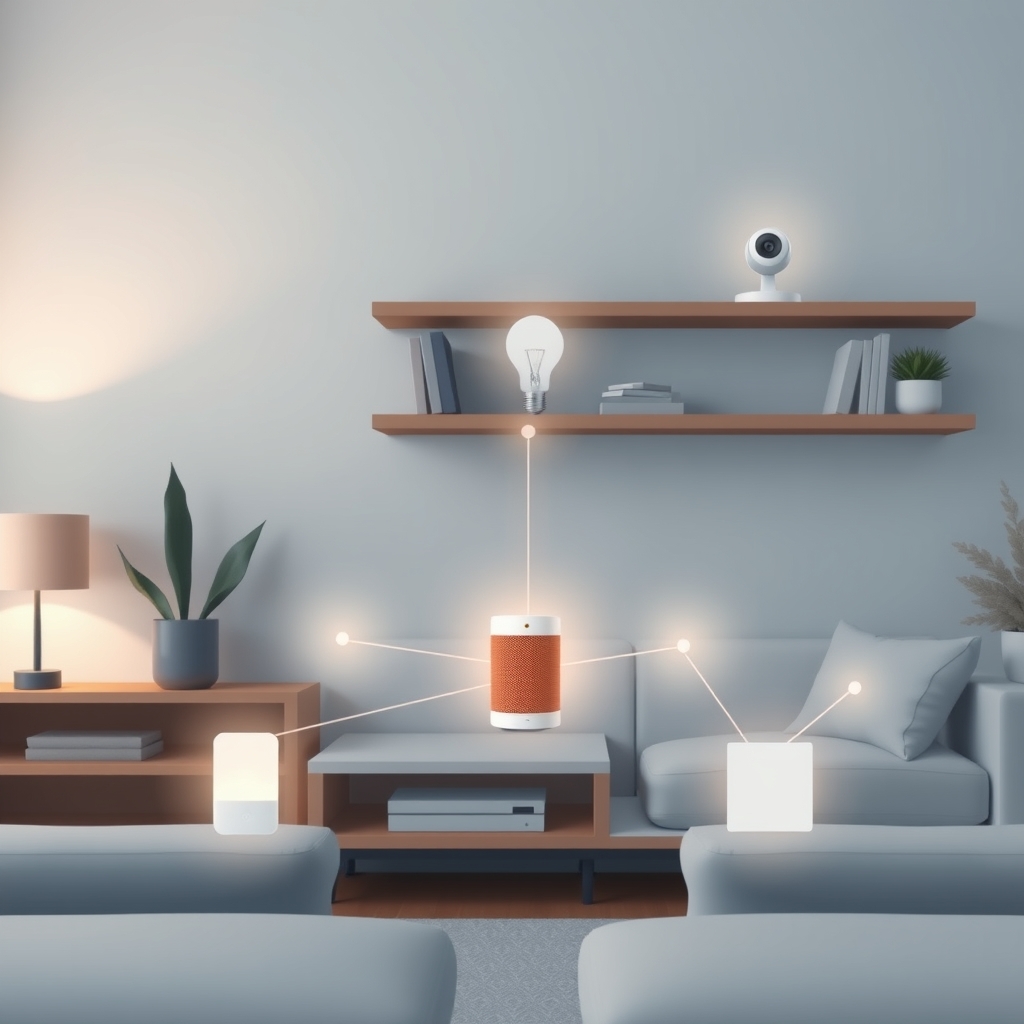
Smart home devices communicate using different wireless languages, and picking the right one matters more than most people realize. Zigbee, Z-Wave, WiFi, Bluetooth, and Thread are five wireless protocols that handle smart home communication differently each with trade-offs in range, power consumption, speed, and cost. Understanding which protocol a device uses tells you whether it needs a hub, how far it can reach, and whether it’ll drain batteries or run for years.
This glossary breaks down 15–20 essential smart home terms, shows you how the major protocols compare, and explains when you actually need a hub (spoiler: sometimes you don’t).
How Smart Home Protocols Work
Every smart home device connects to your home network using one of these wireless standards. Some talk directly to your router (WiFi). Others form a mesh network where devices relay messages to each other (Zigbee and Z-Wave). A few use short-range, low-power connections (Bluetooth, Thread). The protocol a device uses determines its power hunger, coverage, and whether it needs a central control point.
What Is a Smart Home Hub?
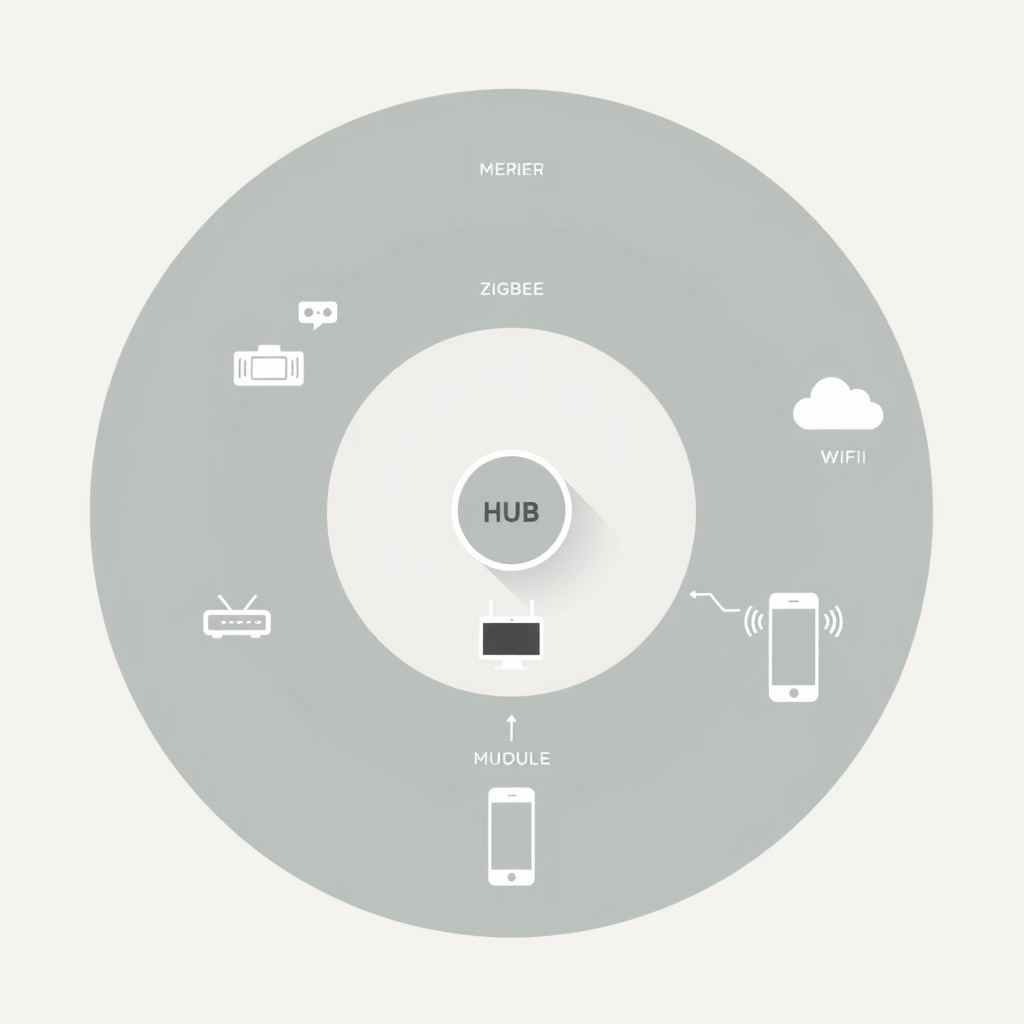
A smart home hub is a central device that translates and manages communication between different smart home protocols and your internet connection. Think of it as a translator standing between your phone (which speaks WiFi and internet) and your Zigbee lights (which speak Zigbee only). Without a hub, a Zigbee device can’t send you alerts or respond to voice commands routed through the cloud.
Not every smart home setup needs a hub. WiFi devices can talk directly to your router. But mesh-based protocols like Zigbee and Z-Wave usually work better with one they let devices form a network and extend range through relay chains.
The Five Core Protocols
Zigbee
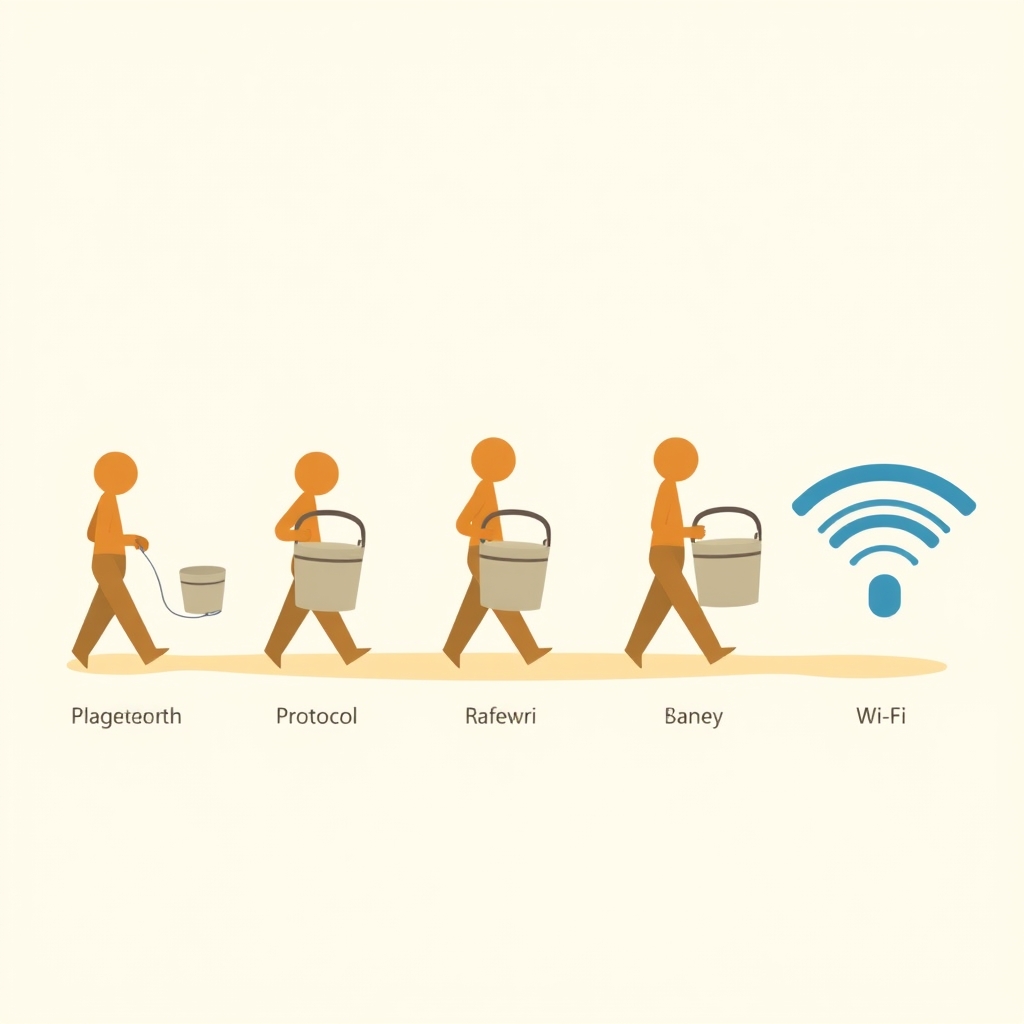
Zigbee is a mesh-based wireless protocol designed for low-power devices that communicate over short distances, with each device relaying messages to extend range. Zigbee devices form a network where one device can hand off a message to another, creating coverage throughout your home without needing each device to reach the router directly.
In plain terms: Imagine a bucket brigade where each person hands water to the next one person doesn’t need to throw it all the way to the fire. That’s how Zigbee works.
Why it matters: Zigbee is the standard for battery-powered smart home devices. A Zigbee light bulb, door sensor, or motion detector can run for months or years on AA batteries because the protocol uses very little power. Most Zigbee devices require a hub (like a Philips Hue Bridge or a hub integrated into certain smart speakers).
Related terms: mesh network, hub requirement
Brands using Zigbee: Philips Hue, IKEA Tradfri, Innr, Enbrighten
Z-Wave
Z-Wave is a proprietary mesh protocol similar to Zigbee, designed for home automation devices with comparable range, power efficiency, and hub dependency. Z-Wave runs on a different frequency band (around 908.42 MHz in North America) and requires a Z-Wave certified hub to work.
In plain terms: Z-Wave is Zigbee’s cousin same mesh-relay idea, different radio frequency. Not compatible with each other, but both work on the same principle.
Why it matters: Z-Wave has a smaller ecosystem than Zigbee but loyal users and solid device reliability. If you’re committed to Z-Wave, you’ll need a Z-Wave hub (SmartThings, Hubitat, or a dedicated Z-Wave controller). Once you have one, Z-Wave devices integrate cleanly because they all follow the same standard.
Related terms: mesh network, proprietary protocol, hub requirement
Brands using Z-Wave: Aeotec, GE Enbrighten (Z-Wave line), Kwikset, Schlage
WiFi
WiFi connects smart home devices directly to your home router and internet without needing a separate hub or mesh. Every device that connects to WiFi speaks the same language as your phone and laptop.
In plain terms: WiFi is the path of least resistance your device plugs into the same network your computer uses, so setup is straightforward.
Why it matters: WiFi devices are convenient and don’t require a hub. The trade-off is power consumption. WiFi is relatively energy-hungry, so WiFi smart home devices are usually plugged in (smart plugs, displays, cameras, speakers). Battery-powered WiFi devices drain quickly. If you have good WiFi coverage and don’t mind plugged-in devices, WiFi eliminates hub complexity.
Related terms: direct connection, router dependency, cloud connectivity
Brands using WiFi: Amazon Echo, Google Home, Wyze, Philips Wiz, Nanoleaf
Bluetooth (and Bluetooth Low Energy)
Bluetooth is a short-range wireless protocol (typically 30–100 feet in open space, based on published BLE specs and common owner reports) commonly used for pairing a single device to your phone or a nearby speaker, rather than building a mesh network. Bluetooth Low Energy (BLE) is a power-efficient variant that can run for months on a coin-cell battery.
In plain terms: Bluetooth is your headphones connecting to your phone direct, personal, short-range. Devices don’t relay messages to each other; each one talks to the hub or app independently.
Why it matters: Bluetooth devices are cheap to make and simple to set up (just pair with your phone). Most Bluetooth smart locks, tags, and sensors don’t need a hub if you’re controlling them directly from your phone. However, remote access (checking your lock when you’re away) usually requires a dedicated Bluetooth hub or a device like a smart speaker that’s nearby and connected to WiFi.
Related terms: BLE, direct pairing, short-range, hub optional
Brands using Bluetooth: Apple HomeKit Bluetooth locks, Tile, AirTag, some August locks
Thread
Thread is a mesh protocol designed to combine Zigbee’s mesh reliability with better speed and modern standards. Thread devices relay through each other to extend range, similar to Zigbee, but use a different underlying standard (IPv6-based) and operate on the 2.4 GHz band (same as WiFi and Bluetooth). Originally ratified in 2020, Thread has reached meaningful mainstream adoption as of 2026.
In plain terms: Thread is the newer kid on the block faster and more modern than Zigbee, but requires a Thread border router (a hub or speaker that bridges Thread to WiFi).
Why it matters: Thread appears in premium devices across Apple HomeKit and the broader Matter ecosystem. It offers better responsiveness than Zigbee and full compatibility with Matter, the unified protocol standard that has seen wide industry adoption in 2025–2026. If you’re buying new smart home devices, Thread support is increasingly common and worth choosing when available but it requires a compatible hub (HomePod mini, Apple TV 4K, or other Thread border routers).
Related terms: mesh network, Matter compatible, border router, IPv6
Brands adopting Thread: Apple (HomeKit), Eve, Nanoleaf, Aqara (some models)
Protocol Comparison Table
Here’s how the five protocols stack up on the specifications that matter most to home setup. Ranges and battery figures reflect typical performance per published protocol specs and common owner reports; actual results vary by device, placement, and interference.
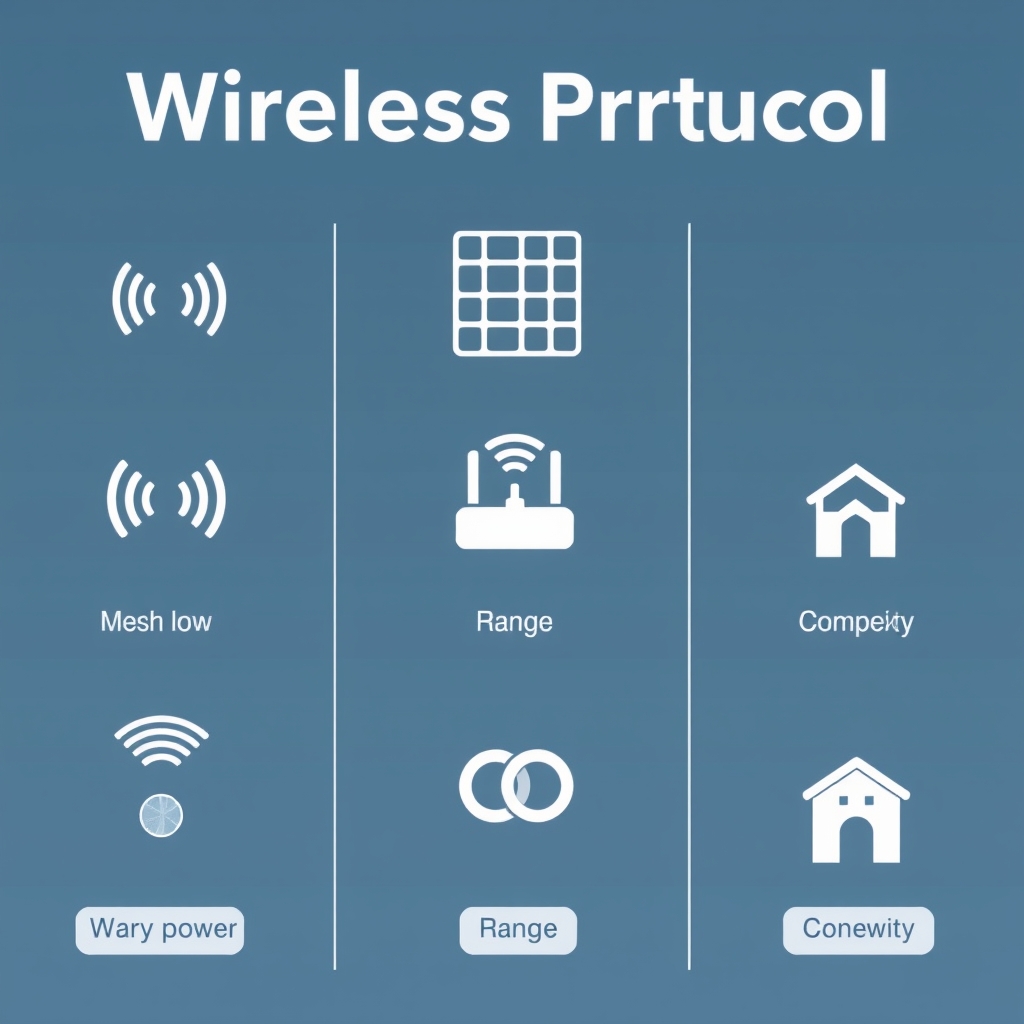
| Protocol | Typical Range | Power Consumption | Setup Complexity | Hub Required? | Mesh Networking | Best For |
|---|---|---|---|---|---|---|
| Zigbee | 30–100 ft (extends through mesh devices) | Very low (ideal for battery-powered devices) | Moderate (requires hub setup) | Usually | Yes | Smart bulbs, motion sensors, door/window sensors, switches |
| Z-Wave | 30–100 ft (extends through mesh devices) | Very low (battery efficient) | Moderate (hub required) | Yes | Yes | Smart locks, door sensors, plugs, home security devices |
| Wi-Fi | 50–150 ft (depends on router and obstacles) | Moderate to high | Easy (connects directly to router) | No | No | Security cameras, smart displays, plugs, and other powered devices |
| Bluetooth | 30–100 ft (direct device connection) | Low to moderate | Easy (pair through a mobile app) | Optional (needed only for remote access) | No | Smart locks, trackers, wearables, and nearby device control |
| Thread | 30–100 ft (extends through mesh-capable devices) | Very low (optimized for battery life) | Easy to moderate (requires a Thread Border Router) | Yes (Border Router) | Yes | Matter-compatible smart homes, premium sensors, and future-ready smart devices |
Note: Ranges are approximate based on published specs and typical home conditions. Walls, interference, and device placement affect real-world performance. Always check current retail pricing and availability before purchasing.
When Do You Actually Need a Hub?
Hub Required
Z-Wave: Always. Z-Wave has no direct-to-phone connection; you must have a Z-Wave hub to use any Z-Wave device.
Zigbee: Usually. Most Zigbee devices require a Zigbee hub to integrate with your home automation system, send alerts, or respond to voice commands. Exception: Some Zigbee devices can be controlled locally via their own app if they’re in range, but cloud features (schedules, notifications, remote access) require a hub.
Thread: Yes, you need a Thread border router to connect Thread devices to your WiFi and the internet. That router is usually a smart speaker (Apple HomePod mini, Google Nest Hub with Thread, etc.) or a dedicated device.
Hub Optional or Not Needed
WiFi: No hub needed. Devices connect directly to your router.
Bluetooth: Optional. You can control Bluetooth devices directly from your phone if you’re nearby (within Bluetooth range). For remote control or automation, you’ll want a Bluetooth hub usually a smart speaker with Bluetooth, like an Amazon Echo or Google Home.
Essential Smart Home Glossary Terms
Bridge / Hub
A hub is a device that acts as the central control point for non-WiFi protocols like Zigbee, Z-Wave, and Thread. Common hubs: Philips Hue Bridge, Samsung SmartThings Hub, Hubitat Elevation, Eve Hub, HomePod mini (for Thread).
Mesh Network
A network where each device can relay messages to other devices, extending range without needing every device to reach the hub directly. Zigbee, Z-Wave, and Thread all use mesh. WiFi does not (though WiFi mesh routers exist for expanding router coverage that’s a different thing).
Border Router
A device that bridges one protocol (like Thread) to another (like WiFi). Example: HomePod mini acts as a Thread border router, translating between Thread devices and your internet.
Protocol
A standard set of rules governing how devices communicate wirelessly. Each protocol defines frequency, range, power use, and how devices find and talk to each other.
Pairing / Joining
The process of adding a new device to your smart home system. For Zigbee/Z-Wave, you put the hub in pairing mode, then power on the new device. For WiFi, you connect the device to your router directly. For Bluetooth, you pair via app.
Local Control
Controlling a device without sending the command through the internet. Useful during internet outages. Most mesh-based systems (Zigbee, Z-Wave, Thread) support local control because the hub is already in your home. WiFi devices and cloud-dependent systems typically do not.
Cloud Connectivity
Sending commands through the internet to reach your devices. Lets you control devices remotely (when you’re away) and integrate with voice assistants and automations. Requires your hub to have internet access.
Interoperability
The ability of devices from different brands to work together on the same protocol. Zigbee and Z-Wave offer cross-brand compatibility (any Zigbee light works with any Zigbee hub). WiFi and Bluetooth are inherently compatible across brands. Thread is designed for cross-brand compatibility via Matter.
Matter
A unified smart home standard designed to let devices from different brands work together seamlessly, regardless of underlying protocol. After a multi-year rollout, Matter has seen broad industry adoption as of 2026 and is now supported in most new hub and device releases. Requires a Matter hub or border router.
Frequency Band
The radio frequency a protocol uses. Zigbee and Thread use 2.4 GHz (crowded, shared with WiFi and Bluetooth more interference possible). Z-Wave uses around 908.42 MHz in North America (less crowded). WiFi uses 2.4 and 5 GHz.
Latency
The delay between sending a command and the device responding. WiFi and Thread typically have low latency (under 1 second in typical conditions). Zigbee and Z-Wave have slightly higher latency because messages travel through relays. Bluetooth varies depending on range.
Battery Life
How long a battery-powered device runs between charges. Based on published specs and common owner reports: Zigbee, Z-Wave, and Thread devices typically run 6 months to 2+ years. WiFi battery devices generally need charging every few weeks. Bluetooth Low Energy devices can last months on a coin cell.
Firmware
The software running on your hub and devices. Manufacturers release firmware updates to fix bugs, add features, or improve compatibility. Good hubs let you update firmware wirelessly.
Scene / Automation
A set of actions triggered by a condition (if motion detected, turn on lights) or a button press. Requires hub support and usually cloud connectivity or local-control firmware.
Certification
A badge showing a device meets a protocol’s standards. Zigbee, Z-Wave, and Thread devices carry certification from their respective standards organizations. Helps ensure compatibility and quality.
Hub Recommendations by Protocol
Best Zigbee Hubs
- Philips Hue Bridge: Dedicated, reliable, supports all Hue devices and many third-party Zigbee products. Local control included.
- IKEA Tradfri Gateway: Budget option; works with Tradfri devices and some third-party Zigbee products. Simpler than Hue but less flexible.
- SmartThings Hub: Broad Zigbee support, integrates with Samsung devices. Supports automations and voice control.
Best Z-Wave Hubs
- SmartThings Hub: Solid Z-Wave support alongside Zigbee; good automation features.
- Hubitat Elevation: Local-control focused (no cloud dependency required); excellent for privacy-conscious users and complex automations.
- Aeotec SmartThings Hub V3: Z-Wave compatible; compact and affordable.
Best Thread Hubs
- HomePod mini: Most affordable Thread border router; integrates with Apple HomeKit and supports Matter.
- Apple TV 4K (3rd generation): Acts as Thread border router for HomeKit; supports more complex automations.
- Eve Hub: Standalone Eve-branded hub with Thread; works with HomeKit and local control.
WiFi Doesn’t Need a Hub
WiFi devices (Wyze, Philips Wiz, Amazon Echo) connect directly to your router. No separate hub required.
Common Smart Home Setup Mistakes
“I’ll just buy whatever device is cheapest.”
Device prices vary wildly, but choosing based on protocol first saves money. If you already have a Zigbee hub, a lower-priced Zigbee bulb is often better than a pricier WiFi bulb lower power draw, simpler integration. Pick a protocol ecosystem, then shop within it.
“I’ll skip the hub and use my phone as the hub.”
Your phone isn’t a hub it’s a remote. Zigbee and Z-Wave devices need a dedicated hub for cloud access, schedules, and automations. Bluetooth devices can work phone-only for basic control, but you lose remote access and integrations.
“More devices = more range automatically.”
True for mesh networks (Zigbee, Z-Wave, Thread), but only if devices are powered (plugged in or regularly charged). Battery-powered devices may not relay messages reliably, breaking the mesh. Mix powered relays with your battery sensors.
“WiFi is always the fastest.”
WiFi has good speed and low latency, but Thread is designed to match WiFi performance while using much less power. If you care about battery life and remote access, Thread beats WiFi.
FAQ
Q: Do I need a hub if I just want to control lights from my phone?
No if the lights are WiFi, you can pair directly to your phone and control them locally. If they’re Zigbee or Z-Wave, you’ll need a hub for remote control and cloud features, though local control via Bluetooth (some hubs) is possible.
Q: Can Zigbee devices and Z-Wave devices work together?
No. They’re completely separate protocols and cannot communicate with each other. You’d need both a Zigbee hub and a Z-Wave hub, or a multi-protocol hub like SmartThings that supports both.
Q: Is Thread better than Zigbee?
Thread is newer, faster, and built for modern standards (Matter), but Zigbee is mature, widely supported, and has a larger existing ecosystem. If you’re starting fresh, Thread is worth choosing if the devices you want support it. If you already have Zigbee, stay Zigbee.
Q: Do WiFi devices use more power than Zigbee?
Yes. WiFi radio hardware is more power-hungry than Zigbee or Z-Wave. A WiFi smart bulb may draw standby power even when off. Battery-powered WiFi devices drain fast. For battery-powered devices, Zigbee, Z-Wave, or Thread are better choices.
Q: Can one hub control Zigbee, Z-Wave, WiFi, and Bluetooth all at once?
Some hubs (SmartThings, Hubitat) support Zigbee and Z-Wave together. WiFi devices work on any network (no hub needed). Bluetooth requires a hub with a Bluetooth radio. No single hub controls all five you’ll either use one hub per protocol or pick a multi-protocol hub for the ones you prioritize.
Q: Do I need to replace my router to use a smart home hub?
No. Your hub connects to your existing router via WiFi or Ethernet, just like any other device. You don’t need a special router unless you want WiFi mesh coverage expanded into dead zones.
How We Researched This Glossary
This glossary synthesizes protocol specifications published by the Connectivity Standards Alliance (formerly Zigbee Alliance), Z-Wave Alliance, Bluetooth SIG, Thread Group, and Apple HomeKit documentation. Range, power consumption, and latency figures reflect typical performance ranges from published specifications and common owner reports in smart home communities these vary by device, interference, and placement. Brand recommendations reflect observed ecosystem maturity and feature sets as of July 2026. Prices and current product availability were not verified; always check current retail pricing and compatibility before purchasing.