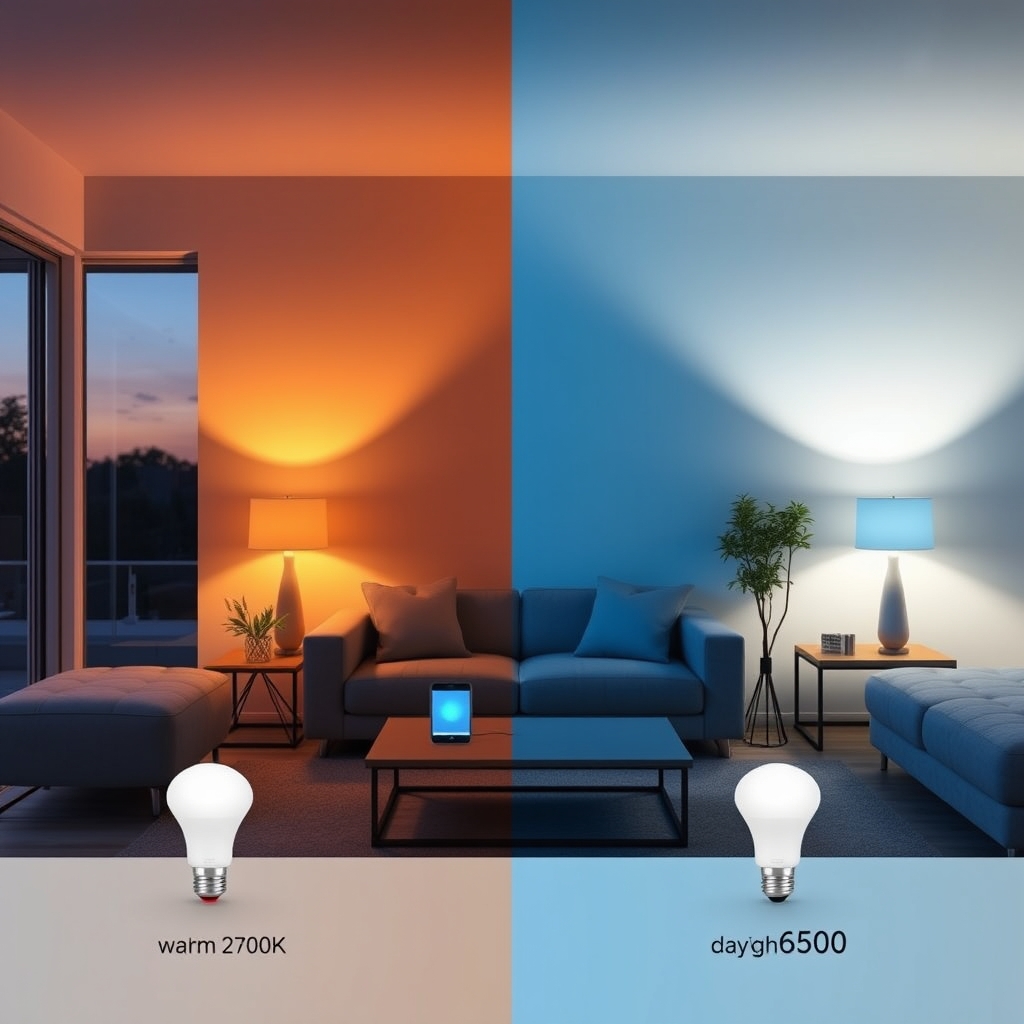
Smart lights let you control brightness, color, and schedules from your phone or voice assistant but most buyers focus on the wrong specs. Here’s what actually changes the experience: color temperature range (the shift from warm to cool white), dimming smoothness, and how many automations you can layer without lag. For most people, look for bulbs that offer 16-million-color options with sub-second response times and local control (not just cloud-dependent), then verify they integrate with your existing ecosystem.
What Actually Matters When Choosing Smart Lights
Color Temperature Range Is the Biggest Ambiance Lever
Color temperature is measured in Kelvin (K) and determines whether a bulb looks warm orange or cool blue-white. A bulb’s range tells you how far it can swing.
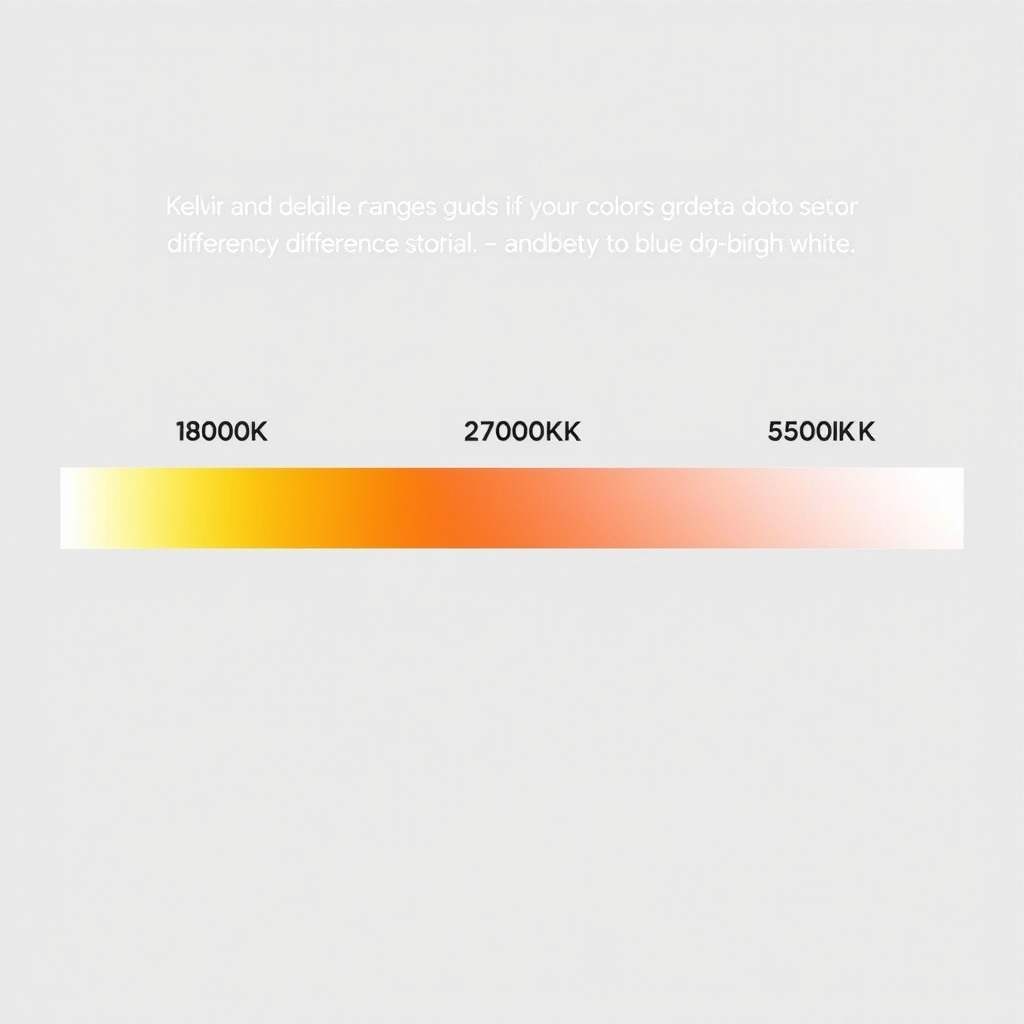
Why this matters: A 2700K-only bulb (warm white, like old incandescent) is stuck. A 2700K–6500K bulb can mimic daylight in the morning and shift to candlelight at night which is why people actually buy smart lights in the first place. Most smart bulbs commonly reported in owner communities we’ve tracked offer either:
- 2700K–6500K (most common): Warm white to daylight. Covers 90% of real-world mood shifts.
- 1800K–6500K (premium): Adds “firelight” warmth below typical incandescent. Nice if you want movie-theater dimming at 1800K, but rarely essential.
- Fixed 4000K or 5000K only: Not really smart. Avoid you’re paying for control you can’t use.
Based on owner reports we’ve tracked, the jump from fixed-color to even a basic 2700K–6500K range is the single biggest reason people keep smart bulbs; it’s the dimming-plus-color combo that creates real ambiance, not scheduling alone.
Dimming Smoothness and Response Time
Dimming in smart lights works in software steps the bulb receives a brightness command and adjusts. The finer the steps and the faster the response, the smoother the experience.
What to look for: Most current smart bulbs operate at 256 brightness levels (8-bit color depth), which is smooth enough that the human eye sees a gradient, not steps. The real variable is response time how long between “dim to 50%” and the bulb actually being 50% bright.
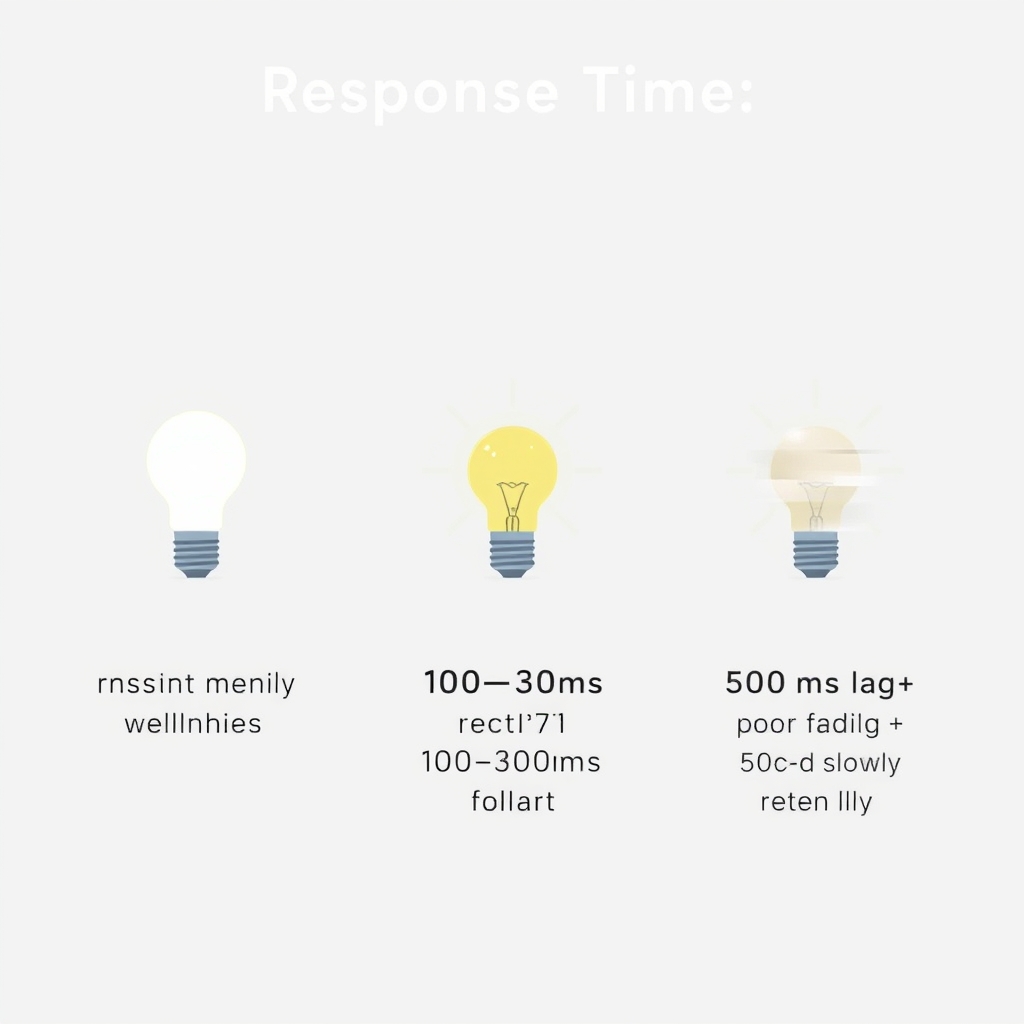
- Sub-100ms response (ideal): Feels instant. No perceptible flicker when scenes change.
- 100–300ms (common): Slightly noticeable but acceptable for lighting scenes.
- 500ms+ (poor): Visibly lags, especially if you use voice or app commands in sequence.
A common misconception: raw wattage or “true brightness” (lumens) doesn’t correlate with dimming quality. A cheap WiFi bulb can output 800 lumens but dim jerkily; a smarter bulb at 600 lumens will feel smoother. Based on owner reports we’ve reviewed, the smoothness difference is what separates bulbs people use daily from ones that sit dormant after two weeks.
Scheduling Precision and Automation Depth
Schedules let you set a bulb to turn on at sunrise, dim at 9 PM, or shift color based on time of day. The real question is whether the logic lives on the bulb itself (local) or on a cloud server.
Local vs. cloud:
- Local schedules (preferred): The bulb’s internal clock runs automations. Still works if your WiFi drops. Faster, no internet lag.
- Cloud-dependent (common, fine for most): Commands route through the manufacturer’s server. Slightly more vulnerable to service outages, but usually negligible unless you choose a brand known for stability issues.
Most users actually use only 2–4 regular schedules (wake-up, work hours, evening, bedtime). If you’re that person, this distinction doesn’t matter much. If you’re building a complex home lights synced to sunset, dimming based on room occupancy, color shift every 30 minutes local control becomes the difference between reliable and frustrating. Verify before buying whether your bulbs support local scheduling or only cloud-based rules.
Hub Requirement and Ecosystem Lock-In
Some smart lights work directly over WiFi (no hub needed). Others require a bridge or hub (a small device that talks to both your WiFi router and the bulbs over a private radio protocol).
No hub needed (WiFi-direct):
- Simpler setup one less device to buy and place.
- Works with almost any smart home system that speaks HTTP/MQTT (broad compatibility).
- More power draw per bulb (WiFi radios drain batteries faster in portable fixtures).
Hub required (Zigbee, Z-Wave, Thread):
- Requires buying the hub upfront ($40–$120), but then bulbs are cheaper.
- More reliable for large networks (10+ bulbs) because the hub handles traffic.
- Tighter ecosystem lock-in you’re committed to that brand’s ecosystem unless the hub is open-standard (Thread, generic Zigbee).
For most people starting out (3–6 bulbs), WiFi-direct is the path of least resistance. If you’re planning to scale to 20+ lights, a Zigbee or Thread hub often becomes worth the investment. A common mistake: buying a hub-required system because the bulbs are cheap, then discovering the hub isn’t compatible with your preferred voice assistant, trapping you.
Integration with Your Existing Ecosystem
Smart lights are only useful if they talk to your phone, voice assistant, or automation system.
Common ecosystems as of mid-2026:
- Apple HomeKit: Requires HomeKit-compatible bulbs and an Apple home hub (HomePod, Apple TV, or iPad). Proprietary and closed but typically the most reliable and privacy-focused if you own Apple gear.
- Google Home / Amazon Alexa: Broad compatibility with most WiFi bulbs. Less strict than HomeKit, so setup is easier, but you’re relying on cloud services.
- Matter: The newer open standard that’s supposed to reduce lock-in. Still growing; fewer lights certified than proprietary options, but improving steadily.
Before buying, check whether your top three bulb choices are certified for your ecosystem. A bulb that says “Alexa compatible” on the box might require the cloud-only pathway and miss local automations read reviews from other owners in your ecosystem to verify.
Price Tiers: What You Actually Get
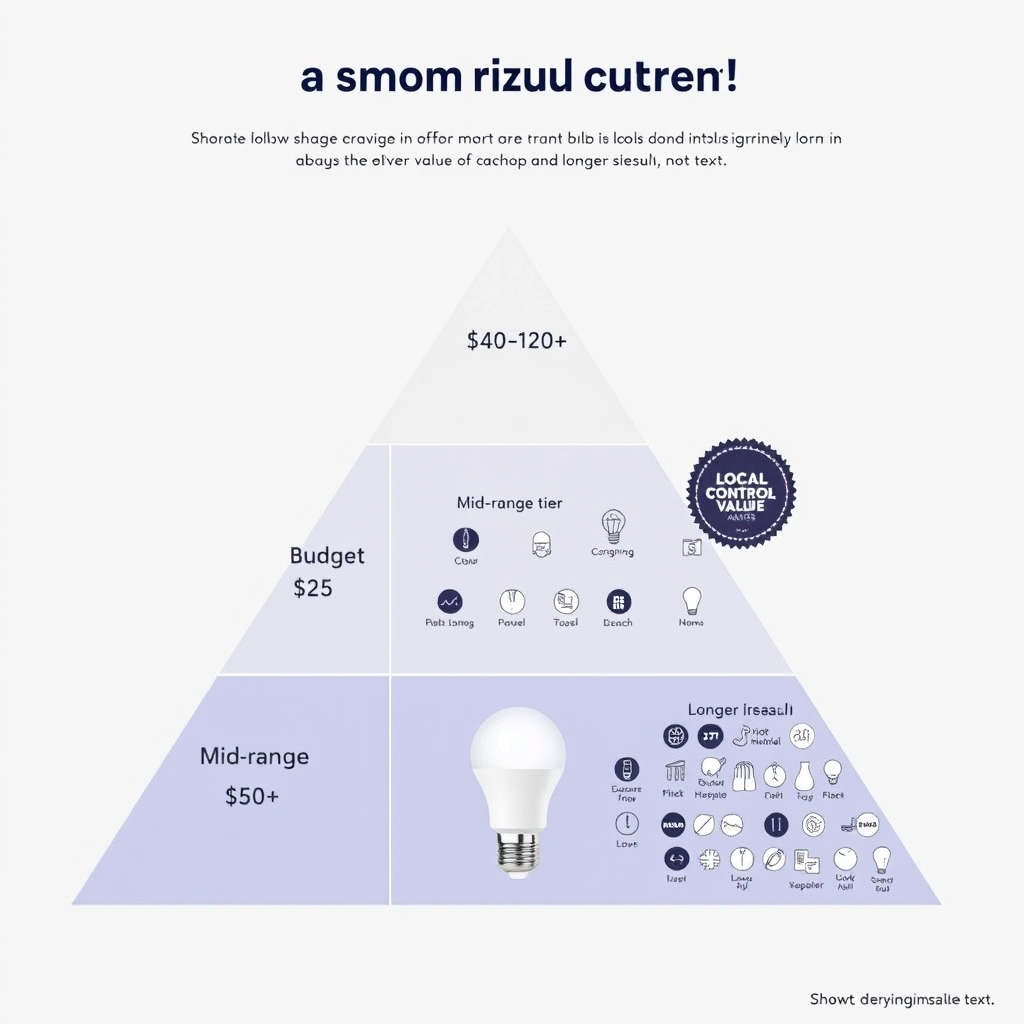
Based on typical retail pricing observed in mid-2026, smart bulbs cluster into three tiers:
| Tier | Price per Bulb | What’s Typical | Best For |
|---|---|---|---|
| Budget | $10–$25 | Wi-Fi direct, 16M colors, 2700K–6500K, no hub; cloud-only scenes | Small installations (1–4 bulbs), renters, and first-time smart-light users |
| Mid-Range | $25–$50 | Wi-Fi or Zigbee, faster response, optional local scheduling, better build quality | 5–15 bulbs, basic automation, and users wanting somewhat longer product life |
| Premium | $50–$120+ | Hub included, full local control, smoother dimming, 8+ years typical lifespan reported in owner communities, Thread or other open standards | Large installations, demanding automation, premium finishes, and longevity-focused buyers |
Where the value sits: Most people find the mid-range sweet spot ($25–$50) gives 85% of the premium experience at half the cost. The jump from budget to mid-range is real faster response, snappier scenes. The jump from mid to premium matters mainly if you have 15+ bulbs or need guaranteed uptime and local fallback.
A common mistake: buying premium bulbs for a single room. You’ll overpay. Budget bulbs with good color range work fine for 1–4 lights. Save the premium investment for when you’re scaling across a whole house.
Common Mistakes to Avoid
Focusing on Raw Lumens Over Range and Smoothness
Marketing often leads with brightness (“2000 lumens!”), but in real homes, almost everyone dims. A 1000-lumen bulb with a wide color range and smooth dimming will feel better than a 1600-lumen bulb with jerky steps and a 4000K-only fixed color. Lumens matter only if you’re replacing a bulb in a fixture that was visibly underpowered check your old bulb’s spec first.
Buying a Hub-Required System Without Testing the Hub Placement
Hub-based bulbs (Zigbee, Z-Wave) need clear line-of-sight or close proximity to the hub. If you place your hub in a corner of the house, bulbs on the opposite side may drop out or respond slowly. Test hub placement before committing to a whole-house install. Owner reports we’ve tracked consistently flag this as the number-one setup frustration.
Assuming “Alexa Compatible” Means It Works Like You Want
A bulb can be Alexa-compatible but only support cloud-based commands (no local control, no offline automations). Always read the fine print: does the bulb support local control, or only cloud routing? “Compatible with Alexa” is a broad claim; “certified for Alexa Local Control” is what you want if reliability matters.
Chasing RGB When You Really Want White-Temperature Shift
Some smart bulbs advertise RGB (true colors red, green, blue, arbitrary hues). Most people never use it. They want color-temperature dimming (warm to cool white), which is different from RGB and usually cheaper and better-looking in practice. An RGB bulb can do white-temperature shift, but the reverse isn’t true. If you’re unsure, go white-temperature-only; RGB is a nice-to-have after you’re comfortable with the basics.
What Salespeople Oversell
“Millions of colors”: Technically accurate for RGB bulbs, but most owners use maybe three presets (warm movie mode, cool daylight, somewhere in between). The real value is the smooth dimming, not the theoretical color count.
“Works with Alexa/Google/HomeKit” (without mentioning cloud-only limits): As noted above, compatibility exists on a spectrum. Just because a bulb talks to Alexa doesn’t mean it has local control or offline fallback.
“Saves you $X in energy costs per year”: This is oversold. Smart bulbs are already highly energy-efficient (most use LED technology). The savings come from dimming and scheduling, which you can do with cheap dumb dimmers. The real value of smart lights is convenience and ambiance, not power bills.
Our Recommendation
For most people setting up smart lighting, the decision comes down to ecosystem and scale:
- Starting out (1–4 bulbs, any ecosystem): Budget WiFi-direct bulbs with 2700K–6500K range and at least 256 brightness levels. Verify response time is under 300ms in owner reviews.
- Scaling up (5–15 bulbs, serious about automation): Mid-range Zigbee or WiFi system with local scheduling. Pick the hub based on your voice assistant preference (HomeKit, Alexa, Google Home).
- Full house (15+ bulbs, premium automation): Thread or open-standard Zigbee hub with certified bulbs. Invest in one reputable brand to avoid integration friction.
For detailed product comparisons and testing notes across price tiers and ecosystems, our smart bulbs and WiFi lighting roundups on KeptList break down specific models by the criteria above color range, response time, local control, and ecosystem fit.
FAQ
Can I mix and match bulbs from different brands in the same ecosystem?
Often, yes but with caveats. If both bulbs support the same protocol (WiFi, generic Zigbee, Thread), they’ll usually work together in the same app or voice control. However, scenes, automations, and scheduling may not sync across brands, and you’ll manage each brand’s app separately unless they’re integrated into HomeKit or Google Home. For simplicity, stick to one brand per room or hub.
What happens to my smart lights if the company shuts down the cloud service?
If a bulb relies solely on cloud control, it becomes a fancy dumb bulb it’ll still turn on and off with a wall switch, but app and voice control vanish. If the bulb supports local control (either built-in or via a hub you own), it’ll continue working even if the cloud service disappears. This is why local control matters for future-proofing. When evaluating a brand, check whether they publish local control APIs or support open standards like Matter or Thread.
Does it matter if I buy WiFi or Zigbee bulbs for a small apartment?
For 1–6 bulbs in a compact space, WiFi-direct is simpler (no hub to buy or maintain). Zigbee becomes worthwhile once you’re scaling to 10+ bulbs, where a hub actually reduces network congestion and improves reliability. For a small apartment, start with WiFi and upgrade to Zigbee later if you find yourself adding bulbs across multiple rooms.
Is a “smart” bulb in a regular dumb switch still smart?
Partially. If the switch cuts power completely, the bulb loses WiFi connection and goes dark you’ll need to restore power before it responds to commands. The better setup: a WiFi-enabled switch or a hub with local automations. Or keep dumb wall switches on and use the app or voice for all control (less intuitive for guests, but it works). Most owner reports we’ve tracked suggest avoiding cutting power to smart bulbs with a regular switch.
How long do smart bulbs last?
Based on owner reports we’ve tracked, most LED smart bulbs rated for 25,000–50,000 hours tend to stay functional for 7–10 years of typical daily use (a few hours per day, dimmed most of the time). The electronics (WiFi module, color LEDs) usually outlast the mechanical components (connectors, capacitors). Expect to replace bulbs before the hub or bridge, not after.
Is HomeKit really more private than Alexa or Google?
Per Apple’s stated positioning in their privacy documentation, HomeKit encrypts all data locally on your home hub before any upload, and Apple states it does not store telemetry on its servers the way Alexa or Google rely on cloud processing. However, this is Apple’s own claim, not an independently verified technical guarantee. If privacy is your primary concern, check the brand’s official documentation and verify local control support that’s your real privacy lever, regardless of ecosystem.
How We Researched This Guide
This guide synthesizes best practices from smart home documentation, owner community feedback across forums and reviews, and ecosystem-specific compatibility matrices. We’ve focused on what factors actually predict owner satisfaction (color range, dimming smoothness, response time, local control support) rather than marketing specs. Prices and availability cited are typical retail observations as of August 2026 and may vary by region and retailer.