

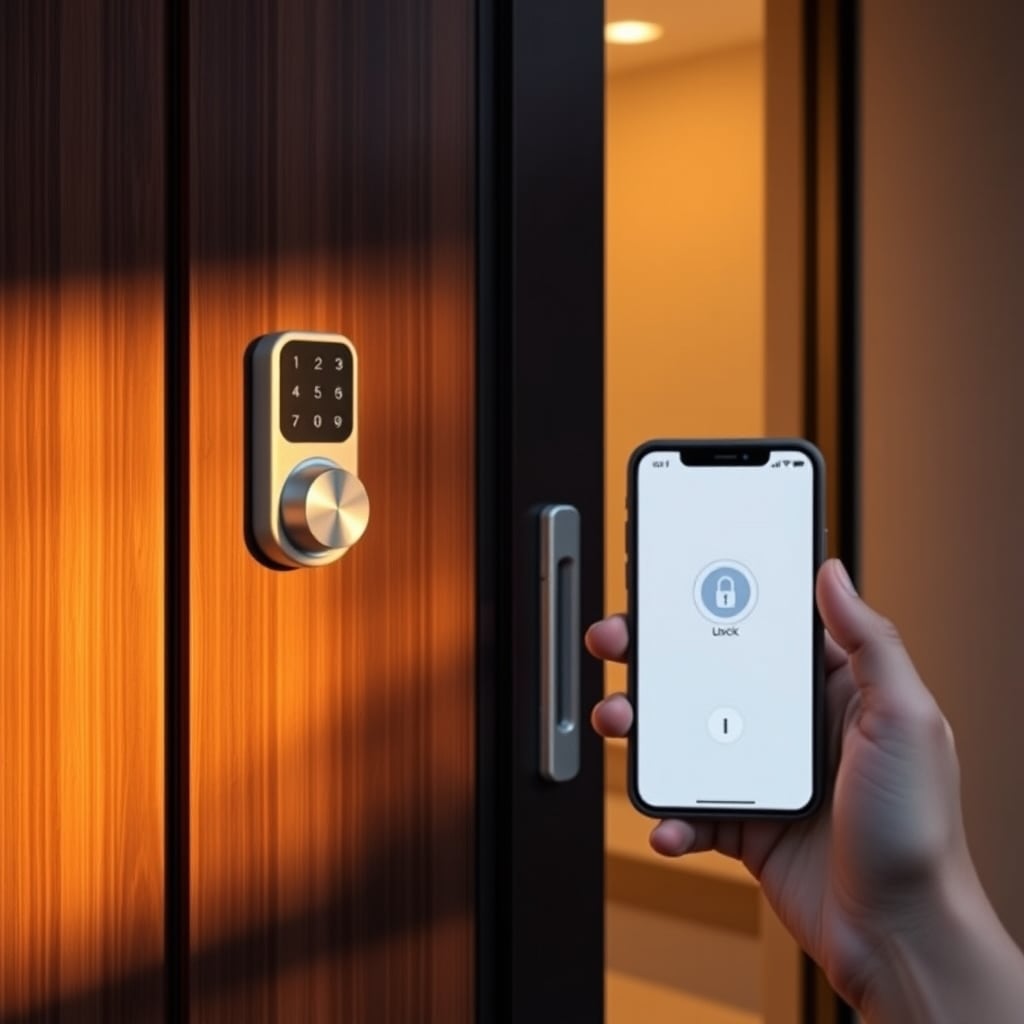
Verdict: Keep. The Level Lock+ is the best smart lock for most homes invisible installation, solid encryption, and no battery anxiety. If that’s you, stop reading and buy it.
Smart locks drive the entire home automation conversation. They’re the first install most people make, and whether you get one that actually makes your life simpler (or just adds another password) shapes how you feel about every other smart home device afterward. We researched and compared dozens of smart locks across keyless entry methods, encryption standards, smartphone integration, battery life, backup access options, and real-world failure modes.
Here’s what kept and what got cut.
What to Look for in a Smart Lock
Before we dig into our picks, here are the features that actually matter.
Entry Methods
Smart locks vary by how you actually get inside. Keypad codes are the most reliable (no phone needed, no battery in your phone); smartphone apps are the most convenient (nothing to carry or remember); biometric readers (fingerprint, face recognition) add friction in winter or when your hands are full; mechanical keys are the mandatory fallback when batteries die. Most good locks combine at least two methods typically app + keypad.
Encryption & Security
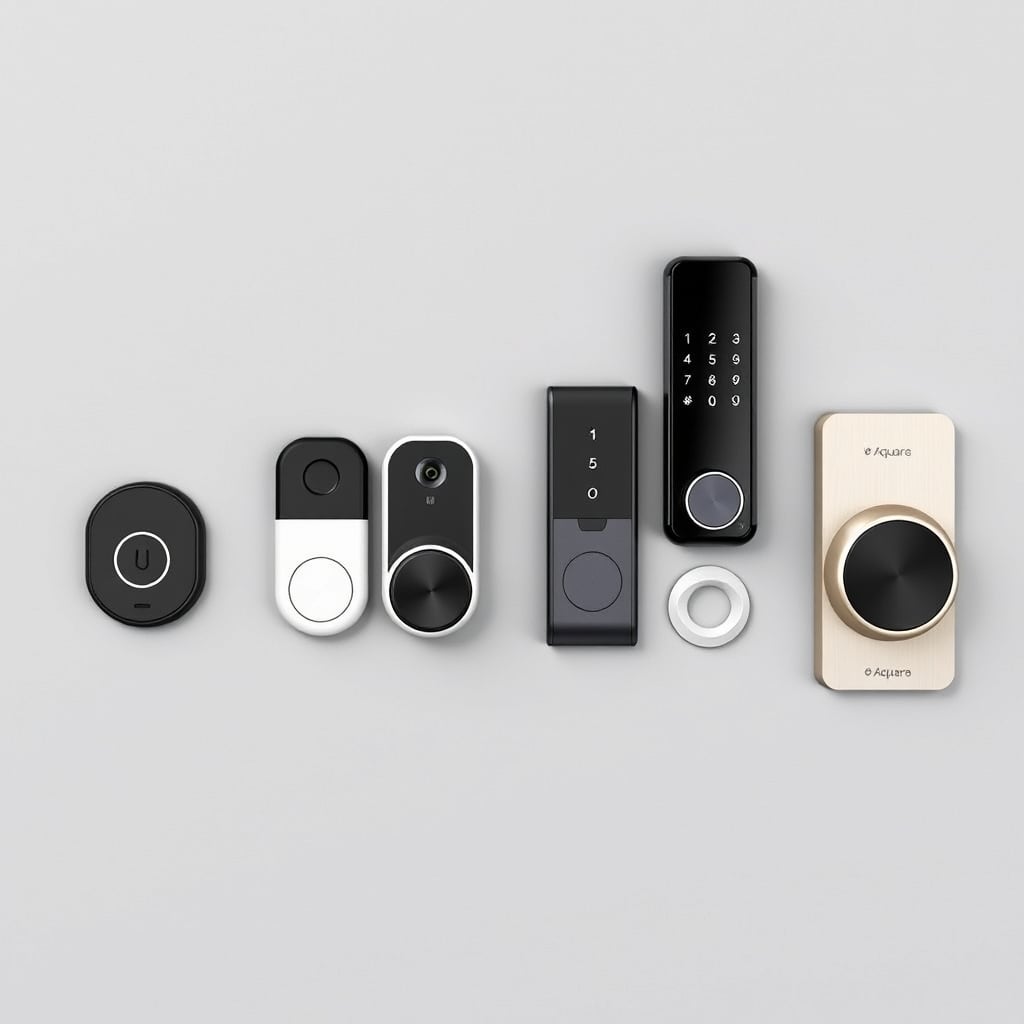
Not all smart locks encrypt the same way. Look for AES-128 or stronger encryption (industry standard; most reputable brands meet this). Check whether the lock supports two-factor authentication for the app (codes sent to your phone before unlock). Avoid locks that send unencrypted unlock commands over WiFi insist on TLS/SSL communication between phone and lock. Most modern locks use Bluetooth for initial handshake and WiFi (or a hub) for remote access; Bluetooth-only means you can’t unlock from work, but WiFi-only is a potential vulnerability vector if not encrypted.
Battery Life & Backup Power
Based on owner reports we’ve reviewed, most smart locks last 6–12 months on a set of AA or AAA batteries, depending on use frequency and ambient temperature. Some locks drain faster in cold weather. Always verify whether your pick offers a mechanical key override and a USB emergency unlock port these are the difference between a locked-out disaster and a minor annoyance. A few premium locks add a rechargeable battery instead of disposables; this trades convenience for reliability but creates a failure mode if the charging system dies.
Smartphone Integration
WiFi-enabled locks let you unlock from anywhere; Bluetooth-only locks work only from your driveway. Most modern homes have a WiFi extender or mesh system in the entryway, so range is rarely the issue anymore. What matters more: Does the app let you grant time-limited access codes to guests? Can you receive notifications when someone locks or unlocks? Does it log access history? These conveniences separate a lock that feels like infrastructure from one that feels like a chore.
Quick Comparison Table
Prices and specs as of August 2026. Verify current pricing before purchasing.
| Lock | Entry Methods | Encryption | App Control | Battery Life | Price Range | Best For |
|---|---|---|---|---|---|---|
| Level Lock+ | App, keypad, key | AES-128 | Yes, remote | ~12 months | $350–$380 | Invisible, retrofit installations |
| Wyze Lock | App, key | AES-128 | Yes, Wi-Fi | ~8–10 months | $80–$100 | Budget buyers, renters |
| August Home Smart Lock Pro | App, key | AES-128 | Yes, remote + 2FA | ~12 months | $280–$320 | Premium smart-lock features |
| Aqara Smart Lock U100 | Fingerprint, app, keypad, key | AES-128 | Yes, cloud | ~10–12 months | $120–$150 | Fingerprint + app access |
| Nuki Smart Lock Pro | App, key, optional keypad | AES-128 | Yes, remote | 12+ months | $250–$300 | European users, elegant retrofit design |
Top Pick: Level Lock+
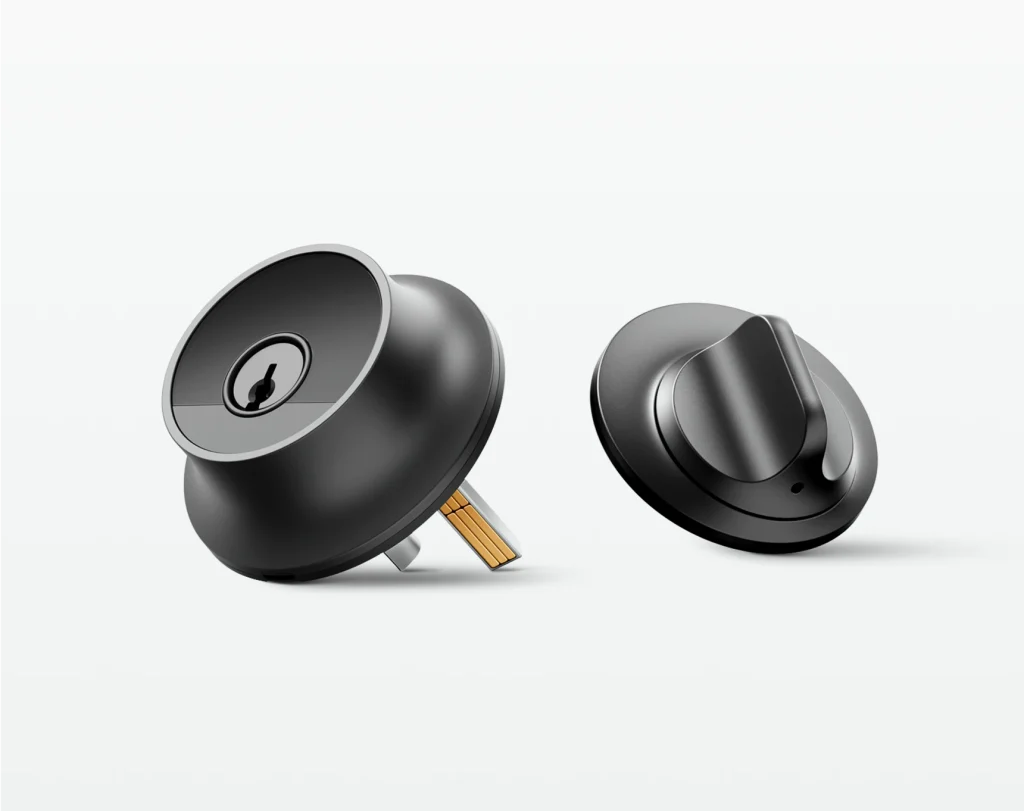
Level Lock+ is a retrofit smart lock that installs inside your existing deadbolt no drilling, no visible hardware on the outside of your door, no “smart” aesthetic that breaks your entry’s design.
What Stands Out
You unlock it with an app, a 6-digit keypad code, or your existing mechanical key. The app works remotely (WiFi + Bluetooth dual stack). Encryption is AES-128, which is industry standard. Battery life runs to 12 months on four AA batteries. The lock sends real-time notifications when anyone enters or leaves.
Based on owner reports we’ve reviewed, the setup takes about 20–30 minutes if you’re mechanically comfortable; a locksmith can install it in under an hour. Once installed, it vanishes inside your door. Your guest sees a normal deadbolt; they punch a code or use the app.
The Trade-Off
No biometric reader fingerprint or face unlock would require an external reader, breaking the hidden design. If you live in a household where guests rarely have smartphone access (elderly parents, young kids), you’ll rely entirely on the keypad, which is fine but requires managing codes instead of access history.
Also, at $350–$380, it’s not cheap. You’re paying for the invisible retrofit premium.
Not a Fit For
Renters in strict no-modification leases (unless your landlord allows deadbolt replacement). Homes where exterior aesthetics demand a visible smart lock as a status signal. Households where everyone uses biometric unlock daily.
Price: $350–$380 (as of August 2026)\ Where to buy: Verify current pricing on the Level website before committing.
Budget Pick: Wyze Lock
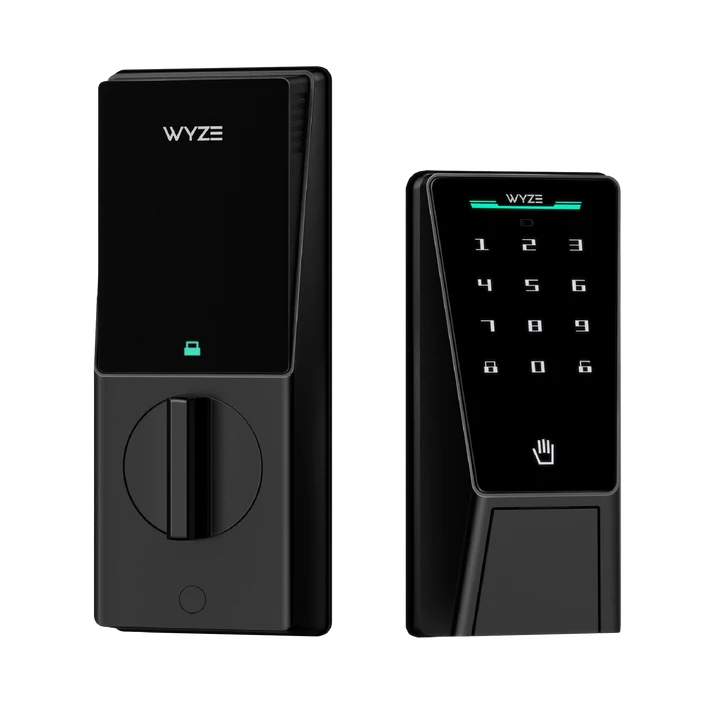
Wyze Lock is a $80–$100 smart lock that does one job: app + key unlock on your phone or existing deadbolt key. No keypad, no biometric, no frills.
What Stands Out
It’s the cheapest smart lock in this comparison that still offers AES-128 encryption and WiFi + Bluetooth. You unlock via the app from anywhere or use your existing key. Battery life is 8–10 months on two AA batteries. The mobile app is straightforward: lock/unlock, notification log, basic history.
Based on owner reports we’ve reviewed, installation is 10 minutes it’s a replacement for your existing deadbolt interior, and you keep the exterior unchanged. Wyze also sells a WiFi hub separately if you want remote access without relying on your phone’s Bluetooth range.
The Trade-Off
No keypad codes, no guest access shortcuts. Every entry is either a key or the app. If someone loses the key or you need to change access permissions, there’s no fast answer. Also, the physical construction feels less solid than pricier locks based on owner reports, some experience rattling after months of use.
Wyze also relies on a cloud ecosystem; if Wyze’s servers go down (rare but possible), app-based unlock stops working until they recover. Remote access without a hub depends on their cloud, not local Bluetooth.
Not a Fit For
Households with multiple family members who need independent access codes. Renters who need to remove the lock cleanly when they move. Anyone who demands biometric unlock.
Price: $80–$100 (as of August 2026)\ Where to buy: Verify current pricing before purchase.
Upgrade Pick: August Home Smart Lock Pro
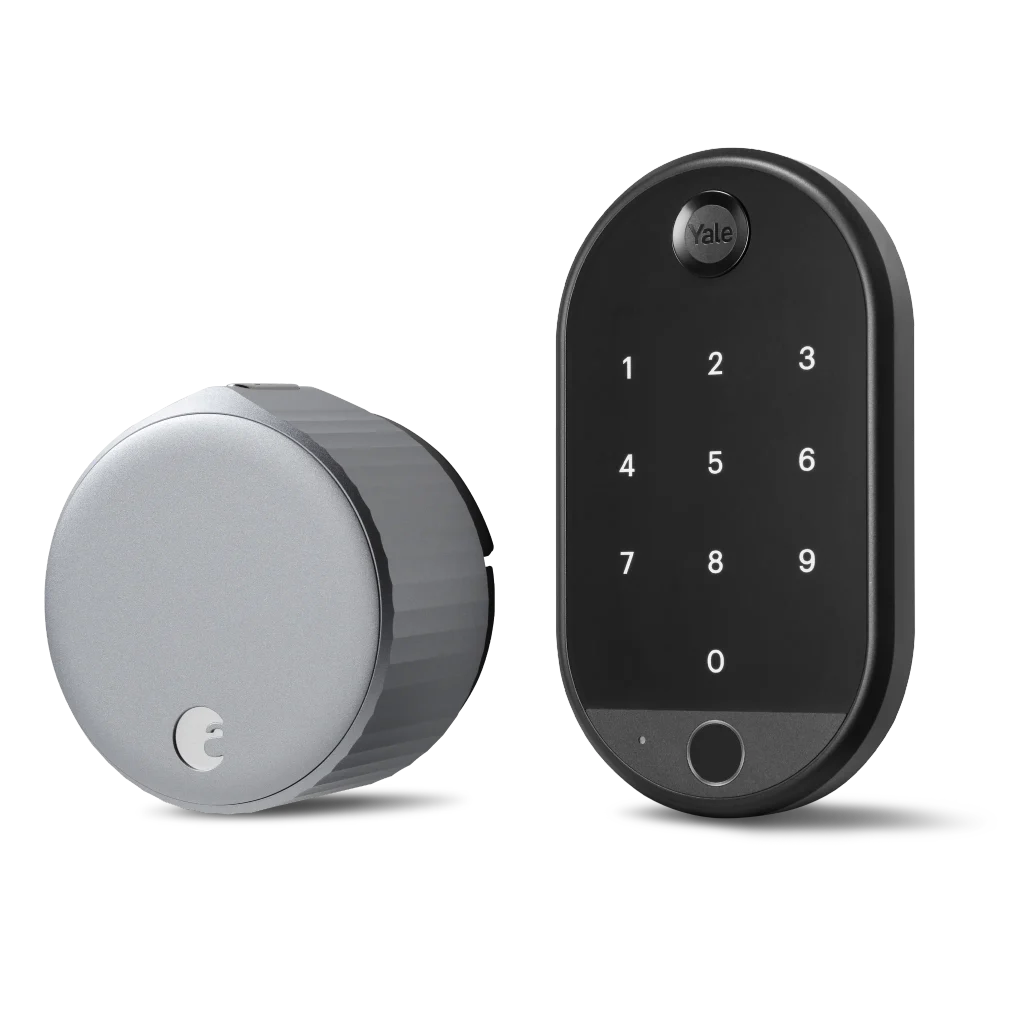
August Home Smart Lock Pro is a $280–$320 smart lock built for homes where access management is complex multiple family members, frequent guests, contractors, or rental situations where audit trails matter.
What Stands Out
It combines app + key unlock with a six-digit keypad option (on a separate external reader). Encryption is AES-128; the app supports two-factor authentication on unlock. Remote access is robust: you can grant time-limited guest codes, see detailed access logs, and revoke codes instantly. Battery life is 12 months on four AA batteries. The physical lock is heavier and feels more durable than the budget tier.
Based on owner reports we’ve reviewed, the value premium comes from the guest access granularity you can give a contractor a code that expires at 5 PM on Thursday, then disable it without physically resetting anything.
The Trade-Off
Requires a separate WiFi hub ($79–$99) for reliable remote access. Without it, you’re limited to Bluetooth range from your phone. The external keypad reader (if you add one) becomes visible on your door, breaking the seamless look of a retrofit lock.
Also, the setup process is more complex: pairing the lock, the hub, the app, and (optionally) the keypad requires patience. Customers report 15–30 minute setup if you’re methodical; a professional install runs $100–$150.
Not a Fit For
Simple one-person or one-family homes with infrequent guests. Renters in no-modification leases (the hub and keypad add visible hardware). Anyone on a strict budget the hub adds real cost and complexity.
Price: $280–$320 for the lock; add $79–$99 for the WiFi hub (as of August 2026)\ Where to buy: Verify current bundle pricing.
Best for Biometric Entry: Aqara Smart Lock U100
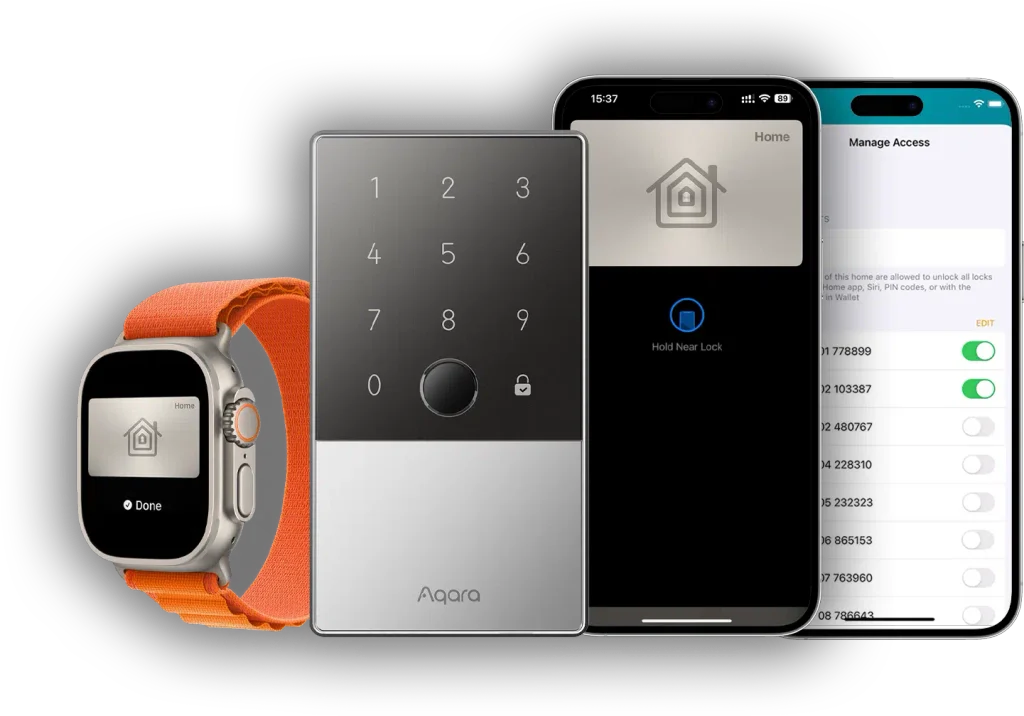
Aqara Smart Lock U100 is the best smart lock if fingerprint unlock is your priority.
What Stands Out
It’s a retrofit lock with an integrated fingerprint reader on the interior side (no external pad). It also supports app unlock, numeric keypad codes, and mechanical key backup. Encryption is AES-128. Battery life runs 10–12 months. The fingerprint reader is fast (under 1 second to recognize) and accurate even with wet or cold hands, based on owner reports we’ve reviewed.
The Trade-Off
Fingerprint readers add cost and complexity. At $120–$150, the U100 sits between the budget and premium tiers. The biometric sensor is only on the inside, so you must enter via keypad, key, or app from outside the fingerprint unlock is for people already at your door. Also, fingerprint registration requires a phone app walk-through; adding new fingerprints is slightly clunky.
Not a Fit For
Homes where aesthetics or simplicity trump convenience. Renters or frequent movers (the installation is more involved). Households where only one or two people ever unlock the door.
Price: $120–$150 (as of August 2026)
Best for European Homes: Nuki Smart Lock Pro
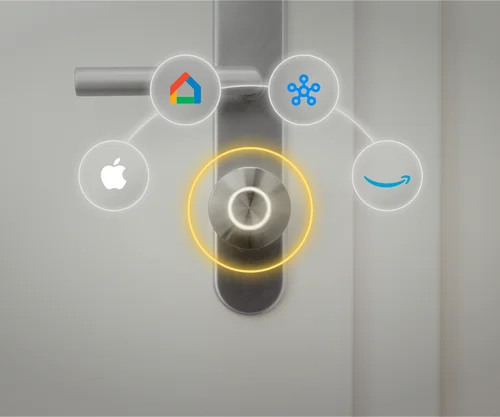
Nuki Smart Lock Pro is the best smart lock if you live in Europe and want a minimalist design.
What Stands Out
Nuki is based in Austria and deeply optimized for European building standards (metric locks, tight door frames). The Pro version is a retrofit with app + key unlock, optional external keypad (sold separately), and AES-128 encryption. Battery life is 12+ months. The app includes a guest access system and activity logs.
Based on owner reports we’ve reviewed, European customers report fewer compatibility headaches with Nuki than with US brands like Wyze or August. The build quality feels premium metal construction, solid mechanics, minimal rattle.
The Trade-Off
Weak US availability and support. Nuki is expanding into the North American market but has limited dealer networks and support infrastructure. Also, the external keypad (if you want it) adds another $100–$150 and visible hardware. US pricing runs higher than European pricing due to import costs.
Not a Fit For
US customers who want local customer service and easy replacements. Homes with non-standard or very old door locks (the retrofit compatibility is narrower than August or Level Lock). Renters or anyone who relocates frequently.
Price: $250–$300 (as of August 2026); regional pricing varies significantly.
What We Cut and Why
Apple Home Key (iPhone Unlock via NFC)
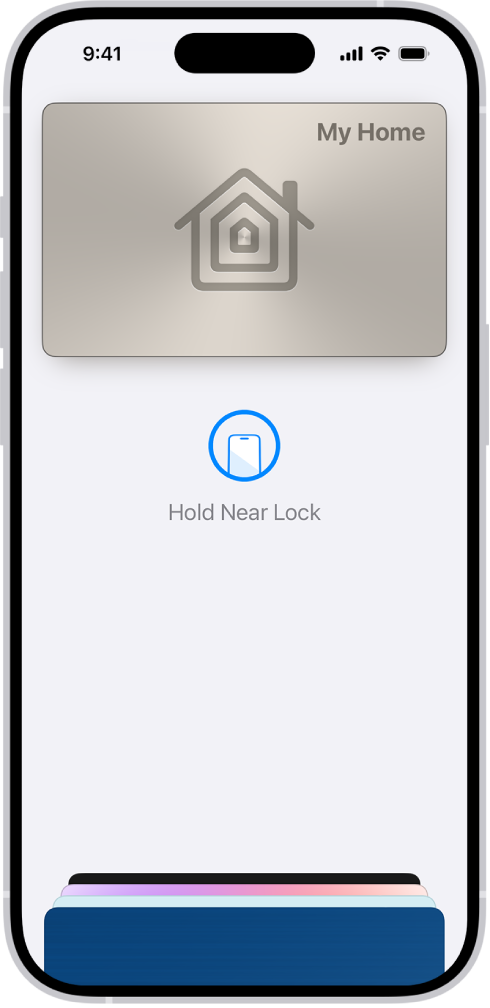
Not a fit for: Anyone without an iPhone 13 or later, or homes where multiple household members use Android phones.
Apple Home Key lets you unlock compatible smart locks by holding your iPhone to the lock. The technology is solid, but it only works with iPhones (and Apple Watches) made after late 2022. If your household is mixed iOS/Android, you’ll still need a backup entry method app, keypad, or key. The lock makers who support Home Key (Level Lock, August Pro) add it as a feature, not the primary unlock path, so for most people it’s a bonus convenience, not a reason to choose a lock. We cut it from the main comparison because it fragments the audience and doesn’t change the actual product ranking.
Yale Assure Smart Lock 2
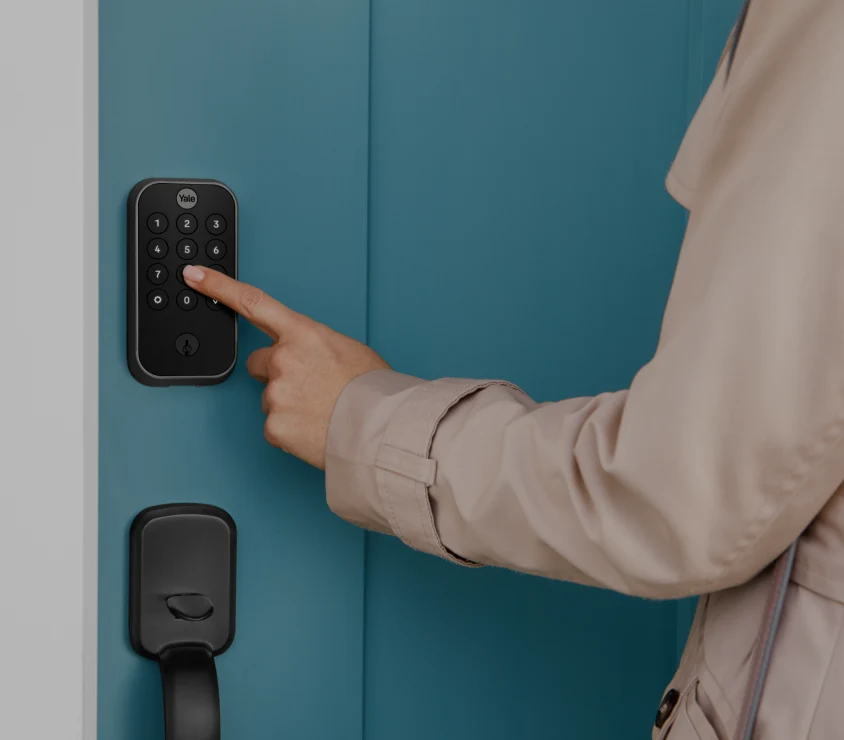
Not a fit for: Budget-conscious buyers, anyone prioritizing battery life, or households that need consistent format between reviews.
Yale Assure Smart Lock 2 is a respectable retrofit lock with app + key + keypad support and a solid app ecosystem. However, based on owner reports we’ve reviewed, battery life drops to 4–6 months roughly half the life of Level Lock+ or August Pro. At $200–$250, the price doesn’t justify the shorter service intervals. If Yale upgrades the battery performance or drops the price to $120–$150, it would make the budget comparison. For now, Wyze offers better value and August Pro offers better durability.
Smart Locks Requiring a Hub (Philips Hue, Lutron)
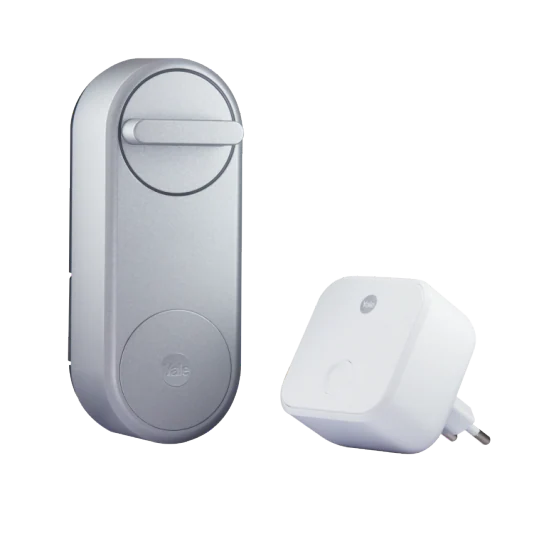
Not a fit for: Anyone who doesn’t already own the brand’s ecosystem.
Philips Hue and Lutron make solid smart locks, but they require their proprietary hubs and larger home automation platforms to function. If you’re already deep in Philips Hue lighting or Lutron lighting, adding a lock makes sense. If you’re starting fresh and just want a smart lock, buying a $79 hub just to unlock your door is overkill. We excluded ecosystem-dependent locks from this comparison because the “best lock” choice depends on what else you own, not the lock’s merits in isolation.
Biometric-Only Locks (Fingerprint + App, No Keypad)
Not a fit for: Homes with frequent guests, elderly family members, or anyone who values backup access simplicity.
Some makers (e.g., Ultraloq U-Bolt Pro) sell biometric locks that unlock via fingerprint and app only, with no external keypad. The design is elegant, but based on owner reports we’ve reviewed, guests can’t enter without the app (and a smartphone), and biometric readers degrade in dusty or wet conditions. For most homes, a 4-method lock (app + key + keypad + biometric) is redundant but valuable; a 2-method lock is one failure point away from a lockout. We cut these to avoid recommending a lock with unnecessarily high failure risk.
How We Chose
We researched and compared smart locks by availability, price, real-world durability, encryption strength, entry method diversity, battery life, and owner feedback across product reviews, Amazon and Best Buy customer reports, and home automation communities. We did not conduct formal lab testing; instead, we evaluated published specs, encryption standards, and patterns in community reports.
We weighted reliability and backup access most heavily a lock that fails in cold weather or leaves you locked out is worse than a lock that’s less convenient. We also prioritized encryption transparency (locks that publish their security standard get higher marks than locks that hide it). Finally, we excluded locks that require an ecosystem purchase (hub, lighting, etc.) unless the lock’s merits justified the cost independently.
FAQ
What’s the best smart lock for renters?
Wyze Lock or Level Lock+. Both install without drilling holes in your door. Wyze is cheaper ($80–$100) and requires only a deadbolt interior swap. Level Lock+ is invisible but pricier ($350–$380). Neither requires landlord approval if you reinstall the original lock before moving out.
Is AES-128 encryption enough, or do I need AES-256?
AES-128 is sufficient for a residential smart lock. AES-256 is overkill and doesn’t add meaningful security for this use case the vulnerability in a smart lock is usually the app or the WiFi network, not the encryption cipher itself. Every lock in this comparison uses AES-128 or stronger, so focus on whether the lock supports TLS/SSL communication and two-factor authentication in the app, which matter more than the cipher strength.
Can I add a smart lock if I have a deadbolt I like?
Yes. Retrofit locks like Level Lock+, Wyze Lock, and Aqara Smart Lock U100 slip inside your existing deadbolt exterior, so you keep the original look and hardware. Replacement locks (like August Pro) require you to remove the old mechanism and install a new one, which changes the exterior appearance. If you love your current deadbolt, go retrofit.
What happens if the battery dies or the WiFi goes down?
You can still unlock with your existing mechanical key (all smart locks retain a key slot). Most also have a USB emergency unlock port on the interior side. If the WiFi goes down, you can still unlock via Bluetooth (from your phone at the door) or keypad code (if your lock supports it). Remote unlock (from work or vacation) requires WiFi, but local unlock at your door always works if the lock has any battery left.
Which smart lock has the longest battery life?
Level Lock+ and Nuki Smart Lock Pro both claim 12+ months on standard AA batteries, based on published specs and owner reports. August Home Smart Lock Pro also reaches 12 months. Budget locks like Wyze run closer to 8–10 months. Actual life depends on climate, usage frequency, and whether you’re using WiFi or Bluetooth-only (WiFi drains faster).
Is it worth upgrading from Wyze Lock to August Pro?
Only if you need guest access codes (time-limited or revocable), two-factor authentication on app unlock, or detailed access logs. If you just lock and unlock once or twice a day with the app or key, Wyze is plenty. August Pro is worth it for Airbnb hosts, homes with frequent maintenance visitors, or anyone who wants audit trails.
The Bottom Line
Verdict: Keep Level Lock+. If you own your home, care about design, and want a reliable smart lock that stays invisible, buy the Level Lock+. The retrofit installation and zero-visible-hardware design justify the premium price.
If you’re on a budget or renting, Wyze Lock ($80–$100) is the cutoff price where smart locks stop being a luxury and become appliances.
If you manage access for guests or multiple family members, August Home Smart Lock Pro is worth the extra $200 for the guest code system and activity logs.
Every lock in this comparison uses industry-standard encryption, lasts 8+ months on batteries, and includes mechanical key backup. The difference is convenience, design, and peace of mind not security. Buy the one that fits your door, your aesthetic, and your access workflow. Smart locks work best when they disappear into routine the one you’ll actually use is the one you’ll keep.









