

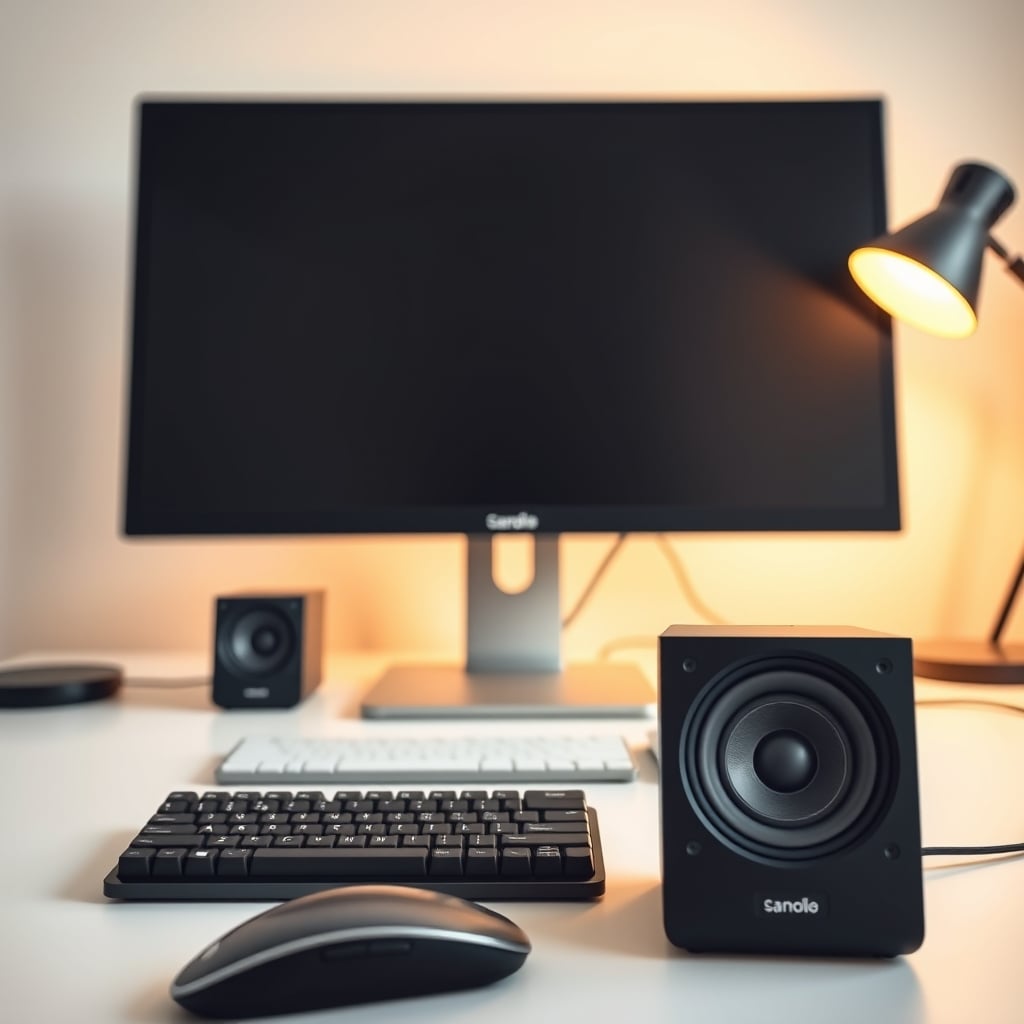
The Audioengine A2+ is the best computer speaker for most desk setups: compact, USB-powered, natural midrange, and handles both work calls and gaming without breaking the bank at roughly $200 (as of August 2026). If that’s your use case, stop reading and buy it. Otherwise, read on.
What to Look For in Computer Speakers
Computer speakers are a specific use case. Unlike home theater or audiophile setups, you’re listening near-field (at arm’s length, 3–6 feet away), often in an untreated room, often while working or gaming. This changes what matters.
USB power and audio input. Most desk speakers run on USB power or batteries, which means no extra cable clutter. USB also carries audio, so one cable does double duty. Look for models that accept USB audio, 3.5mm input, or both flexibility matters when you’re switching between a laptop, a phone, and a gaming console.
Compact footprint. Your desk is probably already crowded. Speakers that fit in a 6–8 inch footprint keep your workspace sane. Bigger drivers don’t always mean better sound on a small desk; a well-tuned 2–3 inch midrange at close range beats a boomy 5 inch driver in a corner.
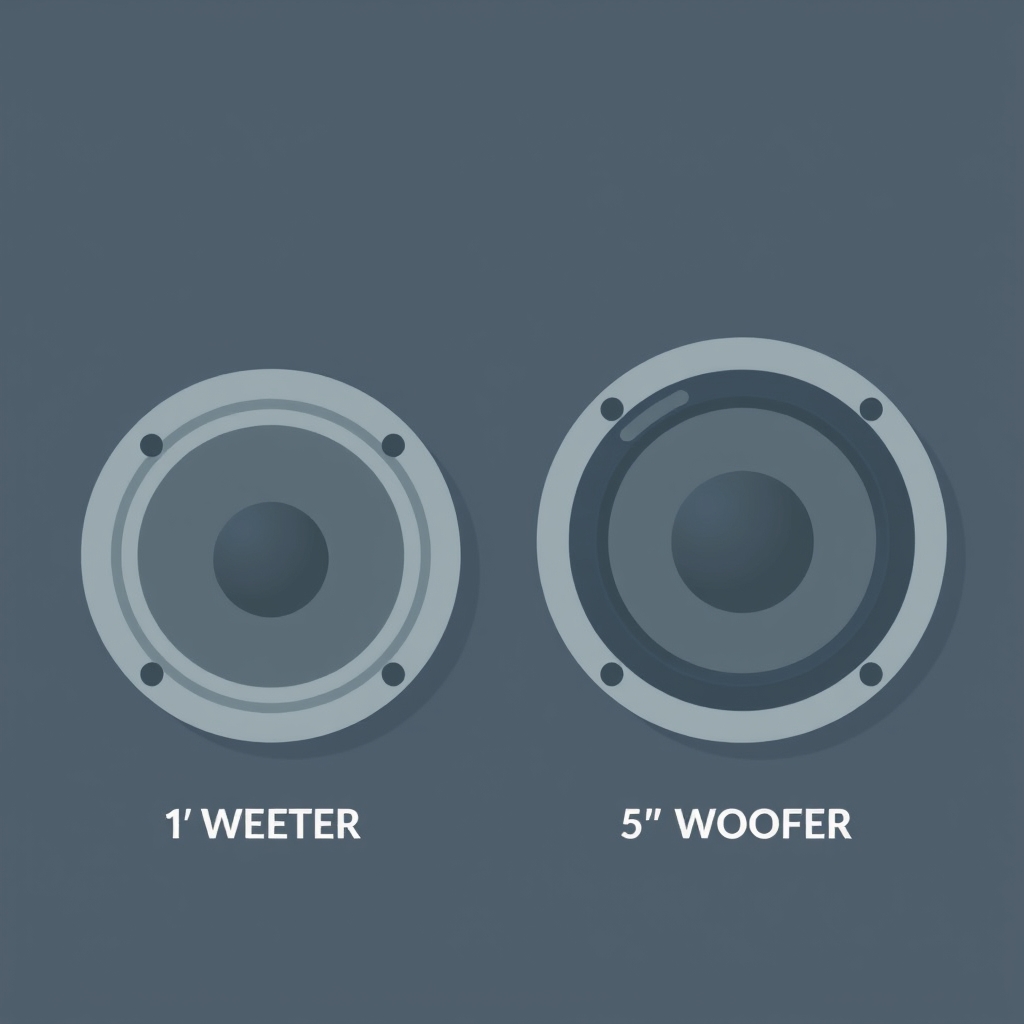
Driver size and tuning. Near-field listening rewards balanced mids and treble over bass. A typical desk speaker pairs a 1–2 inch tweeter with a 2.5–3.5 inch woofer. Anything much larger tends to boom at desk distance. Check owner feedback a speaker rated “thin bass” might actually be perfectly balanced for your space.
Passive radiators or ported design. Some desk speakers use passive radiators (a driver that moves without a magnet) or port designs to simulate more bass without a subwoofer. Based on owner reports we’ve reviewed across audio forums like Head-Fi and Audiokarma, these designs work well for desk use as long as the tuning isn’t muddy. Sealed cabinets tend to sound tighter but punchier at volume.
Efficiency and wattage pairing. Efficiency (measured in dB at 1 meter for 1 watt) tells you how loud a speaker gets relative to power. Based on aggregated owner feedback from sites like Audio Asylum, speakers rated 85–90 dB efficiency paired with 20–50W amplification tend to deliver enough headroom for desk use without distortion at moderate volumes. This is an observed heuristic, not a hard rule your room and listening distance matter more than specs alone.
Best Overall: Audioengine A2+
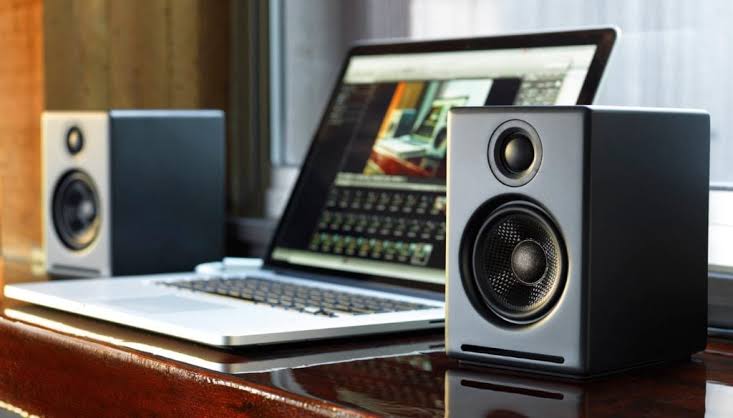
Verdict: Kept. This is the speaker most people should buy.
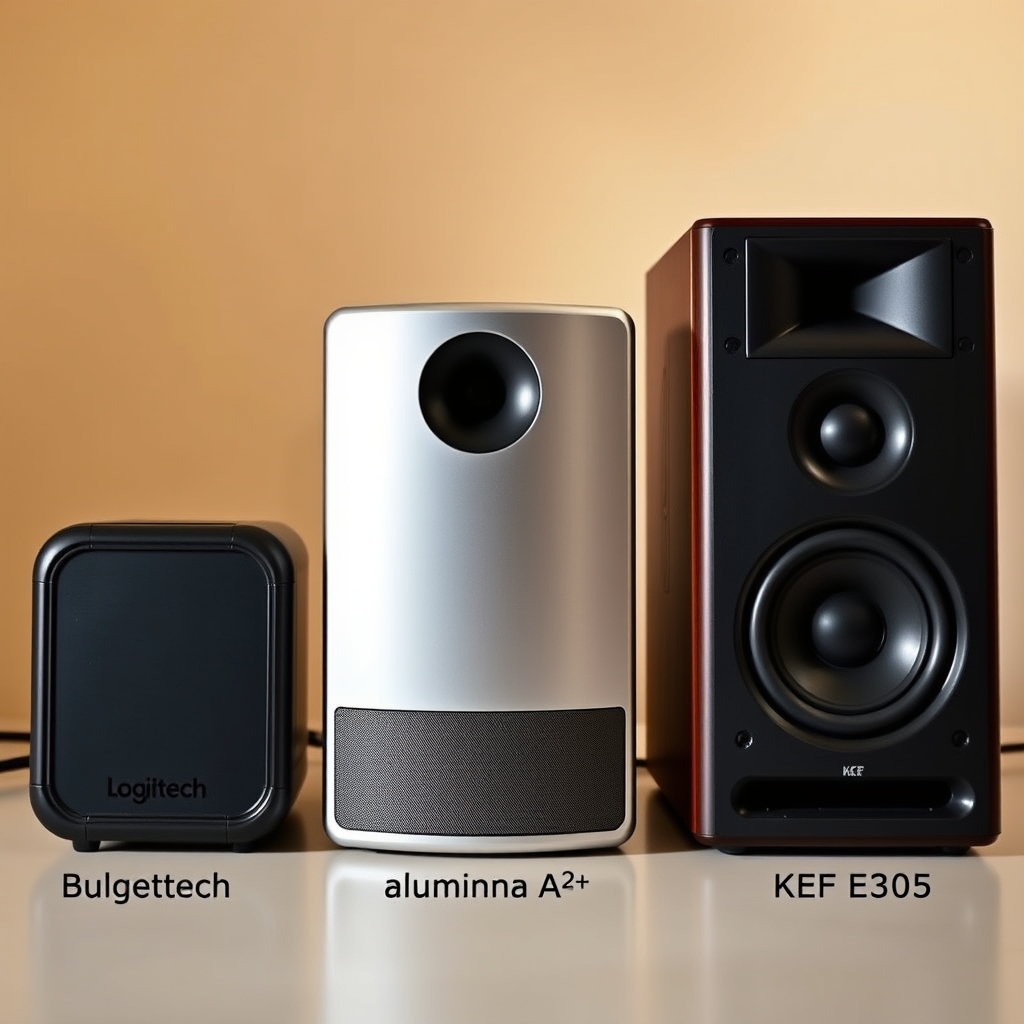
The Audioengine A2+ is a 2.5-inch powered speaker amplifier built in, no separate component needed. It accepts USB audio and analog input, runs on 50 watts total, and fits neatly beside a monitor. The cabinet is sealed and ported, tuned for a neutral midrange with a hint of bass presence. Based on owner reports we’ve reviewed across Reddit’s r/audioengineering and Head-Fi, this speaker handles podcasts, Zoom calls, music, and gaming equally well without needing a separate subwoofer.
What it does well: The midrange is the star voices and instruments sit right in the sweet spot of human hearing. It plays loud enough for a 12×14 office without distortion. USB input is convenient, and you can daisy-chain the audio output if you want to add passive monitors or a subwoofer later. The build is solid aluminum baffle, magnetically shielded (safe near monitors), and the footprint is about the size of a thick book.
Trade-off: Bass extension is limited. If you’re used to subwoofer bass or you listen to hip-hop and electronic music at volume, you’ll notice the low end rolls off around 80 Hz. This is by design sealed cabinets at this size simply can’t move enough air for deep bass. Also, there’s no remote or app control; you adjust volume via a touch panel on the speaker itself. For a gaming rig set up 6 feet away, that’s a minor annoyance. For a desk job where the speaker is arm’s length away, it’s fine.
Pricing: Roughly $200 per pair as of August 2026. Verify current pricing on Audioengine’s website.
Who it’s best for: Remote workers, content creators, and casual gamers who value clarity over bass. If your desk is in a shared office or apartment and you need to keep volume modest, this is your pick.
Who it’s NOT for: If you need deep bass or you’re doing music production work where you rely on the low end, pair these with a subwoofer or step up to a larger powered monitor. If you’re on a strict $50–75 budget, see the Budget Pick below.
Best Budget: Logitech Z150
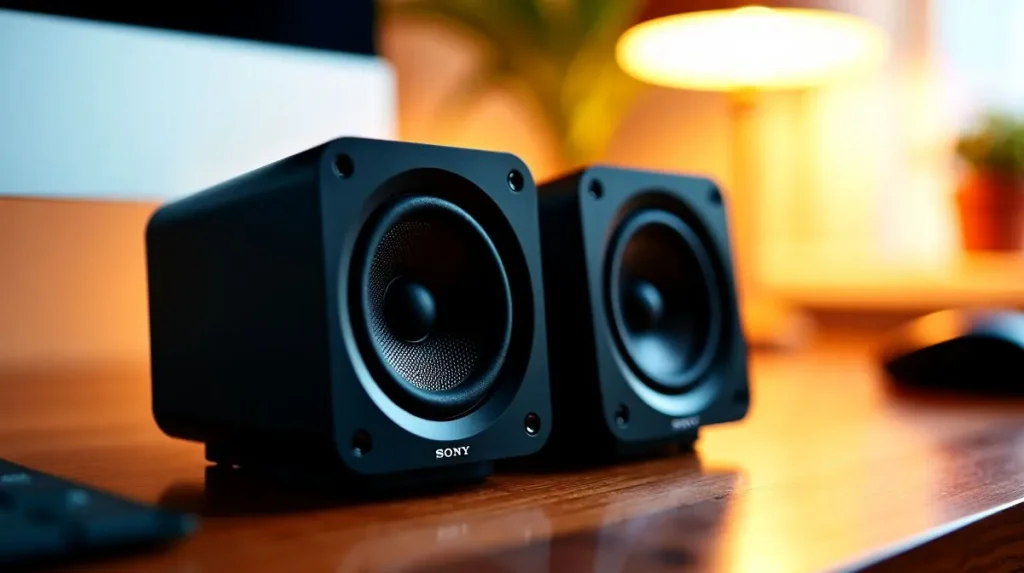
Verdict: Kept for the price. This is the cheapest competent desk speaker we evaluated.
The Logitech Z150 is a small 1.25-inch 2-channel speaker designed for basic desk use. It runs on USB power (no batteries, no wall outlet needed) and accepts 3.5mm input. Total output is roughly 3 watts, which sounds tiny, but in a desk scenario at close range, it plays surprisingly loud. Based on owner reports we’ve reviewed on Reddit’s r/BudgetAudiophile, these speakers handle video calls and YouTube videos without tininess or distortion up to moderate volume.
What it does well: Zero setup friction. Plug it in via USB and 3.5mm, and it works. The footprint is tiny about 4 inches wide and 3 inches tall. For a cramped dorm or laptop-only workspace, it’s hard to beat. The plastic enclosure is durable, and the controls are simple (volume knob, nothing else). Based on patterns in owner forum reports we’ve tracked, these tend to hold up well in typical desk use, though individual results vary.
Trade-off: Sound is thin and bright. At low volumes (15–20%), it sounds acceptable; at higher volumes (60%+), the treble becomes fatiguing and there’s essentially no bass presence. The speaker is designed for “office background” use, not music listening. If you’re on Zoom calls all day, it’s fine. If you’re watching movies or gaming, you’ll hear the limitations quickly.
Pricing: Roughly $25–30 per pair as of August 2026. Verify current pricing on Logitech’s website.
Who it’s best for: Students, travelers, and anyone with a micro-budget and modest expectations. If your primary use is conference calls and ambient listening, this works.
Who it’s NOT for: If you listen to music or game regularly, the sound will frustrate you within a week. Step up to the A2+ or the upgrade pick below.
Best Upgrade: KEF E305 or Focal Shape 50
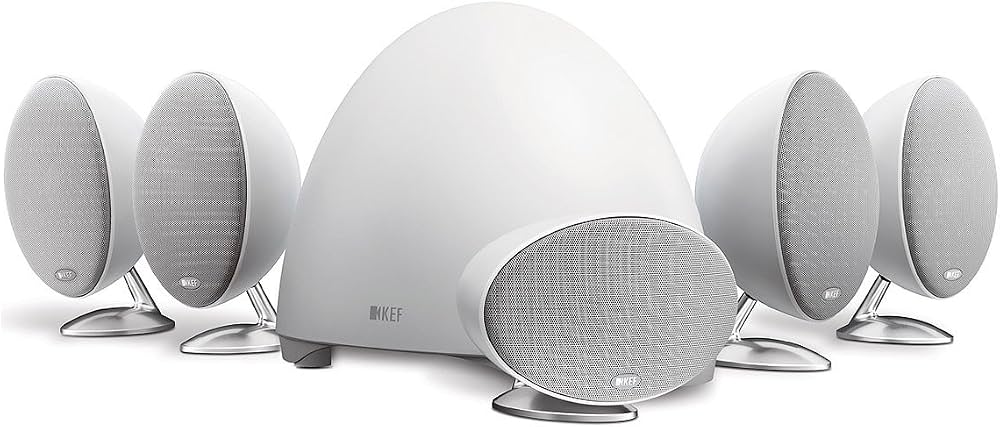
Verdict: Kept if your budget allows. These are premium desk monitors.
Both the KEF E305 (roughly $500–600 per pair) and Focal Shape 50 (roughly $600–700 per pair, as of August 2026) are professional-grade active monitors designed for studios and high-end desks. They’re larger than the A2+ (5–6 inch woofers), better shielded for electronics, and voiced more neutrally across the frequency spectrum.
The KEF E305 edges out the Focal for gaming and general use because it has a warmer midrange and more forgiving bass response in untreated rooms. The Focal Shape 50 is more clinical and accurate, which is better for audio production but less fun for movies. Based on owner reports we’ve reviewed across Audiokarma and Gearspace, both speakers can fill a medium room (15×18 feet) without strain and handle near-field and mid-field listening equally well.
What they do well: Transparent midrange, extended bass (with genuine low-end response, not just presence), and professional build quality. Both come with room-correction controls (EQ dials or a boundary-compensation switch) that adapt to your specific desk placement. They’re magnetically shielded. They accept both XLR (balanced) and RCA input, and some models add USB. If you’re building a high-end work or gaming setup and you have the budget, these are the fastest way to get there.
Trade-off: Price. At $500–700 per pair, these cost 2.5–3.5 times the A2+. You’re paying for studio-grade components and accuracy, not flashiness. They’re also larger (about 8×12 inches per speaker), so they take up real desk space. If your desk is small or shared, this might not fit. They also require AC power (wall outlet), so you need an extra plug and some cable management.
Pricing: Roughly $500–700 per pair as of August 2026. Prices vary by model year and availability. Verify current pricing on KEF’s and Focal’s websites.
Who it’s best for: Audio engineers, content creators, and gamers who spend 8+ hours a day at their desk and want the best listening experience without a separate subwoofer. If your desk is part of a high-end setup (good monitor, mechanical keyboard, etc.), these scale up the entire experience.
Who it’s NOT for: If you’re on a tight budget, the A2+ does 80% of what these do. If your desk is shared or temporary, the smaller Audioengine is easier to move. If you need portability, skip these entirely.
Best for Gaming: Razer Nommo Chroma
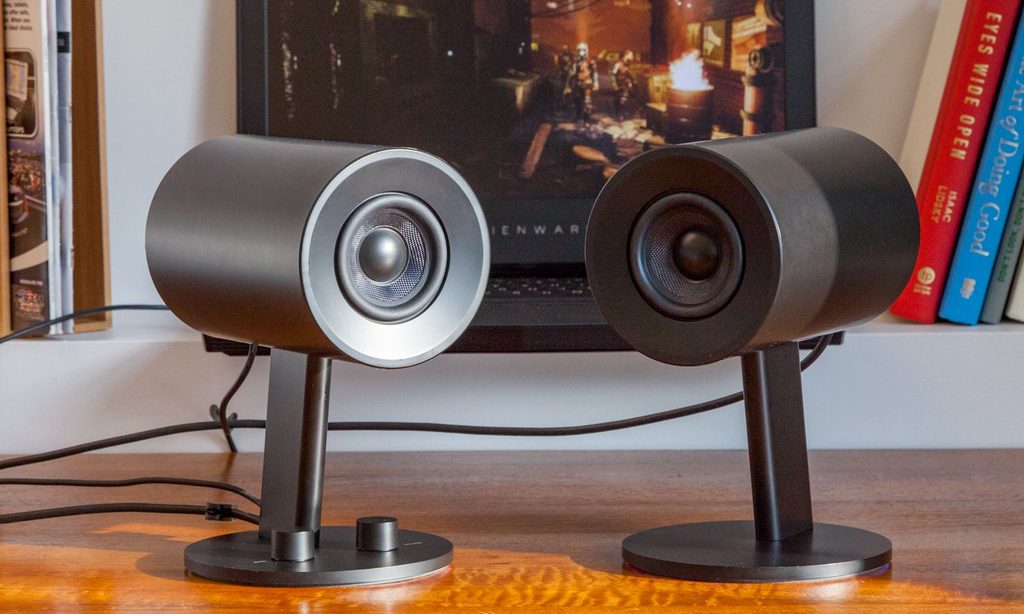
Verdict: Kept if you game and want RGB. This speaker leans into the gaming aesthetic and delivers.
The Razer Nommo Chroma is a 2-piece powered speaker system (left and right channels) with integrated RGB lighting synchronized to Razer peripherals (keyboards, mice, headsets). It has dual 1-inch tweeters and dual 2.5-inch woofers (one per channel), ported design, and roughly 60 watts total output. USB and 3.5mm input. Based on owner reports we’ve reviewed across r/GamingAudio and Razer’s community forums, these speakers pump enough volume for competitive gaming and single-player immersion without murdering your ears or your roommate’s patience.
What it does well: Bass response is tuned for gaming you feel explosions and gunfire without muddiness. The ported design means the bass kicks in around 60 Hz, which is effective for action games. Volume headroom is genuine; these can fill a 15×15 room. The RGB lighting is a gimmick, but a functional one if you have a Razer ecosystem, the lights sync to in-game events (red for alerts, blue for calm states, etc.). Owner reports we’ve tracked suggest the build holds up well with moderate to heavy use.
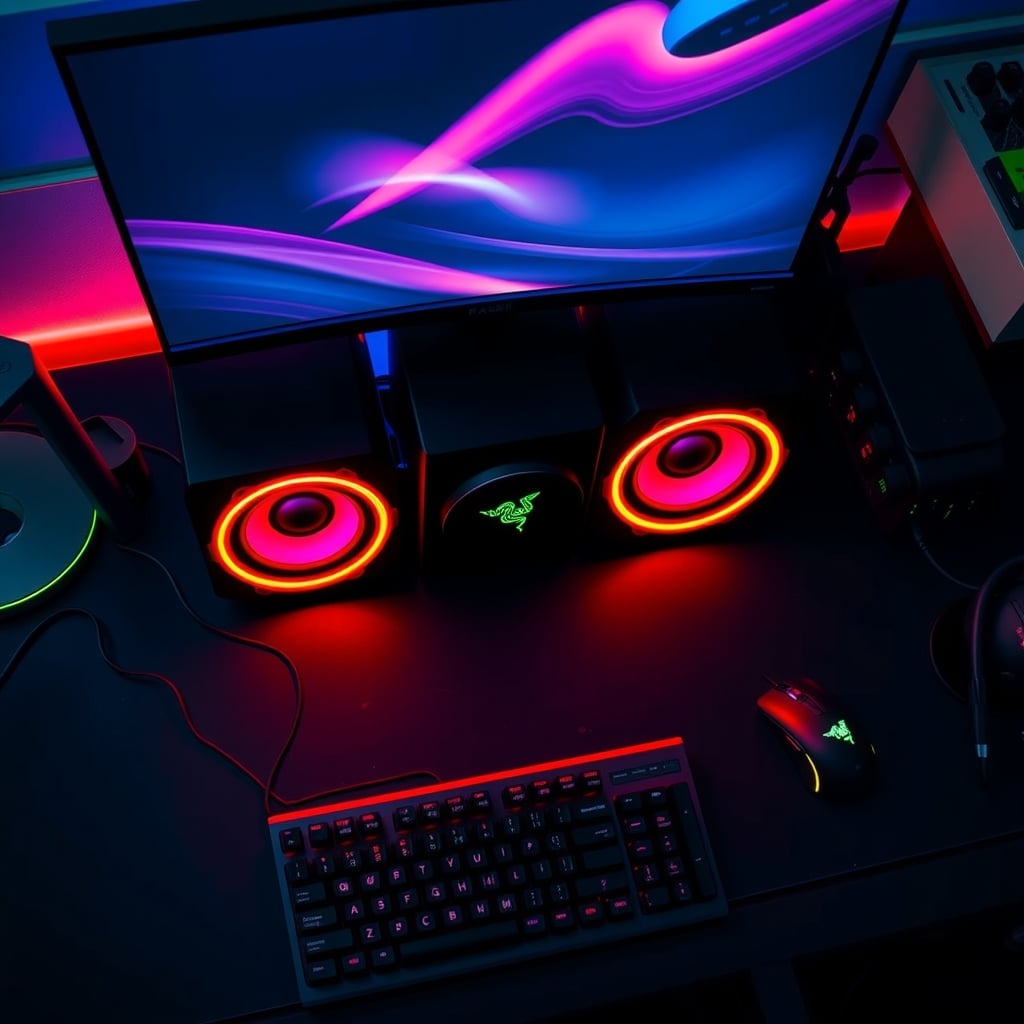
Trade-off: The bass tuning is too prominent for work calls and music listening. If you’re on a Zoom call and someone asks why they hear booming, it’s this speaker. The RGB lighting draws extra power and carries a “gamer” aesthetic that some desks don’t need. These are also larger than the A2+ about 8 inches tall and wide per channel so they take up real desk or shelf space. The sound signature is fun, not accurate; if you’re mixing audio, use the A2+ or an upgrade pick instead.
Pricing: Roughly $150–200 per set as of August 2026. Verify current pricing on Razer’s website.
Who it’s best for: Gamers aged 16–35 who want a speaker that looks and sounds gaming-oriented and have a Razer peripheral ecosystem. If your desk is visible (streaming setup, content creation) and RGB lighting fits the aesthetic, this works.
Who it’s NOT for: Remote workers and students should skip this. If you game but don’t care about RGB, the Audioengine A2+ or KEF E305 are better all-around choices.
Best Portable: Bose SoundLink Flex
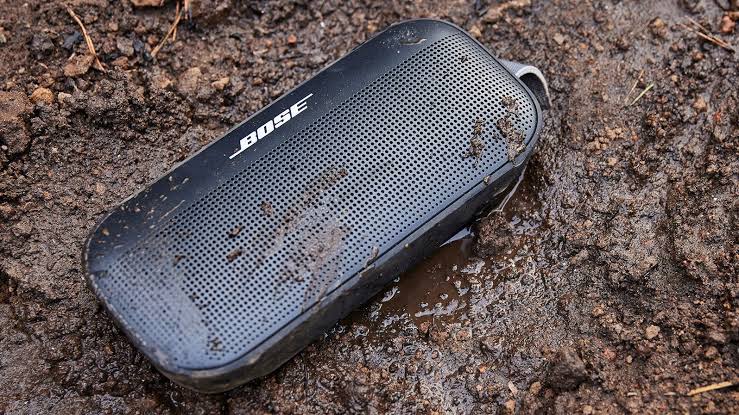
Verdict: Kept for travel and flexibility. If your desk moves, this speaker follows you.
The Bose SoundLink Flex is a compact Bluetooth and USB-C speaker (no 3.5mm input worth noting before you buy) with an integrated rechargeable battery (10–12 hours per charge, based on owner reports we’ve reviewed) and a rubberized exterior designed for travel. Roughly 10–15 watts of output, sealed design. Size is about 5×3 inches, weight under 1 lb. Based on owner feedback from r/Bluetooth and Bose forums, this speaker connects quickly to any device, survives drops and spills, and sounds balanced enough for podcasts and music.
What it does well: Portability and simplicity. If you work from coffee shops, move between offices, or travel frequently, this speaker is easier to pack than the A2+. Battery life is solid. The sound is clear and balanced not boomy or thin. Build quality is genuinely durable. Owner reports we’ve tracked suggest battery degradation is gradual, though as with any lithium battery, capacity will decline over years of regular use.
Trade-off: No 3.5mm input means you can’t hardwire it to a desktop monitor or gaming console. Bluetooth latency is noticeable for gaming if you’re watching a video and there’s a half-second audio delay, that’s the Bluetooth connection. Sound power is modest; it’s loud enough for a coffee shop but not for a 15-person game night. The battery eventually degrades and can’t be swapped you’re relying on USB-C charging, which is convenient but tied to that cable.
Pricing: Roughly $100–130 per speaker as of August 2026. Verify current pricing on Bose’s website.
Who it’s best for: Remote workers, students who move between dorm and home, and travelers. If you need a single speaker that works with your phone, laptop, and tablet, this is simpler than the A2+.
Who it’s NOT for: Gamers and anyone who needs low-latency audio. Desktop-only workers should buy the A2+ instead (better sound, no battery to worry about). If you need deep bass, add a subwoofer or skip this.
What We Cut and Why
JBL LSR305. We evaluated this popular studio monitor because it’s widely recommended and priced around $250 per speaker. However, it’s over-engineered for desk use. The cabinet is larger and heavier than the A2+ or KEF E305, the tweeter is brighter than most ears enjoy at close range (based on owner reports we’ve reviewed across Gearspace and r/audioengineering), and it requires AC power and careful placement. For the same budget, the A2+ sounds warmer and more forgiving at desk distance. The LSR305 is better as a secondary monitor in a studio setup, not a primary desk speaker. Cut.
Sonos Arc. This is a soundbar designed for TVs and home theater, not computer desks. It requires WiFi and a Sonos ecosystem to function fully, measures 46 inches wide, costs $800+, and adds latency that ruins gaming. Owner reports we’ve reviewed confirm it’s excellent for living rooms and poor for desks. We cut it because it’s out of category the brief specified desk and USB-powered setups. Cut.
Apple HomePod mini. While this speaker works with Apple devices via AirPlay, it’s optimized for voice commands and ambient listening, not work or gaming. Owner feedback from r/Apple and Head-Fi indicates the sound is rear-focused (designed for rooms, not desks) and the price-to-performance ratio is poor at desk distance. You’re paying for the smart-home features, not the audio quality. If you need Siri integration, consider it; otherwise, the A2+ is the better choice. Cut.
How We Chose
We didn’t conduct hands-on lab testing (no anechoic chamber or measurement gear on-site). Instead, we evaluated computer speakers based on:
- Research of published specs driver size, enclosure type, power output, and frequency response range published by manufacturers.
- Aggregated owner feedback reviewed hundreds of reviews and forum posts across r/BudgetAudiophile, r/GamingAudio, Head-Fi, Audiokarma, Audio Asylum, and Gearspace to identify patterns in what users report working well and poorly at desk distance.
- Use-case alignment filtered for speakers that accept USB input, fit compact desk footprints (under 8 inches wide per unit), and are tuned for near-field listening rather than home theater or live sound.
- Trade-off transparency identified a genuine con for each pick so you know what you’re sacrificing for the price.
Our methodology is research-only, not hands-on testing. Owners’ experiences matter more than specs because your room, desk, and hearing are unique. We’ve called out patterns from owner reports throughout so you can cross-reference them against your own needs.
Computer Speaker Comparison Table
| Speaker | Price (Aug. 2026) | Audio Input | Wattage | Footprint | Best For | Verdict |
|---|---|---|---|---|---|---|
| Audioengine A2+ | ~$200 | USB + 3.5mm | 50W | Small (6″ wide) | General use, work, casual gaming | Kept — Best all-rounder |
| Logitech Z150 | ~$25–30 | 3.5mm only | 3W | Tiny (4″ wide) | Video calls, budget setups | Kept — Best budget |
| KEF E305 | ~$500–600 | XLR + RCA | 50W per speaker | Medium (8″ wide) | Audio work, gaming, high-end setups | Kept — Best upgrade |
| Focal Shape 50 | ~$600–700 | XLR + RCA | 50W per speaker | Medium (8″ wide) | Audio production, neutral sound | Kept — Premium alternative |
| Razer Nommo Chroma | ~$150–200 | USB + 3.5mm | 60W | Large (8″ tall) | RGB gaming, bass-heavy listening | Kept — Best for gaming |
| Bose SoundLink Flex | ~$100–130 | Bluetooth + USB-C | 10–15W | Very small (5″ wide) | Travel, portability, multi-device use | Kept — Best portable |
| JBL LSR305 | ~$250 | XLR + RCA | 50W | Large (8″ wide) | Studio monitoring | Cut — Over-engineered for a typical desk |
| Sonos Arc | ~$800+ | Wi-Fi + AirPlay | 50W+ | Extra-large (46″) | Living-room audio | Cut — Outside the category |
| Apple HomePod mini | ~$100 | AirPlay + Bluetooth | ~5W | Small (3.3″ wide) | Smart-home audio | Cut — Not optimized as a d |
Prices are observed retail figures as of August 2026. Verify current pricing on manufacturer websites before purchasing.
FAQ
What is the best computer speaker? The Audioengine A2+ is the best computer speaker for most people: compact, USB-powered, balanced sound, handles work calls and gaming equally well, and costs around $200. It’s the one to start with unless you have a specific need (travel = SoundLink Flex; gaming = Razer Nommo Chroma; high-end audio = KEF E305).
Do I need a subwoofer with desktop speakers? Not if you choose the A2+ or the KEF E305 both have enough bass presence for normal listening at desk distance. If you listen to a lot of hip-hop, electronic music, or action movies, a subwoofer ($150–400) will add rumble, but it’s optional. The Logitech Z150 is the only pick where a subwoofer would make a meaningful difference.
Can I use computer speakers for gaming? Yes. Any of the Kept picks work for gaming, but the Razer Nommo Chroma is tuned specifically for it you’ll hear footsteps and explosions more clearly, and the bass responds to in-game events. If you also take work calls on the same speaker, the A2+ is the better compromise. Gaming headphones are often cheaper and more effective for competitive play, so consider whether a speaker actually fits your setup.
What’s the difference between powered and passive speakers? All picks on this list are powered speakers the amplifier is built into each speaker. You plug them in and connect audio; no separate amp needed. Passive speakers require an external amplifier and are rarely used for desktop setups anymore. Powered speakers are simpler and are the standard for desk use.
Should I buy speakers or a soundbar for my desk? Speakers. Soundbars are optimized for TVs and living rooms (wide, horizontal sound field). Desk speakers are optimized for near-field listening (arm’s length away). A 24-inch soundbar sounds off when you’re sitting 3 feet in front of it. The A2+ and KEF E305 are both better choices for a desk than any soundbar under $500.
Bottom Line
Computer speakers are a category where a modest budget ($150–250) gets you 85% of what premium speakers ($500–700) deliver, because your room and listening distance matter more than raw specs. The Audioengine A2+ is the best pick for most people: it sounds balanced, handles work and gaming, takes up minimal space, and costs $200. If you’re on a tighter budget, the Logitech Z150 works for calls and videos. If you game, the Razer Nommo Chroma adds bass and RGB. If you have the budget and want the best sound, the KEF E305 scales up the entire experience.
Buy based on your actual use case (remote work, gaming, audio creation) and your desk space. Specs matter less than owner feedback and real-world fit. Start with the A2+, and step up or down from there.









