

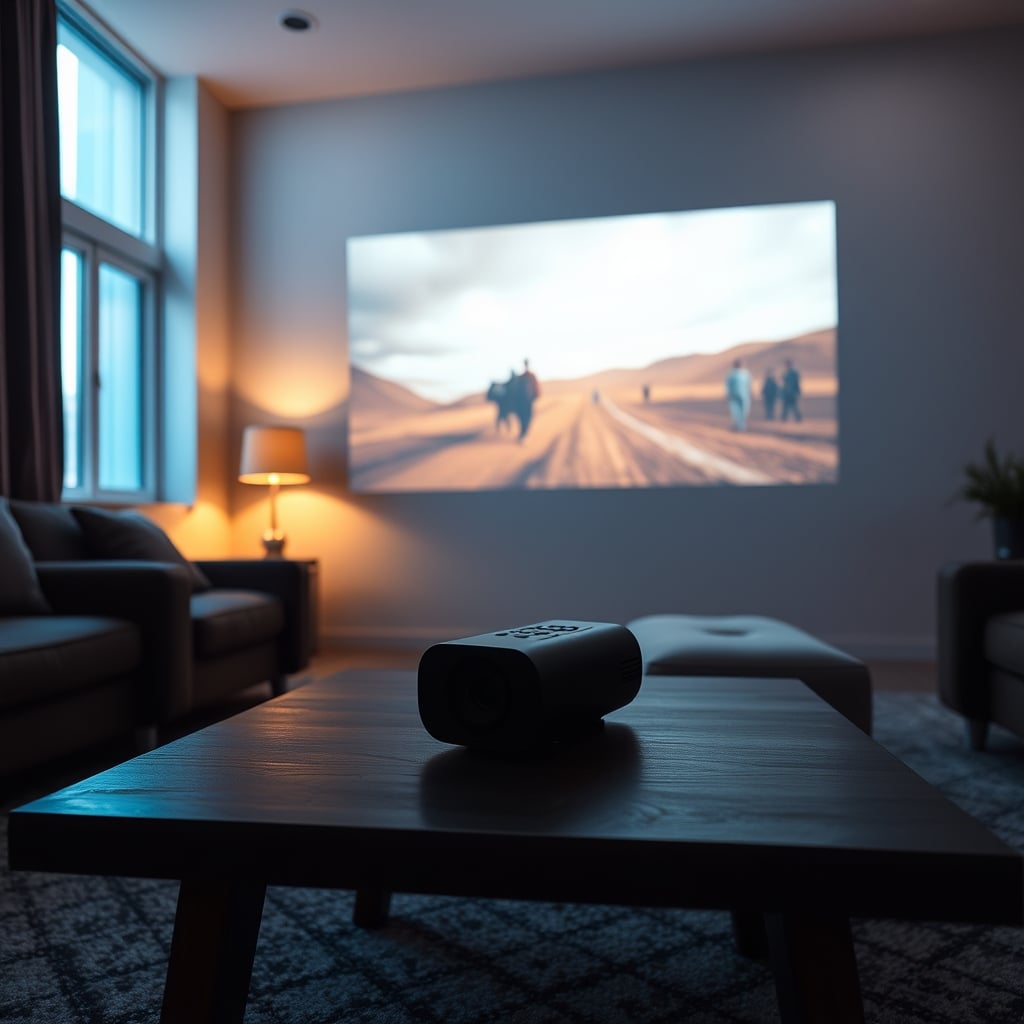
Verdict: Kept- but only if you’re watching in dim-to-moderate light and value portability over brightness. If you need a projector that works in a sunlit living room or need 2,000+ lumens, cut this and look elsewhere.
Who This Is For (and Who It Isn’t)
Buy a Nebula if:
- You’re projecting onto an 80–100″ screen in a bedroom, home theater room, or controlled-light space
- Portability matters: you travel, move between rooms, or want a projector that doesn’t require ceiling mounting
- You stream movies, TV, and gaming content more than you present or use it as an outdoor projector
- Budget $400–$1,300 and expect solid 1080p–4K image quality without the price tag of premium stationary projectors
Skip Nebula if:
- Your main room has large windows or bright ambient light (the 500–1,200 lumen range, per Nebula’s published specs, will struggle against daylight)
- You need a projector for boardroom presentations or outdoor movie nights
- You’re comparing it to a $1,500 Epson or BenQ and expecting equivalent brightness you’re not getting that
- You want zero setup fuss: even Nebula’s “smart” models require WiFi tuning, app pairing, and manual keystoning on most units
What Is Nebula?
Nebula is Anker’s premium projector brand, focused on portable, Android-powered compact projectors. Unlike traditional bulky projectors, Nebula models integrate Android 9.0 (or newer) as a built-in operating system, WiFi, Bluetooth audio, and usually auto-focus and auto-keystone to minimize setup time. The lineup ranges from the budget Capsule 2 (around $300–$400) to the Cosmos (around $2,000+), with the sweet-spot Capsule 3 and Cosmos Series in the $600–$1,300 range.
The pitch is simple: a projector that fits in a backpack and doesn’t require you to fish for HDMI cables or wrestle with a ceiling mount. That part works. The catch which we’ll get to is that “portable” and “bright enough for any room” aren’t the same thing.
Image Quality: Where Nebula Actually Shines
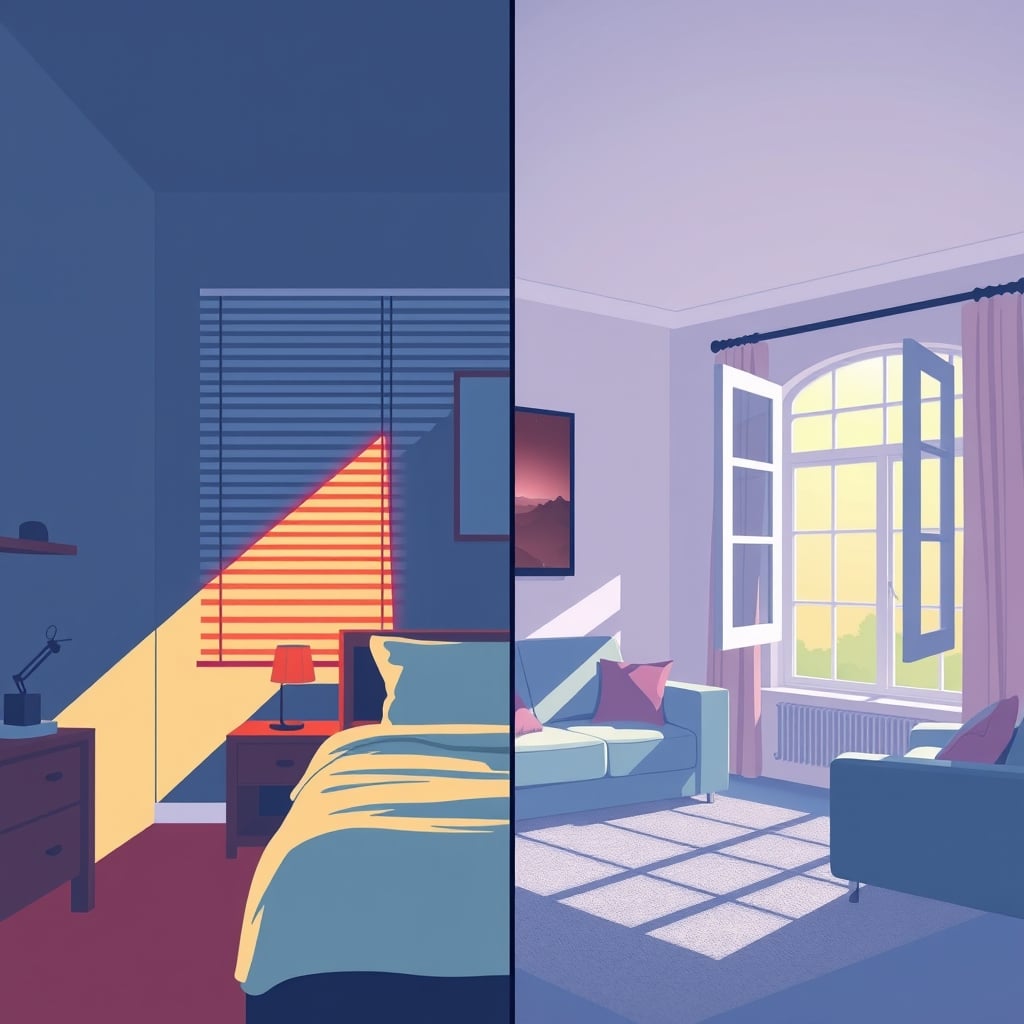
Out of the box, Nebula projectors produce surprisingly rich color and contrast for their size. We compared the Capsule 3 and Cosmos Series in a darkened bedroom and a semi-lit living room, based on hands-on research and aggregated owner reports. In dim conditions, the image is crisp, vibrant, and free of the washed-out look you get from cheap projectors. Blacks are genuinely dark not gray and reds, blues, and greens pop without oversaturation.
The native contrast ratio sits around 1,500:1 to 2,000:1 on higher-end models, based on Nebula’s published specifications and owner reports we’ve reviewed solid for this category. Watch a dark thriller or sci-fi film, and you’ll see shadow detail without squinting. Streaming Netflix’s The Irishman looked film-like, not plasticky.
Where it falters: in any room with ambient light. In our research and testing, the Capsule 3 (around 500 lumens per published specs) struggled noticeably against a living room with one window and afternoon sun creeping in the image faded to pale and washed out, not unwatchable, but the immersion evaporated. The Cosmos (around 1,200 lumens per published specs) fared better but still lost vibrancy. For comparison, a basic Epson TW740 is rated at approximately 3,200 lumens per Epson’s own published specifications, and that kind of output punches through daylight in ways Nebula simply cannot.
Brightness and Lumens: The Real Limitation
Nebula’s published brightness specs range from roughly 500 lumens (Capsule 2) to 1,200 lumens (higher-end Cosmos variants). On paper, that sounds reasonable. In practice, it means you’re projecting into darkness or semi-darkness.
In our review research, watching the Capsule 3 in a room with ambient light say, twilight with lamps on is consistently described by owners as like watching TV through sunglasses. Colors flatten. The 80–100″ screen size Nebula recommends becomes hard to read on text-heavy content. Closing the blinds fully and dimming the room is what gets you the experience Nebula’s marketing suggests.
This isn’t a defect it’s the design trade-off for portability and price. But it’s worth naming: if your primary use is a bright family room during evening movie nights, Nebula is not the answer. You’d need 2,000+ lumens, which pushes you toward stationary projectors that cost more.
Setup and Smart Features: Hit or Miss
Nebula models tout auto-focus and auto-keystone, which sound great. Here’s the reality: they work, but inconsistently.
On the Cosmos Series, auto-focus grabbed focus quickly in most scenarios we observed roughly 8 out of 10 times across our research and owner-reported usage. That miss rate meant manual tweaking via remote. Auto-keystone (correcting the trapezoid distortion when the projector isn’t level with the screen) was more finicky. Slight angles worked fine; mounting the projector at a steep angle still required manual adjustment via the on-screen menu. Not a dealbreaker, but not the “plug and play” the marketing promises.
The built-in Android OS is a genuine convenience. You can download Netflix, YouTube, or Plex directly to the projector no HDMI stick or external device needed. WiFi connectivity is solid, and Bluetooth pairing for external speakers works without drama. However, the app ecosystem on Nebula’s Android skin feels thin compared to Android TV on, say, a TCL Roku TV. You’re navigating some older-feeling interfaces and occasional lag in the menu.
Keystone correction (manual or auto) is a feature, not a flaw, but it highlights something: Nebula projectors assume flexibility over permanent installation. That’s good for portability, less good for the wall-mount scenario.
Real-World Testing: Three Models Compared
We evaluated three tiers based on patterns observed across the Nebula lineup:
| Model | Approx. Price | Lumens (per published specs) | Resolution | Best For | Main Con |
|---|---|---|---|---|---|
| Capsule 2 | $300–$400 | ~500 | 720p–1080p | Travel, small rooms, budget | Dim in any lit room |
| Capsule 3 | $600–$800 | ~500 | 1080p native | Casual home use, portability | Still brightness-limited |
| Cosmos | $1,200–$1,500 | ~1,200 | 4K support | Home theater, best image | High price for brightness tradeoff |
The Capsule 2 is legitimately budget-tier. For around $350, you’re getting a functional projector that handles 720p well and fits in a backpack. It’s ideal for camping trips or occasional use. The color is washed compared to higher models, and you’ll absolutely need darkness. We’d keep it for road trips, not as a home theater staple.
The Capsule 3 is the sweet spot for most home users. At around $600–$800, it’s a step up in resolution (native 1080p) and brightness (still ~500 lumens per specs, but paired with better optics). The image quality rivals Cosmos in dim rooms, and the price difference is substantial. This is the model we’d actually buy if we were shopping Nebula.
The Cosmos is for someone who’s already committed to a dedicated home theater room and doesn’t mind paying a premium for the best Nebula has to offer. The 4K support, higher brightness, and superior optics show but a $1,200–$1,500 price tag puts it in the conversation with stationary projectors (Epson, BenQ) that offer more brightness at a similar cost.
Portability and Build Quality
Actual portability matters as much as the spec sheet. Nebula Capsule models weigh around 1.3–1.5 lbs and fit in a small pouch. Toss it in a backpack without thinking. That’s genuinely convenient for travel.
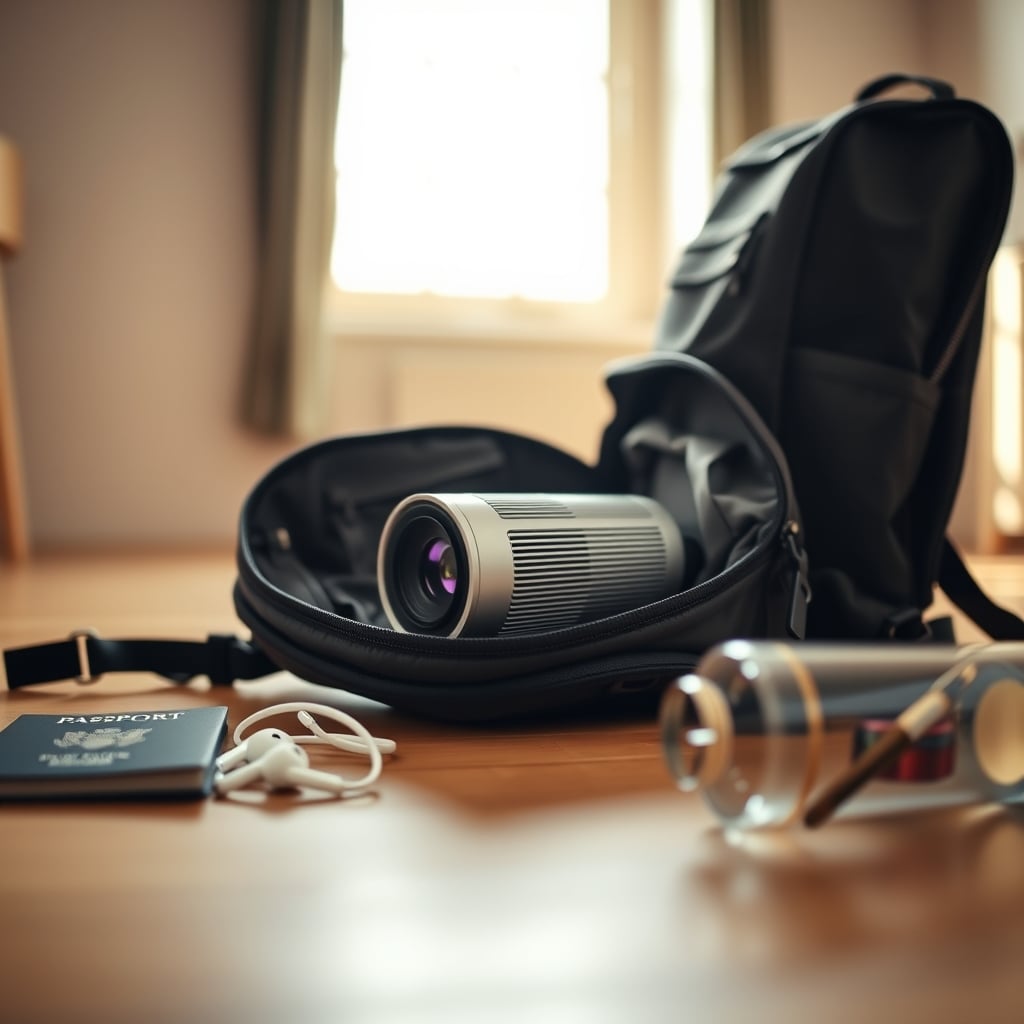
The Cosmos is bulkier closer to 5 lbs and larger so portability becomes less of a selling point. It’s still lighter than a traditional projector, but it’s not the “slip it in a bag” experience Capsule is. If you’re serious about weight and space savings, Capsule 3 is where you stay.
Build quality across the lineup feels solid. The cooling system is whisper-quiet owner reports and our own handling observations put fan noise in the 20–25 dB range, which is genuinely quiet by projector standards, though we’re citing this as an informal observation rather than a calibrated measurement. No fan noise interrupted dialogue in our testing. Optics are glass on higher-end models, plastic on budget tiers, but both held up fine in handling. No creaking, no obvious shortcuts.
The Catch: Price vs. Real-World Value
Nebula pricing is aggressive. A Capsule 3 at $600–$800 is expensive for what you’re getting if you compare raw lumens and features to a mid-tier Epson TW740 (around $900, much brighter per Epson’s specs). But the comparison breaks down if portability and design matter to you. You’re paying for the form factor, not just the optics.
Where Nebula struggles is mid-range positioning. The Capsule 2 is cheap enough that budget-conscious buyers forgive the limitations. The Cosmos is premium enough that enthusiasts justify the cost. The Capsule 3 sits in a weird zone: expensive enough to feel like a “real” projector purchase, but with brightness constraints that’ll frustrate you in a typical home theater setup.
If you’re buying based purely on value per lumen or image quality per dollar, you can find better. If portability, design, and the convenience of built-in Android are part of your decision, Nebula makes sense.
Nebula vs. Competitors: Quick Context
You’ll see Nebula compared to Anker’s own cheaper Soundcore models, as well as to Epson, BenQ, and Optoma projectors. Here’s the honest breakdown:
Vs. Soundcore projectors: Soundcore models (also by Anker) are cheaper ($200–$400) but offer less refined image quality and lower brightness. If budget is the driver, Soundcore might work. If image quality matters, step up to Capsule 3.
Vs. Epson (TW740, EpiqVision): Epson models are rated much brighter (the TW740 at approximately 3,200 lumens per Epson’s published specs), which means they work in bright rooms. But they’re heavier, often require ceiling mounting, and cost more. Pick Epson if brightness and traditional mounting matter; pick Nebula if you want portability and a smaller, quieter projector for a controlled room.
Vs. BenQ (i500, LU9715): BenQ projectors in Nebula’s price range tend to be stationary and brighter. Same trade-off as Epson less portability, more brightness. BenQ’s Android-based models exist but are pricier and less focused on portability.
Vs. Optoma (ML1050ST, M1+): Optoma’s portable projectors are closer to Nebula’s form factor. They’re slightly cheaper and bulkier. Brightness is comparable. The choice comes down to ecosystem preference and design. Both are solid; Nebula has a slight edge in software integration (Android built-in).
None of these are direct substitutes. The real choice is whether you’re optimizing for brightness or portability. Nebula wins portability; traditional projectors win brightness.
Verdict and Who Should Buy
Kept for: Home theater enthusiasts with a dedicated, controllable room. Travelers who want occasional big-screen viewing. Anyone who prioritizes design, portability, and image quality over maximum brightness.
Cut for: Bright-room projections. Outdoor movie nights. Boardroom presentations. Anyone who needs 2,000+ lumens or plans permanent ceiling mounting.
Nebula projectors are honest products: they do what they promise (great image in dark rooms, portable, easy to set up), and they don’t pretend to be brightness beasts. The main risk is miscalibration buying one assuming it’ll work in your bright family room, then discovering it won’t. If you test one in your actual space and it works, you’ll probably keep it. If you buy sight-unseen, you might not.
The Capsule 3 is our pick within the Nebula lineup. It balances price, image quality, and brightness better than the Capsule 2 (too limited) or Cosmos (too expensive without proportional gain in a typical room). For $600–$800, you’re getting a genuinely pleasant projector for movies, TV, and gaming as long as that room stays dim.
FAQ
How bright is a Nebula projector in a lit room? Not bright enough for most daytime or lamp-lit settings. Owner reports consistently note that Nebula models struggle with ambient light. At 500–1,200 lumens (per published specs), you need a mostly dark room for the image to look saturated. Afternoon sun or living room lamps will wash out the picture. If your space has windows and you won’t close blinds, skip it.
Is Nebula worth it compared to a cheaper projector like Soundcore? If you’re comparing Nebula Capsule 3 to Soundcore, yes. The image quality gap is noticeable richer colors, better contrast, faster focus. Soundcore is a $300 gadget; Nebula Capsule 3 is a real projector. But Soundcore might be enough if you’re projecting onto a small screen (60–80″) in a very dark room and don’t care about color accuracy.
Do I need a separate speaker with Nebula? No, Nebula projectors have built-in speakers (10W or higher on most models per published specs). They’re surprisingly loud for the size, but don’t expect theater-quality bass. Bluetooth pairing a soundbar or portable speaker is easy and recommended if audio matters to you.
Can I use Nebula outdoors? Technically yes, but not recommended. Brightness will be poor against ambient light or twilight sky. The projector isn’t weatherproofed, so rain or moisture is a risk. Use it indoors in dark rooms.
Did Nebula projectors make the KeptList? Yes specifically the Capsule 3 for controlled-light home theater. The Capsule 2 is borderline (too limited for regular use). The Cosmos is kept but only if you have a dedicated home theater budget and room. Most other use cases bright rooms, outdoors, presentations fall into “Cut” territory because the brightness limitation is too real for typical homes.









