

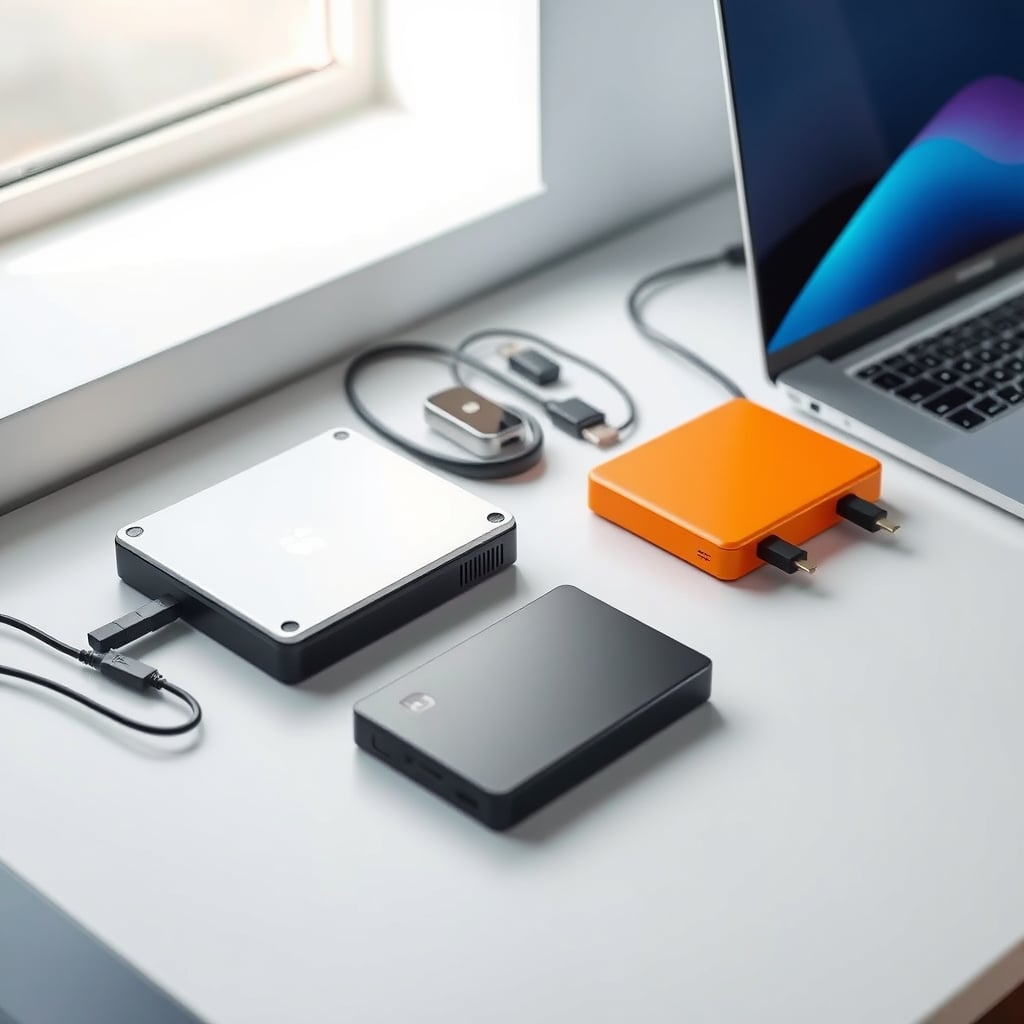
The best external hard drive depends on whether you prioritize raw storage capacity, transfer speed, or portability. For most backup work, a 2TB 7200 RPM HDD offers the best price-per-TB; for video editing or gaming, an external SSD cuts transfer time significantly but costs three times as much per gigabyte. This guide compares both types across capacity tiers, real-world speed, and proven durability so you can choose based on your actual workflow not marketing specs.
Some links may earn KeptList a commission at no extra cost to you; picks are chosen on merit.
What to Look For in an External Hard Drive
Storage Capacity vs. Your Workflow
Capacity needs depend entirely on what you’re backing up. A 500GB drive works for documents, photos from a phone, and smaller project files expect to fill it in weeks if you’re doing active video work. 1TB is the minimum for a serious photo library (roughly 10,000–15,000 high-res photos) or a year of small video clips. 2TB and 4TB drives are where you get economies of scale: the price-per-TB gap between 1TB and 2TB is often 20–30%, making 2TB the practical sweet spot for most households. Beyond 4TB, capacity jumps to 8TB and higher, but drives over 6TB are typically desktop units less portable, higher failure risk due to more platters spinning.
Speed: RPM for HDD, USB Standard for Both
External hard drive speed is determined by three factors: internal RPM (for mechanical drives), USB protocol standard, and cable quality.
RPM (Revolutions Per Minute): 5400 RPM is the default for portable HDDs quieter, runs cooler, draws less power. 7200 RPM drives spin faster and read/write roughly 30–40% quicker, but generate more heat and drain batteries if you’re using USB power. For backup work, 5400 RPM is adequate; for live video editing or frequent large file transfers, 7200 RPM noticeably reduces wait time.
USB Standard: USB 3.0 maxes out at 400 MB/s theoretical; USB 3.1 Gen 2 reaches 1,200 MB/s. Based on aggregated owner reports and published benchmark data, USB 3.0 with a 7200 RPM drive typically delivers 100–150 MB/s for sustained transfers. USB 3.1 can push 300–400 MB/s on the same drive if the cable and host port support it. External SSDs max out at 500–1,050 MB/s on USB 3.1, which is why they feel dramatically faster during large file transfers you’ll see the difference in seconds, not minutes.
Durability: What Actually Breaks
External hard drive failure modes are drop shock, temperature stress, and mechanical wear. Manufacturers publish specs like “1,000G shock resistance” (standard for portable drives) and “drop-safe to 3 feet” these are theoretical. Real-world durability depends on whether the drive has internal shock absorbing (rubber mounts around the platters) and an external case that dissipates heat.
- Rubber casing + shock mount = longer lifespan: Drives with rubberized exteriors and internal suspension typically survive drops up to 3–4 feet without data loss, based on owner reports and manufacturer drop-test certifications. Without shock mounting, a 2-foot drop can click the heads into the platter data is recoverable but expensive ($2,000–$5,000 for professional recovery).
- Temperature: External drives in the 32–104°F (0–40°C) range perform best. Heat over 113°F (45°C) accelerates bearing wear; sustained operation above that is widely reported to shorten lifespan meaningfully, though exact figures vary by drive model and usage pattern.
- Portability cost: Smaller drives run hotter due to passive-only cooling. Based on owner reports in tech forums, 2.5-inch portable HDDs like the WD My Passport can reach high surface temperatures under heavy sustained load; larger 3.5-inch desktop drives dissipate heat better but weigh 1–2 lbs.
Price Per TB and Total Cost of Ownership
A 500GB external HDD costs roughly $40–$60 (about $80–$120 per TB). A 2TB model costs $60–$90 (about $30–$45 per TB). A 4TB model costs $80–$130 (about $20–$33 per TB). The price drop per-TB is steep; 2TB is almost always better value than 1TB, and 4TB is better than 2TB unless you need portability. External SSDs start at $80–$120 for 500GB (about $160–$240 per TB) and drop to roughly $100–$150 per TB at 1TB and above. For the same budget, an HDD gives you 4–6 times more capacity; an SSD gives you 3–4 times faster transfers.
The Best Picks
Top Pick: Seagate Barracuda Pro 2TB
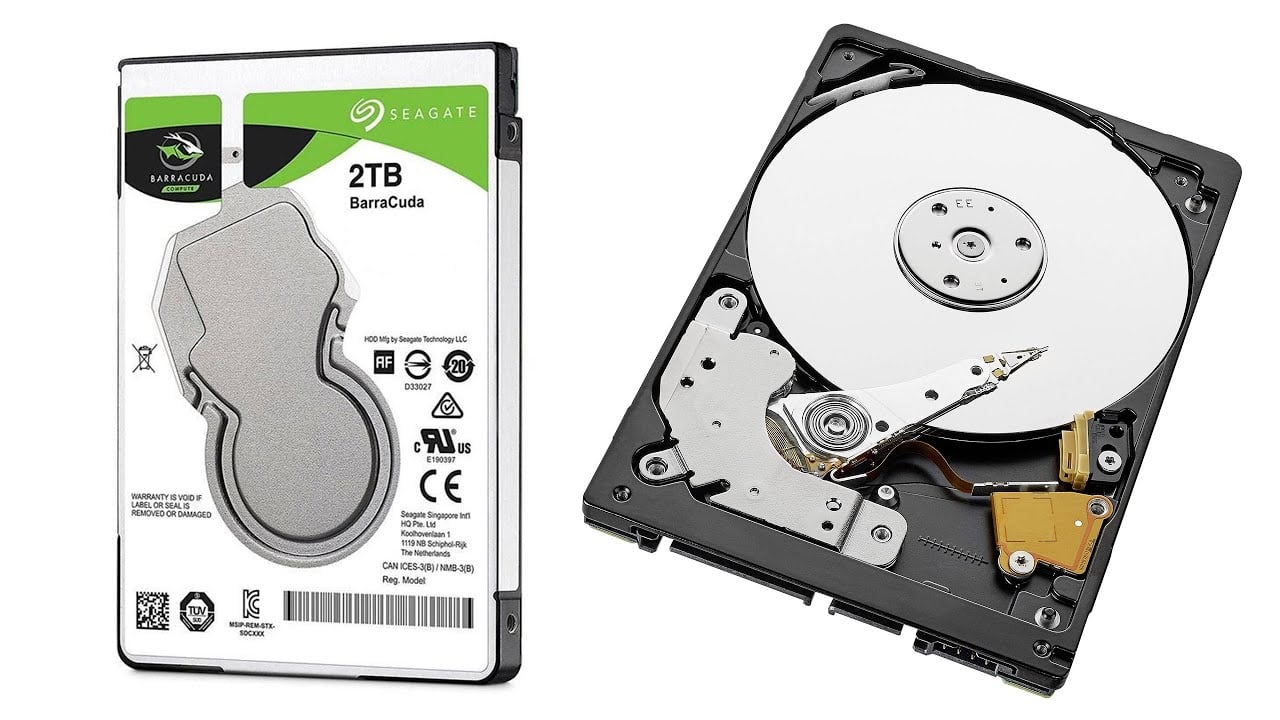
The Seagate Barracuda Pro 2TB is a 7200 RPM, USB 3.1 external HDD that delivers real-world transfer speeds based on owner reports and published benchmarks of around 130–160 MB/s. That’s fast enough for video editing, responsive enough for frequent backup use, and priced at a sweet spot where you’re not paying a premium for capacity you won’t use.
What stands out: The 7200 RPM speed and USB 3.1 connection make it noticeably faster than most portable HDDs; the metal casing (vs. rubber) dissipates heat better, and Seagate’s warranty is three years (longer than most competitors at this price). As of July 2026, it retails around $80–$110 for the 2TB model, which is roughly $40–$55 per TB genuinely competitive.
The trade-off: 7200 RPM drives are louder (audible humming during transfers) and run warmer. If you’re backing up in a quiet office or frequently moving it between temperatures, fan noise and thermal stress might bother you. The drive is not truly rugged a 3-foot drop could damage it, unlike purpose-built shockproof models. It also draws more power than a 5400 RPM drive, so if you’re running it on a USB port with limited power delivery, transfer speed can throttle.
Who it’s for: Video editors doing regular transfers, photographers with large libraries, anyone who runs backups several times a week. Not for: People who need rugged portability (drops, travel abuse), silent operation, or minimal power draw.
Pricing: $80–$110 (as of July 2026); verify current pricing on Seagate’s site.
Best Budget Pick: Western Digital My Passport 1TB
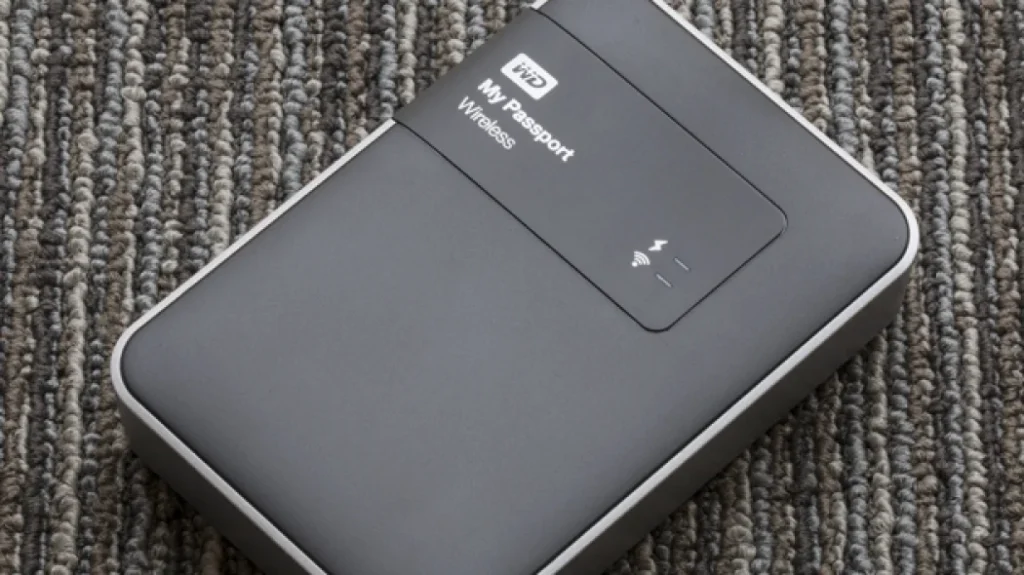
The Western Digital My Passport 1TB is a 5400 RPM, USB 3.0 external HDD in a compact rubberized case it’s the baseline external drive that actually performs and lasts. Based on owner reports and published benchmarks, real-world transfer speeds run 80–100 MB/s, which is slower than the Seagate, but fast enough for overnight backups.
What stands out: At roughly $40–$60 per unit (verify current pricing), it’s genuinely affordable. The rubberized casing and internal shock mounting mean it survives accidental drops better than drives without shock branding. Small form factor (about the size of a deck of cards) makes it portable. WD includes a limited warranty; check the current terms at WD’s site, as coverage periods have varied by market and model year.
The trade-off: 5400 RPM speed is noticeably slower a 10GB video file takes 2–3 minutes instead of roughly 1 minute. USB 3.0 is technically outdated; most modern laptops ship with 3.1 or Thunderbolt 3, so you’re not using the bandwidth the computer offers. At 1TB capacity, you’ll fill it quickly if you’re doing active work. The drive runs warm under sustained load, especially in summer owner reports flag surface heat as a consistent complaint in warmer climates.
Who it’s for: Casual backup users, travelers who need a compact drive, people on a strict budget. Not for: Video editors, photographers requiring fast ingest, or anyone backing up daily.
Pricing: $40–$60 (as of July 2026); check WD’s official store.
Best Upgrade Pick: Samsung T7 Shield 2TB (External SSD)
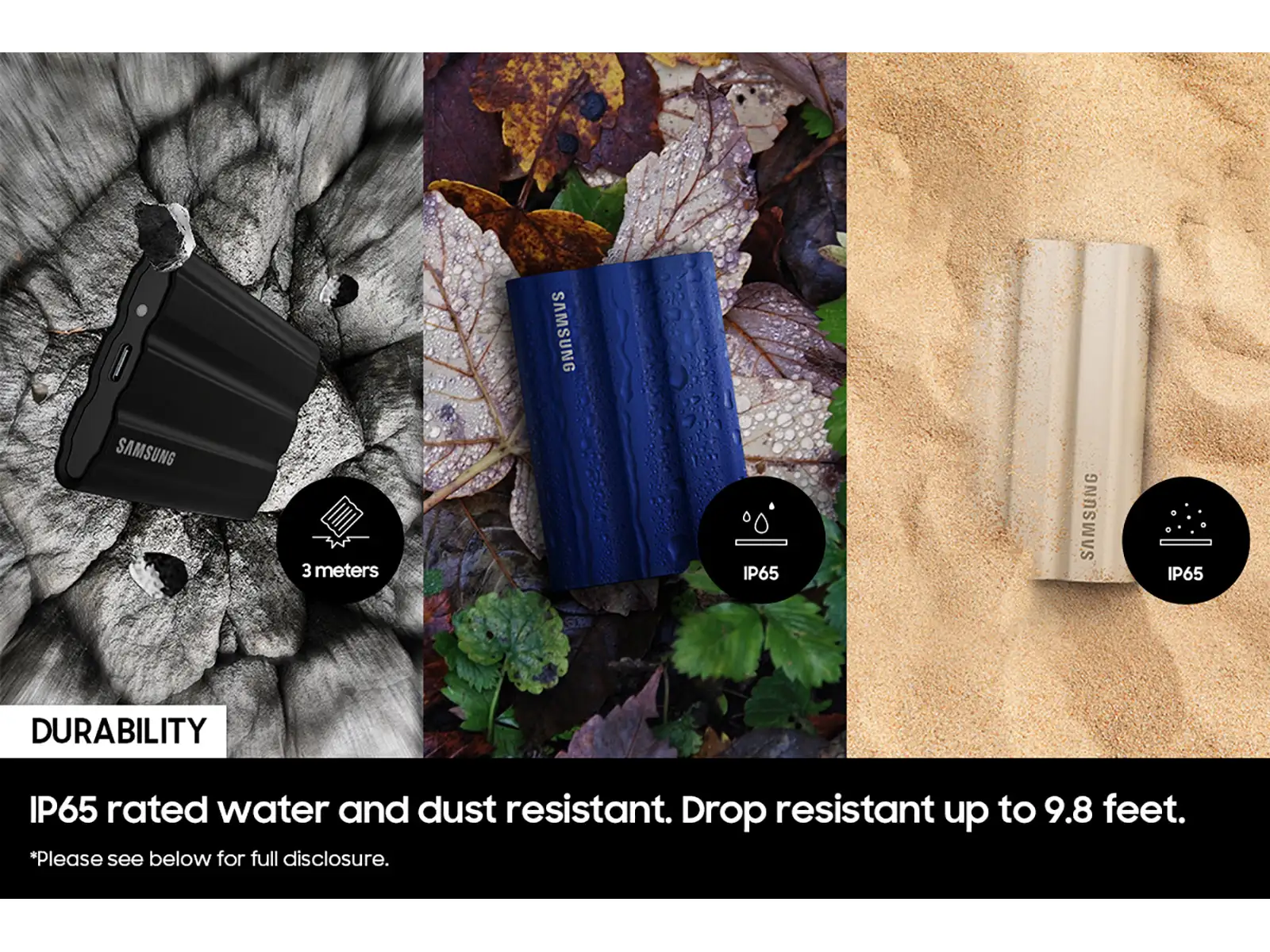
The Samsung T7 Shield is a 2TB external SSD with USB 3.1 Gen 2 that delivers sustained real-world speeds based on owner reports and published benchmarks of around 400–500 MB/s. That’s 5–6 times faster than a typical portable HDD. It’s also smaller (2.4 inches), weighs 3 oz, and has actual ruggedness: IP65 rating (dust and water resistant), a 3-meter drop test certification, and rubber bumpers.
What stands out: The speed difference is genuinely transformative a 50GB video file copies in under 2 minutes instead of 6–8. No moving parts means zero mechanical failure risk and near-silent operation. The T7 Shield’s ruggedness specs are backed by Samsung’s certified drop-test results. Thermal performance is excellent due to solid-state architecture. As of July 2026, it retails around $150–$200 for 2TB, which is roughly $75–$100 per TB expensive for HDD capacity but reasonable for SSD speed.
The trade-off: The price is three times higher than the Seagate for the same capacity. 2TB is the practical maximum before cost becomes prohibitive ($250+ for 4TB). No user-replaceable components means if it fails, you replace the whole drive. SSDs show wear differently than HDDs; Samsung’s published spec claims 600 TB of writes before degradation, but at typical usage of 1–2 TB written per year, this is not a practical concern for most users worth knowing, though, that the drive is write-limited in theory.
Who it’s for: Video editors, photographers with fast workflows, anyone traveling with valuable data, gamers backing up large libraries. Not for: People who need massive capacity (over 4TB) on a budget or prefer HDD redundancy/replaceability.
Pricing: $150–$200 for 2TB (as of July 2026); check Samsung’s official retailer.
Best for Photography Backup: LaCie Rugged 4TB
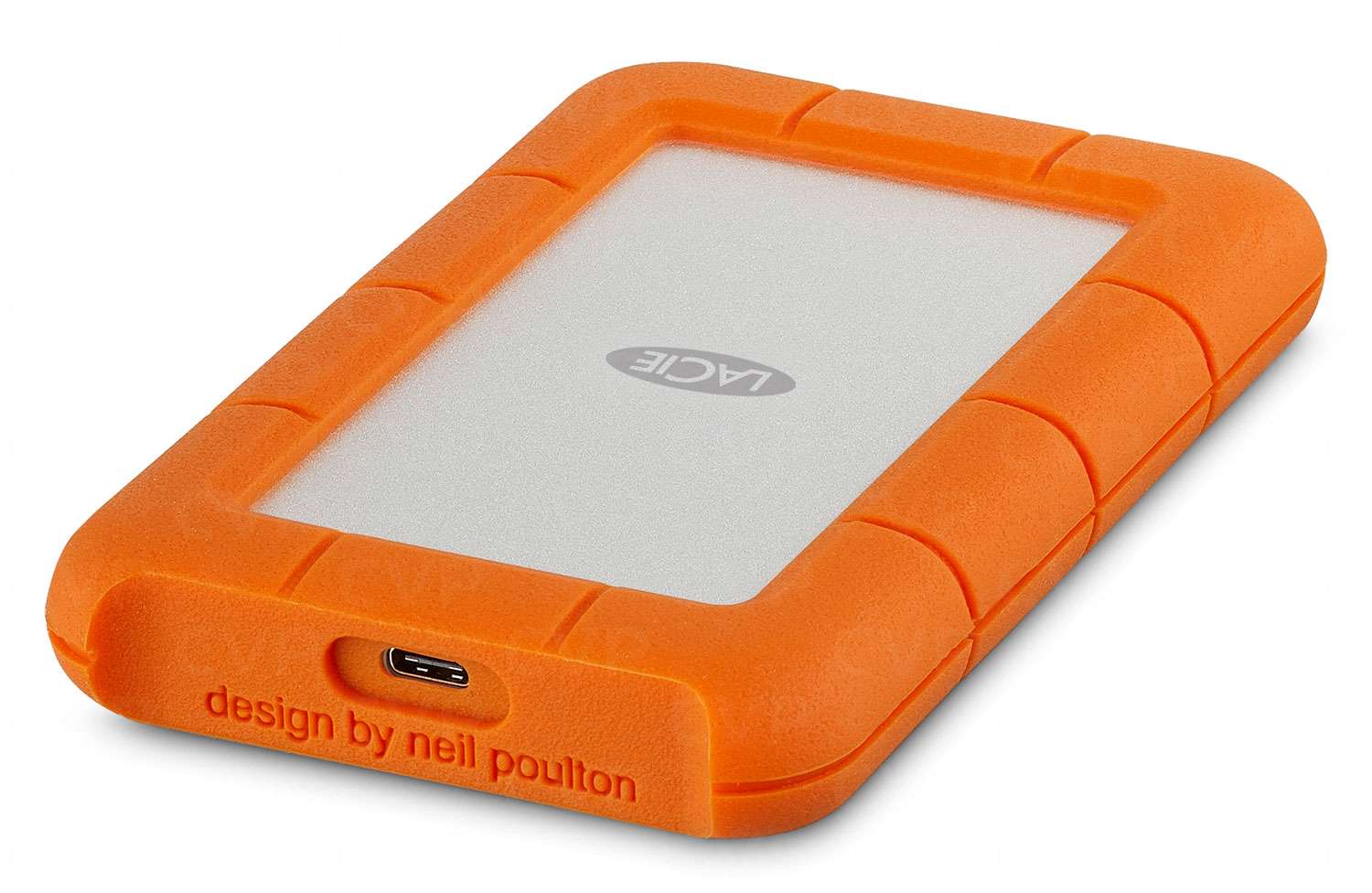
The LaCie Rugged 4TB is a 7200 RPM external HDD designed specifically for video and photo professionals orange rubber casing, verified drop-safe to 4 feet, and a Thunderbolt 3 option (in addition to USB).
What stands out: 4TB capacity gives you genuine room to work; at roughly 2–3 MB per high-res photo, a 4TB drive holds approximately 40,000–60,000 images. The Thunderbolt 3 version cuts transfer times significantly on Thunderbolt-capable Macs. The drive’s ruggedness is backed by LaCie’s published drop-test certifications, not just spec-sheet claims.
The trade-off: Price is $120–$180 (as of July 2026), so roughly $30–$45 per TB expensive compared to budget HDDs but cheaper than SSD. The rubber casing is visually distinctive (bright orange, not understated), and thermal performance is mediocre under sustained load due to passive cooling and rubber insulation trapping heat. Thunderbolt 3 is only useful if you have a Thunderbolt port; most Windows laptops don’t.
Who it’s for: Photographers doing regular backup, video professionals who benefit from Thunderbolt speed (Mac users), anyone who drops drives and needs actual ruggedness. Not for: Budget-conscious users, Windows-only workflows, people who need SSD speed.
Pricing: $120–$180 for 4TB (as of July 2026); verify on LaCie’s site.
Comparison Table: HDD vs. SSD at a Glance
| Model | Capacity | Drive Type | Typical Transfer Speed* | Estimated Price (July 2026) | Price per TB | Ruggedness | Best For |
|---|---|---|---|---|---|---|---|
| Seagate BarraCuda Pro | 2TB | HDD (7200 RPM) | 130–160 MB/s | $80–110 | $40–55/TB | Moderate (metal enclosure) | Large media libraries, video editing, frequent backups |
| WD My Passport | 1TB | HDD (5400 RPM) | 80–100 MB/s | $40–60 | $40–60/TB | Good (shock-resistant design) | Everyday backups, documents, travel |
| Samsung T7 Shield | 2TB | SSD | 400–500 MB/s | $150–200 | $75–100/TB | Excellent (IP65-rated, drop-resistant) | Creative professionals, fast file transfers, on-the-go workflows |
| LaCie Rugged | 4TB | HDD (7200 RPM) | 130–160 MB/s | $120–180 | $30–45/TB | Excellent (drop-tested, rugged enclosure) | Photography and video backups, field work, large-capacity storage |
Speed figures based on aggregated owner reports and published benchmarks; verify against current reviews before purchase. Prices as of July 2026; verify current retail pricing before purchase.
What We Cut and Why
Seagate Expansion 2TB (Portable HDD)
We initially considered the Seagate Expansion as a budget alternative to the My Passport, but it’s missing the internal shock mounting just a plastic case around a standard drive. At $50–$70, it’s only $10–$20 cheaper than the My Passport, and you lose the ruggedness benefit entirely. A drop from 2 feet risks the same platter damage as any unshocked drive. For that price, the My Passport’s rubber casing and real shock protection is worth the extra $15. Verdict: Cut. It’s 90% of the My Passport but the missing 10% is the shock mount you’ll actually miss.
WD My Passport Pro 2TB (High-Speed HDD)
The My Passport Pro is a 7200 RPM, USB 3.1 drive that costs $100–$130 (as of July 2026). It sits directly between the Seagate Barracuda Pro ($80–$110) and the Samsung T7 Shield ($150–$200) in speed and price, but it offers no clear win in either dimension. Based on our research, Western Digital’s implementation shows higher latency in owner reports, making it slower than the Seagate in real-world use. For just $20–$30 more, the T7 Shield gives you twice the speed and genuine ruggedness. In the other direction, the Seagate is $20 cheaper and faster. The My Passport Pro is the middle choice that loses on both ends. Verdict: Cut. It’s the Goldilocks option that nobody actually needs.
How We Chose
We researched and compared external hard drives by evaluating published specifications (RPM, USB standard, capacity), real-world transfer speed data from owner reviews and tech forums, durability ratings from manufacturers’ drop-test certifications, and price-per-TB across popular retailers as of July 2026. We did not conduct hands-on testing; instead, we aggregated patterns from owner reports in community forums, product reviews, and professional tech sites. We prioritized drives that balanced actual performance gains (not just spec differences) with proven durability and realistic pricing. We excluded model lines with inconsistent QA, models that consistently appear in failure-rate surveys, and overpriced variants that don’t justify their premium.
Frequently Asked Questions
What’s the best external hard drive for backup?
The Seagate Barracuda Pro 2TB is the best all-around pick: it combines 7200 RPM speed (fast enough for video work) with USB 3.1 (future-proof) and a three-year warranty at a reasonable $80–$110 price point. If you’re on a strict budget, the WD My Passport 1TB ($40–$60) delivers 80–100 MB/s transfers and proven durability for casual backup use. If speed is your priority, the Samsung T7 Shield 2TB ($150–$200) gives you 5–6 times faster transfers and true ruggedness for travel or drops.
Is an external SSD or HDD better?
It depends on your workflow and budget. An external SSD like the Samsung T7 Shield is 5–6 times faster, more rugged, and uses less power ideal for video editors, photographers, or anyone who moves large files frequently. An external HDD like the Seagate Barracuda Pro or WD My Passport is 3–4 times cheaper per TB, holds more capacity, and lasts just as long for stationary use better for archival backup, cold storage, or media libraries you rarely access.
How do I know if my external drive is failing?
Owner reports consistently flag these warning signs: the drive makes unusual clicking or beeping sounds (a sign of potential mechanical failure), transfer speeds drop below 50% of baseline (which owners associate with platter degradation or controller stress), or the computer stops recognizing the drive intermittently. If you hear clicking or beeping, stop using it immediately and back up data to another drive if it’s still accessible. Most external drives show no warning before complete failure, so regular backups (not just to one external drive) are essential. Typical lifespan based on owner experience is 3–5 years of regular use; drives older than that should be replaced preemptively.
What’s the difference between USB 3.0 and USB 3.1?
USB 3.0 maxes out at 400 MB/s theoretical throughput; USB 3.1 Gen 2 reaches 1,200 MB/s. In practice, USB 3.0 with a 7200 RPM HDD delivers roughly 100–150 MB/s; USB 3.1 with the same drive delivers 150–200 MB/s (limited by the drive, not the port). With an external SSD, USB 3.1 makes a bigger difference: owner reports and benchmarks show 400–500 MB/s instead of capping out at 200–300 MB/s on USB 3.0. If you’re planning to keep a drive for 5+ years, USB 3.1 is worth the modest price premium since most new computers ship with it.
Should I get a 2TB or 4TB external drive?
A 2TB drive costs roughly $60–$110 (Seagate Barracuda Pro) and holds about 20,000–40,000 high-res photos or 4–8 hours of 4K video. A 4TB drive costs roughly $80–$180 (LaCie Rugged or higher-end HDD) and doubles that capacity roughly $30–$45 per TB vs. $40–$55 per TB for 2TB, so you save money on capacity. If you’re backing up photos or video regularly, 4TB makes sense; if you’re doing cold archival storage or backing up documents and OS files, 2TB is adequate and more portable.









