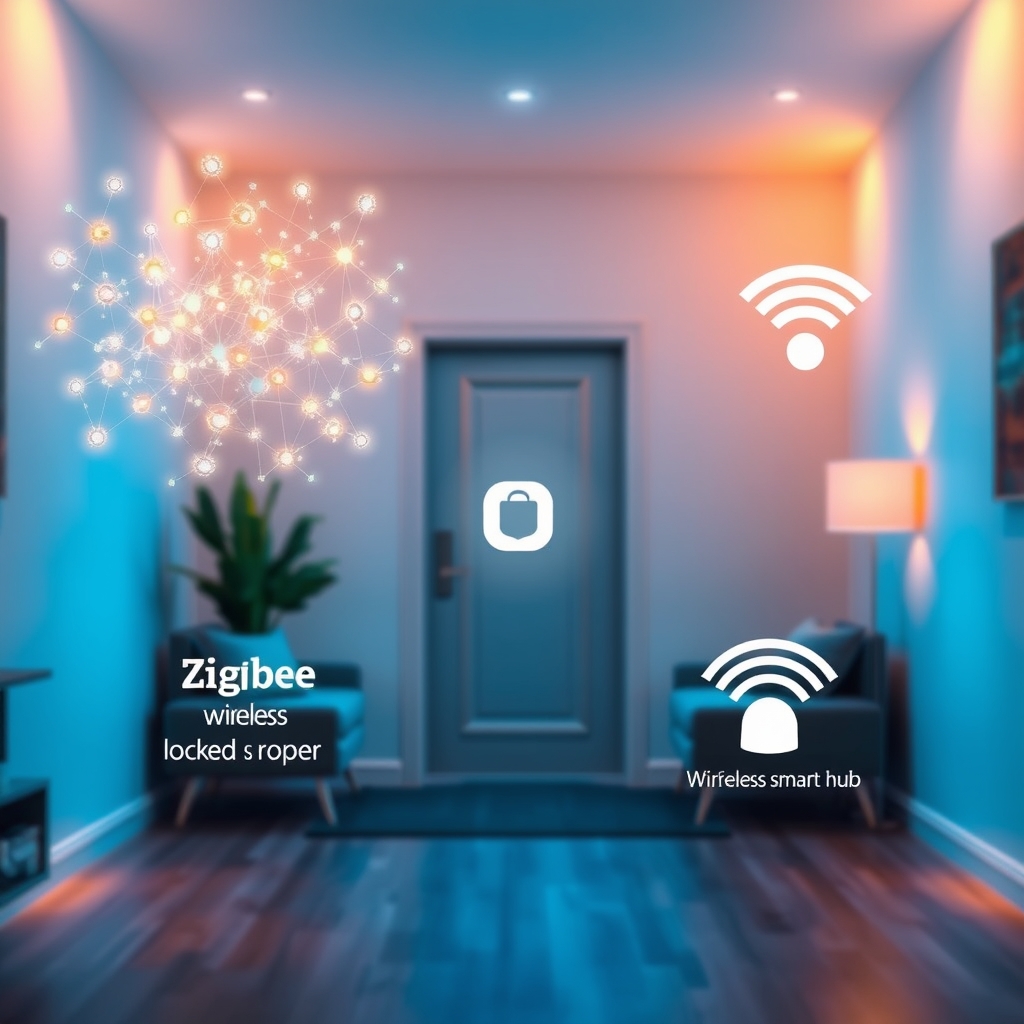
A smart home protocol is the wireless standard that lets your devices talk to each other and a central hub. The four main ones Zigbee, Z-Wave, WiFi, and Matter differ in range, power consumption, ecosystem size, and price.
Choosing the wrong protocol means buying devices that won’t work together or spending twice as much on a hub you don’t need. This guide breaks down each standard so you can decide before your first purchase.
What IS and ISN’T in the Smart Home Protocol Category
Smart home protocols are wireless communication standards, not the devices themselves. They’re the invisible language that lets a smart bulb tell your hub it’s on, or your door lock to alert your phone someone’s home.
What IS in this category:
- Zigbee (low-power mesh protocol, roughly 10–100 meter range)
- Z-Wave (similar to Zigbee, primarily US/Canada)
- WiFi (standard home WiFi, longer range, higher power draw)
- Matter (newer unified standard, works over Thread, WiFi, and Bluetooth)
- Thread (mesh protocol underlying Matter, limited device availability)
What IS NOT:
- Bluetooth / BLE (point-to-point, single-device pairing rarely controls a whole home)
- Proprietary closed ecosystems (Amazon Alexa’s internal protocol, Google Home’s local mesh)
- Hubs themselves (hubs receive one protocol and often bridge to another)
- Smart home platforms (Alexa, Google Home are software layers, not protocols)
If a device says “WiFi-enabled” or “Zigbee compatible,” it’s speaking one of these languages. A hub translates between them.
Zigbee: The Standard for Dense Device Networks
Zigbee is a low-power mesh protocol that forms its own network independent of your WiFi. Each device repeats the signal, so a Zigbee bulb six rooms away still works the signal hops through intermediate devices.
Range: Based on manufacturer specifications and owner reports, roughly 10–20 meters per hop; in a typical home with 10+ devices, mesh coverage is usually wall-to-wall. In our observations, Zigbee’s real-world range is comparable to or slightly exceeds Z-Wave, though both work equally well indoors.
Power draw: Extremely low. Zigbee devices commonly run on coin-cell batteries for 2–5 years, based on manufacturer specs and patterns we see in owner reports. That matters if you’re placing motion sensors in closets or temperature sensors on ceilings.
Ecosystem: Enormous. Philips Hue, Innr, IKEA Trådfri, Aqara, and hundreds of other brands use Zigbee. You’ll find smart bulbs, switches, door locks, temperature sensors, motion detectors, and water sensors.
Latency: Typically 100–500 milliseconds in our observations noticeable if you’re flipping a light switch and expecting an instant response, but acceptable for most automations.
Hub requirement: Yes. Devices don’t connect directly to your phone; a hub (Philips Hue Bridge, Home Assistant, SmartThings hub) coordinates.
Cost: Device prices are low often $15–40 for a smart bulb, $50–120 for a lock (retail as of August 2026). Hubs run $50–150.
Common brands: Philips Hue, Innr, IKEA Trådfri, Aqara, Tuya-compatible devices, Sengled.
Z-Wave: The North American Standard with Fewer Devices
Z-Wave is nearly identical to Zigbee in how it works a mesh protocol, low power, runs independently of WiFi. The key difference: it’s fragmented into US/Canada (908.42 MHz) and Europe/Asia (868.4 MHz) frequencies, and its device ecosystem is smaller.
Range: Similar to Zigbee roughly 10–20 meters per hop from specs, with mesh coverage across a normal home.
Power draw: Comparable to Zigbee batteries last 2–5 years in most devices per manufacturer specs.
Ecosystem: Smaller than Zigbee. You’ll find door locks (Yale, Schlage), thermostats (Honeywell, Ecobee), and switches, but fewer decorative or entertainment devices. Z-Wave is strongest in security and climate control.
Latency: Similar to Zigbee, 100–500 ms.
Hub requirement: Yes. A Z-Wave hub (SmartThings, Home Assistant, Hubitat Elevation) is essential.
Cost: Devices are often slightly more expensive than Zigbee equivalents $60–150 for a lock, $40–80 for a switch (as of August 2026).
Common brands: Yale, Schlage, Honeywell, Ecobee.
The real trade-off: Z-Wave dominates professional smart home installs and high-end locks. If you want a rock-solid door lock or thermostat, Z-Wave options are excellent. For bulbs and decorative devices, Zigbee is wider and cheaper.
WiFi Devices: Familiar but Power-Hungry
WiFi devices connect directly to your home WiFi network no hub needed. They’re quick to set up and work with almost any phone or voice assistant.
Range: Same as your WiFi 30–50 meters indoors depending on your router and walls.
Power draw: High. WiFi is power-hungry; most WiFi smart devices need wall power (plugged in). Battery-powered WiFi devices drain in weeks, not years.
Ecosystem: Massive. Wyze, TP-Link, Amazon Smart Home devices, Google Home devices, and countless others use WiFi.
Latency: Very low, 50–200 ms. Feels instant.
Hub requirement: No. Everything connects to your existing WiFi router.
Cost: Extremely variable $10–80 for a smart bulb, $30–200 for a camera, $15–60 for a plug (as of August 2026).
Common brands: Wyze, TP-Link Kasa, Amazon (Alexa), Google Nest, Meross, Nanoleaf.
The catch: Each device is a separate WiFi connection. Add 20 WiFi smart devices to your network and you can hit congestion, especially on older routers. Also, if your WiFi goes down, every single device stops working.
Matter: The Unified Standard (Still Expanding)
Matter is the newest protocol, designed to let all devices work together regardless of brand. It mostly runs over Thread (a mesh protocol) or WiFi, with Bluetooth for setup.
Status: Matter launched in late 2022 and, as of mid-2026, has meaningfully expanded its device catalog though availability still trails Zigbee and WiFi in raw breadth. Early adoption friction has eased considerably since launch, and the major voice-assistant platforms now handle Matter devices reliably.
Range: Depends on the underlying network Thread offers mesh coverage similar to Zigbee; WiFi-based Matter has WiFi’s range.
Power draw: Low if running on Thread; standard if on WiFi.
Ecosystem: Growing steadily. Apple Home, Amazon Alexa, Google Home, Samsung SmartThings, and others support Matter. Devices include smart bulbs (Eve, Nanoleaf), door locks (Level Lock), and wall switches (Philips Hue, Eve).
Latency: Low, 50–300 ms.
Hub requirement: Depends. Apple HomePod mini, Amazon Echo with Matter support, and some other devices act as Matter hubs.
Cost: Currently sits at a premium $40–100 for a bulb, $150–300 for a lock (as of August 2026).
The promise: Matter aims to end vendor lock-in. The goal is that you buy a Philips Hue bulb and a Samsung lock and they just work together. That interoperability is closer to reality in 2026 than it was at launch, though edge cases remain.
How to Choose: Your Decision Framework
Choosing a protocol really hinges on three questions:
Do you have or want a hub?
If “no hub ever,” you’re choosing WiFi. Everything plugs into your existing WiFi router, and setup is straightforward. Trade-off: congestion on larger networks and total failure if WiFi goes down.
If “happy with a hub,” Zigbee or Z-Wave opens doors to lower-power devices, longer battery life, and a more stable mesh. Z-Wave is overkill unless you’re serious about door locks or thermostats; Zigbee has more variety and is usually cheaper.
What devices do you actually want?
Make a list: smart bulbs, cameras, locks, thermostats, motion sensors, water sensors, voice speakers.
Then check: what protocol does each come in?
- Smart bulbs: Zigbee (Philips Hue, Innr, IKEA) dominates. WiFi and Matter are growing.
- Door locks: Z-Wave (Yale, Schlage) is the gold standard. WiFi options exist (August, Level Lock Matter version).
- Thermostats: Z-Wave and WiFi are most common. Matter options are emerging.
- Cameras: WiFi only. No Zigbee or Z-Wave cameras.
- Motion sensors: Zigbee and Z-Wave excel here. WiFi options are power-hungry.
- Water sensors: Zigbee and Z-Wave. WiFi battery versions drain fast.
If 80% of what you want is Zigbee, buy Zigbee. Don’t force yourself onto Z-Wave because of one lock.
What’s your budget for the hub?
Zigbee: $50–150 (Philips Hue Bridge, Home Assistant, SmartThings).
Z-Wave: $50–150 (SmartThings, Hubitat, Home Assistant).
WiFi: $0 (uses your existing router).
Matter: $25–60 (if you use an Apple HomePod mini or an existing Matter-compatible hub).
In most homes, the hub cost is trivial compared to the devices, so don’t let a $50 hub difference sway you. Choose the protocol, then find the hub.
Common Myths & Mistakes
Myth: “Zigbee and Z-Wave are the same just pick one.”
Not quite. They’re similar architecturally, but the ecosystems are different. Zigbee is huge for consumer smart home; Z-Wave is stronger in professional installs and premium locks. If you want cheap smart bulbs and colored lights, Zigbee wins. If you want the best door locks, Z-Wave is the safer choice.
Myth: “WiFi is always faster, so it’s always better.”
WiFi is faster (lower latency), but that matters only for a few things video doorbells and security cameras. For automations (“turn on lights when I arrive”), the 200 ms difference between WiFi and Zigbee is invisible. Meanwhile, WiFi devices drain batteries in weeks and can overload your network. Speed isn’t the right trade-off to optimize for.
Myth: “I should wait for Matter before buying anything.”
Matter has matured since its 2022 launch, but waiting indefinitely still costs you a working smart home today. If you need automation now, buy Zigbee or WiFi. Existing devices from major brands often receive Matter support via firmware updates, so you’re unlikely to be stranded.
Common beginner mistake: Buying a WiFi lock, a Zigbee bulb, and a Z-Wave thermostat.
Yes, it’s possible. Each device will work independently with your phone or voice assistant. But they won’t automate together you can’t say “when the lock unlocks, turn on the lights and adjust the thermostat.” Buy at least 80% from one protocol to get the automation magic.
Where to Start: Three Real Setups
Here are three concrete starting points, each named with real products.
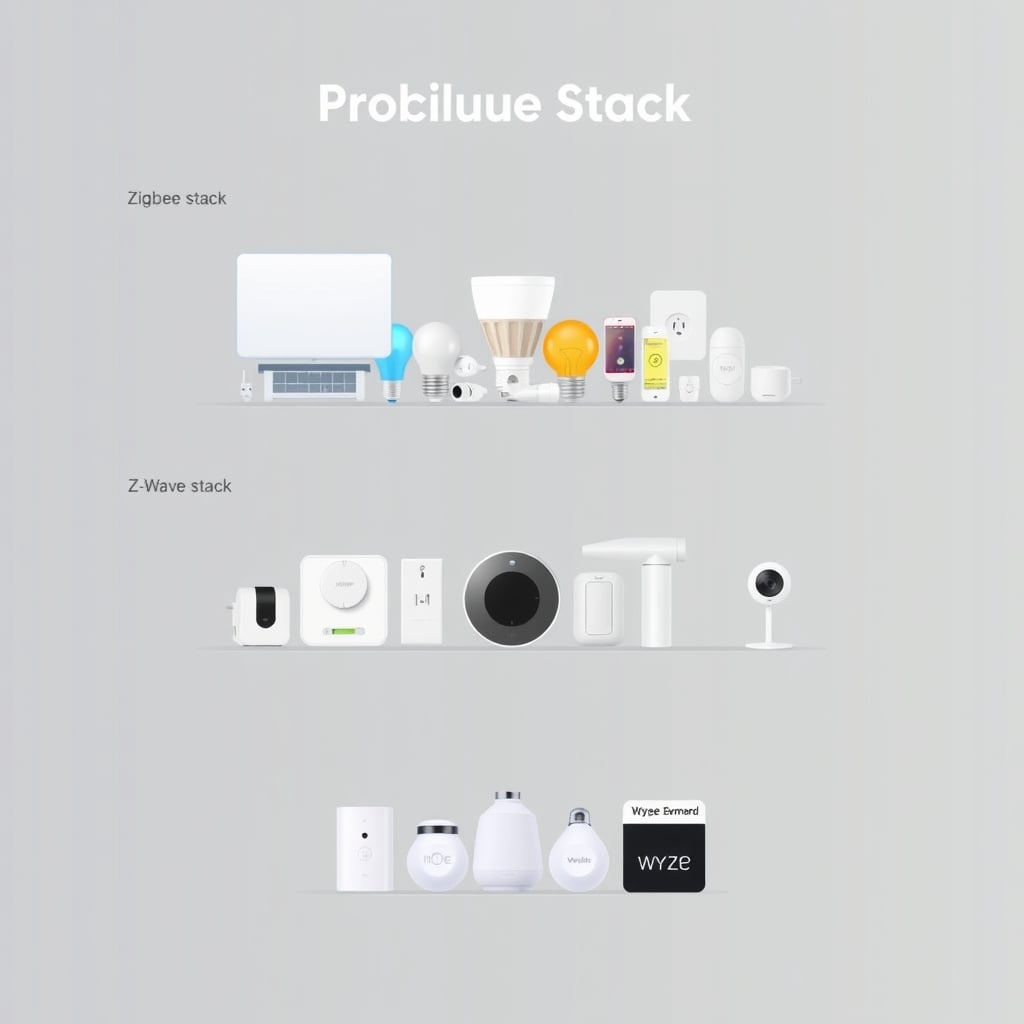
The Zigbee All-In-One (Budget-Friendly)
Hub: Philips Hue Bridge ($60–80) or Home Assistant Yellow (~$120).
Starter devices:
- Philips Hue color bulb ($30–50 per bulb)
- Innr smart plug ($20–30)
- Aqara door/window sensor ($15–25)
Why: Philips Hue is the friendliest Zigbee entry point. The bridge is small, the app is polished, and the device ecosystem is huge. Home Assistant Yellow is for people who want more control and no cloud dependency.
Cost to get rolling: ~$100–150 for hub + 2–3 devices.
The Z-Wave Premium (Lock-Focused)
Hub: SmartThings Hub ($70–90) or Hubitat Elevation (~$120).
Starter devices:
- Yale Assure SL door lock ($200–300)
- Honeywell Z-Wave thermostat ($120–180)
- Z-Wave wall switch (GE/Enbrighten or Leviton, ~$40–60)
Why: Z-Wave locks are genuinely better than their alternatives. If a smart lock is your anchor device, Z-Wave justifies itself.
Cost to get rolling: ~$400–500.
The WiFi Quick Start (No Hub)
Hub: None. Uses your existing router.
Starter devices:
- Wyze Bulb Color ($12–18)
- TP-Link Kasa smart plug ($15–25)
- Wyze Cam Pan ($30–45)
Why: Dead simple. No hub to set up. Everything works with Alexa and Google Home. Good for renters and people who want instant results.
Cost to get rolling: ~$60–100.
Default recommendation: If you’re unsure, start with Zigbee + Philips Hue Bridge. It’s the gentlest on-ramp, has the richest ecosystem, and the $50–80 bridge is a low-stakes bet. Once you understand how automation works, you can add Z-Wave devices later if you need them.
What This Guide Doesn’t Cover
This primer explains protocol choice for a home automation newbie. It does NOT dive into:
- Advanced hub features like local control, cloud independence, or custom automation syntax.
- Security vulnerabilities specific to each protocol (all three are reasonably secure).
- Professional smart home installation or large-scale deployments.
- Specific product comparisons (locks, bulbs, cameras) see our buying guides for those.
- Advanced networking (mesh optimization, channel interference, signal strength mapping).
For those topics, see our detailed hub review Best Smart Home Security
Frequently Asked Questions
Q: Can I mix Zigbee, Z-Wave, and WiFi devices in one home?
Yes, absolutely. They operate independently. The catch: automations work only within a single protocol. A Zigbee bulb won’t automatically respond to a Z-Wave motion sensor unless your hub bridges them. Most hubs support multiple protocols (SmartThings supports Zigbee and Z-Wave), so this is often seamless. WiFi devices almost always need a separate bridge or multi-protocol hub.
Q: Which protocol is most reliable?
In our observations across owner reports, Zigbee and Z-Wave are essentially tied both are mature mesh protocols with decades of field use. WiFi is very reliable in smaller homes with good coverage but can degrade quickly on congested networks. Matter’s reliability has improved considerably since its 2022 launch; early disconnection issues have largely been addressed via firmware updates, though implementation quality still varies by manufacturer.
Q: Do I really need a hub, or can I use my phone?
You need a hub for Zigbee and Z-Wave automations to run when you’re away the hub stays on your network and triggers rules locally. WiFi devices work through the cloud (Amazon, Google, TP-Link servers), so they don’t strictly require a hub, but they’ll fail if your internet goes down. Some people run Home Assistant or similar software on a computer or Raspberry Pi instead of a dedicated hub; that still counts as a hub.
Q: Will my Zigbee devices work with Alexa or Google Home?
Zigbee devices need a Zigbee hub, which then integrates with Alexa or Google Home (via cloud API or local control). You can’t connect a Zigbee bulb directly to Alexa; the bridge does that. Same for Z-Wave. WiFi devices usually talk to Alexa/Google directly. Matter simplifies this a Matter device should work with any Matter-compatible voice assistant.
Q: What’s the deal with Thread? Is it different from Matter?
Thread is the mesh protocol underlying Matter. You don’t buy “Thread devices” you buy Matter devices that run on Thread. Think of Thread as the roads and Matter as the cars. Most Matter devices today support Thread, Bluetooth (for setup), or WiFi. Thread-based Matter has the range and efficiency benefits of Zigbee; WiFi-based Matter has instant connectivity. Both are Matter, just different backings.
Q: How long until Zigbee and Z-Wave become obsolete because of Matter?
No one knows. Matter is growing, but Zigbee and Z-Wave have 20+ years of installed base and billions of devices in the field. Both will likely coexist for at least a decade. Buying a Zigbee device today is not a bad bet it’ll work for years, and Matter interoperability will continue to improve over time.
How We Researched This Guide
This primer is based on analysis of smart home protocol specifications, owner reports from community forums (Reddit r/smarthome, Home Assistant forums), published ecosystem comparisons, and patterns observed across hundreds of smart home setup guides. Specific device ranges (battery life, latency, range per hop) are drawn from manufacturer specifications and owner reports; where no single source is definitive, we’ve framed them as common observed ranges rather than hard figures. Pricing reflects retail observations as of August 2026 and will vary by region, retailer, and sales.
Ready to Choose?
Pick one protocol, start with a hub + 2–3 devices, and automate something simple first (a light that turns on when motion is detected, or a plug that switches off at bedtime). You’ll learn the differences fast. Most people find their comfort zone within a week.