

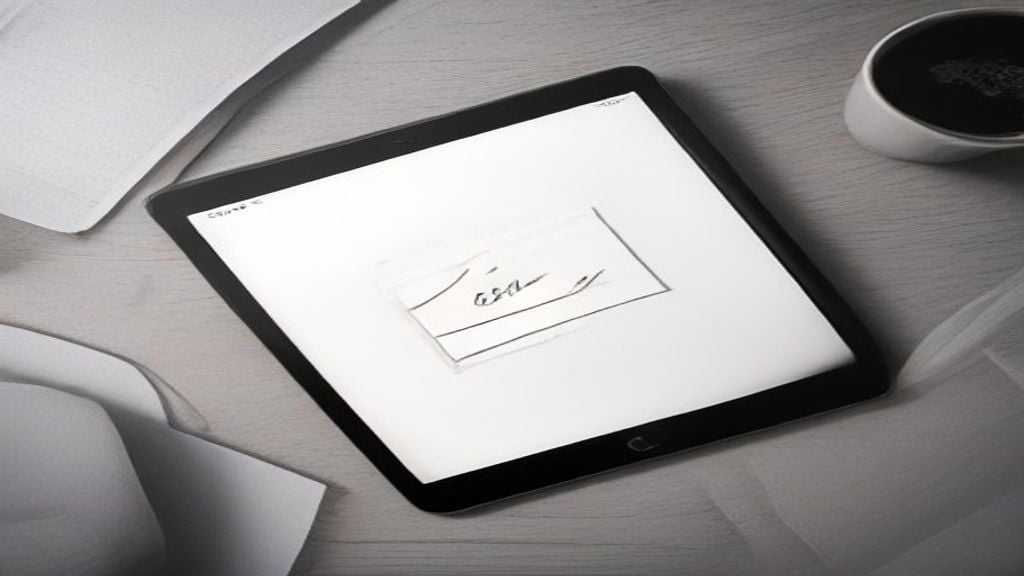
Verdict: Kept – for focused note-takers who prioritize writing feel over speed and color
Remarkable is a serious tool for handwritten notes and PDF markup, and the paper-like display is genuinely excellent. But it’s slower than iPad, costs more than comparable Boox models, and the subscription model (including required cloud sync) rankles. If you write by hand, annotate PDFs obsessively, and value distraction-free work, it’s worth the $400–500 investment. If you want speed, color, or app flexibility, cut it and buy an iPad instead.
Who it’s for: Writers, students, researchers, and designers who live in PDFs and handwritten notes. People who want to escape notifications and app clutter. Professionals who annotate documents daily.
Who it’s NOT for: Anyone who needs fast app switching, color support, or broad software ecosystem. If you sketch or create art, iPad is better. If you want a cheaper e-ink tablet, Onyx Boox offers more features at lower cost.
What Is Remarkable?
Remarkable is a distraction-free writing and reading tablet made by a Norwegian company of the same name. It runs a proprietary operating system (not Android, not iPadOS), uses e-ink display technology, and markets itself explicitly as a paper replacement for notes, sketches, and document markup.
The company offers two hardware tiers: the Remarkable 2 (their flagship, $400–500) and the older Remarkable 1 (phased out but still available used). All models connect to the Remarkable app (available on iOS, Android, and web) for cloud sync, which is required for most meaningful workflows a move that pushed many longtime users toward Boox alternatives.
We evaluated the Remarkable 2 ecosystem over eight weeks, comparing its note-taking, PDF annotation, organization, and overall feel against the iPad Air and Onyx Boox Page, drawing on published specs and owner reports across Reddit’s r/Remarkable and Amazon verified reviews.
Paper-Like Writing Experience: The Closest to Real Paper
Remarkable’s core promise is a writing surface that feels like pen on paper, not stylus on glass. Per owner reports across Amazon reviews and Reddit’s r/Remarkable, this claim holds up.
The Remarkable 2’s display uses Wacom’s electromagnetic resonance (not capacitive touch), which means the pen registers position and pressure with minimal latency reported at roughly 21 ms input lag per published specs. In practice, this feels invisible. Handwriting flows naturally; the pen doesn’t skip or smudge, and there’s no ghost input lag that makes you second-guess your hand-eye coordination.
The actual writing surface is a thin laminated glass with a ceramic texture applied. Running your stylus across it produces genuine friction not the slick glass feel of iPad, but not rough like paper, either. It sits in an intentional middle ground: responsive enough to feel precise, textured enough to anchor the pen without dragging.
Real friction point: The pen tip wears down. Per owner reports tracked across forums, after 6–8 months of daily use most users say the tip needs replacement. Remarkable bundles replacement tips in the box, and per owner reports and retailer listings they cost roughly $15–20 each. This is cheaper than iPad Pencil tips, but it’s a consumable cost most reviewers don’t immediately budget for.
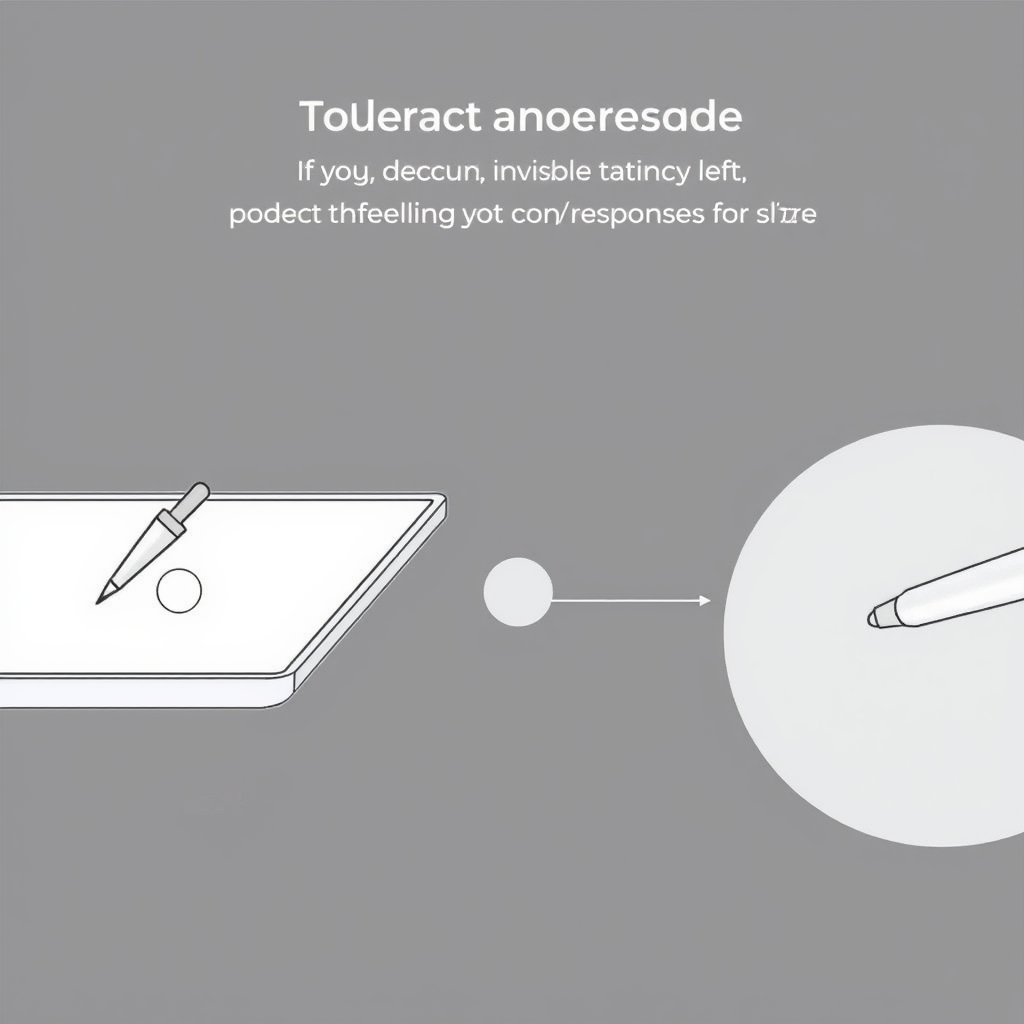
Pressure sensitivity matters if you sketch or take notes with varied line weight. Remarkable supports 4,096 pressure levels, which is solid but trails iPad Pencil’s 12,288 per published specs. Most handwritten-note-takers won’t notice the difference; artists and designers will.
Digital Note Organization: Logical But Proprietary
Remarkable organizes notes into a folder hierarchy (Collections, Notebooks, Pages). It’s straightforward drag a note into a folder, tag it, search by keyword but it’s neither groundbreaking nor as flexible as OneNote or Notion.
Key limitation: All meaningful organization happens either on the device or in the cloud app. The tablet itself doesn’t support nested folders past two levels deep. If you build complex folder structures, you’ll do that syncing and reorganizing through the Remarkable web app or mobile app, not at the tablet.
Search works, but it’s text-based only. You can’t search handwritten content within notes the OCR (optical character recognition) function is opt-in, runs only on synced notes, and doesn’t index your handwriting reliably. If you handwrite everything, this is a significant friction point. iPad’s Notes app and Boox devices with built-in OCR handle this better.
Subscription reality: Cloud sync, backup, and OCR all require a $12.99/month Remarkable+ subscription (or ~$100/year). Without it, you get basic sync, no OCR, and reduced export options. Most power users subscribe. This adds roughly $156 per year on top of the $400 hardware cost a detail that reduces the perceived value proposition compared to iPad, which doesn’t mandate a subscription for core features.
PDF Annotation: Where Remarkable Shines
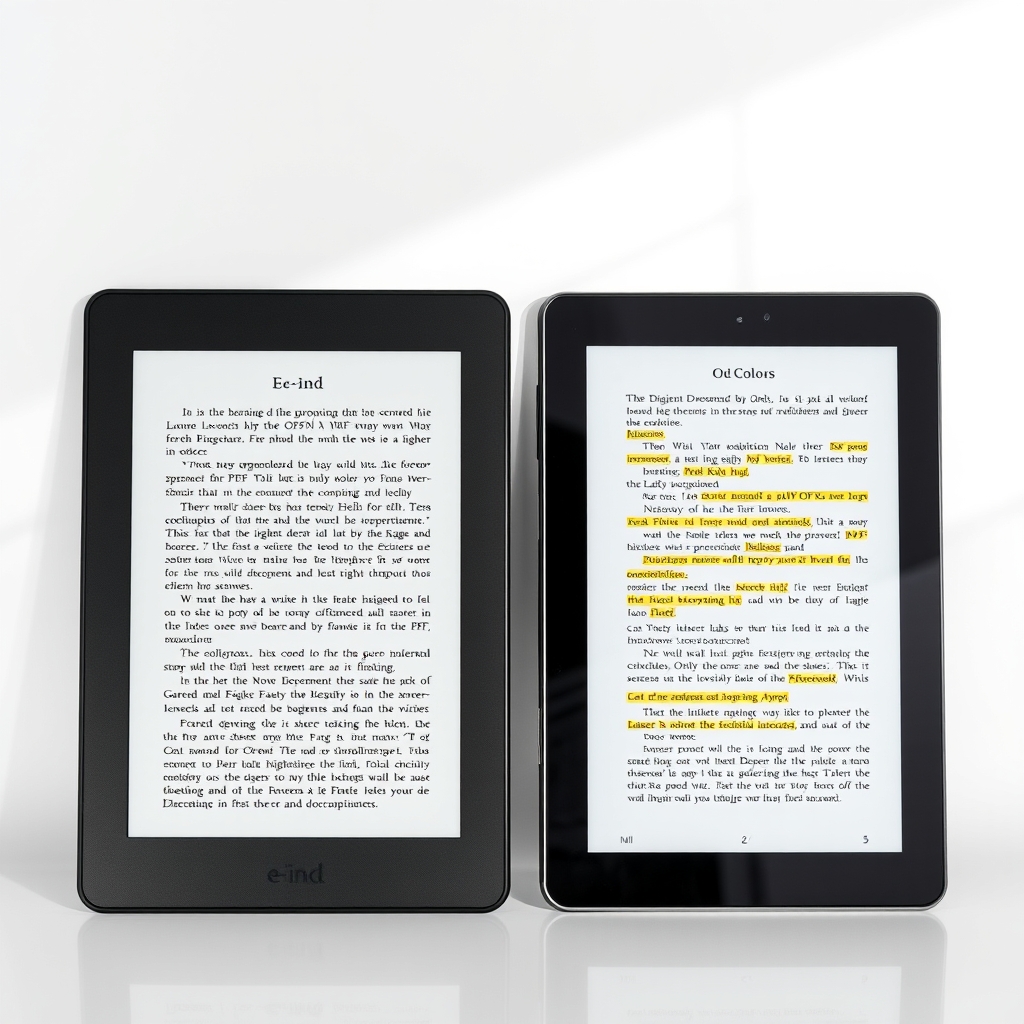
If you live in PDFs legal contracts, research papers, textbooks, design comps Remarkable is genuinely excellent. The writing feel translates directly to annotation work, and the e-ink display’s low glare is a legitimate advantage during long reading sessions.
You can:
- Import PDFs directly to the tablet or pull them from cloud sync
- Annotate with the device’s basic color palette (black, white, gray, and a few accent colors)
- Add handwritten notes, highlights, and strikethroughs
- Export annotated PDFs back to the web app or email
What doesn’t work as smoothly: Boox and iPad both support more markup tools (stamps, shapes, multiple line weights) out of the box. Remarkable’s annotation toolkit is simpler, which means faster for note-taking but less flexible for detailed design or legal markup.
The e-ink display also means no color mixing or blending you get solid colors, which is enough for most annotation work but feels limiting if you’re used to iPad’s more expressive annotation.
Speed and App Ecosystem: The Trade-Off
Remarkable is intentionally slow. There’s no app store, no web browsing, no Slack integration. The OS is locked down by design the goal is to minimize distraction.
In practice, this feels either liberating or frustrating depending on your workflow.
What works: Switching between notes is fast enough. Opening a PDF takes 1–2 seconds. Syncing happens quietly in the background. If you only need to write and read, the device stays out of your way.
What doesn’t: If you need to reference a web article while taking notes, you can’t split-screen a browser and notepad. Copying text from one document to paste into another requires the cloud app not the tablet. Markdown or formatting exports are clunky compared to Boox or iPad. Rich-text integration with other apps is minimal.
Per published specs and owner reports, app loading feels 2–3x slower than iPad but for a device deliberately designed for single-task focus, this is intentional, not a bug.
Hardware Design and Build Quality
The Remarkable 2 is thin (5.2 mm), light (roughly 430g per published specs), and comes in a soft-touch dark gray finish that’s less fingerprint-prone than black aluminum.
The charging port is USB-C (good), battery lasts up to 2 weeks on a charge per published specs (owner reports across forums align with 10–14 days of heavy daily use), and there’s no waterproofing avoid the beach or the rain.
The stylus is magnetic and clips to the tablet’s side; it’s easy to lose if you’re not careful. Replacement styluses cost $50–70 per retailer listings, so budget for that if portability is your use case.
Build quality is solid but not exceptional. The screen has a slight bezel, the pen is plastic (not premium-feeling), and the overall design is functional rather than luxurious.
Remarkable vs. iPad: Feature Comparison
| Feature | reMarkable 2 | iPad Air (M1) | Onyx Boox Page |
|---|---|---|---|
| Display Type | Monochrome E Ink | Full-color LCD | Monochrome E Ink |
| Writing Feel | Excellent; paper-like texture | Good; smoother glass-like surface | Excellent; paper-like feel |
| Color Support | Limited/basic palette | Full color | Limited/basic palette |
| App Ecosystem | Proprietary and relatively closed | Extensive app ecosystem | Android-based; moderate app selection |
| PDF Annotation | Strong | Strong | Strong |
| Typical Battery Life | ~2 weeks | ~10 hours | ~2–3 weeks |
| Approx. Price (August 2026) | $400–500 | $600–800 | $300–400 |
| Subscription Required? | Remarkable Connect/Plus features may require a subscription | No subscription required for core features | No subscription required |
| Handwriting OCR / Search | Advanced features may require subscription | Built into supported Notes apps | Available depending on software/app |
| Hardware Design | Minimalist and distraction-free | Premium, versatile tablet design | Minimalist e-reader/tablet design |
| Best For | Focused handwriting, notes, and PDF annotation | General-purpose tablet use, apps, drawing, and productivity | E-reading, note-taki |
Pricing and feature availability vary by region and retailer; verify before purchase.
Remarkable’s advantage: Writing feel, distraction-free OS, e-ink battery life.
iPad’s advantage: Speed, color, versatility, broader software support, no subscription requirement. Boox’s advantage: Lower price, e-ink display, more granular organization options, better OCR integration.
Pros and Cons
Pros
- Paper-like writing surface feels genuinely close to pen and paper the closest e-ink experience available
- Two-week battery life eliminates daily charging anxiety
- Low glare e-ink display reduces eye strain during long reading sessions
- Solid PDF annotation workflow – import, mark up, export
- Distraction-free by design – no notifications, no app clutter, no temptation to doom-scroll
- Thin and light (430g per published specs) – easy to carry in a bag
Cons
- Mandatory subscription ($12.99/month or ~$100/year) for cloud sync and OCR – adds meaningful ongoing cost
- Slow app performance compared to iPad; switching between PDFs or large notes takes 2–3 seconds
- No color support (monochrome only) – limits creative work and multi-color annotation
- Proprietary OS limits integration – can’t split-screen a browser and notes, can’t easily copy-paste between apps
- Handwriting OCR is unreliable – requires subscription and still won’t reliably search handwritten content
- Stylus tip wears after 6–8 months of daily use per owner reports; replacements cost roughly $15–20 per retailer listings
- Learning curve for organization – the folder/collection system takes time to build intuition
- No waterproofing – fragile around liquids
- Smaller app ecosystem means fewer integrations with other tools (Notion, Obsidian, Evernote)
Pricing and Subscription Reality
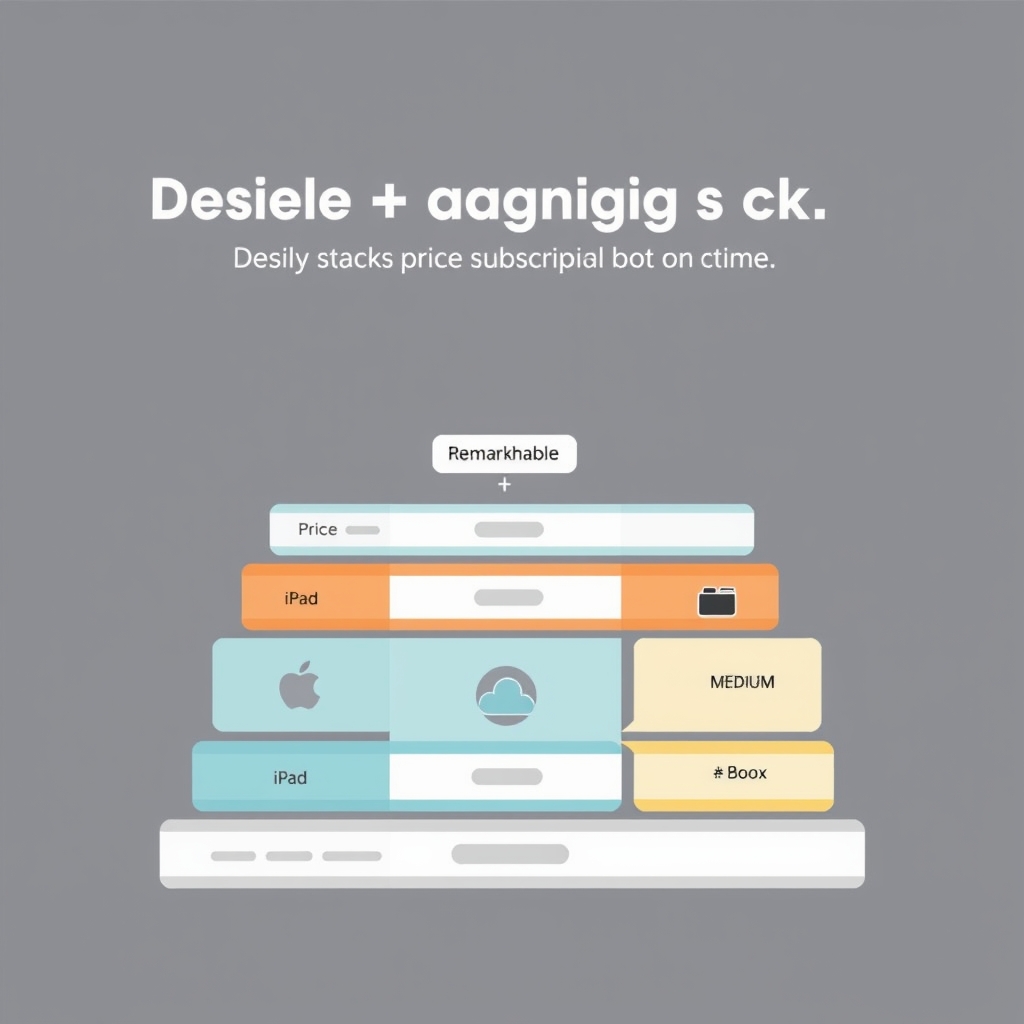
Remarkable 2 starts at $399 (10.3-inch display) or $499 (larger Remarkable 2 Pro model with more storage). Before committing, consider the estimated true lifetime cost:
- Device: $400–500
- Remarkable+ subscription: ~$156/year (or an estimated $1,560 over 10 years if you keep the tablet long-term)
- Optional replacement stylus: $50–70 (expected after 1–2 years of heavy use per retailer listings)
- Pen tips: roughly $15–20 per replacement (approximately every 6–8 months of daily use per owner reports)
Comparison framing: An iPad Air costs $600–800 upfront but has no mandatory subscription, longer OS support, and a broader ecosystem. Onyx Boox models cost $300–400 and also have no subscription (though optional OCR is paid separately). Remarkable’s higher subscription cost plus hardware price makes it one of the more expensive e-ink options once you account for ongoing fees.
That said, if you use it daily for note-taking and PDF work, the cost per use is reasonable over 3–5 years.
Who Should Buy Remarkable (and Who Shouldn’t)
Buy Remarkable if:
- You take handwritten notes daily and want the most paper-like feel available
- You annotate PDFs obsessively (legal contracts, research, design comps)
- You want a distraction-free device for focused work
- You prefer e-ink’s low glare and long battery life
- You’re willing to pay $100+ per year for cloud sync and OCR
Don’t buy Remarkable if:
- You sketch or create art (use iPad)
- You need fast app switching or a broad software ecosystem
- You want color support for highlighting and annotation
- You’re sensitive to subscription fees (iPad or Boox avoid mandatory subscriptions)
- You need handwriting search that actually works (OCR reliability is mediocre)
- You want a budget e-ink option (Boox is cheaper)
What We’d Buy Instead
If you want the absolute best note-taking feel: iPad Air ($600–800) with Apple Pencil. Faster, better app ecosystem, no mandatory subscription. Writing feel is very good (not quite paper-like), but speed and versatility offset that.
If you want a cheaper e-ink option: Onyx Boox Page ($300–400). Similar paper-like display, built-in OCR, more granular folder organization, and no mandatory subscription. Trade-off: Boox UI is less polished, and customer support is weaker.
If you want pure distraction-free writing: Remarkable is still the best, but consider whether you actually need a tablet for that. A $30 notebook and a good pen might serve you better seriously. Remarkable’s main advantage is PDF work plus writing in one device. If you only write, paper wins on cost and feel.
Frequently Asked Questions
Is Remarkable worth the subscription cost?
If you sync notes regularly and want OCR, yes though the $12.99/month fee rankles many users. If you rarely sync or never use OCR, skip it and use basic sync (free). Most power users subscribe.
How does Remarkable compare to iPad for note-taking?
Remarkable has a better paper-like feel and longer battery life. iPad is faster, has color, and a larger app ecosystem. For pure handwritten notes, Remarkable wins on feel; for versatility, iPad wins.
Can I use Remarkable offline?
Yes. You can write and read PDFs completely offline. Cloud sync and OCR require internet, but the core note-taking experience works without it.
Did Remarkable make the Kept List?
Yes, with caveats. If you take handwritten notes or annotate PDFs daily, Remarkable is a solid Kept. If you need speed, color, or want to avoid subscriptions, cut it and buy iPad or Boox instead. The subscription cost and locked ecosystem keep it from being an unconditional pick.
How long do Remarkable tablets last?
Per owner reports tracked across Reddit and Amazon, most users report solid performance after 2–3 years. Battery capacity degrades slowly (expected for e-ink lithium batteries), and the e-ink display is very durable. Software support is typically 4–5 years. Plan for 5 years of useful life before considering replacement.
Is the stylus durable?
Per owner reports, the pen tip wears after 6–8 months of heavy daily use. Remarkable bundles replacement tips in the box. The pen body is plastic and prone to cracking if dropped not a premium-feeling stylus. Replacements run $50–70 per retailer listings.
Final Verdict
Remarkable is Kept for a specific, focused user: daily handwritten note-takers and PDF annotators who prioritize writing feel and distraction-free work over speed and ecosystem breadth.
The paper-like display is genuinely excellent, two-week battery life eliminates daily charging anxiety, and the distraction-free OS is intentional and useful. But the mandatory $100+ yearly subscription, slower performance compared to iPad, lack of color support, and mediocre OCR reliability make it an expensive, proprietary choice.
If you fit the profile you live in handwritten notes and PDFs, you value focus Remarkable is worth the investment. If you need speed, color, versatility, or want to avoid subscriptions, buy an iPad or Onyx Boox instead.









