

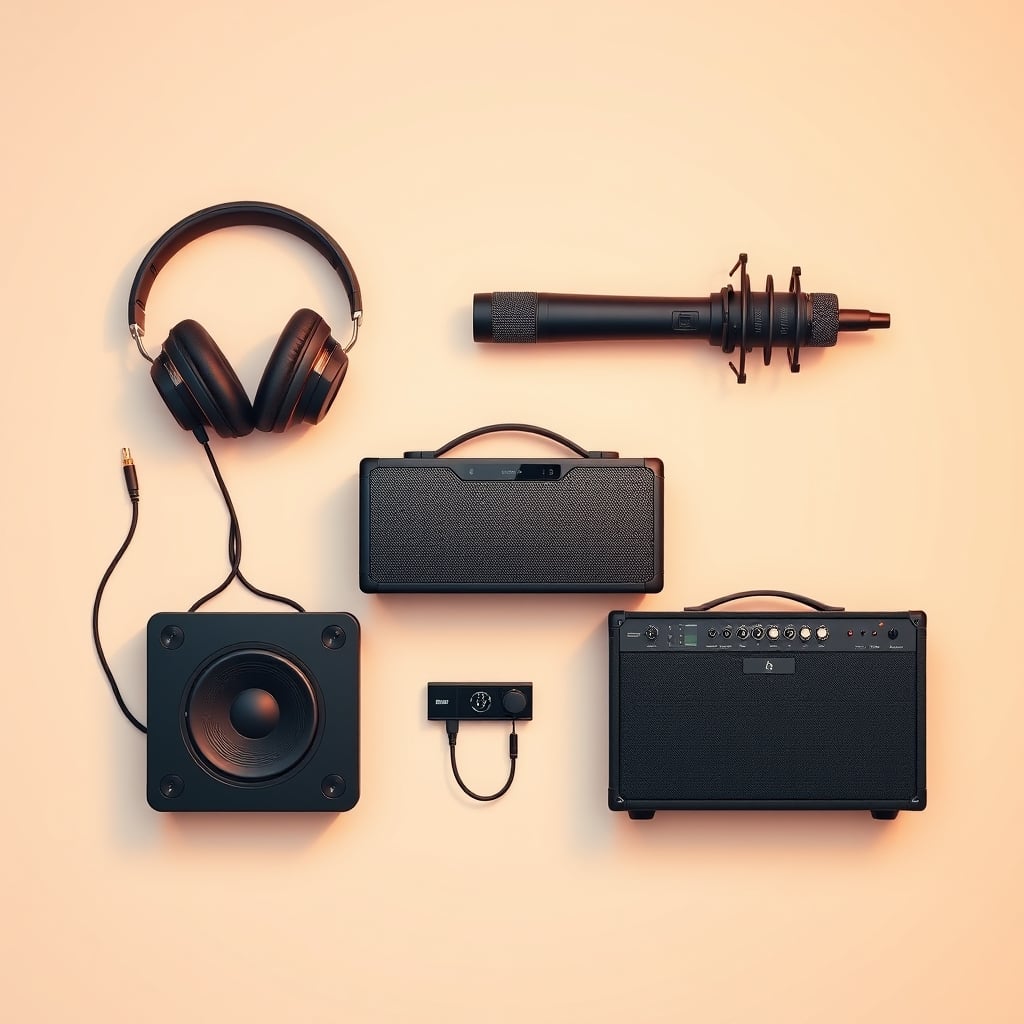
For most people, the right audio choice depends on three things: how you listen (solo or shared), where you listen (at home, in transit, in a studio), and how much control you want over sound quality. Start there, and the rest of the buying decision simplifies dramatically.
Audio gear can feel overwhelming because the industry hides its core decisions under mountains of jargon impedance, frequency response, codec names that sound important but often aren’t. This guide strips that away. We’ll walk through the four main audio categories, explain what actually changes the buying decision, show you where your money goes at different price tiers, and help you avoid the mistakes that turn a purchase into a regret.
What Actually Matters in Audio Gear
Before choosing which type of audio device to buy, understand the three criteria that shape every buying decision in this category.
Listening Context Trumps Specs
How and where you listen is the single biggest factor in audio gear, and it’s usually not on the spec sheet. A speaker that excels in a quiet bedroom sounds hollow in a living room with hard floors. Headphones built for commuting need different qualities than ones for studio work. Before you look at frequency response or watts, ask: Do I need sound others can hear, or am I listening solo? Is this for a fixed location or portable? Am I the end user, or am I recording for others?
This one question eliminates roughly 70% of the audio market from consideration. Ignore it, and you’ll buy something that technically works but feels wrong in practice.
Frequency Response and Impedance Matter Less Than You’d Think
The audio industry loves to emphasize frequency response (usually listed as “20 Hz–20 kHz” or similar ranges) as a proxy for sound quality. In reality, two speakers with identical frequency response can sound completely different, and most people can’t distinguish a speaker that claims “5 Hz–45 kHz” from one rated “20 Hz–20 kHz” especially if the latter is better tuned for midrange clarity, where human speech lives.
Impedance (measured in ohms, usually 4, 8, or 32) matters only if you’re matching an amplifier to speakers in a fixed setup. For nearly all modern headphones, portable speakers, and integrated systems, impedance is already built into the design. Obsessing over it wastes your attention.
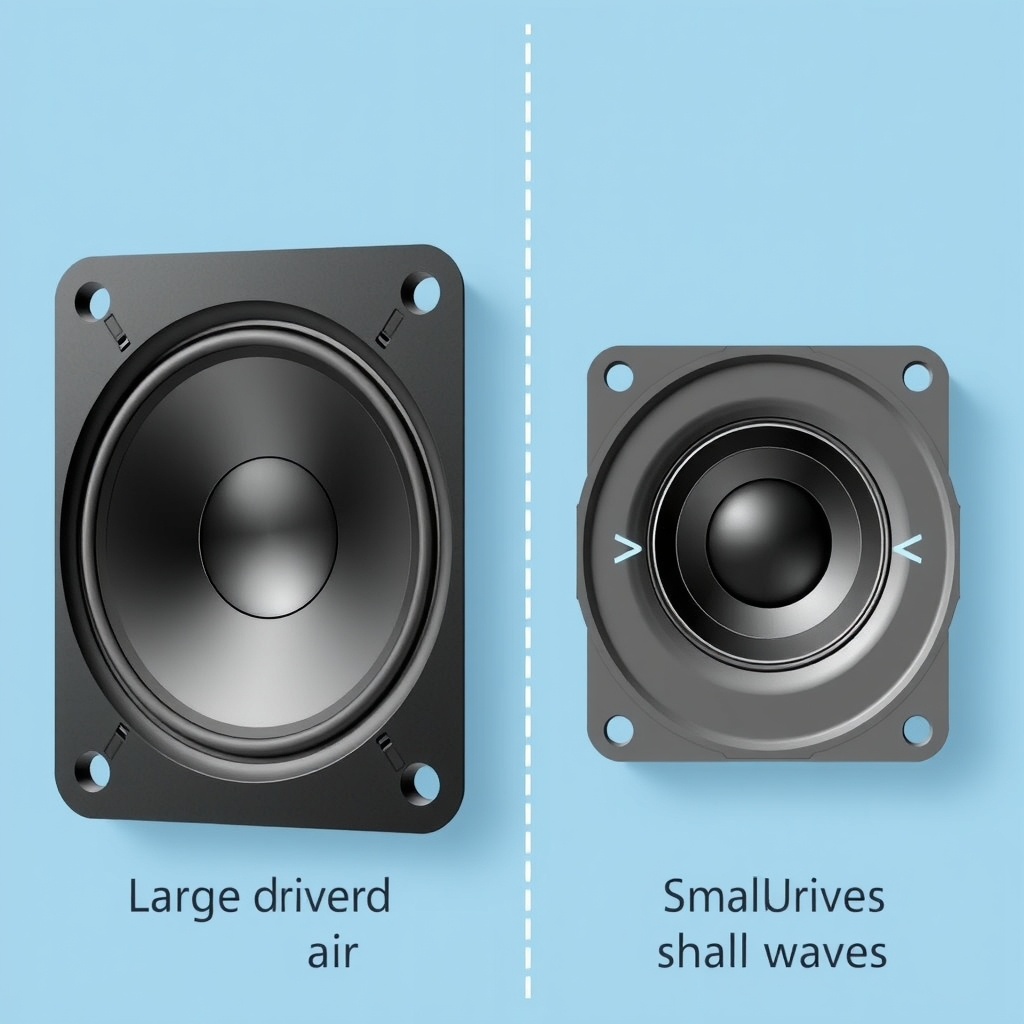
What actually changes your listening experience: driver size (bigger drivers move more air, useful for bass in larger spaces), cabinet damping (how well the speaker controls internal reflections), and the tuning choices the manufacturer made to emphasize certain frequency bands. None of these show up as a single number on a spec sheet.
Connectivity and Codec Standards Affect Convenience, Not Magic
Wireless audio now dominates the consumer market, and it ships with alphabet-soup codec names SBC, AAC, aptX, LDAC, LC3. Each compresses audio differently to fit through Bluetooth’s limited bandwidth. Based on patterns across community forums and owner reports, most listeners cannot reliably distinguish aptX from standard Bluetooth codecs in real listening scenarios, especially outside of controlled environments.
What does matter: Does the device pair reliably with your phone or computer? Does it have a fallback wired connection if wireless fails? How long does the battery last? Is the charger standard (USB-C) or proprietary? These conveniences shape daily life far more than whether your headphones support LDAC.
The Four Core Audio Categories
Speakers: Shared Sound for a Space
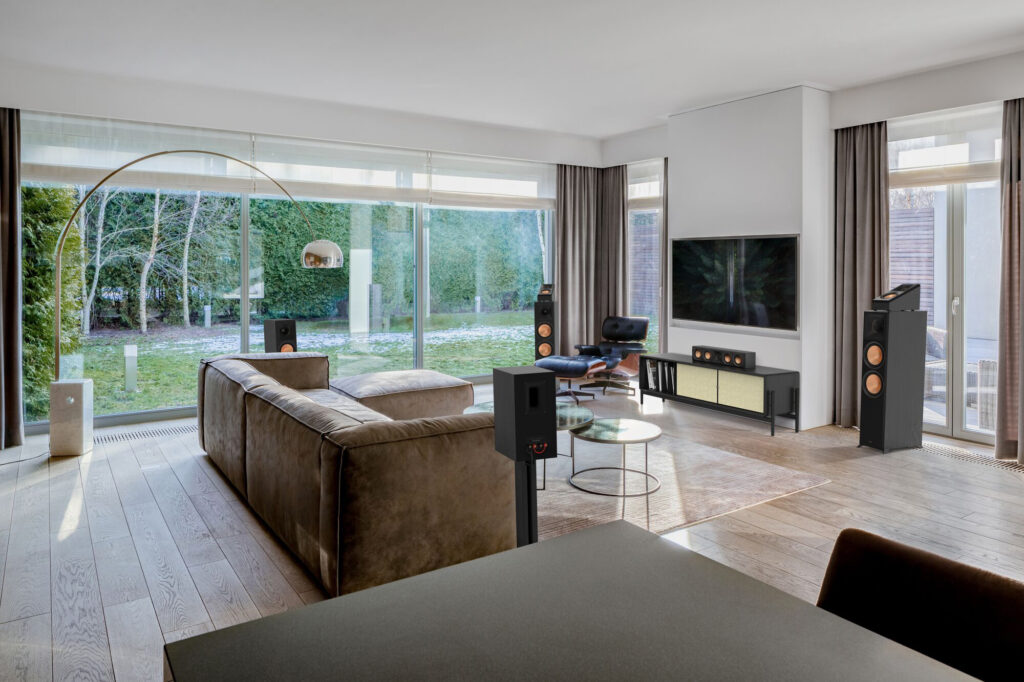
Shared Sound for a Space a speaker is a device that converts an electrical signal into sound waves, using a driver (the cone that moves back and forth) to push air. Speakers come in three main flavors:
Passive speakers require an external amplifier to produce sound. They’re common in home theater setups and professional studios because separating amplification from the speaker driver gives you more control over tone and power.
Active (powered) speakers have a built-in amplifier, so they connect directly to your source a phone, computer, or audio interface. Most consumer speakers sold today are active speakers because they eliminate the need for a separate receiver.
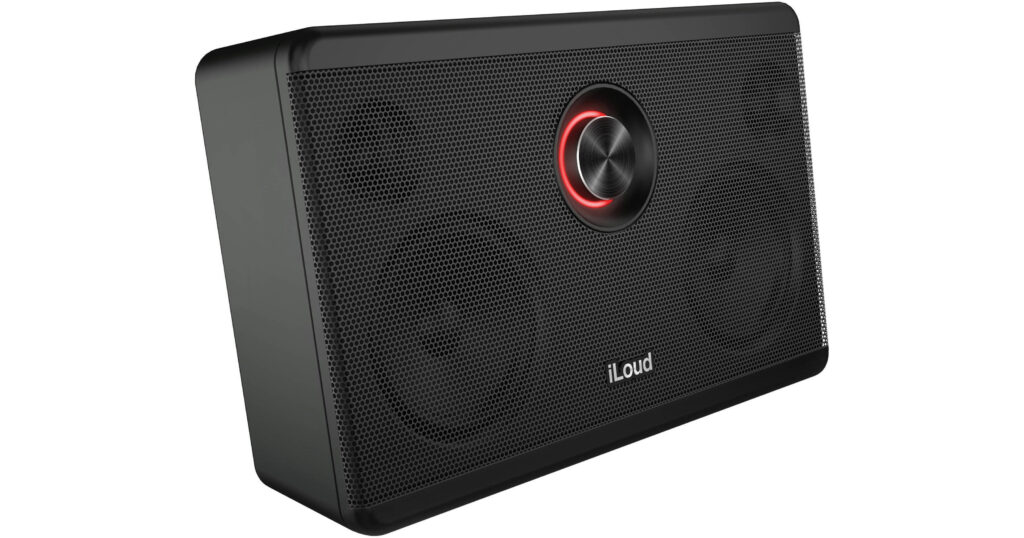
Portable/Bluetooth speakers are compact active speakers with wireless connectivity and a battery. They sacrifice some sound quality for mobility, but in our research patterns many listeners report that modern Bluetooth speakers hold up well for casual listening in kitchens, yards, and bedrooms.
What to prioritize when choosing a speaker:
- Room size: A speaker rated for a small bedroom (typically 20–40 watts) will sound thin in a living room; a home theater speaker designed for a large space might be overkill for a desk setup.
- Placement flexibility: Some speakers need to sit on stands; others are designed for shelf placement or wall mounting. Check the manual before buying.
- Bass response: Bass performance depends heavily on room acoustics, not just the speaker’s rated low-frequency extension. In rooms with hard walls, bass often builds up in corners; in rooms with lots of soft furnishings, bass gets absorbed.
- Wired vs. wireless: Bluetooth convenience costs battery life and occasional connectivity glitches. If the speaker lives in one place, a wired connection (3.5mm aux or RCA) is more reliable.
Common mistakes:
Buying the smallest speaker that fits your space, assuming size doesn’t matter. Smaller drivers move less air, and small enclosures have less room to develop bass. In our research patterns, undersized speakers often feel uncomfortable to live with because listeners turn them up louder to compensate, which increases listening fatigue.
Assigning too much importance to wireless convenience. Bluetooth is reliable for most uses, but a speaker with both wireless and wired inputs gives you a fallback and lets you choose based on your actual needs that day.
Headphones: Personal, Portable Audio
Headphones sit on or in your ears, delivering sound privately. The main categories are:
Over-ear headphones have large cups that cover your entire ear, typically with a headband. They offer maximum comfort for long sessions and usually deliver warmer, bass-heavier sound because the larger driver has more room to move. Most full-size studio headphones are over-ear.
On-ear headphones sit on top of your ears without fully covering them. They’re lighter and more portable than over-ear models but often less comfortable for extended use because they can put pressure on specific points on your ear.
In-ear headphones (earbuds) sit inside the ear canal. They’re the most portable and isolate external sound well, making them popular for commuting and exercise. Battery life is usually shorter because of the small enclosure.
Open-back headphones have vents in the ear cup, letting air (and sound) escape. They feel less isolating and sound more like speakers than headphones, making them popular in home studios. The tradeoff: they leak sound, so nearby people will hear what you’re listening to.
Closed-back headphones have sealed ear cups, providing isolation and containing bass. They’re the default for most listeners.
What to prioritize:
- Fit and comfort: If headphones hurt after 30 minutes, they’re wrong for you, regardless of sound quality. Comfort is not negotiable; it’s the primary decision criterion.
- Isolation method: Passive isolation (sealed design, good ear-cup seal) is always active, no battery required. Active noise cancellation (ANC) uses a microphone and speaker to generate an inverse sound wave, canceling external noise. ANC drains battery and sometimes creates a pressure-like sensation in the ear. ANC is useful in loud environments (airplanes, trains); it’s overkill for quiet home listening.
- Wired vs. wireless trade-off: Wireless headphones need charging; wired headphones don’t. Wireless is more convenient; wired is more reliable. Some headphones offer both.
- Sound profile: Headphones are more colored (emphasizing certain frequencies) than speakers because they’re closer to your ear. Some have a flat, neutral profile (common in studio gear); others emphasize bass or treble for casual listening. Neither is wrong it’s a taste preference.
Common mistakes:
Choosing headphones based on online reviews of sound quality without trying them. Headphone sound is highly personal; someone else’s perfect pair might feel thin or boomy to your ears. In our research, many returners cite “sounded nothing like reviews said” as the reason they sent headphones back.
Overpaying for a brand name without testing comfort. A well-known brand that doesn’t fit your ears is worse than an unknown brand that does.
Microphones: Capturing Sound from a Source
Microphones convert sound waves into electrical signals essentially the opposite of a speaker. The main types are:
Dynamic microphones use a moving coil to generate the signal. They’re rugged, handle loud sounds well, and don’t need external power. Most stage microphones and podcasting mics are dynamic. They’re less sensitive to distant sounds, so you need to be close to the mic.
Condenser microphones use a charged diaphragm and capacitor. They’re more sensitive than dynamic mics and pick up fine detail, making them popular in studios and for recording acoustic instruments. They require external power (called “phantom power,” usually 48 volts, supplied by an audio interface or mixing board).
Lavalier (lapel) microphones clip to clothing and are designed for hands-free use, common in presentations and interviews. They’re small, unobtrusive, and usually have a narrow pickup pattern focused on the wearer’s voice.
Boundary microphones are flat plates that sit on a table or wall and pick up sound from a wide area. They’re used for conference calls and group recording.
What to prioritize:
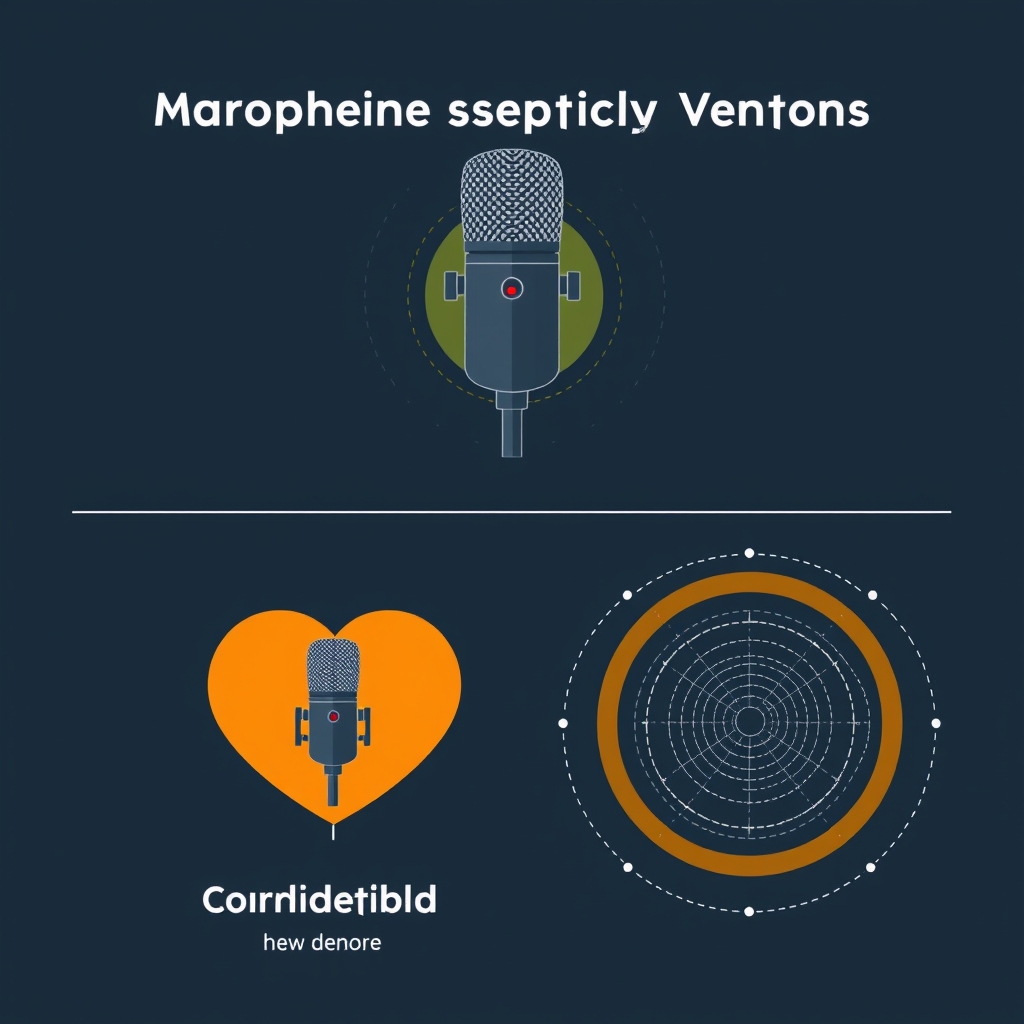
- Pickup pattern: Cardioid pattern (heart-shaped pickup area in front of the mic) is standard for most uses because it rejects sound from the sides and rear, isolating your voice. Omnidirectional patterns pick up equally from all directions, useful for recording multiple people or ambient sound. Ignore this and you’ll either record a lot of room noise or find the mic rejects sound you intended to capture.
- Sensitivity and self-noise: Sensitivity is how loud the signal is for a given sound level; self-noise is the hum the mic generates on its own. For podcasting and streaming, you want enough sensitivity that you don’t have to shout into the mic. For recording loud sources (drums, amps), high sensitivity becomes a liability because the mic’s self-noise floor becomes irrelevant.
- Frequency response: Microphones often roll off low frequencies below 100 Hz to reduce rumble from traffic and air conditioning. For voice work, this is usually fine and actually helpful. For recording full-range instruments or ambient sound, you want flatter response.
Common mistakes:
Buying an expensive condenser microphone for podcasting when a mid-range dynamic mic would work better. Condensers’ high sensitivity picks up keyboard clicks, breathing, and room noise that a less sensitive dynamic mic would reject.
Ignoring phantom power requirements. You can’t use a condenser mic without a power source, and cheap audio interfaces sometimes don’t provide 48V phantom power reliably.
Amplifiers: Boosting the Signal
An amplifier takes a weak audio signal and increases its power so it can drive speakers. In modern consumer audio, most people never buy a separate amplifier because powered speakers and headphone amplifiers are built in. But in home theater, music production, and high-end stereo, separate amplifiers are still common.
Integrated amplifiers combine a preamp (for input selection and volume control) and power amp (for driving speakers) in one box. Common in home stereo setups.
Power amplifiers only amplify the signal; they require a separate preamp or mixer to control inputs. Used in professional audio and high-end stereo.
Headphone amplifiers are small, specialized amps designed to drive headphones at low power. Some people use them to improve dynamic range and detail when connected to a computer or high-end audio source. In our research patterns, most listeners find the improvement subtle if they’re using modern headphones with built-in amplification.
What to prioritize:
- Wattage and impedance matching: Watts tell you power output; impedance (measured in ohms) tells you whether the amp can handle a specific speaker load safely. A 50-watt amp can drive 8-ohm speakers easily; if you have 4-ohm speakers, the amp’s power effectively doubles. This matters if you’re buying separates; it’s usually handled for you in powered systems.
- Signal-to-noise ratio (SNR): The difference between the loudest signal the amp can handle without distortion and the quietest signal above the amp’s internal noise. For most home listening, an SNR above 90 dB is indistinguishable from better. Chasing 110 dB SNR is often overkill.
- Heat and power efficiency: Class AB amplifiers are common and efficient enough for home use. Class D (switching amps) are more efficient, run cooler, and are lighter popular in portable powered speakers and subwoofers. Class A amps run hotter and are less efficient but some listeners and engineers prefer their sound character for music listening.
Common mistakes:
Buying a high-wattage amp believing more power always means better sound. In a small room, 20 watts is plenty; going to 100 watts won’t improve sound quality, and it actually increases the risk of accidentally damaging speakers if you turn it up too far.
Ignoring cooling and ventilation. Amps produce heat. Placing an amp in a closed cabinet without airflow will shorten its lifespan.
Price Tiers: What You Actually Get
Based on typical retail pricing as of August 2026, here’s where the money goes across audio categories:
| Category | Budget Tier | Mid-Range | Premium |
|---|---|---|---|
| Speakers (Active/Bluetooth) | $30–$100 | $100–$300 | $300–$1,000+ |
| Headphones (Wired/Wireless) | $20–$80 | $80–$250 | $250–$800+ |
| Microphones (Recording) | $20–$80 | $80–$300 | $300–$2,000+ |
| Amplifiers (Integrated) | $150–$400 | $400–$1,200 | $1,200–$5,000+ |
Prices as of August 2026. Ranges reflect typical retail; individual models vary.
Budget tier ($20–$150): You get working audio. Drivers are smaller, materials are cheaper, and convenience features (like wireless or app control) are basic or missing. Sound tuning is often colored to hide limitations heavy bass to distract from thin midrange, for example. In our research, budget audio often comes with thinner cables, weaker connectors, and battery life that in our experience undershoots the advertised claim by 10–20%. Best for: occasional use, secondary devices, situations where portability matters more than fidelity.
Mid-range ($80–$400): This is where most experienced listeners land, and it’s where build quality, tuning, and convenience features noticeably improve. Drivers are larger, materials last longer, and the tuning is usually closer to neutral. Features like app control, multiple connectivity options, and longer battery life become standard. In our research patterns, mid-range gear is often where the value-to-performance ratio peaks because you’re paying for engineering refinement, not brand premium or exotic materials. Best for: daily use, working from home, content creators who need good sound but don’t need pro-grade equipment.
Premium ($300–$2,000+): You’re paying for materials, handcrafted tuning, and brand prestige. A $500 speaker doesn’t objectively sound twice as good as a $250 speaker, but it might sound better to your ears in your room, and it will likely last longer. Professional-grade microphones and amplifiers in this tier are built for recording and live sound, where reliability and durability under heavy use matter. Best for: professionals, critical listeners with specific preferences, situations where gear will be used intensively or for income-generating work.
The honest breakdown: The jump from budget to mid-range ($80 to $150 for headphones, $100 to $250 for speakers) is worth the cost for most people. The jump from mid-range to premium is subjective some listeners hear the difference, others don’t. If you’re unsure, spend mid-range and revisit in two years.
Common Buying Mistakes to Avoid
Mistake 1: Buying Based on Specs Instead of Use Case
A headphone rated “20 Hz–40 kHz” sounds impressive, but if you’re using it for video calls, you’re wasting that extended frequency range human speech lives in a much narrower band. You’d be better off with cheaper headphones optimized for voice clarity and a reliable microphone.
The fix: Before comparing specs, write down exactly how you’ll use the audio gear. Then look for reviews specifically about that use case, not generic sound-quality praise.
Mistake 2: Ignoring Ergonomics and Treating Comfort as Negotiable
A perfect-sounding pair of headphones that hurts your ears after 30 minutes is not perfect it’s a regret. Comfort is not a bonus; it’s a requirement.
The fix: If you’re buying online, use the return window to actually wear or use the gear in the settings where you’ll use it most. A 30-day return period exists exactly for this reason. Don’t feel bad using it.
Mistake 3: Conflating Wireless Convenience with Actual Reliability
Bluetooth is convenient until it isn’t your phone pairs with multiple devices, your speaker drops connection in certain rooms, or the battery runs out mid-call. Wired audio isn’t cool, but it’s never had a connectivity glitch in its life.
The fix: For fixed-location gear (a desk speaker, a home theater system), prioritize wired connectivity or choose wireless with a wired fallback. For portable gear, accept that occasional re-pairing is the price of wireless freedom.
Mistake 4: Overspending on Features You’ll Never Use
You don’t need a microphone with phantom power if you’re only recording voice on a computer. You don’t need active noise cancellation if you work in a quiet home office. You don’t need a subwoofer if you only listen to podcasts.
The fix: List the three features you actually need. Ignore everything else. Features you don’t use are just extra cost and complexity.
How to Choose: The Decision Framework
Here’s the process we recommend:
Step 1: Identify your listening context. Are you listening alone or sharing sound with others? At a fixed location or on the move? Recording or just playing back?
Step 2: Match the category. Shared sound at home → speaker. Personal, portable → headphones. Need to record → microphone. Working with multiple speakers in a large space → amplifier (or powered speakers).
Step 3: Narrow by use case. Within headphones, ask: Do I need noise cancellation? Wireless? Studio quality or casual listening? Each answer eliminates choices.
Step 4: Check comfort and build quality first. Read reviews specifically about durability and fit. Look for mentions of cable quality, connector types, and whether the battery is replaceable. In our research, these details predict long-term satisfaction more reliably than frequency response specs.
Step 5: Pick a price tier and stick to it. Mid-range is almost always the value sweet spot for most people. If mid-range is out of budget, buy budget and plan to upgrade. If you have premium budget, spend it, but be specific about what you’re paying for (e.g., “professional durability” or “my specific sound preference”).
Step 6: Use the return window. Order two options at the same price point if possible, use both in your actual environment for a week, and return the one that doesn’t fit your life. This costs nothing and eliminates months of regret.
Our Keeper
KeptList’s full Audio & Sound buying guides break down the best speakers by room size and use case, the most reliable headphones for work and commuting, the microphones that don’t embarrass you on recordings, and the amplification gear that improves a system without reinventing it. Each roundup names specific models, explains why they made the cut, and shows you the trade-offs between them so you’re not just seeing a list, you’re seeing the logic behind it.
Start with this guide to understand the categories and the real decision criteria. Then visit the specific roundups for your use case whether that’s desktop speakers for a bedroom, wireless earbuds for running, a podcast microphone, or a home theater amp and find the model that fits your actual listening life.
FAQ: Your Audio Buying Questions Answered
Q: Do I actually need a separate amplifier, or will powered speakers work? For most home listeners, powered speakers (active speakers with built-in amplifiers) are the right choice. They’re simpler to set up, take less space, and don’t require matching impedances. You only need a separate amplifier if you’re building a high-end stereo system with passive speakers or driving a large space with multiple speakers that need more power than a single integrated amp can handle.
Q: Is active noise cancellation worth the battery drain? Active noise cancellation is most useful in consistently loud environments airplanes, trains, busy offices. In quieter environments or for short listening sessions, passive isolation (a well-sealed ear cup) works just as well, with no battery penalty. If you listen in quiet places most of the time, save your money; if you commute on the subway, it’s a real quality-of-life improvement.
Q: Why do two headphones with identical frequency response sound different? Frequency response is only one of many factors that shape sound. Driver size, ear-cup design, cable material, tuning adjustments at specific frequencies, and comfort all change how you perceive sound. Two headphones can have the same official frequency response but emphasize different parts of that range, making one feel warmer or brighter than the other. The spec alone tells you almost nothing about how they’ll sound to you.
Q: Should I buy a wireless or wired microphone for podcasting? Wired microphones are more reliable for recording voice because they don’t drop connection or drain batteries. Wireless mics are useful for live performance and presentations, where movement matters more than reliability. For podcasting, wired is the right answer your audience will hear consistently clear audio, and you won’t have a dead battery mid-episode.
Q: Do expensive audio cables actually matter? For short cable runs (under 10 feet) in a residential environment, cable quality makes almost no difference. Longer runs, professional installations, or harsh environments (RF interference, temperature swings) can expose cheap cable to signal degradation. For home use, a $5 cable works as well as a $50 cable; spend money on the gear, not the connector.
Q: How do I know if audio gear is actually broken, or if I just need to adjust my expectations? Breaks show up as crackling, cutting in and out, no sound from one channel, or battery that won’t hold a charge after one week of normal use. Normal-but-unexpected includes: bass sounds different in your room than in reviews (room acoustics are the culprit, not the speaker), wireless has occasional glitches (all Bluetooth systems do), or the sound feels less impressive than you hoped (expectations usually outpace reality). Use the return window to confirm it’s actually broken before claiming a defect.

This guide is a foundational overview of the audio gear landscape. When you’re ready to commit to a purchase, visit KeptList’s category-specific buying guides we name models, explain the trade-offs, and help you navigate the choice with confidence.









