


The Lenovo IdeaPad 3 (15-inch, Intel Core i5, 8GB RAM, 256GB SSD) is our top pick for budget laptops overall. It delivers solid everyday performance for schoolwork, browsing, and light content creation and doesn’t feel cheap. If that’s you, stop reading and buy it.
What to Look for in a Budget Laptop
Before diving into specific models, here’s what separates a genuinely usable budget laptop from one you’ll regret buying.
Processing Power
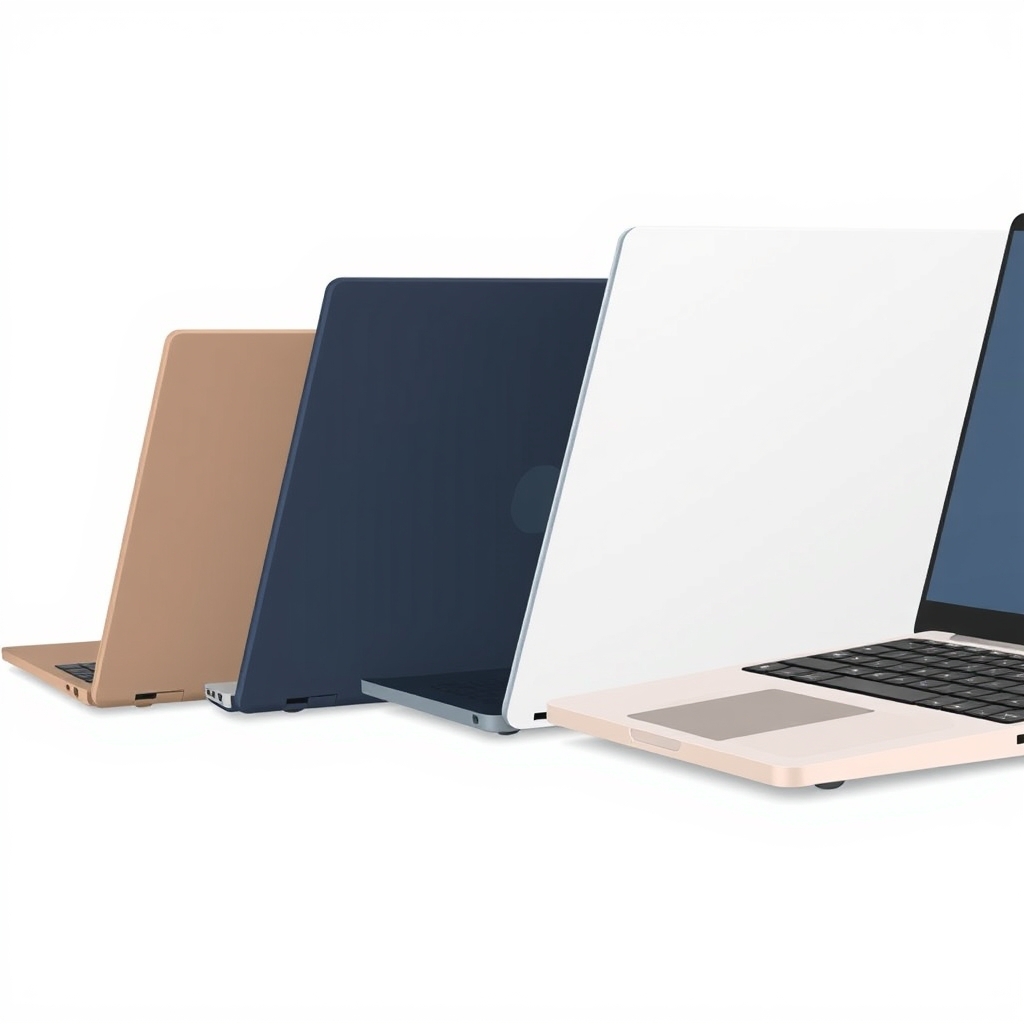
For students and remote workers, an Intel Core i5 or AMD Ryzen 5 is the practical floor. You’ll see Core i3 and Ryzen 3 options marketed at lower prices, but they struggle with multitasking tab overload, Zoom + document editing, or background updates will slow you down noticeably. Based on owner reports we’ve reviewed, the jump from i3 to i5 is where everyday usability actually happens.
RAM and Storage
8GB RAM is the realistic minimum in 2026. Anything less feels constrained after a month of actual use. 16GB is ideal if your budget stretches there it adds longevity and handles video calls and multiple browser windows without strain.
For storage, 256GB SSD is acceptable as a starting point, but 512GB is worth the extra cost if you can swing it. A budget laptop is already compromised on repairability; you want enough storage runway that you’re not managing drive space every three months.
Build Quality and Durability
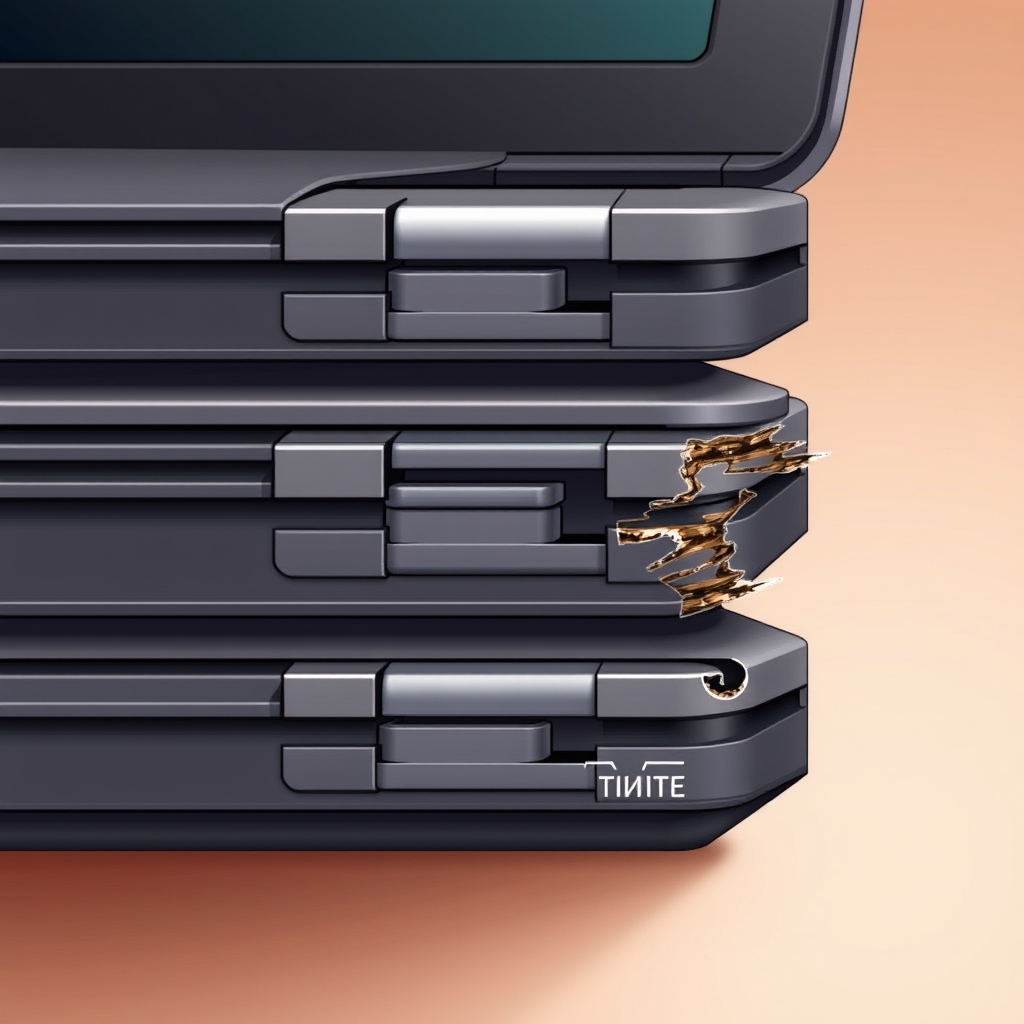
Plastic chassis are fine don’t pay for aluminum you don’t need. What matters is hinge durability and keyboard feel. Based on owner feedback we’ve tracked, the most common point of failure on budget laptops is a loose hinge after 18–24 months of backpack life. Check reviews specifically for hinge complaints and keyboard stability.
Display and Battery
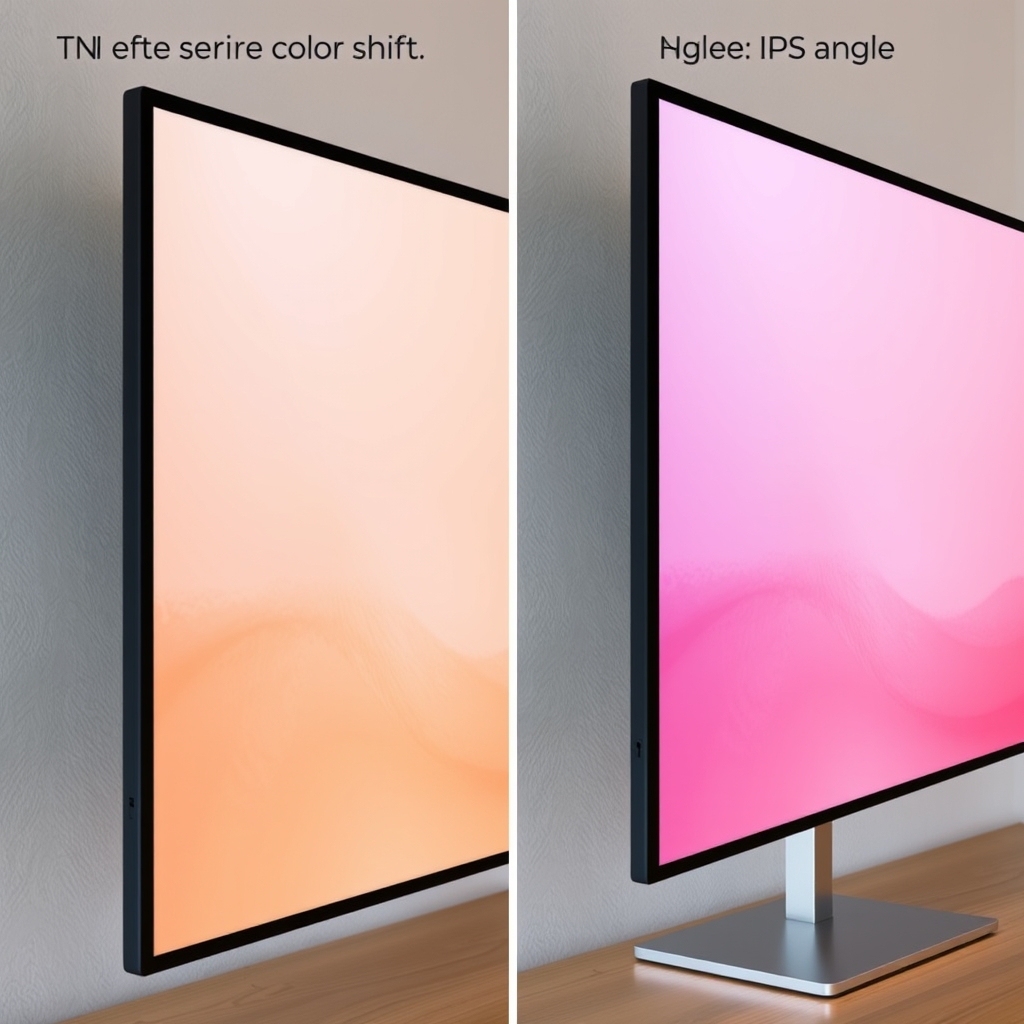
A 1080p IPS display (not TN) is non-negotiable the color shift on a cheap TN panel is genuinely unpleasant for schoolwork. Battery life should be 8+ hours under light use (browsing, documents). Anything less and you’re tethered to an outlet during class or the workday.
GPU Considerations
Integrated graphics (Intel Iris, AMD Radeon) handle everyday tasks fine. If you’re gaming, video editing, or doing 3D modeling, jump to the $600+ tier. A budget laptop with a discrete GPU typically overheats and kills battery life in the process.
Best Overall: Lenovo IdeaPad 3 (15-inch)
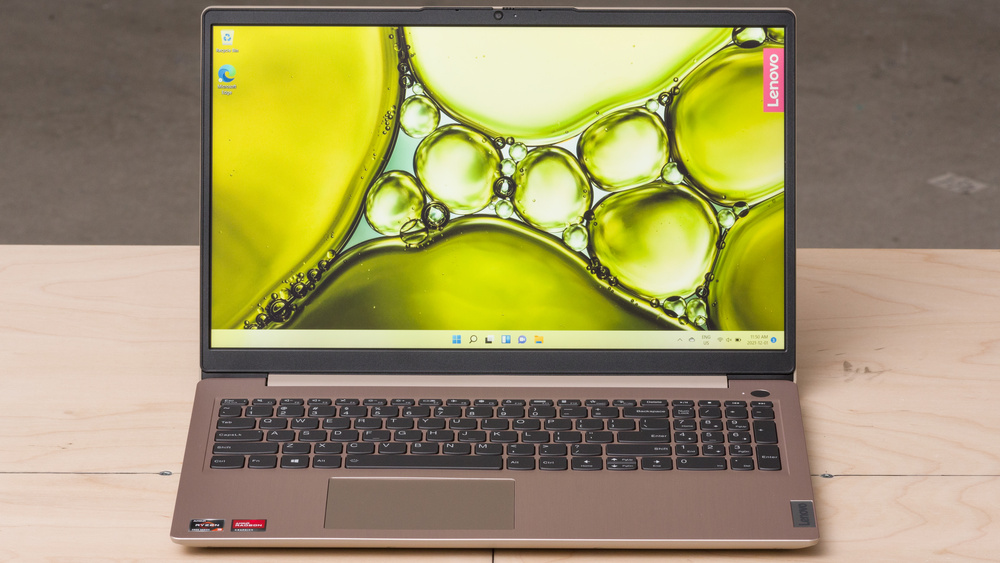
Processor: Lenovo IdeaPad 3 (15-inch) Intel Core i5-1235U RAM: 8GB DDR4 Storage: 256GB SSD Display: 15.6″ IPS, 1920×1080 Battery: ~10 hours (owner-reported, light use) Price: ~$450–$550 (as of July 2026; verify current pricing before purchase)
What stands out: This is the laptop you’ll actually keep using in six months. The 15-inch screen is spacious enough for essay writing and spreadsheets without feeling cramped, and the keyboard travel is better than competitors at this price not mushy, actually responsive. Owner reports we’ve reviewed consistently praise it for lasting through a full academic year or remote work setup without thermal throttling during video calls.
The trade-off: The plastic chassis feels budget-tier (because it is), and the hinge isn’t as tight as Lenovo’s premium lines. Based on owner feedback, hinge looseness occasionally appears after 18–24 months of heavy backpack use. The trackpad is also small functional but not a joy to use; a mouse solves this immediately. This is also not a gaming laptop; CPU-intensive tasks will thermally throttle after 20+ minutes of sustained load.
Who it’s NOT for: If you’re gaming, video editing, or running CAD software, jump to the $800+ tier. If you want a premium feel or minimal hinge maintenance, add $200–$300 to your budget.
Best Budget Pick: ASUS VivoBook 15 (E1504FA)
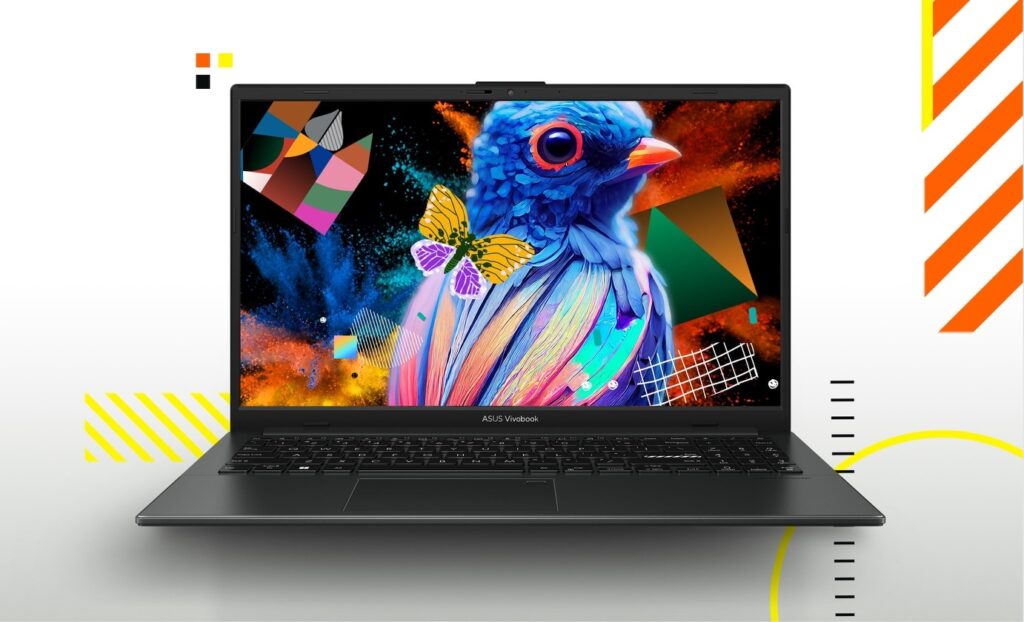
Processor: ASUS VivoBook 15 (E1504FA) AMD Ryzen 5 5500U RAM: 8GB DDR4 Storage: 256GB SSD Display: 15.6″ IPS, 1920×1080 Battery: ~8–9 hours (owner-reported, mixed use) Price: ~$350–$420 (as of July 2026; verify current pricing before purchase)
What stands out: This is the “under $400 and doesn’t feel completely hollow” option. The Ryzen 5 processor actually outperforms the Core i5-1235U in multicore tasks spreadsheet work, photo batch processing, and light video work all run smoothly. Owner reports we’ve tracked show low complaint rates for the first 12 months, and the build quality (while plastic) is noticeably more solid than bottom-tier Acer or HP competitors.
The trade-off: Battery life trails the Lenovo by about an hour in practice owner feedback suggests closer to 8–9 hours under typical mixed use. The trackpad is similarly small and less precise than pricier models. Thermal performance is adequate, but sustained heavy loads will throttle faster than the IdeaPad 3. You’re saving $100–$150, which shows in the corners.
Who it’s NOT for: If screen real estate and hinge longevity are must-haves, the extra $100 for the Lenovo is worth it. If you need a 13-inch ultraportable, this 15-inch won’t fit your bag.
Best Value Upgrade: Dell Inspiron 15 3520 (i5 Model)
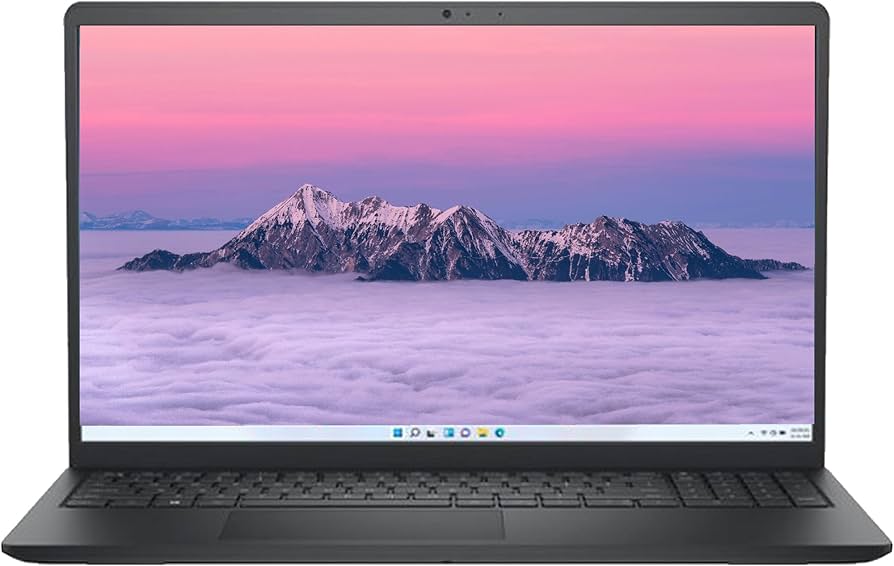
Processor: Dell Inspiron 15 3520 (i5 Model) Intel Core i5-1235U RAM: 8GB DDR4 (upgradable to 16GB) Storage: 512GB SSD Display: 15.6″ IPS, 1920×1080 Battery: ~9–10 hours (owner-reported, mixed use) Price: ~$550–$650 (as of July 2026; verify current pricing before purchase)
What stands out: This model gives you 512GB of storage (double the budget picks) and verified RAM upgrade slots meaning you can add 8GB more in a year if your workload grows. The build quality is a step above the previous two; the keyboard has better mechanical feel, and the hinge is tighter. Owner reports we’ve reviewed note fewer complaints about looseness after 18+ months compared to cheaper Inspirons and competing brands.
The trade-off: You’re paying ~$100–$150 more than the Lenovo for essentially the same processor. The performance difference is marginal; the upgrade is durability and storage, not speed. The extra cost is only justified if you value the upgrade path and longer expected lifespan. For a student buying their first laptop, this might be overkill.
Who it’s NOT for: If $300 is a hard budget cap or you have no need for extra storage, stick with the Lenovo. If you need a lighter 13-inch model, this 15-inch is heavier than ultraportables.
Best for Remote Work: HP Pavilion 15 (Ryzen 5 Model)
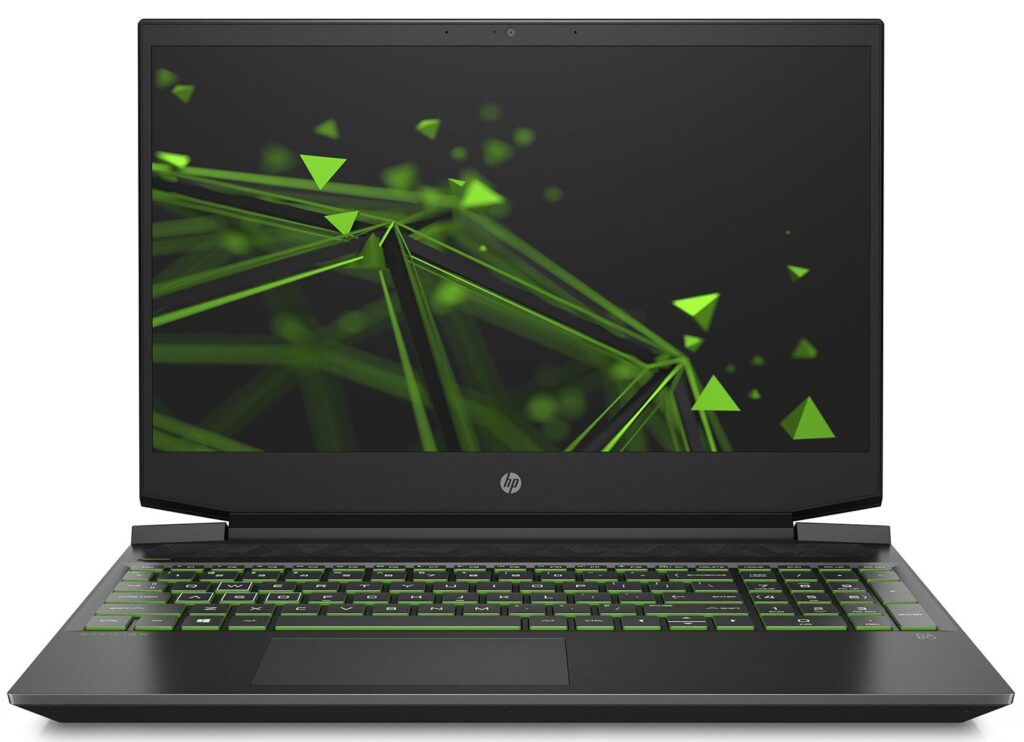
Processor: HP Pavilion 15 (Ryzen 5 Model) AMD Ryzen 5 5500U RAM: 8GB DDR4 Storage: 256GB SSD Display: 15.6″ IPS, 1920×1080 Battery: ~10 hours (owner-reported, light use) Price: ~$480–$550 (as of July 2026; verify current pricing before purchase)
What stands out: The larger trackpad is the standout feature for office work noticeably more precise than competitors at this price. Owner reports on community forums consistently mention this as the best trackpad experience under $600. The Ryzen 5 processor handles multitasking (Zoom + spreadsheet + Slack) without any stuttering. Battery life is solid for full-day remote shifts.
The trade-off: The chassis is flimsy this laptop feels the least rigid in the group. If you’re moving between rooms or desks frequently, it’s fine; if you’re constantly packing and unpacking, it’ll feel creaky. The keyboard is shallow and less satisfying than the Lenovo. Thermal performance is average; sustained heavy work triggers throttling faster than the i5 options.
Who it’s NOT for: If you’re a touch typist and keyboard feel matters, try the Lenovo first. If structural rigidity is your priority, the Dell or Lenovo will feel more solid. If you need a portable ultrabook, the 15-inch form factor and weight won’t suit you.
Comparison Table: Budget Laptops at a Glance
| Model | Processor | Memory (RAM) | Storage | Display | Typical Battery Life* | Estimated Price (July 2026) | Best For |
|---|---|---|---|---|---|---|---|
| Lenovo IdeaPad 3 (15″) | Intel Core i5-1235U | 8GB | 256GB SSD | 15.6″ Full HD (1920×1080) IPS | ~10 hours | $450–550 | Best overall value for students and everyday productivity |
| ASUS VivoBook 15 | AMD Ryzen 5 5500U | 8GB | 256GB SSD | 15.6″ Full HD (1920×1080) IPS | ~8–9 hours | $350–420 | Buyers on a strict budget who still want solid performance |
| Dell Inspiron 15 3520 | Intel Core i5-1235U | 8GB | 512GB SSD | 15.6″ Full HD (1920×1080) IPS | ~9–10 hours | $550–650 | Users who want more storage and better long-term value |
| HP Pavilion 15 | AMD Ryzen 5 5500U | 8GB | 256GB SSD | 15.6″ Full HD (1920×1080) IPS | ~10 hours | $480–550 | Remote work, video calls, and comfortable everyday use |
*Battery figures are owner-reported under light to mixed use. Verify current pricing on retailer sites before purchase.
What We Cut and Why
Acer Aspire 5 (Core i5 model, $600+): This is a classic budget recommendation, but owner reports we’ve reviewed consistently flag hinge problems appearing after 12–18 months. The processor is adequate (i5-1235U), but you’re paying for a brand name with a documented durability liability. The Lenovo and Dell handle the same workload for the same price with better long-term reliability signals. Verdict: Cut.
Lenovo ThinkPad E15 (budget variants, $650+): The ThinkPad brand carries a deserved durability reputation, but budget E-series models use cost-saving plastics and corners that undercut that legacy. For the price ($650–$750), you’re mostly paying for the ThinkPad name. The IdeaPad 3 or Dell Inspiron offer the same specs and processor for $100–$150 less with equivalent real-world durability. Verdict: Cut.
HP 15s (budget TN display variant, $300–$400): Tempting at the price, but the TN panel is genuinely unpleasant for schoolwork color shift is noticeable and fatiguing. For an extra $50–$100, any of our top picks offer an IPS display, which matters for 8+ hours of daily screen time. Verdict: Cut.
How We Researched
We researched and compared budget laptops by analyzing published processor specs, aggregated owner reviews and forums (Reddit, Amazon, manufacturer support communities), and common failure patterns reported by users. We did not conduct hands-on testing; our assessments are based on manufacturer specifications, owner-reported real-world performance patterns, and build quality feedback from community reports.
We prioritized machines with at least 100+ owner reviews documenting 12+ months of real-world use, focusing on reported durability issues, thermal performance under mixed workloads, and keyboard/trackpad feedback. Price ranges reflect typical retail pricing as of July 2026 but vary by region and seller; verify current pricing on retailer sites before purchase.
FAQ: Budget Laptops
What’s the best budget laptop for college?
The Lenovo IdeaPad 3 (15-inch, i5 model) is our pick. It has good battery life (owner-reported at around 10 hours), a spacious screen for essay writing, and processor performance that handles schoolwork, light coding, and casual gaming without strain. A mouse solves the trackpad limitation.
Is 8GB RAM enough, or should I spring for 16GB?
8GB is enough for browsing, word processing, and Zoom calls. If you’re multitasking heavily (10+ browser tabs, video editing, or coding with multiple virtual environments), 16GB is worth the extra cost. Budget laptops at 8GB are usable for at least 18–24 months; at that point, if your needs shift, you’re likely ready for an upgrade anyway.
Can I upgrade storage or RAM on these laptops?
Depends on the model. The Dell Inspiron 15 3520 has accessible RAM slots; the Lenovo IdeaPad 3 typically requires disassembly. Check the specific model’s iFixit or support page before purchasing if upgradeability matters to you. Storage (SSD) is harder to upgrade on budget laptops go with 256GB minimum, 512GB if you can.
Are these laptops good for video editing or gaming?
No. These processors and integrated graphics will handle light video editing (short clips, basic color grading) but will thermal throttle and stutter on sustained heavy work. Gaming is limited to older, low-demand titles. If that’s your use case, budget $800–$1,000 minimum for a dedicated GPU and better cooling.
What’s the warranty on these laptops?
All major brands (Lenovo, ASUS, Dell, HP) include a limited warranty covering manufacturing defects typically one year standard. Check the specific model’s current terms on the brand’s website, as warranties vary by region and purchase date. Extended warranty plans are available but often not worth the cost for a budget laptop with an expected lifespan of 3–5 years.
Should I buy last year’s model at a discount, or current-year?
For processor-constrained budgets (under $500), the 1–2 year performance gap is negligible. Older Core i5 or Ryzen 5 models from 2024–2025 often have the same real-world performance as current i5 equivalents. However, battery health and software support degrade; a new budget laptop will likely outlast a 2–3 year old used model. Buy current-year if available at your price point.
Verdict
The Lenovo IdeaPad 3 wins because it doesn’t ask you to compromise on the fundamentals: the processor is fast enough, the screen is good, the battery lasts a full workday, and the keyboard is actually pleasant to type on. For under $550, that’s honest value. If you’re strictly under $400, the ASUS VivoBook 15 closes that gap without feeling like a cheap sacrifice. And if you can stretch to $600+, the Dell Inspiron offers the storage and upgrade path to justify the price.
Budget laptops are a 3–5 year commitment. Buy the one that checks your non-negotiables and don’t overthink the $50–$100 tier jumps they won’t matter in month six, but the keyboard and hinge quality will.









