Expect to Spend $500–$5,000 for a Fully Functional Home Office
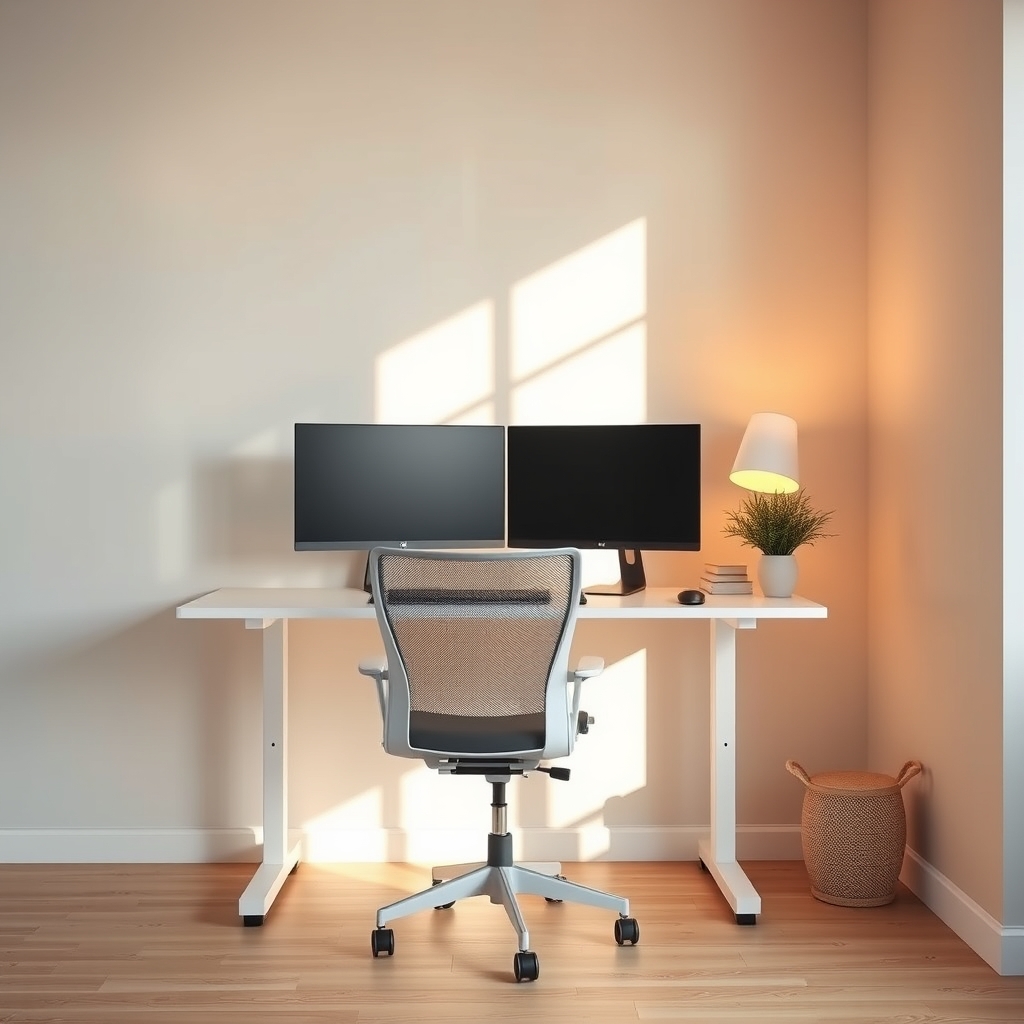
A productive home office setup costs between $500 and $5,000 depending on your space, work demands, and ergonomic priorities. At the $500 tier, you’re buying bare essentials a budget desk, basic chair, and task lighting. At $5,000+, you’re adding premium ergonomics, multi-monitor support, acoustic treatments, and furniture that lasts a decade. Most professionals find the sweet spot around $1,500–$2,500, where diminishing returns begin: you’ve covered ergonomics, durability, and comfort without luxury markup.
The key is knowing what actually matters at each price point and where skipping $200 won’t hurt productivity, versus where cutting corners now means neck pain, wasted time, or replacing your chair in two years.
Cost Breakdown: Where Your Money Goes
At every budget level, allocation typically follows this pattern:
| Budget Tier | Desk | Chair | Lighting | Storage | Accessories |
|---|---|---|---|---|---|
| $500 | 30% ($150) | 35% ($175) | 15% ($75) | 10% ($50) | 10% ($50) |
| $1,000 | 25% ($250) | 40% ($400) | 15% ($150) | 10% ($100) | 10% ($100) |
| $2,000 | 25% ($500) | 35% ($700) | 15% ($300) | 15% ($300) | 10% ($200) |
| $3,500 | 25% ($875) | 30% ($1,050) | 15% ($525) | 20% ($700) | 10% ($350) |
| $5,000+ | 25% ($1,250) | 28% ($1,400) | 12% ($600) | 25% ($1,250) | 10% ($500) |
Why the chair gets the biggest slice: A bad chair causes back pain, posture collapse, and reduced focus within months. A bad desk is annoying but fixable. A bad chair is a medical expense waiting to happen.
Hidden costs to budget for:
- Monitor arms or stands (add $30–$300)
- Cable management / power strips ($20–$80)
- Desk mat or anti-fatigue floor mat ($30–$150)
- Keyboard and mouse if not included ($50–$300)
- Desk organizers or pegboard ($20–$200)
- Annual chair maintenance or replacement parts ($0–$100)
These aren’t optional if you want a setup that doesn’t fall apart or eat up your desk.
$500 Budget: Bare Essentials That Work
Verdict: Buy this if you work 15–20 hours/week from home or are testing remote work before investing more.
At $500, you’re solving for “functional and upright,” not “comfortable and efficient.” You’ll have a workspace, but after 5 hours, you’ll feel it.
What to prioritize:
- Desk ($150): A 48″×24″ flat-pack desk (IKEA Bekant, Amazon Basics, or similar). Skip the fancy wood laminate holds up fine. Avoid anything under 20″ deep; you’ll run out of space for a monitor and keyboard.
- Chair ($175): A mesh task chair with adjustable height and lumbar support (not memory foam, which in our observation loses support within 18 months). Target brands like Furmax, Hbada, or Yaheetech in the $120–$180 range. Avoid gaming chairs here they’re bottom-heavy and take up floor space.
- Lighting ($75): One dimmable LED desk lamp (12–24W, adjustable color temperature). Skip the overhead alone; it creates glare on screens.
- Storage ($50): A compact 3-drawer rolling cart or wall-mounted shelves.
- Keyboard + mouse ($50): Wireless combo; Logitech or generic Bluetooth options. You’ll replace these in 3–4 years anyway.
Sample $500 setup:
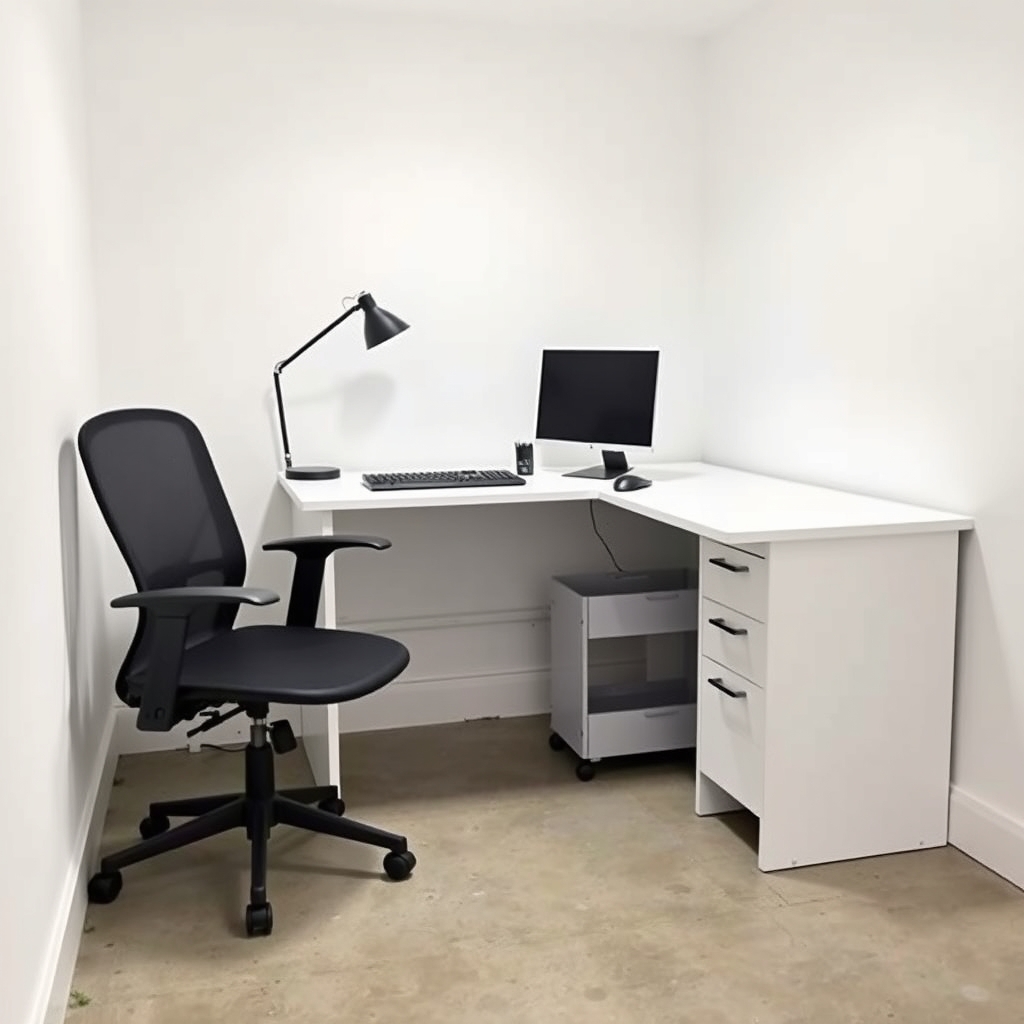
- IKEA Bekant desk (48×24″) $120
- Hbada ergonomic mesh chair $160
- TaoTronics LED desk lamp $25
- Yamazaki rolling cart (white) $50
- Logitech MK470 wireless keyboard + mouse $30
- Surge-protected power strip $15
Caveats: Based on owner reports across budget chair categories, expect the foam and mesh support to soften noticeably after 2–3 years. The desk will wobble if you push hard on one corner. This setup works for focused work, not all-day comfort. If you spend 40 hours/week here, upgrade to the next tier.
$1,000 Budget: Comfort Meets Durability
Verdict: Buy this if you work full-time from home and plan to stay there 3+ years.
At $1,000, you jump from “functional” to “I can sit here all day without regret.” The chair gets noticeably better, the desk feels solid, and you can add dual monitors or a bigger work surface without strain.
What to prioritize:
- Desk ($250): A 60″×30″ solid-top or quality laminate desk (IKEA Markus, Fully Jarvis frame kit, or FlexiSpot E7 if budget allows). Avoid ultra-thin tops; aim for 1.5″ thickness minimum. Motorized height adjustment ($80 extra) is nice but not essential at this tier.
- Chair ($400): A mid-range ergonomic chair with lumbar support, armrest adjustment, and a five-year warranty (Autonomous Chair Pro, Steelcase Series 1, or Herman Miller Aeron secondhand). This is where you see the biggest quality jump.
- Lighting ($150): Two sources: a dimmable desk lamp + a small floor lamp or bias lighting behind the monitor to reduce eye strain.
- Storage ($100): A filing cabinet, open shelving unit, or combination.
- Monitor ($150–$200): One 27″ 1440p monitor or two 24″ 1080p monitors (not included in chair/desk budget but critical here).
Sample $1,000 setup:
- IKEA Bekant desk (60×30″) + adjustable legs $250
- Steelcase Series 1 chair (refurb) $380
- BenQ e-Reading desk lamp + small LED strip $120
- IKEA filing cabinet (Alex) $80
- Dell S2421H 24″ 1080p monitor $150
- Keychron mechanical keyboard $70
Caveats: At this price, you’re still buying consumer-grade furniture; a $1,200 chair outperforms a $400 chair noticeably after 6 hours. But diminishing returns start here.
$2,000 Budget: Where Diminishing Returns Begin
Verdict: Buy this if you work full-time from home and value comfort, or if you’re a creator (photographer, developer, designer) who needs dual monitors or extra storage.
From $1,000 to $2,000, you’re paying for durability, flexibility, and refinement not a night-and-day jump in comfort. Your chair will last longer. Your desk will be steadier. You can add better lighting, a monitor arm, acoustic treatment, or plants.
What to prioritize:
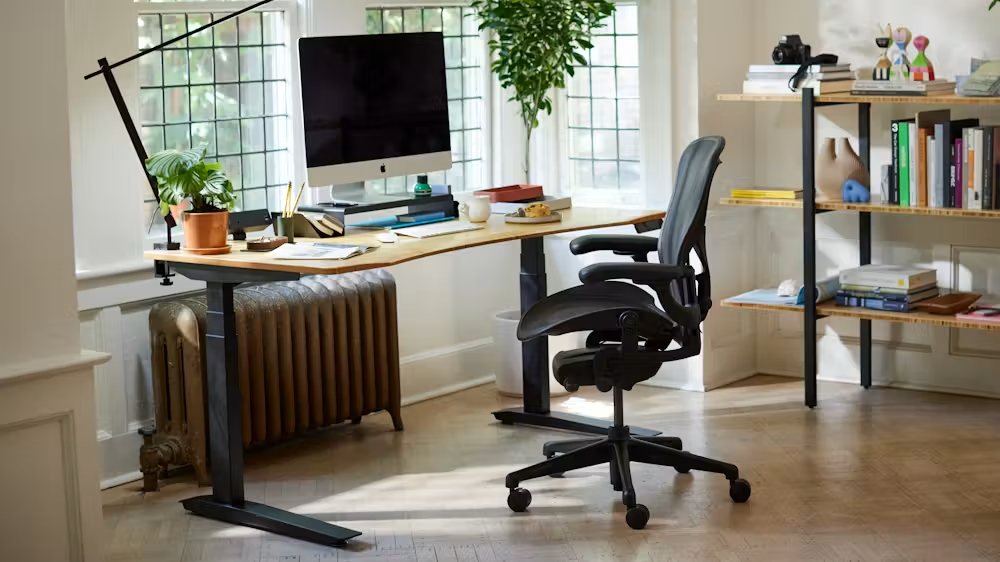
- Desk ($500): An electric standing desk with programmable presets (Flexispot E7, Uplift V2, or similar). At this price, you’re also buying peace of mind better motors, longer warranty (7–10 years).
- Chair ($700): A premium ergonomic chair with strong lumbar support, padded armrests, and a 10-year warranty (Herman Miller Aeron, Steelcase Leap, or Autonomous Premium). This is the anchor expense, and it’s worth it.
- Lighting ($300): A multi-arm desk lamp, monitor backlight, and overhead dimmer or 3000K warm pendant. Your eyes notice this immediately.
- Storage ($300): Combination of wall shelving, filing cabinets, and a credenza or bookcase.
- Dual monitors ($400–$500): Two 27″ 1440p or 1 ultra-wide 34″ 1440p.
Sample $2,000 setup:
- Flexispot E7 electric standing desk (60×30″) $500
- Herman Miller Aeron chair (basic) $650
- BenQ e-Reading lamp + Nanoleaf bias lighting $200
- Ikea Kallax shelving + filing cabinet $250
- Two Dell P2423D 24″ 1440p monitors $450
- Durable monitor arm (Ergotron LX) $200
- Mechanical keyboard + mouse $100
The sweet spot for most people is here. You’ve solved ergonomics, added flexibility (standing option), and based on owner feedback, components at this tier typically last 5–7 years before meaningful degradation.
$3,500 Budget: Premium Comfort and Space
Verdict: Buy this if you manage a team, record videos, or spend 50+ hours/week in your office and want zero regrets about comfort.
At $3,500, you’re adding space (larger desk, better storage), acoustic improvements (bass traps, sound panels), and switching to commercial-grade components. The chair is genuinely excellent. The desk is rock-solid.
What to prioritize:
- Desk ($875): A 72″×36″ solid-wood or premium laminate electric standing desk with a cable tray. You have room for three monitors, a laptop, and actual work. Brands like Uplift, Fully, or Autonomous offer premium frames.
- Chair ($1,050): A top-tier ergonomic chair (Herman Miller Mirra 2, Steelcase Leap, or Autonomous Premium with memory foam). At this price, you’re getting chairs that adjust in 12+ ways and, in our observation, hold up well past a decade of daily use.
- Lighting ($525): Professional-grade desk lamp, biased monitor backlight, 3000K overhead smart bulbs, and possibly a small LED ring light if you take calls or record.
- Storage ($700): A credenza, shelving wall, and file system that looks intentional, not slapped together.
- Acoustic treatment ($400–$500): 4–8 bass traps and absorption panels (Owens Corning or GIK Acoustics). If you’re on calls, this is non-negotiable.
Sample $3,500 setup:
- Uplift V2 electric standing desk (72×36″) $850
- Herman Miller Mirra 2 chair $1,000
- BenQ SW240 monitor + professional lamp + smart bulbs $400
- Three 27″ 1440p monitors + dual monitor arm $800
- Walnut credenza + open shelving $250
- Acoustic panels (6–8) $400
- Logitech MX keyboard + mouse $200
What you gain: A setup that feels like a real office, not a bedroom corner. Calls sound professional. You can stand, sit, or perch without thinking about it.
$5,000+ Budget: No Compromises
Verdict: Buy this if you’re building a permanent creative studio, manage a large team, or have specific professional demands (video, architecture, music production).
At $5,000+, you’re buying heirloom-quality furniture, commercial lighting, premium monitors, and architectural decisions. Your setup will last 10+ years and look better after 5 than it did new.
What to prioritize:
- Desk ($1,250): A custom-built or high-end commercial standing desk (Fully Cooper, Uplift Flex, or bespoke wood top + premium frame). Consider a 72″–84″ wide surface with cable management built-in.
- Chair ($1,400): The absolute best ergonomic chair available (Herman Miller Embody, Steelcase Leap with all upgrades, or a custom-fit boutique chair). This is furniture that adjusts to you, not the other way around.
- Lighting ($600): Sculptural desk lamp, 3000K ambient lighting system, monitor bias lighting, and possibly color-accurate task lighting for creative work. Consider smart bulbs and dimmers.
- Storage and cabinetry ($1,250): Custom shelving, a real credenza, filing system, and display space that looks architectural.
- Acoustic design ($400–$600): Professional bass traps, absorption panels, diffusion, and possibly soundproofing for the door or window.
- Monitors ($800–$1,200): Three 27″ or 32″ professional-grade displays (calibrated for color), or a single 49″ ultrawide for specific workflows.
Sample $5,000+ setup:
- Fully Cooper electric standing desk (72×36″, white oak top) $1,200
- Herman Miller Embody chair $1,300
- BenQ ProArt PA278QV 27″ color-accurate monitor (×3) $1,200
- Humanscale task lamp + Nanoleaf professional lighting $400
- Custom credenza + wall shelving $600
- GIK Acoustics (12 panels + bass traps) $800
- Logitech MX Master + Keychron Q1 keyboard $250
- Monitor arms (Humanscale or Ergotron XL) $300
The difference: Everything adjusts effortlessly. There are no squeaks, wobbles, or compromises. The lighting is museum-quality. Your back thanks you. Calls sound pristine.
The Diminishing Returns Point: When More Spending Doesn’t Help
In our observation across setup tiers, spending beyond $2,500–$3,000 rarely improves productivity; it improves comfort and longevity. That’s not a reason to avoid it but it’s worth knowing before you commit.
- $500→$1,000: Massive jump. Your back stops hurting. Productivity gains are real.
- $1,000→$2,000: Strong gains. Standing option, better monitors, better light. You’ll work longer hours without fatigue.
- $2,000→$3,500: Comfort and refinement. Fewer distractions, better acoustics, longer furniture life. Gains are moderate.
- $3,500→$5,000+: Luxury and longevity. The chair feels like a Swiss watch. But you’re not 50% more productive.
If you’re hourly or freelance, the ROI flips: better comfort = more billable hours. If you’re salaried, you’re buying quality-of-life at that point.
How to Spend Less Without Regret
Buy used when it matters; new when it doesn’t.
A five-year-old Herman Miller Aeron chair on Facebook Marketplace ($300–$400) outperforms a new $400 mesh chair. An IKEA desk is fine new; buying it secondhand saves $20 and adds scratches that were coming anyway. Monitors: buy new for warranty. Lighting: buy new for reliability.
Skip these upgrades (false economies):
- Gaming chairs under $300. They look cool, but the lumbar support is largely decorative, and based on owner reports they typically collapse within 18 months of heavy use.
- No-name standing desks. Motors fail, frames wobble. Spend the extra $100 for a brand with a warranty.
- Cheap monitor arms. They sag under the weight of monitors. Ergotron and Humanscale last; cheap ones don’t.
- “Ergonomic” keyboards that aren’t split. A $15 straight keyboard is better than a $50 curved one that doesn’t curve the way your hands do.
Legitimate ways to cut costs:
- Buy refurbished chairs directly from brands (Herman Miller, Steelcase, and Autonomous all sell refurbs at 30–40% off).
- Use coupon codes and seasonal sales (Presidents’ Day, Black Friday, back-to-school) for 15–25% off on desks and frames.
- Go with a fixed-height desk instead of electric (save $200–$400), then add a standing mat and take breaks instead.
- Buy one great monitor instead of two mediocre ones.
- Skip the credenza and use wall-mounted shelving; it’s cheaper and looks modern.
- DIY acoustic treatment: rockwool + fabric and furring strips cost roughly one-third of branded panels.
Ergonomic Checklist: Non-Negotiables at Every Budget
Regardless of tier, these measurements ensure you won’t develop chronic pain:
Desk height:
- Sit with elbows at 90° and forearms parallel to the floor.
- The desk surface should just clear your wrists (around 28–30″ for average adults).
- Standing desk range: 30.5–48.5″ (you’ll use both).
Monitor distance and height:
- 20–28″ from your eyes (arm’s length).
- Top of screen at or slightly below eye level (avoid looking down).
- Multi-monitor setups: main screen straight ahead, secondary at 15–30° angle.
Chair support:
- Lumbar support at the small of your back (adjustable, not foam that goes flat).
- Seat height: feet flat on floor, knees at 90°.
- Armrests at elbow height, allowing shoulders to relax.
- Seatback recline: 100–120° for active sitting.
Lighting:
- Task light to your side or desk surface (never behind the monitor).
- Avoid bright overhead lights directly above; pair with bias lighting behind the monitor to reduce eye strain.
- Color temperature: 3000K for calm focus, 4000K for alertness. Avoid 6500K (too blue, causes eye fatigue after extended sessions).
Foot and leg comfort:
- Feet flat on floor, or footrest to 90° angle.
- Avoid dangling legs or perching on a ball; it kills focus.
Common Questions
Q: Can I use my dining table as a desk?
No. Dining tables are 30–32″ high (too tall for proper typing posture), wobbly, and eat into your meal space. After one week, you’ll resent it. Spend the $150 on a flat-pack desk.
Q: How much does a home office monitor cost?
Based on our price tracking across major retailers as of mid-2026, a reliable 24″ 1080p monitor typically runs $120–$180 new; a 27″ 1440p monitor runs $180–$280. Spending beyond $350 per monitor is for color-critical work (photography, design). For email and coding, $180–$250 is the smart range.
Q: Is a standing desk worth the upgrade from fixed-height?
For people who sit more than 6 hours daily, yes. The ability to alternate positions reduces back strain, increases blood flow, and anecdotally boosts focus after the 3-hour mark. The trade-off: electric desks cost $300–$600 more, and motors do fail occasionally (though 10-year warranties are now standard on reputable brands). A reasonable compromise: a fixed desk at proper height + a standing mat for 20-minute stands every 2 hours.
Q: How much does a Herman Miller Aeron cost?
New, the Herman Miller Aeron starts around $1,400–$1,700 depending on size and configuration as of mid-2026. Certified refurbished units from Herman Miller’s own program typically run $800–$1,100. On the secondhand market (Facebook Marketplace, eBay), older but functional Aerons regularly appear in the $300–$500 range often the best value in ergonomic chairs.
Q: Do I need an expensive ergonomic chair, or will a cheaper one work?
The difference matters after hour four. At $150, chair support is minimal. At $400–$700, you get adjustable lumbar support and better padding. Beyond $1,000, you’re paying for longevity and feel, not just pain reduction. Our observation: a $400 chair eliminates roughly 80% of the back pain caused by a bad chair; a $1,200 chair handles the remaining 20%. Choose based on how long you sit and your current pain level.
Q: Should I buy all my equipment at once, or upgrade over time?
Upgrade strategically. Buy the chair and desk immediately (they’re foundational). Wait 2–3 months to add a second monitor, lighting upgrades, or storage. This spreads costs and lets you identify what you actually use versus what you thought you’d use.
Q: What’s the hidden cost of a home office I’m forgetting?
Based on observed setups: cable management ($30–$100 in clips, channels, and ties), surge protection ($20–$50), a desk mat to protect the surface and reduce mouse noise ($30–$120), and maintenance over time (chair cylinder replacement runs around $50; monitor arms occasionally need replacement hardware). Budget roughly 10% extra for these.
The Kept/Cut Verdict
Kept (worth the investment):
- A chair in your actual budget tier (skip the tier below).
- Proper desk height and surface space (48″+).
- Dedicated task lighting.
- A monitor that matches your daily workload.
- A standing desk if you sit 40+ hours/week.
Cut (where people overspend):
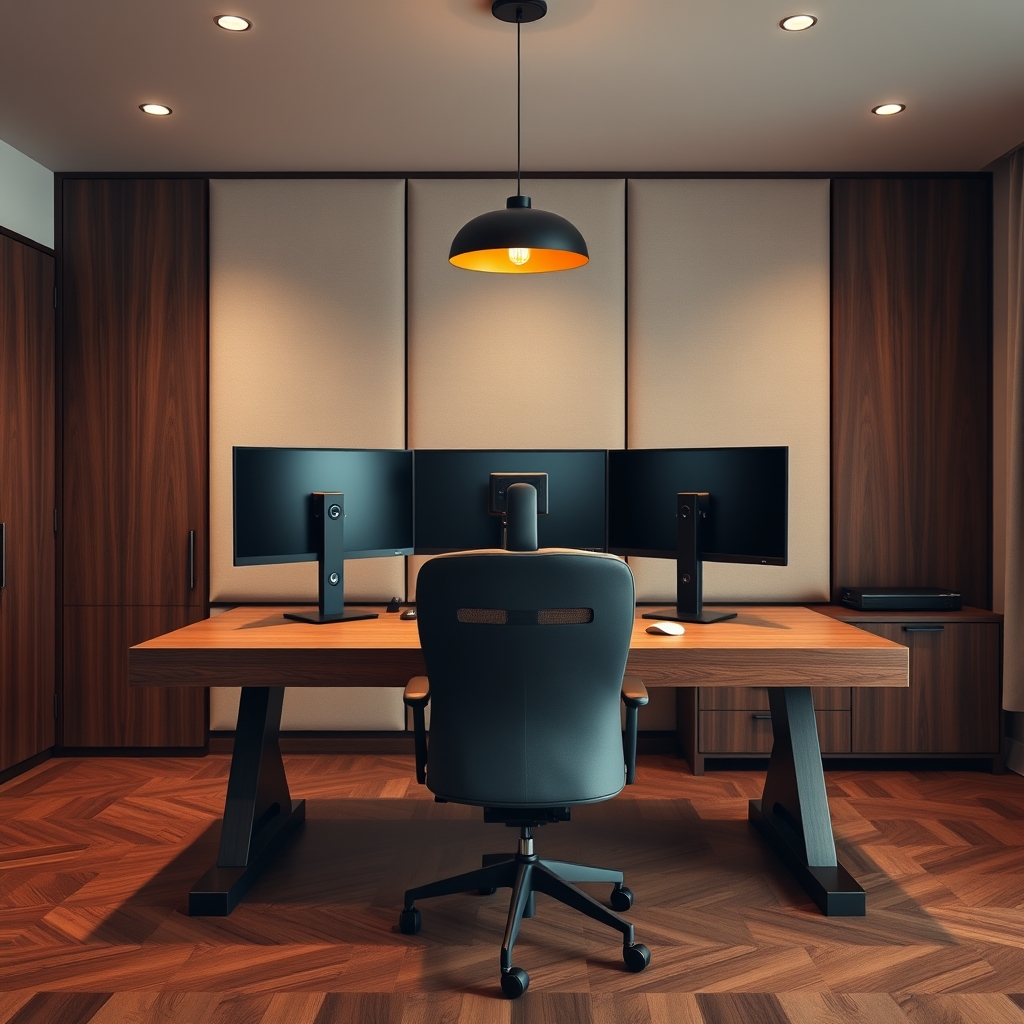
- Matching furniture sets (buy pieces from different brands if one is superior).
- Dual monitors if you’re in email and Zoom calls all day (one good monitor is enough).
- Acoustic treatment if you work alone (soundproofing pays off on conference calls only).
- Desk decorations and plants (they look nice but reduce work surface and dust monitors).
- RGB lighting and cable sleeves (nice to install, zero productivity gain).
The bottom line: Invest 70% in the chair and desk. Invest 20% in lighting and monitors. Invest 10% in everything else.