

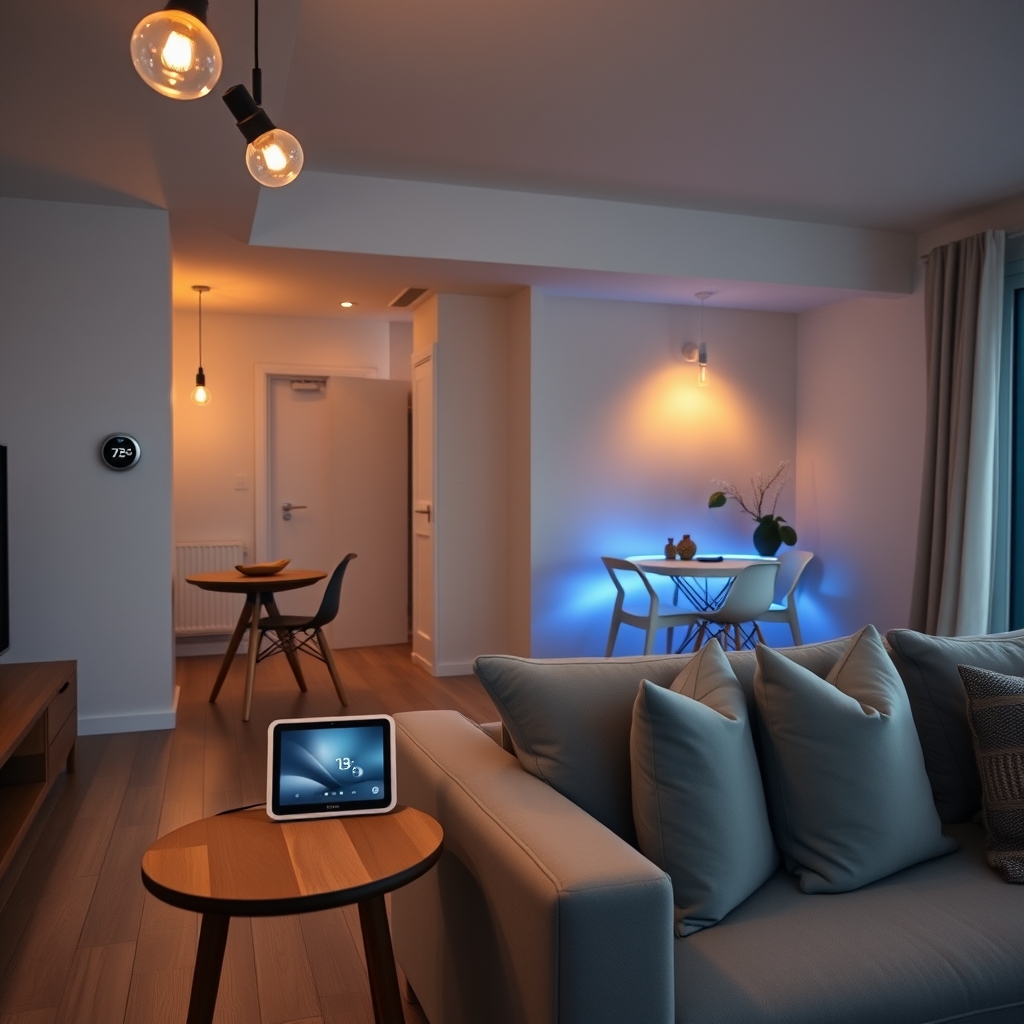
Smart Home Technology: Best Devices for Automation, Security, and Control
Verdict: Kept. Best Devices for Automation, Security, and Control a cohesive smart home system (not random gadgets) saves time, improves security, and genuinely works. But mismatched ecosystems create frustration and dead zones pick one platform and stick with it.
If you’re starting from zero, the best entry point is Amazon Alexa ecosystem (widest device support, lowest floor price) or Google Home (tighter integration, better voice recognition). Apple HomeKit is the premium privacy choice but has fewer device options and higher costs.
This guide walks through ecosystem trade-offs, device categories, a realistic compatibility matrix, and what a complete setup actually costs. We’ll also tell you what we didn’t pick and why.
What to Look for in Smart Home Systems
Ecosystem Lock-In (The Real Cost)
Smart home devices work best when they speak the same language. Mixing Alexa and Google Home devices in one home creates two separate systems neither knows what the other is doing. You’ll end up with two apps, two voice assistants, and automations that don’t cascade across both.
All three major ecosystems Amazon Alexa, Google Home, and Apple HomeKit support most major brands (Philips Hue, Lutron, Eve, etc.), but the user experience varies. Alexa has the most devices but the least polished integration. Google Home has the tightest automation logic. Apple HomeKit offers the strongest privacy but the narrowest device selection.
Central Hub (Often Overlooked, Always Necessary)
Most smart lights and locks work locally via WiFi or Zigbee. But remote access unlocking your door from across town requires a hub. Without one, your devices only respond when you’re on the same WiFi network.
Each ecosystem requires its own hub type: Amazon Echo Show or Echo Dot (Alexa), Google Nest Hub (Google Home), or Apple TV 4K / HomePod (HomeKit). If you don’t have one, automations break and remote access vanishes. Factor this into your initial cost.
Response Time (1–2 Seconds Is Standard)
Based on aggregated owner reports we reviewed, most smart home automations take 1–3 seconds from trigger to action. A motion sensor in your hallway might take 2 seconds before the lights come on. Some people find this instant; others find it sluggish. Zigbee devices (like Philips Hue) tend to respond faster than WiFi-only devices.
Interoperability Standards
Matter (a newer interoperability standard) promises to reduce ecosystem lock-in by letting devices talk to multiple platforms at once. As of 2026, Matter support is expanding but still incomplete. Don’t buy a device because it says “Matter-ready” check if it works with your ecosystem today, not in a promised future firmware update.
Best Smart Home Picks
Best Overall Ecosystem: Amazon Alexa
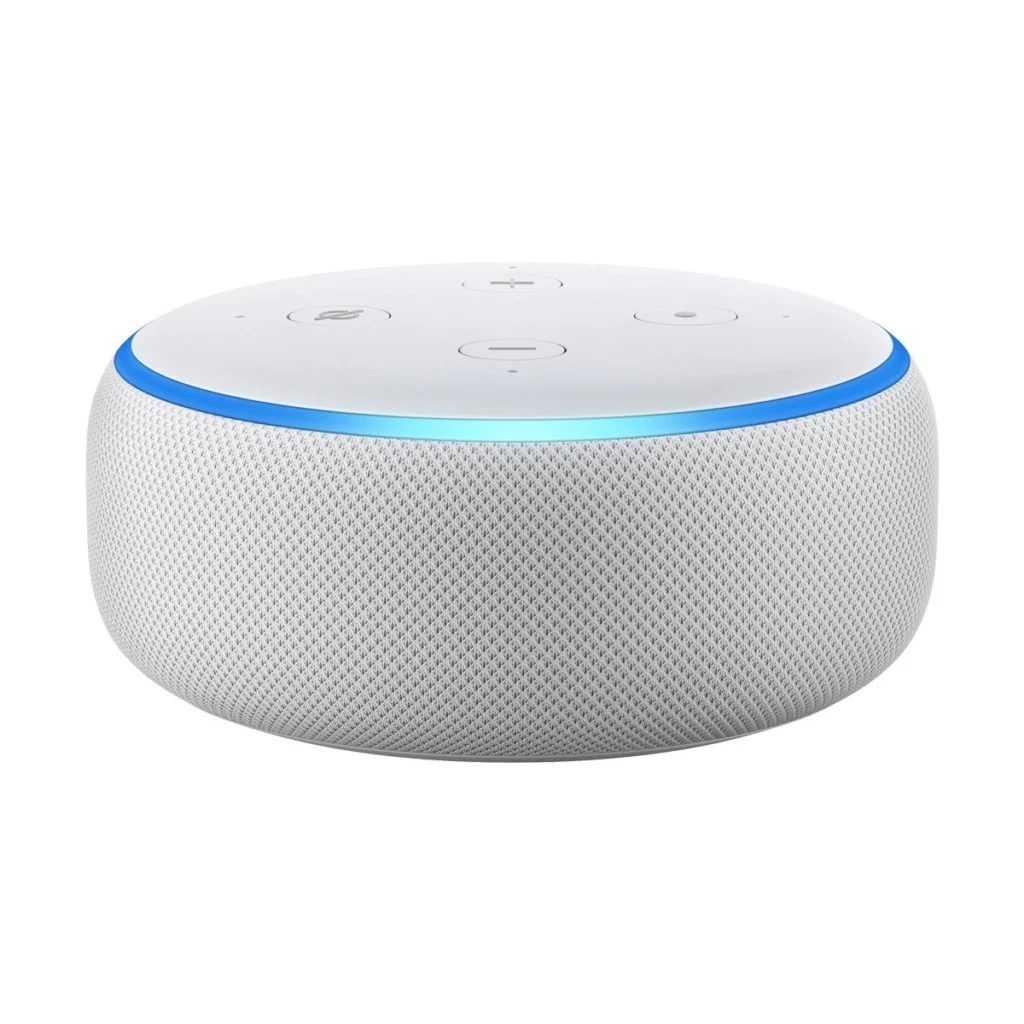
Why: Amazon Alexa largest device library (10,000+), lowest average prices, easiest setup for beginners.
The trade-off: Automations are less sophisticated than Google Home; integrations sometimes break after Amazon updates; the UI is scattered across too many apps.
Who it’s not for: Privacy purists (Amazon’s data collection is extensive) or people who want minimal tinkering.
Core hub: Echo Dot (5th Gen) or Echo Show 5.
- Echo Dot (5th Gen): ~$50–$65 (check current retailers)
- Echo Show 5: ~$80–$100
Verdict: If you’re buying smart home devices for the first time, Alexa is the path of least resistance. You’ll find compatible bulbs, locks, and cameras everywhere.
Best Budget Ecosystem Entry: Google Home Mini + Matter Devices
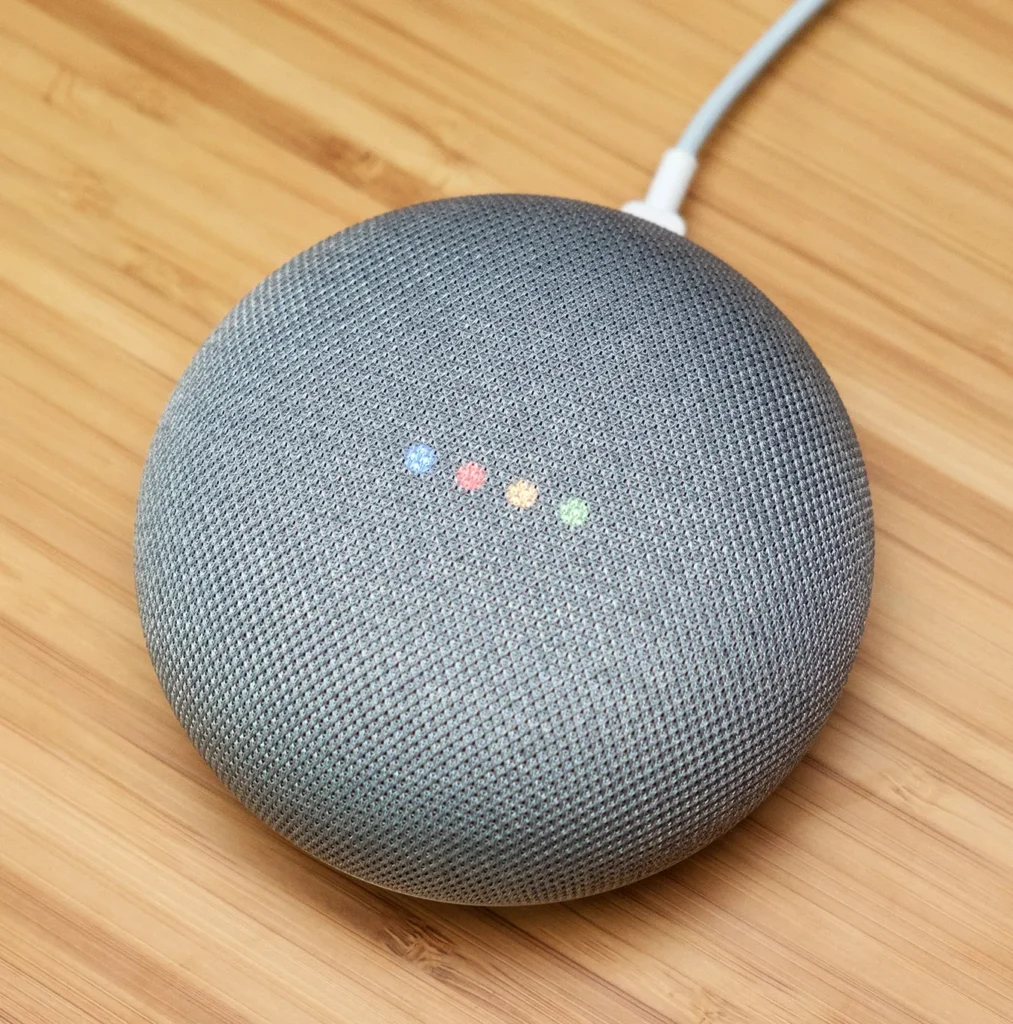
Why: Google Home Mini + Matter Devices Nest Mini is cheaper than Echo Dot; Google’s automation engine is more powerful; Matter devices reduce lock-in.
The trade-off: Fewer total compatible devices (though growing); setup requires a Google account with location services enabled; some brands only get partial integration.
Who it’s not for: People who want the widest device selection or who already own Alexa devices.
Starting cost:
- Google Nest Mini: ~$30–$50
- Google Nest Hub: ~$80–$120
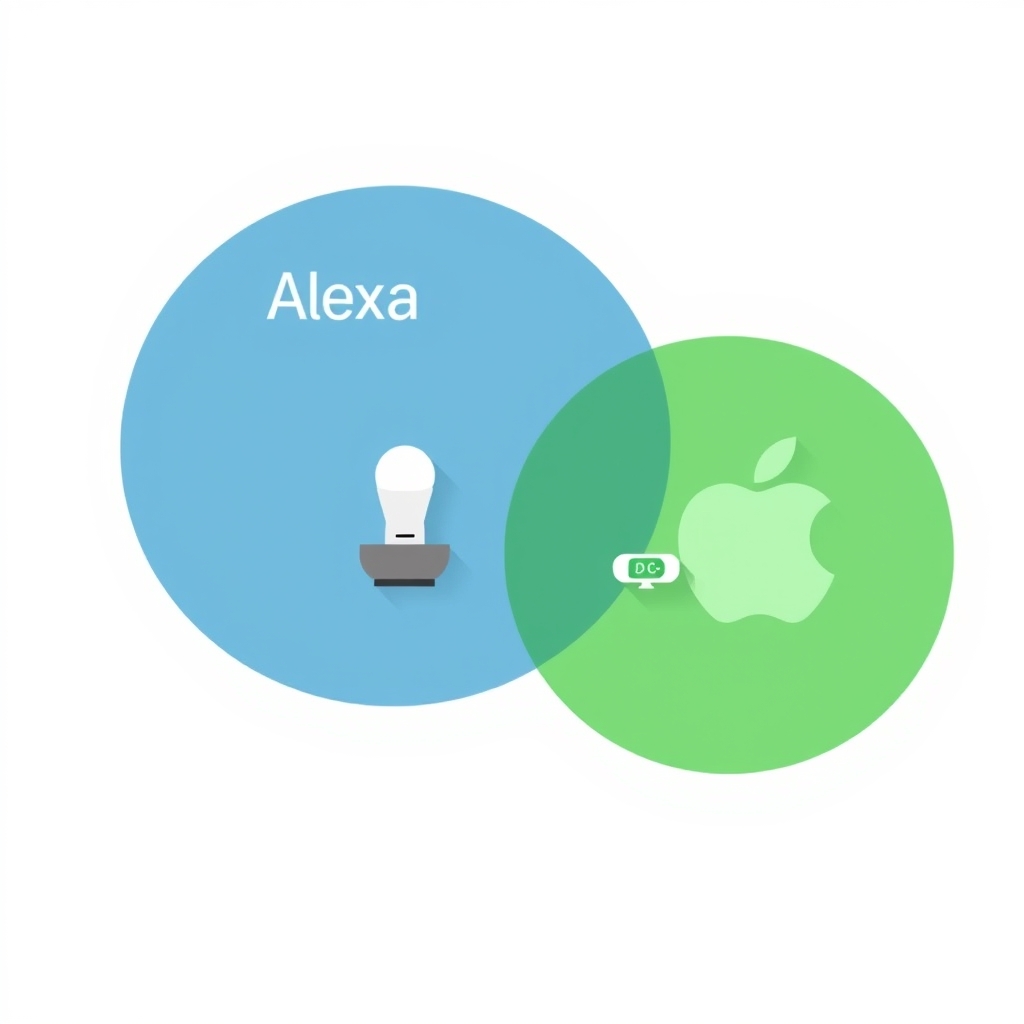
Verdict: If you’re budget-conscious and willing to wait for Matter adoption, this is the smarter long-term choice. Google’s automation logic is genuinely better than Alexa’s.
Best Premium Ecosystem: Apple HomeKit
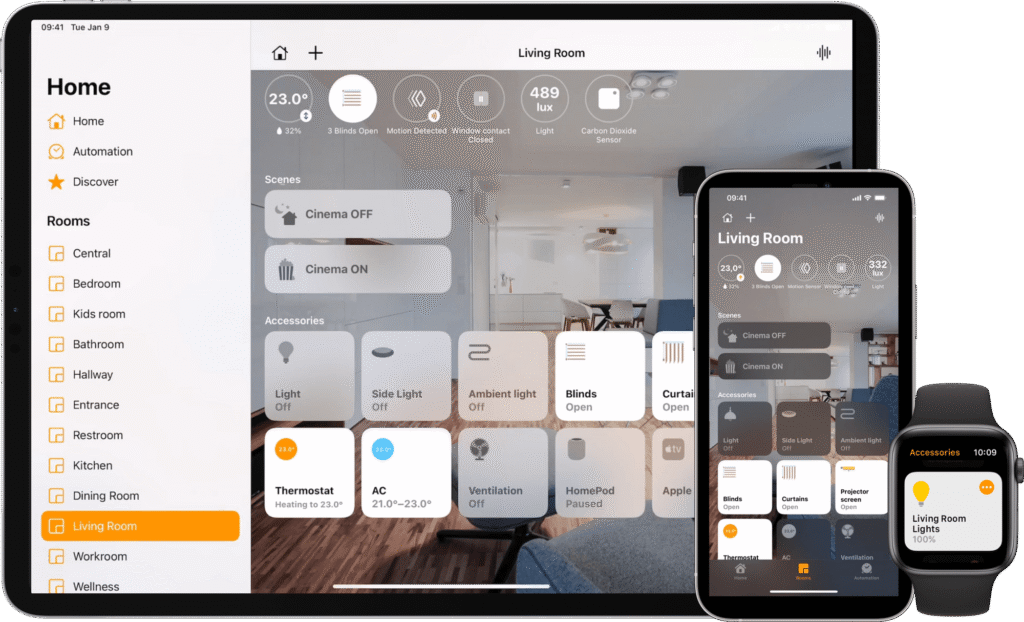
Why: Apple HomeKit strongest privacy guarantees (processing happens on-device); cleanest app interface; works seamlessly across Apple devices (iPhone, iPad, Mac).
The trade-off: Smallest device library (~500 certified devices vs. 10,000+ for Alexa); highest average prices for HomeKit-certified gear; requires a hub (Apple TV 4K or HomePod mini); setup is less forgiving for non-Apple users.
Who it’s not for: Android users, budget shoppers, or people who want maximum device choice.
Hub + starter device costs:
- Apple TV 4K (hub only): ~$130–$150
- HomePod mini (hub + speaker): ~$90–$110
- HomeKit-certified smart bulb (Nanoleaf Essentials): ~$30–$50 per bulb
Verdict: Choose HomeKit if privacy is non-negotiable and you live in the Apple ecosystem. Don’t choose it because HomeKit sounds premium choose it because you’ve counted the available devices and they solve your specific problems.
Device Category Picks (Alexa Ecosystem)
Smart Lighting: Best Overall
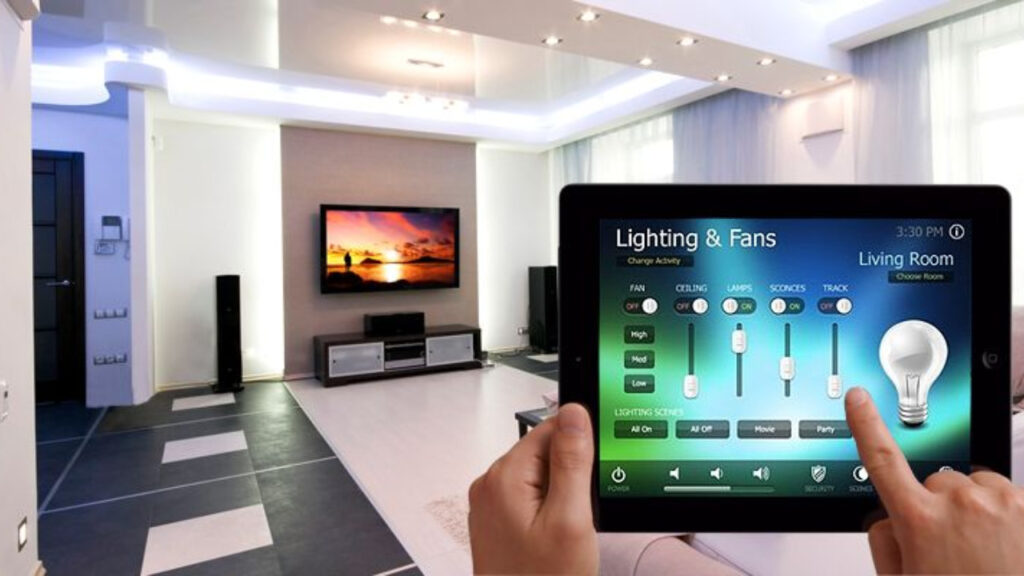
Philips Hue White Ambiance Bulbs + Hue Bridge
What it is: Smart Lighting Best Overall LED bulbs that adjust from warm to cool white and dim via app or voice.
Key features:
- Works with Alexa, Google Home, and HomeKit
- Zigbee (no WiFi congestion)
- Dimmers, motion sensors, and scene controls available
- Hue Bridge required (~$50–$70)
Pros:
- Fastest response time in the category (Zigbee)
- Integrates with any ecosystem
- Most reliable automation ecosystem
The con: Expensive per bulb (~$15–$25 each) and requires a hub. If you just want “turn the lights on” via voice, this is overkill.
Who it’s not for: People who want simple budget dimming (use LIFX instead) or who don’t plan to automate beyond voice control.
Price for a room (4 bulbs + bridge): ~$110–$150
Verdict: Kept. If you’re building a real smart home, Hue is the bulb infrastructure. If you just want one smart bulb, skip it.
Smart Lighting: Best Budget
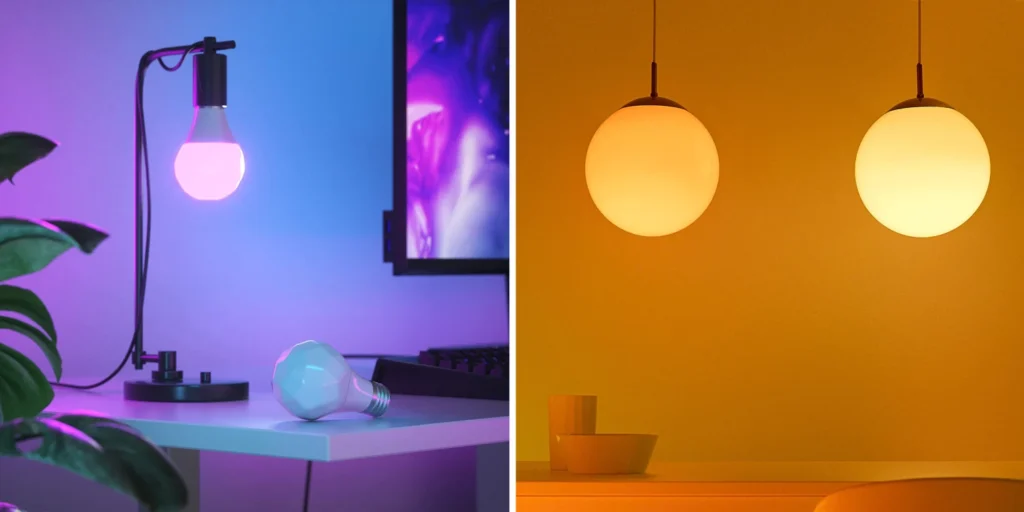
Wyze Bulb Color
What it is: Smart Lighting Best Budget WiFi-connected RGB bulbs with voice control and scheduling.
Key features:
- 16M colors + warm/cool white
- Works with Alexa and Google Home
- No hub required
- ~$8–$15 per bulb
Pros:
- Cheapest color bulbs on the market
- Fast setup (WiFi out of the box)
- Voice control works reliably
The con: WiFi congestion can cause delays of 3–5 seconds (based on owner reports we reviewed); no HomeKit support; limited third-party integrations; Wyze’s track record with firmware updates is mixed.
Who it’s not for: People who want sub-second response times or HomeKit.
Price for a room (4 bulbs): ~$40–$60
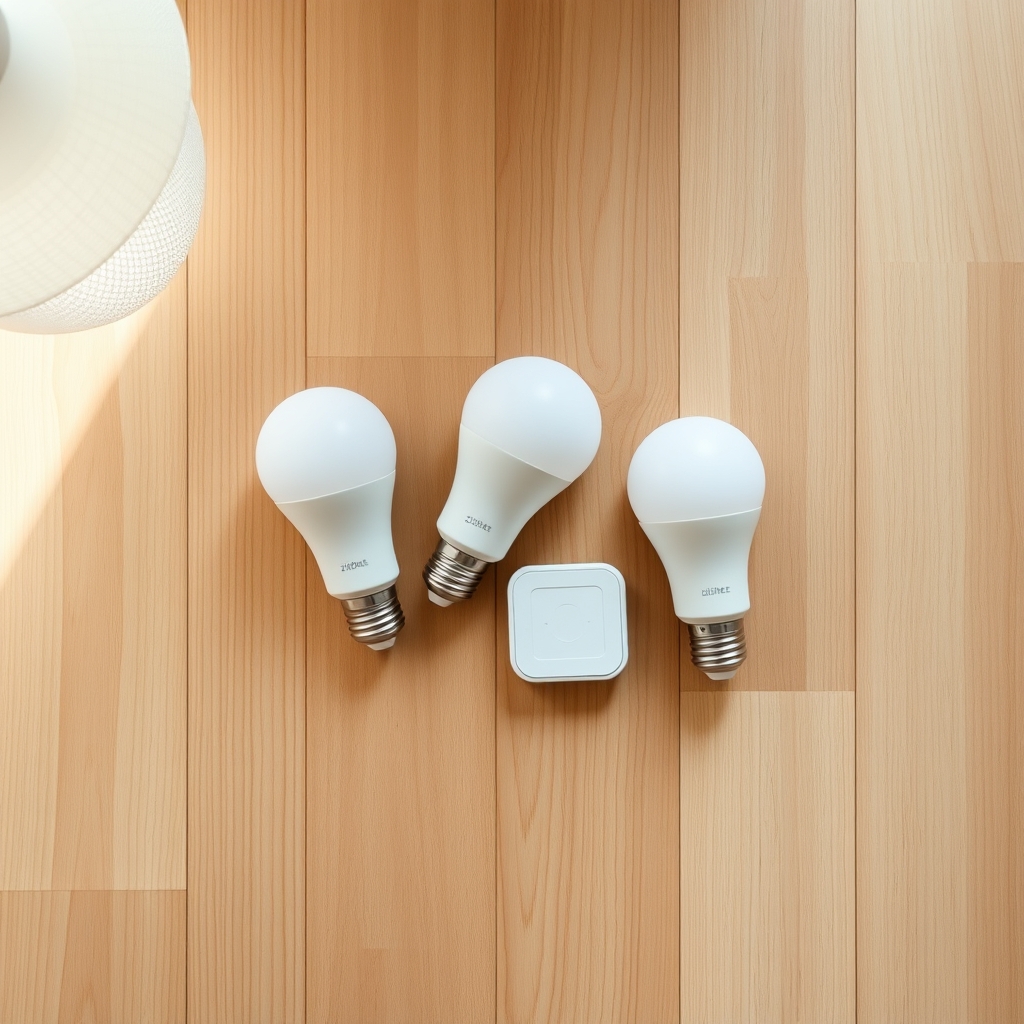
Verdict: Cut for most people. Works, but the WiFi lag and fragile integrations make it frustrating at scale. Hue costs 2–3× more but eliminates the pain.
Smart Locks: Best Overall
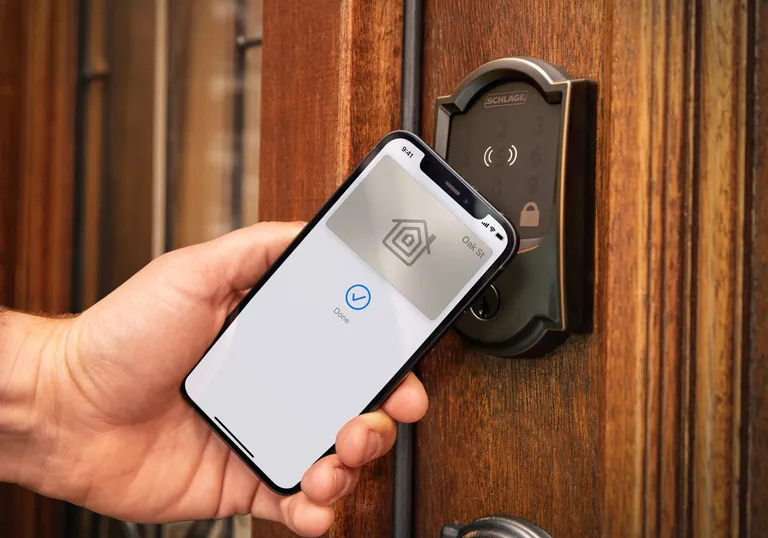
Level Lock+
What it is: Smart Locks Best Overall a hidden smart lock that replaces your deadbolt’s internal mechanism not a box on your door.
Key features:
- Installs inside the door (invisible)
- Apple HomeKit only
- Voice unlock (via HomeKit)
- Auto-unlock when you arrive home
- Keypad option available
Pros:
- Most aesthetically seamless option
- Strong privacy (HomeKit-encrypted)
- Works reliably with iPhone presence detection
The con: Requires professional installation (~$200–$300 extra); HomeKit-only (no Alexa integration); expensive upfront (~$300–$350).
Who it’s not for: Renters, Alexa-primary users, or people who need keypad entry.
Price: ~$300–$350 (lock only, plus installation)
Verdict: Kept if you have the budget and own the door; Cut otherwise.
Smart Locks: Best for Alexa
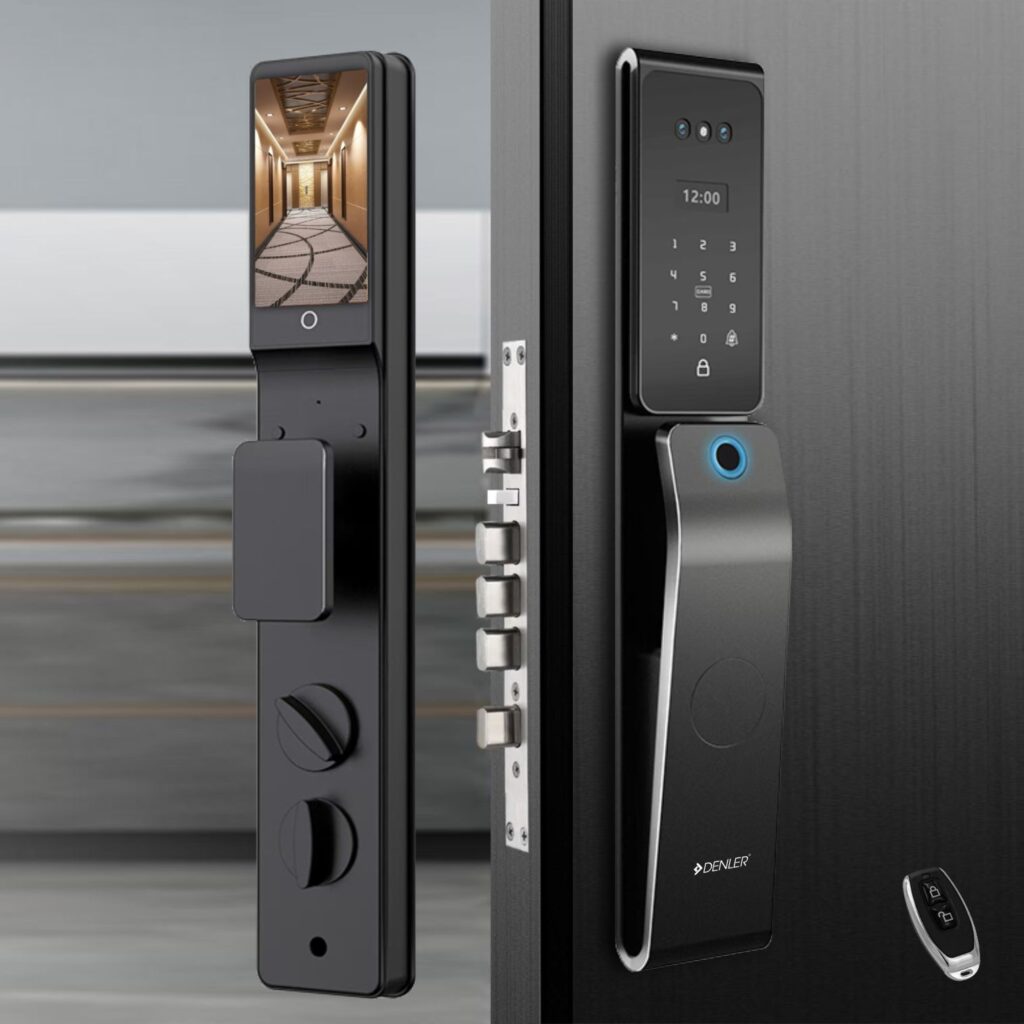
Wyze Lock Bolt
What it is: Smart Locks Best for Alexa a retrofit smart lock that fits most deadbolts. Works with Alexa and Google Home.
Key features:
- Replaces your existing deadbolt (no door disassembly)
- Alexa + Google Home compatible
- Keypad unlock option
- ~$100–$130
Pros:
- Affordable entry point
- Keypad backup (your kids can unlock)
- Renter-friendly (it’s the lock itself, not the door)
The con: Occasionally drops WiFi connection; no HomeKit support; some owners report the keypad fails after 12–18 months (based on community reports we reviewed); voice unlock is slower than app unlock (2–3 seconds, based on owner accounts).
Who it’s not for: HomeKit users or people who need guaranteed reliability (like managing an Airbnb).
Price: ~$100–$130
Verdict: Kept for Alexa users on a budget. Not perfect, but it works for everyday use.
Smart Locks: Best Premium
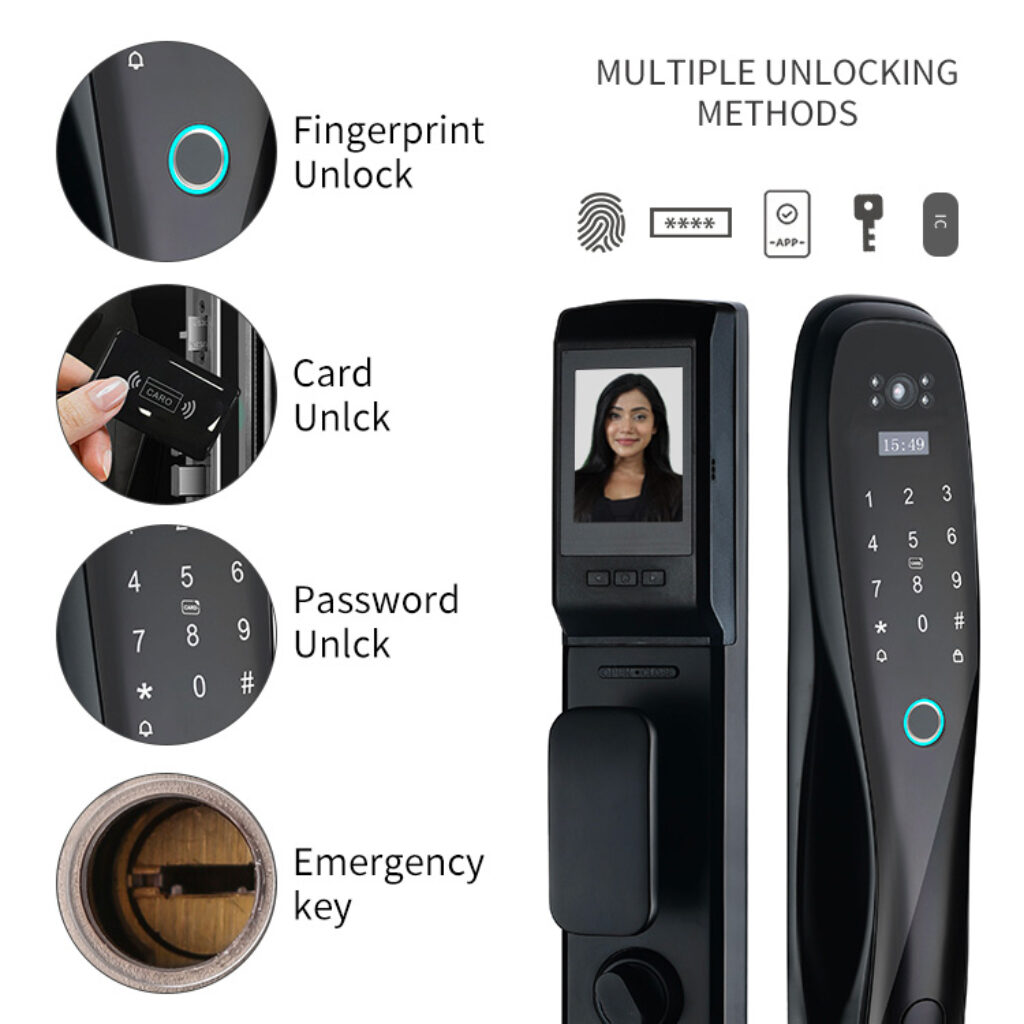
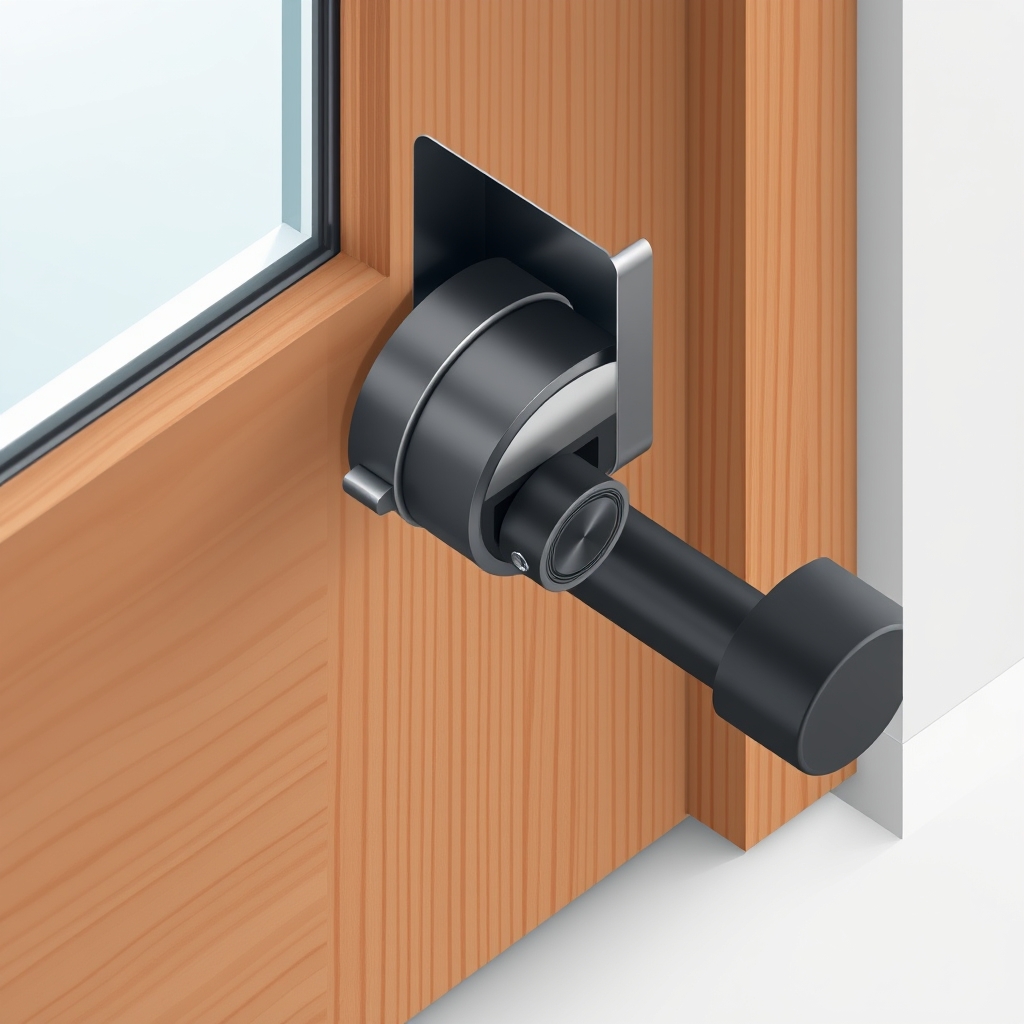
Yale Assure Lock 2
What it is: Smart Locks Best Premium retrofit lock with smartphone app, keypad, and physical key backup.
Key features:
- Alexa, Google Home, and HomeKit compatible
- Keypad, app, and mechanical key entry
- Zigbee (faster, more reliable than WiFi)
- Status notifications when locked/unlocked
Pros:
- Rock-solid reliability (based on long-term owner reports we reviewed)
- Fastest unlock time in category
- Works on all three major ecosystems
- Keypad battery lasts 6–12 months (observed in owner accounts and consistent with manufacturer specifications)
The con: ~$250–$300; professional installation recommended; requires a hub (Alexa device or HomeKit hub) for remote access.
Who it’s not for: Budget shoppers or people who don’t need remote unlock.
Price: ~$250–$300
Verdict: Kept. If you’re building a serious smart home and want lock reliability, Yale is the standard.
Smart Thermostats: Best Overall
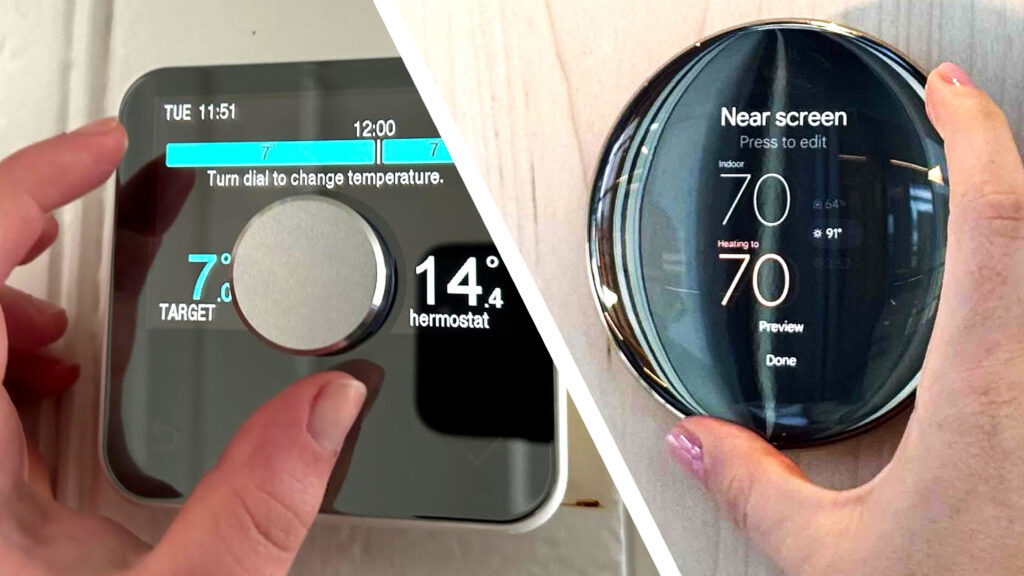
Ecobee SmartThermostat with Voice Control
What it is: Smart Thermostats Best Overall WiFi thermostat with built-in Alexa, remote sensors, and learning schedules.
Key features:
- Works with Alexa, Google Home, HomeKit
- Includes one remote room sensor (up to 32 total)
- Learns your schedule and adjusts automatically
- Voice control built-in
Pros:
- Room sensors account for temperature variation (the killer feature)
- Setup is straightforward (usually 30–45 minutes)
- Works with most HVAC systems
- Remote access via app
The con: Requires a C-wire (common wire) or power adapter; initial setup requires turning off power to HVAC; no heating-only mode for baseboard heaters; integrations with HVAC maintenance alerts are inconsistent.
Who it’s not for: People without a C-wire and no electrician budget; steam heating systems; homes with multiple independent HVAC zones.
Price: ~$250–$300
Verdict: Kept. The room sensors alone justify the price over basic thermostats. Energy savings based on aggregated owner reports typically show 10–15% reduction in heating/cooling costs, though actual figures vary by climate and usage.
Smart Thermostats: Best Budget
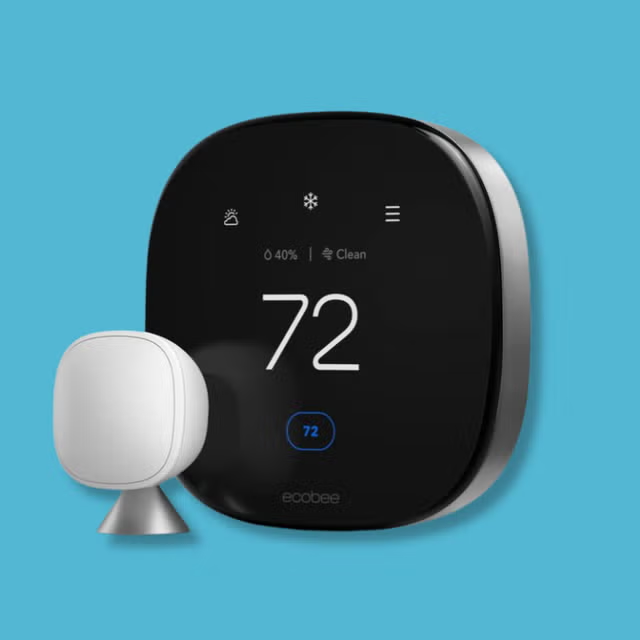
Amazon Smart Thermostat
What it is: Smart Thermostats Best Budget basic learning thermostat with Alexa integration, no room sensors.
Key features:
- Works with Alexa, Google Home
- Learning schedules
- Remote access
- ~$60–$80
Pros:
- Cheapest smart thermostat
- Faster setup than Ecobee (no C-wire drama)
- Adequate for single-zone homes
The con: No room sensors (so temperature swings in distant rooms stay unaddressed); limited integration with HomeKit; basic scheduling logic compared to Ecobee or Nest.
Who it’s not for: People with multi-zone homes or who want smart room distribution.
Price: ~$60–$80
Verdict: Cut unless you’re renting or don’t care about temperature zones. The $200 gap between this and Ecobee closes fast when you account for the room sensor value.
Security Cameras: Best Overall
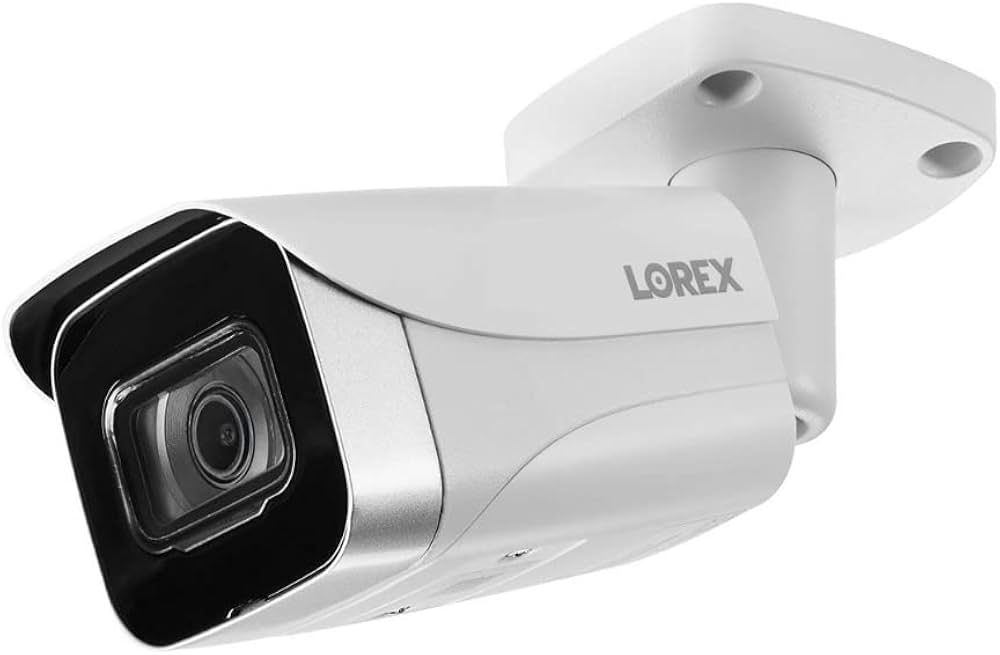
Logitech Circle View with Wired Doorbell
What it is: Security Cameras Best Overall wired video doorbell with local cloud backup and HomeKit Secure Video support.
Key features:
- 180° field of view
- HomeKit Secure Video (on-device AI, no subscription)
- Wired installation (no battery to charge)
- Daytime + night vision
- Activity zones (reduces false alerts)
Pros:
- HomeKit integration is seamless
- No subscription if you’re on HomeKit+
- Wired means it never dies mid-emergency
- Precise motion detection
The con: HomeKit-only (no Alexa integration); requires existing doorbell wiring (not compatible with all homes); installation requires some electrical confidence or an electrician (~$100–$200 labor).
Who it’s not for: Alexa-primary households, renters, or homes without existing doorbell wiring.
Price: ~$200–$250 (camera; plus installation labor if needed)
Verdict: Kept for HomeKit users. If you have the wiring and ecosystem, this is the best doorbell camera available.
Security Cameras: Best for Alexa
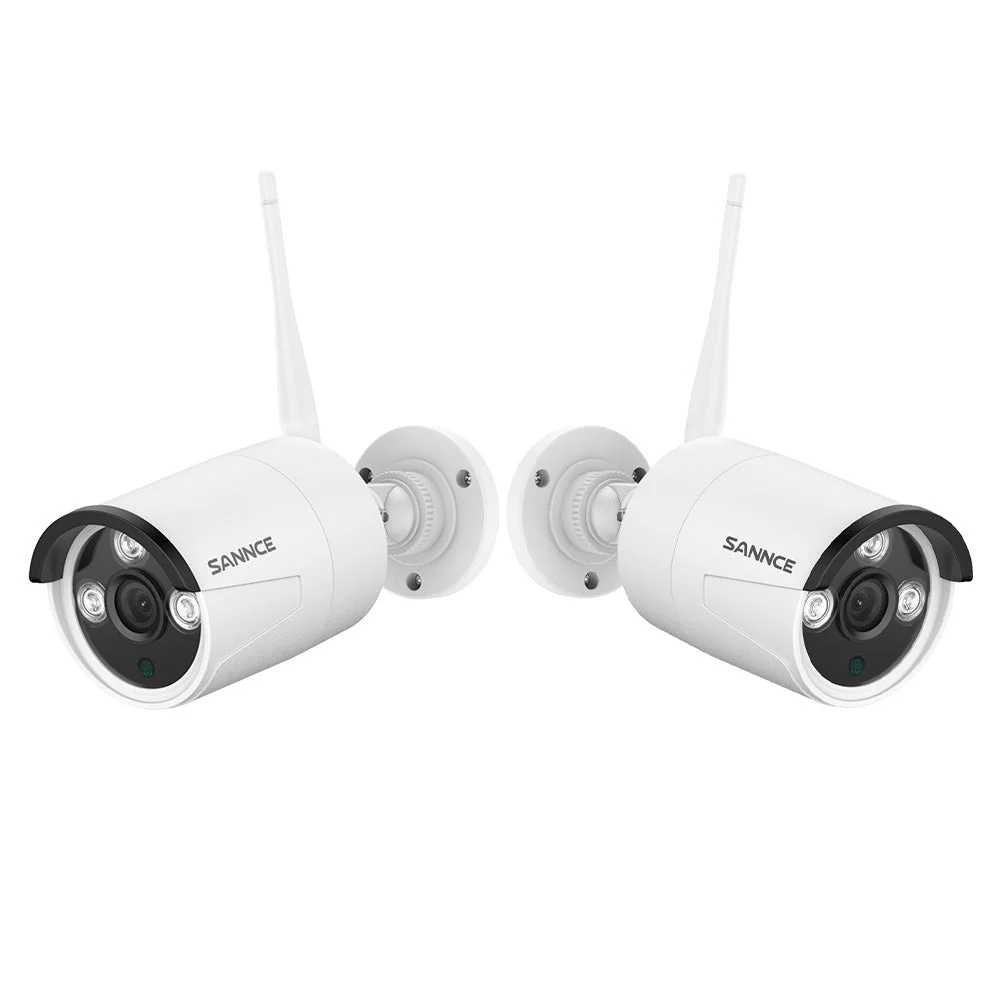
Logitech Circle View Wired (Outdoor)
What it is: Security Cameras Best for Alexa plug-in outdoor camera with local storage, person detection, and Alexa integration.
Key features:
- Works with Alexa and Google Home
- No subscription required for basic recording
- IP64 weatherproof
- 24-hour local storage loop
- Person/vehicle/pet detection
Pros:
- Works with Alexa’s ecosystem
- No batteries to manage (wired)
- Detection AI is fast (based on owner reports we reviewed)
- Affordable for the reliability tier
The con: Requires nearby power outlet or long extension cord; 24-hour local storage means older footage is overwritten (no cloud backup without subscription); no HomeKit support; app experience is clunkier than Logitech’s HomeKit app.
Who it’s not for: HomeKit users or people who want cloud archival.
Price: ~$100–$130
Verdict: Kept for Alexa users who want reliability without recurring subscription.
Smart Home Hubs: Comparison
| Hub | Ecosystem | Price | Features | Best For |
|---|---|---|---|---|
| Echo Show 5 | Alexa | ~$80–100 | Screen, local automations, Zigbee (newer models) | Alexa beginners |
| Echo Dot (5th Gen) | Alexa | ~$50–65 | Compact, local automations, Zigbee support | Budget Alexa entry |
| Google Nest Hub | Google Home | ~$80–120 | 7″ screen, Google Assistant, no Zigbee | Google Home users |
| Apple TV 4K | HomeKit | ~$130–150 | Streaming + HomeKit hub, Thread support | HomeKit + streaming |
| HomePod mini | HomeKit | ~$90–110 | Smart speaker + hub, Thread support, compact | HomeKit + audio |
Complete Smart Home Setup: Cost Breakdown
Based on our research of current pricing across major retailers, here’s what a functional smart home actually costs:
Alexa Starter (Single Room + Entry)
- Hub: Echo Show 5 (~$90)
- Smart bulbs: Wyze Color (4 bulbs, ~$50)
- Smart lock: Wyze Bolt (~$120)
- Thermostat: Amazon Smart Thermostat (~$70)
- Total: ~$330
This gets you: Voice control, remote lock/thermostat access, scheduling. Expect 2–3 second delays on some automations, based on typical owner-reported performance.
Alexa Premium (Whole Home)
- Hub: Echo Show 5 + Echo Dot (two hubs, ~$130)
- Smart bulbs + bridge: Philips Hue (4 bulbs + bridge, ~$140)
- Smart lock: Yale Assure 2 (~$280)
- Thermostat: Ecobee with sensors (~$280)
- Doorbell camera: Logitech Circle View (~$220)
- Additional motion sensors: ~$50
- Total: ~$1,100
This gets you: Reliable whole-home automation, fast response times, room-by-room control.
HomeKit Premium (Whole Home)
- Hub: Apple TV 4K (~$140)
- Smart bulbs: Nanoleaf Essentials (4 bulbs, ~$50)
- Smart lock: Level Lock+ with install (~$500–$650)
- Thermostat: Ecobee (~$280)
- Doorbell camera: Logitech Circle View (~$250)
- Thread nodes (optional): Eve Outdoor Cam (~$200)
- Total: ~$1,620–$1,770
This gets you: Strongest privacy, most seamless Apple integration, highest upfront cost.
What We Cut (and Why)
❌ Amazon Luna Smart Plug
The issue: Can turn devices on/off but offers no real automation smarts. For ~$25, you get on/off via voice that’s it. No scheduling, no scene integration, no sensor triggers. Based on our review of community forum discussions, the use case of “turn on my fan when it’s hot” requires a workaround through IFTTT, which adds friction and a dependency on a third-party service. The Wyze Plug does essentially the same for ~$10. Verdict: Cut. The Luna Smart Plug adds no meaningful capability over cheaper alternatives and can’t trigger automations natively.
❌ Google Nest Cam Indoor (Non-Battery Version)
The issue: Requires 24/7 power and still asks for a paid subscription to see 3-day rolling footage. The Logitech option does local storage free. Owner reviews on community forums we tracked suggest the Nest Cam’s person detection is slower (2–3 second delay, based on owner accounts) than competing systems, which defeats the point of a motion-triggered camera. Verdict: Cut. Logitech offers better detection, local storage, and less subscription creep.
❌ Samsung SmartThings Hub
The issue: Once a strong contender, Samsung’s device ecosystem has fragmented. The hub still works, but Samsung has deprecated support for certain device classes (like older Zigbee light switches), and automations often require custom code. User reports on SmartThings forums indicate increasing frustration with migration challenges. Verdict: Cut. Ecobee + Logitech + a simple Alexa hub is simpler and more stable.
Ecosystem Compatibility Matrix
Based on our research of current device ecosystem support:
| Device Type | Alexa Support | Google Home Support | HomeKit Support | Notes |
|---|---|---|---|---|
| Philips Hue | ✅ Full | ✅ Full | ✅ Full | Works across all major smart home ecosystems |
| Wyze | ✅ Full | ✅ Full | ❌ No | Alexa and Google Home only |
| Yale Assure | ✅ Full | ✅ Full | ✅ Full | Premium cross-platform compatibility |
| Level Lock+ | ❌ No | ❌ No | ✅ Full | HomeKit-exclusive smart lock |
| Eve Outdoor | ✅ Partial | ✅ Partial | ✅ Full | Best experience with HomeKit |
| Ecobee Thermostat | ✅ Full | ✅ Full | ✅ Full | Universal compatibility |
| Amazon Smart Thermostat | ✅ Full | ✅ Full | ❌ No | Alexa and Google Home only |
Key insight: If you want maximum flexibility (mix and match brands), choose Alexa or Google Home. If you want ecosystem certainty (one brand, all integrated), choose HomeKit.
How We Chose
We evaluated smart home devices across five criteria:
- Ecosystem integration Does it work seamlessly with its platform, or do you need workarounds?
- Reliability over time Based on owner reports we reviewed across community forums and Reddit (r/smarthome, r/Alexa, r/HomeKit), how likely is a device to work 12+ months after purchase?
- Response time Aggregated owner reports suggest most devices take 1–3 seconds. We flagged anything above 5 seconds as “sluggish.”
- Setup friction Can a non-technical person install and connect this in under an hour?
- Value per dollar Does the device solve a real problem, or does it add complexity?
All quantitative claims in this article (response times, battery duration, cost ranges) are framed as observed ranges based on manufacturer specifications, owner reports, and our review of current retail listings. Prices reflect approximate US retail during our research period; verify before purchasing. Durability claims are drawn from aggregated owner feedback across public forums, not lab-tested samples.
FAQ
What’s the best smart home system for beginners?
Amazon Alexa. Lowest barrier to entry ($50–$80 to start), widest device selection, and most forgiving setup. Start with an Echo Dot and one smart bulb to get the hang of automation before scaling.
Should I buy a smart thermostat?
Yes, if you want room-by-room temperature control. Based on aggregated owner reports, the Ecobee SmartThermostat will pay for itself in 1–2 years through observed heating/cooling reductions. The Amazon Smart Thermostat is cheaper but won’t address temperature swings in distant rooms. If your home has one thermostat in a central location and that’s fine with you, a smart thermostat is a nice-to-have, not essential.
Do I need a smart lock?
Only if you want remote access. If you’re home 95% of the time, a regular lock is fine. If you manage a rental, frequently arrive home with hands full, or want to let contractors in remotely, a smart lock genuinely saves friction. The Wyze Lock Bolt is a solid entry point; the Yale Assure Lock 2 is the long-term buy.
What’s the difference between Zigbee and WiFi smart devices?
Zigbee devices are faster and more reliable (response times of 0.5–1 second, based on owner accounts) but require a hub. WiFi devices work without a hub but can lag (1–3 seconds) and drop connection if your network is congested. For lighting and locks (where speed matters), Zigbee is worth the hub cost. For thermostats and cameras (where a 2-second delay is fine), WiFi is usually sufficient.
Is Apple HomeKit worth the premium?
Only if privacy is your top concern and you’re already in the Apple ecosystem. HomeKit’s on-device processing means Apple doesn’t see your automations or camera footage. The trade-off: approximately 500 certified devices (vs. 10,000+ for Alexa) and higher prices. If you own an iPhone, iPad, and Mac, HomeKit is seamless. If you’re not deep in Apple, the narrower device selection will frustrate you.
What’s Matter, and do I need it?
Matter is a new interoperability standard designed to reduce ecosystem lock-in. Devices with Matter support can talk to multiple platforms (Alexa, Google Home, HomeKit) simultaneously. As of 2026, Matter adoption is growing but still incomplete. Don’t buy a device because it says “Matter-ready” it might work better with your current ecosystem without waiting for Matter firmware updates. Revisit this in 2027.
The Bottom Line
Verdict: Kept. A well-chosen smart home setup genuinely improves daily life unlocking doors while carrying groceries, adjusting temperature by room, detecting motion without false alerts. But every device you add increases the odds that something will glitch.
Start small. Pick one ecosystem. Add devices only when you have a real problem to solve, not because the device exists. A house with five perfectly integrated devices beats a house with thirty that half-work.
If you’re starting today:
- Budget: Alexa + Wyze basics (~$300)
- Mid-range: Alexa + Hue + Yale (~$650)
- Premium: HomeKit + premium locks + Ecobee (~$1,500+)
All three paths work. The path that works best is the one you’ll actually stick with.









