

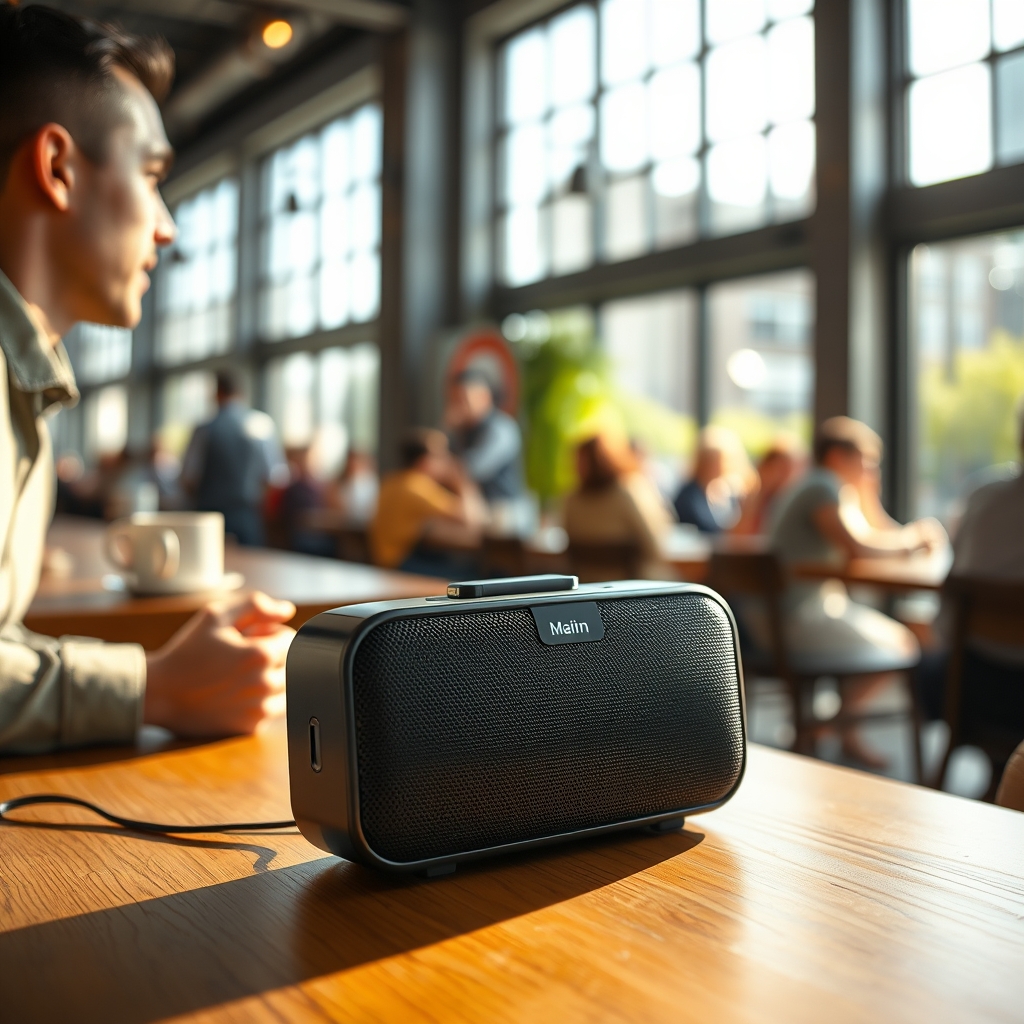
Most portable speakers have weak microphones but the good ones are designed for it
Portable speakers built for outdoor use and travel typically use small, omnidirectional microphones that pick up everything: your voice, wind, keyboard noise, and the coffee shop around you. The difference between a poor call and a clear one comes down to three things: whether the mic isolates your voice from background noise, how well it rejects wind turbulence, and whether the speaker’s processing software cleans up the incoming signal in real time.
For most people, look for speakers with explicit noise cancellation for voice calls, a recessed or directional microphone design, and built-in wind rejection. A mid-range speaker with these features ($80–$150, based on typical retail pricing as of August 2026) will sound dramatically better on calls than a budget model without them.
What actually matters in portable speaker microphone quality
1. Microphone type and directionality
Most portable speakers use omnidirectional microphones, which capture sound equally from all directions. This is why you sound like you’re in a stadium when you call someone from a coffee shop the mic hears the espresso machine as clearly as it hears you.
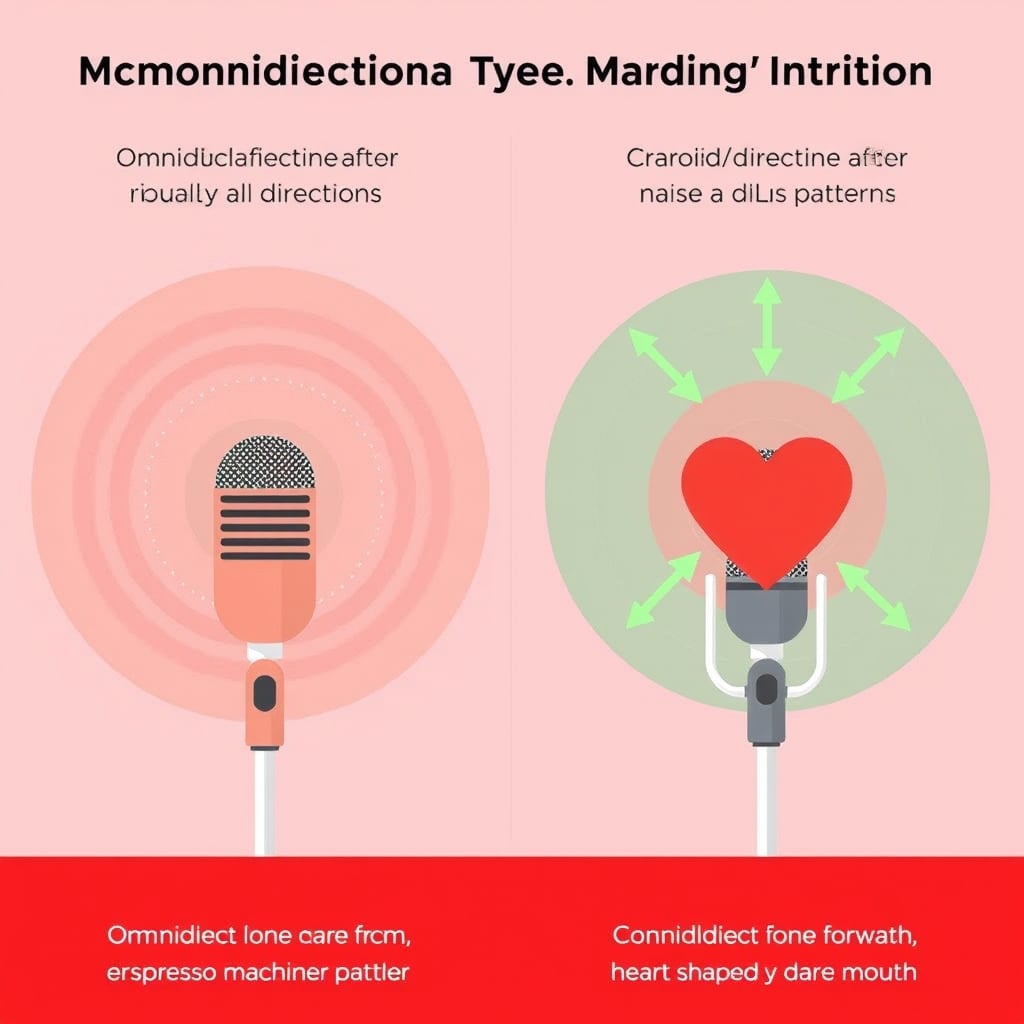
What to look for: Speakers with a directional or cardioid microphone design focus most of their pickup toward the front (where you’re speaking) and suppress sound from the sides and rear. This naturally rejects background noise without requiring processing power.
What to ignore: Manufacturers love claiming “noise cancellation” on the box, but many mean only speaker-side noise suppression (software that quiets the other person’s background), not microphone-side rejection. Check the specs if it doesn’t explicitly say “noise cancellation for voice” or “voice isolation for calls,” it probably won’t help your call sound good.
2. Wind noise rejection
Wind turbulence across a microphone capsule creates low-frequency rumble that no amount of software filtering can fully remove. It’s one of the biggest call killers for speakers used outdoors or near open windows.
What to look for: A physical windscreen (foam covering) around the microphone capsule, or a raised grille design that creates a baffle between the element and direct airflow. Some speakers use a secondary acoustic chamber to redirect wind away from the primary pickup element.
What to ignore: Specs that claim “wind rejection” without describing the mechanism. A marketing line alone means nothing; you need either visible hardware (foam, grille) or a published explanation of the acoustic design.
3. Voice enhancement and real-time processing
Once audio reaches the microphone, software can clean it up compressing loud peaks, boosting your voice’s frequency range (generally the band where speech intelligibility lives, broadly in the low hundreds to a few thousand Hz), and attenuating droning background noise.
What to look for: Speakers that mention dedicated voice processing for calls, active voice enhancement, or real-time noise suppression. Some call this “speech optimization” or “voice clarity mode.” It should activate automatically when you initiate a call (via Bluetooth or the speaker’s app) and not require manual toggle.
What to ignore: General “noise cancellation” claimed for music listening. It’s not the same as voice-call optimization, and specs won’t always separate the two. Ask or read reviews from people who’ve done video calls on the speaker.
4. Microphone sensitivity and gain staging
If a mic is too insensitive, you’ll sound distant or quiet; if it’s too hot, your voice will clip and sound distorted. Gain staging is the speaker’s ability to automatically adjust input level so you’re always in the optimal recording range.
What to look for: Automatic gain control (AGC) listed in the spec sheet, or user reviews mentioning that the speaker “automatically adjusted for my voice level” or “sounded the same whether I spoke loudly or quietly.”
What to ignore: Peak sensitivity specs in dB (e.g., “–42 dBV/Pa”). These are rarely useful without comparing two speakers side-by-side in identical conditions, which almost never happens. Focus instead on community feedback: do people report having to shout, or does the speaker handle a wide range of volumes smoothly?
5. Dual-mic or array design
Some higher-end speakers use two microphones positioned far apart. Software can compare the timing and phase of signals arriving at each mic to determine where sound is coming from and suppress everything that isn’t coming from in front of the speaker.
What to look for: Specs mentioning “dual microphone” or “microphone array,” along with language about “beamforming” or “spatial audio rejection.” This is expensive and overkill for casual calls, but it’s the gold standard for noisy environments (open offices, restaurants, outdoor parks).
What to ignore: Single-mic speakers claiming “array technology.” You can’t have an array with one element; it’s either marketing or a second mic is present but not explicitly called out (check teardowns and teardown photos if you’re skeptical).
6. Bluetooth codec and voice bandwidth
When you make a call via Bluetooth, audio is compressed using a codec a compression algorithm. The widely-used standard for phone calls is mSBC (modified SBC), a wideband voice codec that typically operates at a lower sample rate than music streaming codecs. This means your voice loses high-frequency detail compared to music playback, even on a well-performing call.
What to look for: Speakers that support wideband or higher-quality codecs (like Opus or LDAC, if your phone also supports them) for calls. These allow higher-resolution audio on phone calls, making voices sound less robotic and compressed.
What to ignore: The codec spec alone. A speaker could support a fancy codec and still sound bad on calls if the microphone or processing is poor. Codec matters far less than microphone quality and noise cancellation.
Common mistakes and marketing traps
“Noise cancellation” for calls is not the same as speaker ANC. Many speakers advertise noise cancellation as a listening feature it reduces what you hear from outside. Voice-call noise cancellation does the opposite: it cleans up what your caller hears from you. Check which one the spec claims. If it doesn’t explicitly mention calls or voice, assume it’s speaker-side only.
Microphone sensitivity specs are misleading in isolation. A speaker with a “very sensitive” mic (low negative dB number) isn’t automatically better on calls it might just pick up more background noise. What matters is the microphone type (directional vs. omnidirectional), physical design (is there windproofing?), and the software that processes the signal.
“HD voice” is a carrier feature, not a speaker feature. This term refers to wideband calling support from your phone carrier or VoIP provider, not the speaker itself. A speaker can’t add HD voice if your carrier or service doesn’t support it. Don’t buy a speaker expecting this will magically improve your calls.
Fewer specs ≠ worse microphone. Some of the clearest-sounding portable speaker mics come from smaller brands that don’t publish detailed dB figures or array counts. Real-world reviews from people doing video calls are often more helpful than a spec sheet.
Price tiers: what you actually get
Budget ($30–$80, based on typical retail pricing as of August 2026): Single omnidirectional microphone, usually no explicit voice processing, minimal wind rejection. Calls are possible but will sound like you’re outside a phone booth. Fine for quick check-ins in quiet rooms; poor for any outdoor use or noisy spaces.
Mid-range ($80–$180): Directional microphone, dedicated voice-call noise cancellation, soft windscreen, automatic gain control. Calls sound notably better, especially in moderate noise. This is where the sweet spot sits for work-from-home and commuter use.
Premium ($180+): Dual-mic or array design, beamforming, advanced real-time voice processing, robust wind protection, wideband codec support. Calls remain clear even in loud cafes, open offices, or windy parks. Overkill for casual use but worth it if you take calls everywhere.
Our keeper: the balanced choice
For most people balancing portability, battery life, and call quality, a mid-range speaker with a single directional microphone, explicit voice-call noise cancellation, and automatic gain control hits the best value. See our full roundup of the Best Portable Speakers with Quality Microphones to compare specific models and find one that matches your budget and use case.
FAQ: portable speaker microphones
Will a portable speaker with a good microphone improve my video calls? Yes, if the microphone is directional and has noise cancellation. Omnidirectional mics (common in budget speakers) will actually make calls worse because they pick up more background noise than a phone’s built-in mic. Stick with a directional design, and you’ll see a real improvement especially in noisy environments.
Can I use a portable speaker for live streaming or recording music? Not well. Portable speaker mics are designed for voice clarity, not music fidelity. They boost the voice range and suppress bass and high frequencies. For music recording or streaming, use a dedicated USB or condenser microphone instead. The speaker’s mic will sound thin and one-dimensional.
Do Bluetooth codecs affect call quality? Minimally. The standard voice codec used in most Bluetooth calls is fine for intelligible conversation voices sound human and clear enough. Wideband codecs are nicer and slightly less robotic, but they won’t rescue a speaker with a poor microphone or no noise cancellation. Prioritize microphone design and voice processing first, codec second.
Why do outdoor calls sound worse than calls in a quiet room? Wind across the microphone creates low-frequency rumble that’s hard to filter out, and background noise (traffic, other people) floods the mic from all angles. A directional microphone reduces the pickup angle, and a physical windscreen blocks turbulence, but no portable speaker mic completely solves outdoor calls. Position yourself with your back to the wind, and you’ll see improvement even on a budget speaker.
Should I buy a speaker with a “noise cancellation” feature if I only take calls indoors? If you’re always indoors in quiet rooms, a basic omnidirectional mic is fine. But voice-call noise cancellation is so cheap to add to firmware that most mid-range speakers include it anyway. It won’t hurt, and you’ll benefit the day you take a call from a coffee shop or office. It’s not worth paying a premium just for the feature, but don’t avoid a speaker that has it.
Are there portable speakers with removable microphones? No and that’s intentional. Portable speakers are sealed for water resistance and durability. If you need a truly external mic, consider a small USB or Bluetooth microphone paired with a standard Bluetooth speaker, but you’ll lose portability in the tradeoff.









